

Question

OneDrive: Find file in custom folder is not working

  • April 23, 2023
  • 3 replies
  • 330 views

Sandra Hoffmann
Forum|alt.badge.img

Hi!


I usually prefer working with Google Drive but I can’t this time.


I want to trigger if there’s a new folder in OneDrive - works!


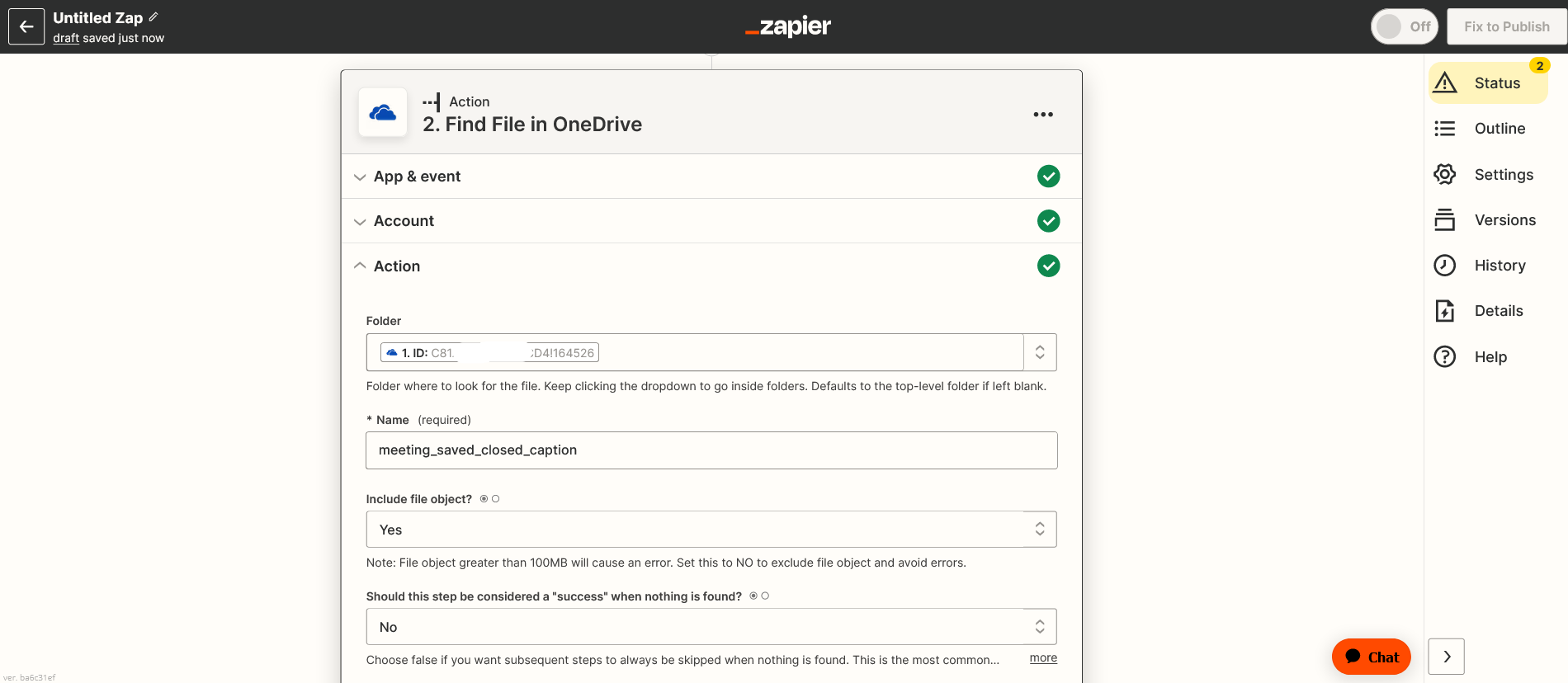
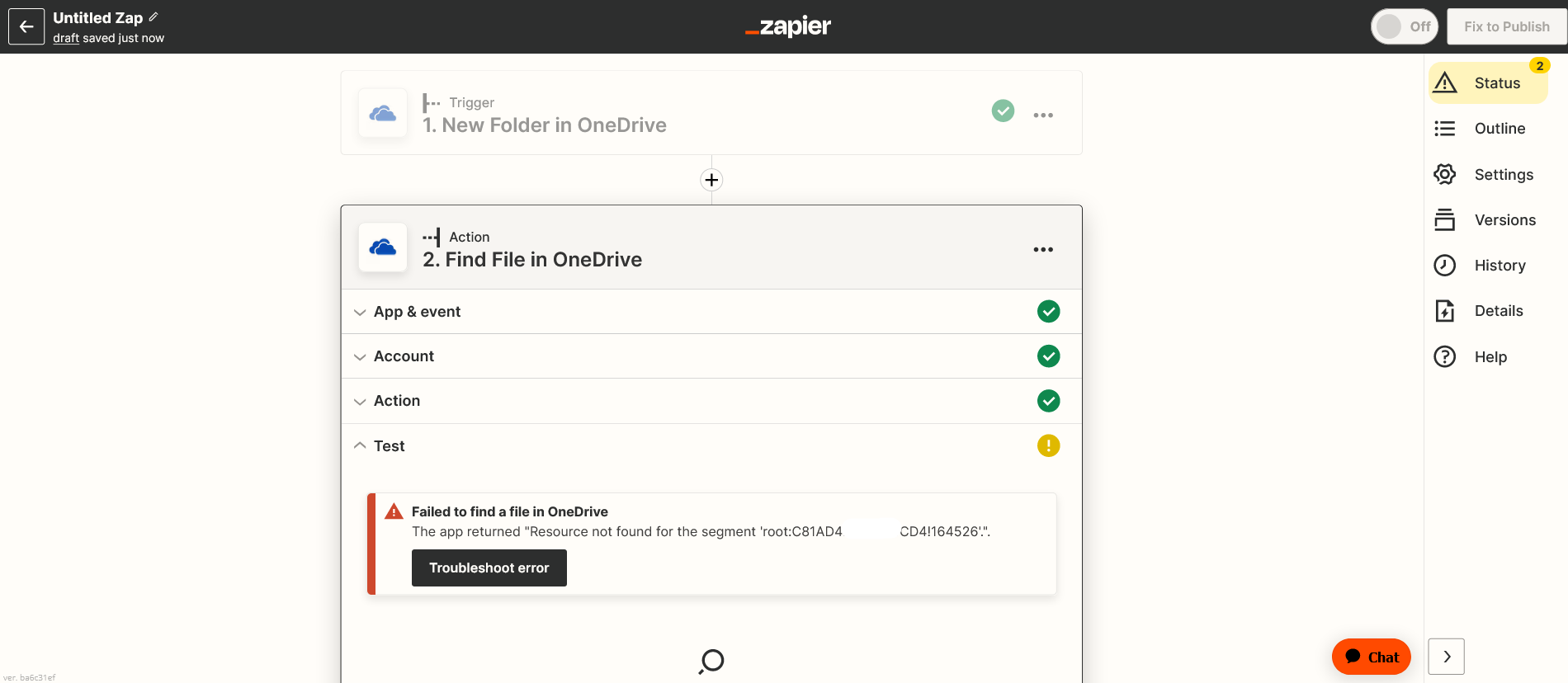
Then I want fo find a file within this folder - does not work!


The filename is meeting_saved_closed_caption.


I have already removed all special characters like suggested here:


For the folder I am working with the Folder ID provided from the trigger.
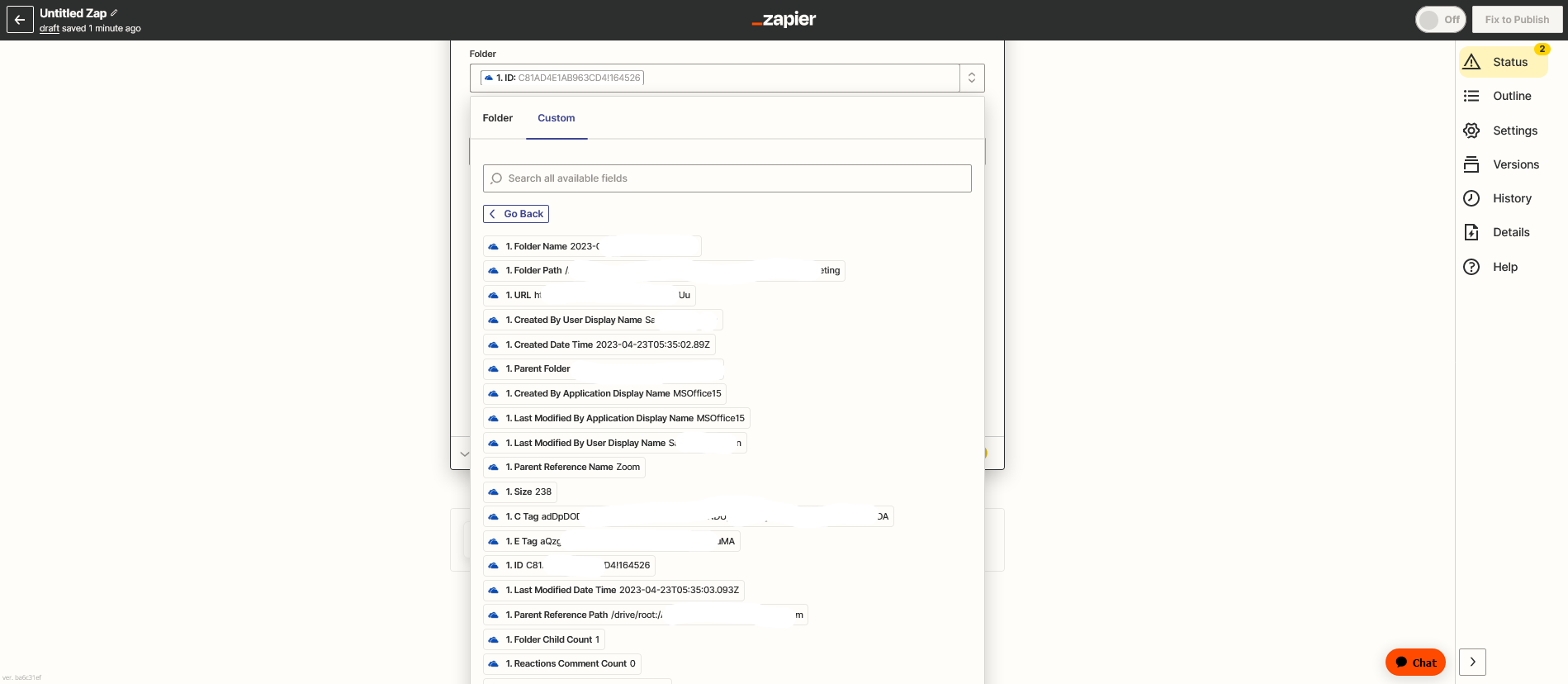


Any suggestions?


I want to save my caption transcript from Zoom as txt file. OneDrive is only for private use.

This post has been closed for comments. Please create a new post if you need help or have a question about this topic.

3 replies

Troy Tessalone
Zapier Orchestrator & Solution Partner
Forum|alt.badge.img+14
  • Zapier Orchestrator & Solution Partner
  • April 23, 2023

Hi @Sandra Hoffmann 

Good question.

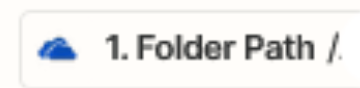
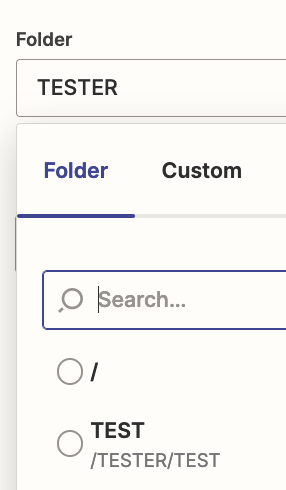
Try using the Folder Path instead of the Folder ID.


Sandra Hoffmann
Forum|alt.badge.img
  • Author
  • Zapier Solution Partner
  • April 24, 2023

Hi @Troy Tessalone 


I’ve tried nearly every possible combination. Nothing seems to work.

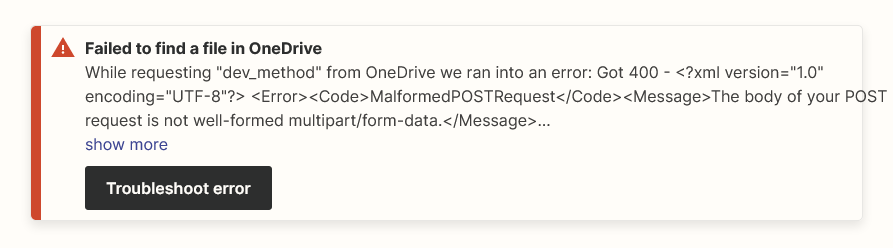
With the folder path, I get this response:

In my opinion, it seems to be a bug. What do you think?


Troy Tessalone
Zapier Orchestrator & Solution Partner
Forum|alt.badge.img+14
  • Zapier Orchestrator & Solution Partner
  • April 24, 2023

@Sandra Hoffmann 

The File Path should be used. (see screenshot)

However, I’m unable to successfully find a file using a partial match or a full match (with and without the file format).

I’d raise this issue with Zapier Support: https://zapier.com/app/get-help