
Best answer

No Link option for Zapier in Google Assistant

  • March 26, 2023
  • 2 replies
  • 162 views

imfullofschmidt

I’m on a Samsung S22 Ultra.

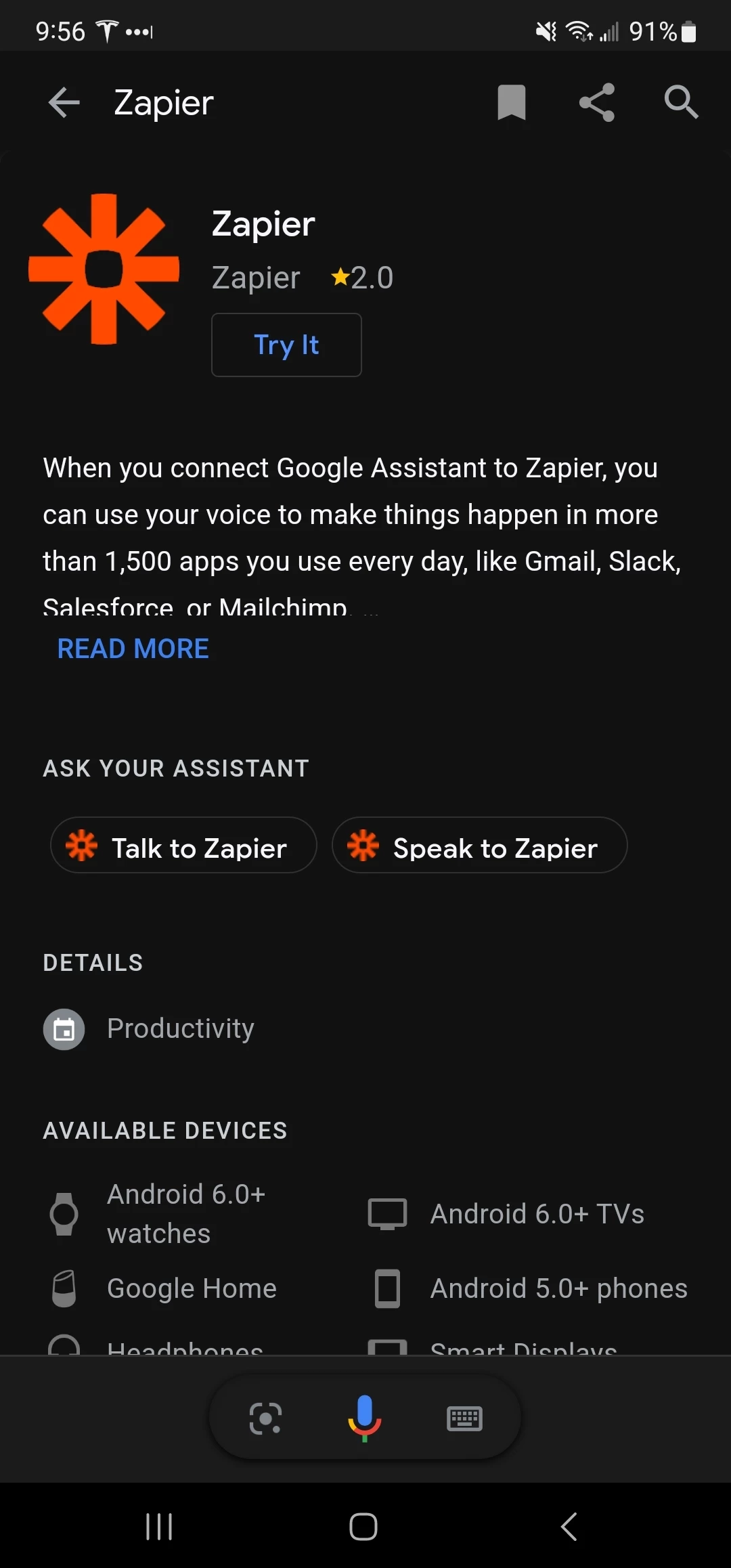
Following the guides here on Zapier it says I need to go to the Zapier page within Google Asisstant and “Link” the app.  I see the same page pictured on these guides but without the Link option. Because of these I’m unable to utilize my voice or text on my phone or Google Home devices for it to “start zapier” “talk with zapier” or “speak with zapier”.  

I go to this page Zapier and of course I don’t see the link option on my desktop, but I would have imagined on my phone.  

Naturally, I hit Try It, but I get.  “OK. First, here are some details about hwo Google shares info with other services.” and then nothing.


Best answer by imfullofschmidt

Looks like I was finally able to “Link” Zapier by using my Google Home device “Talk to Zapier”, then it send a push notification to my phone where I was able to authorize the connection between Google Assistant and Zapier.  Not sure why the 20th time then it finally ask me to authorized. Not sure if any of the many steps I did before hand then allowed that to happen.  But there is proper communication now as expected.

This post has been closed for comments. Please create a new post if you need help or have a question about this topic.

2 replies

imfullofschmidt
  • Author
  • New
  • 4 replies
  • Answer
  • March 26, 2023

Looks like I was finally able to “Link” Zapier by using my Google Home device “Talk to Zapier”, then it send a push notification to my phone where I was able to authorize the connection between Google Assistant and Zapier.  Not sure why the 20th time then it finally ask me to authorized. Not sure if any of the many steps I did before hand then allowed that to happen.  But there is proper communication now as expected.


ken.a
Forum|alt.badge.img+6
  • Zapier Staff
  • 6780 replies
  • March 27, 2023

Hey @imfullofschmidt,

Glad to know you were able to get it sorted!

If you have any other questions, please don’t hesitate to reach out! 🤗

