
Question

Error: 404 action failed to add custom tag

  • July 31, 2023
  • 3 replies
  • 49 views

Kirsten TVG

Hi there,

I’ve created a Zap that takes numeric data from Google Sheets that uses the Formatter to convert that number to alphabetical information. This seems to be working fine, but I am running into a problem with the Action.

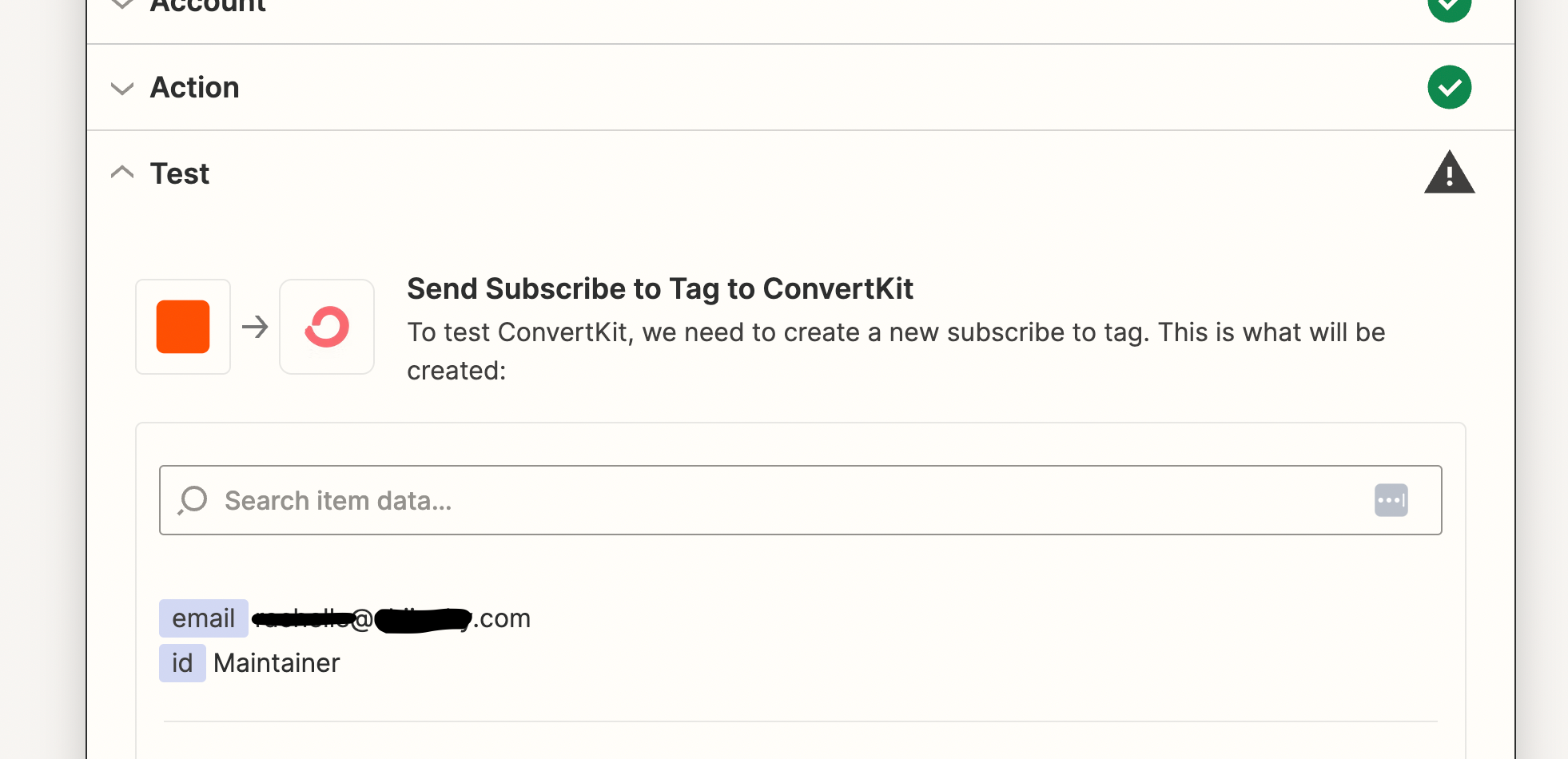
That alphabetical information determined by the formatter is then meant to be applied to Convertkit as a tag, ex: “Maintainer”. When I make a selection from Tag>Custom>Output “Numbers in formatter by Zapier”, and test the action I get a 404 error
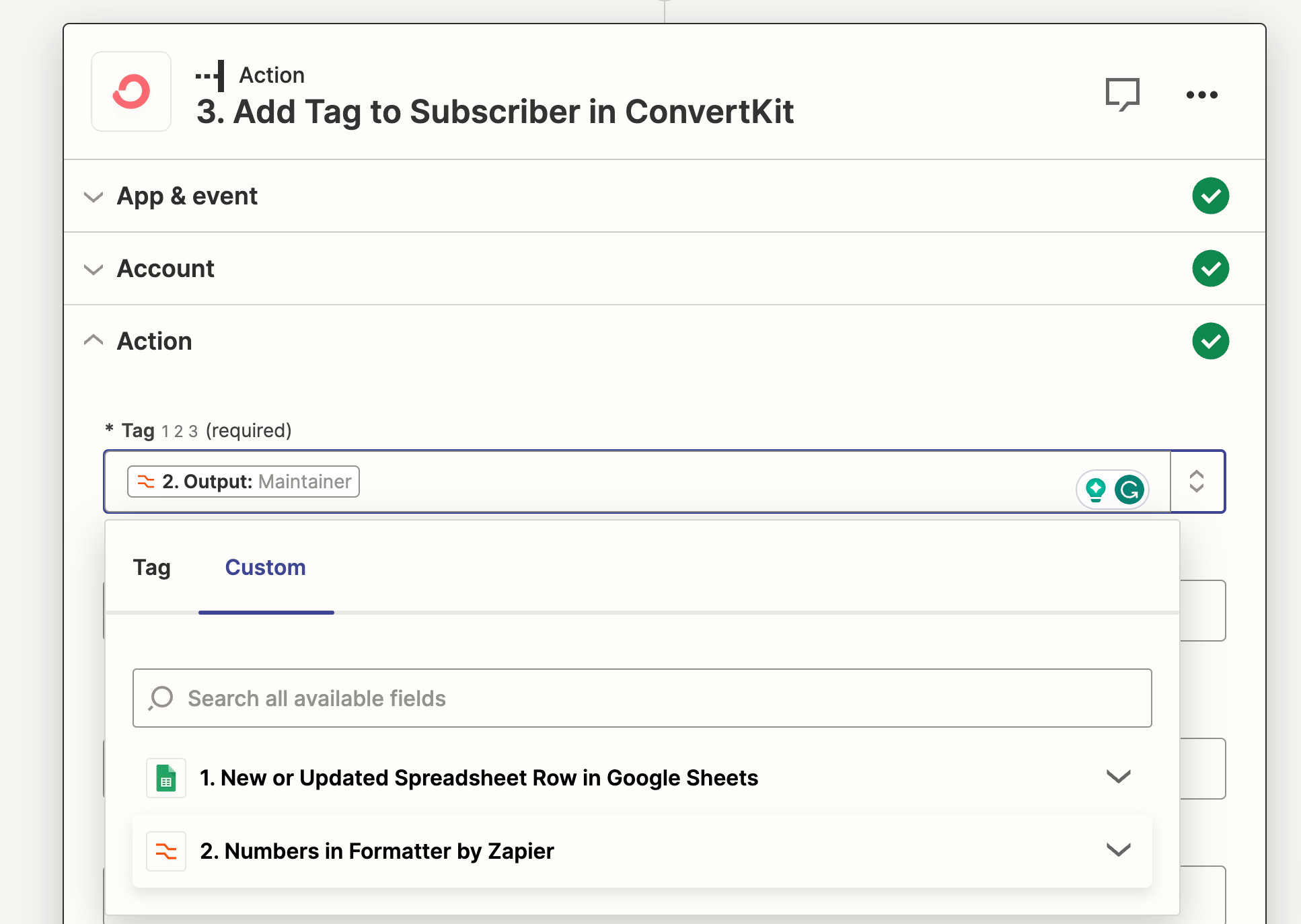
output selection from the Formatter
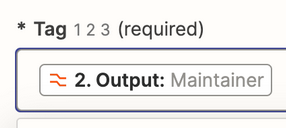
custom “Maintainer” tag intended integrate to convertkit

I’ve tried successfully to run this same Zap but selecting a regular Tag without error.
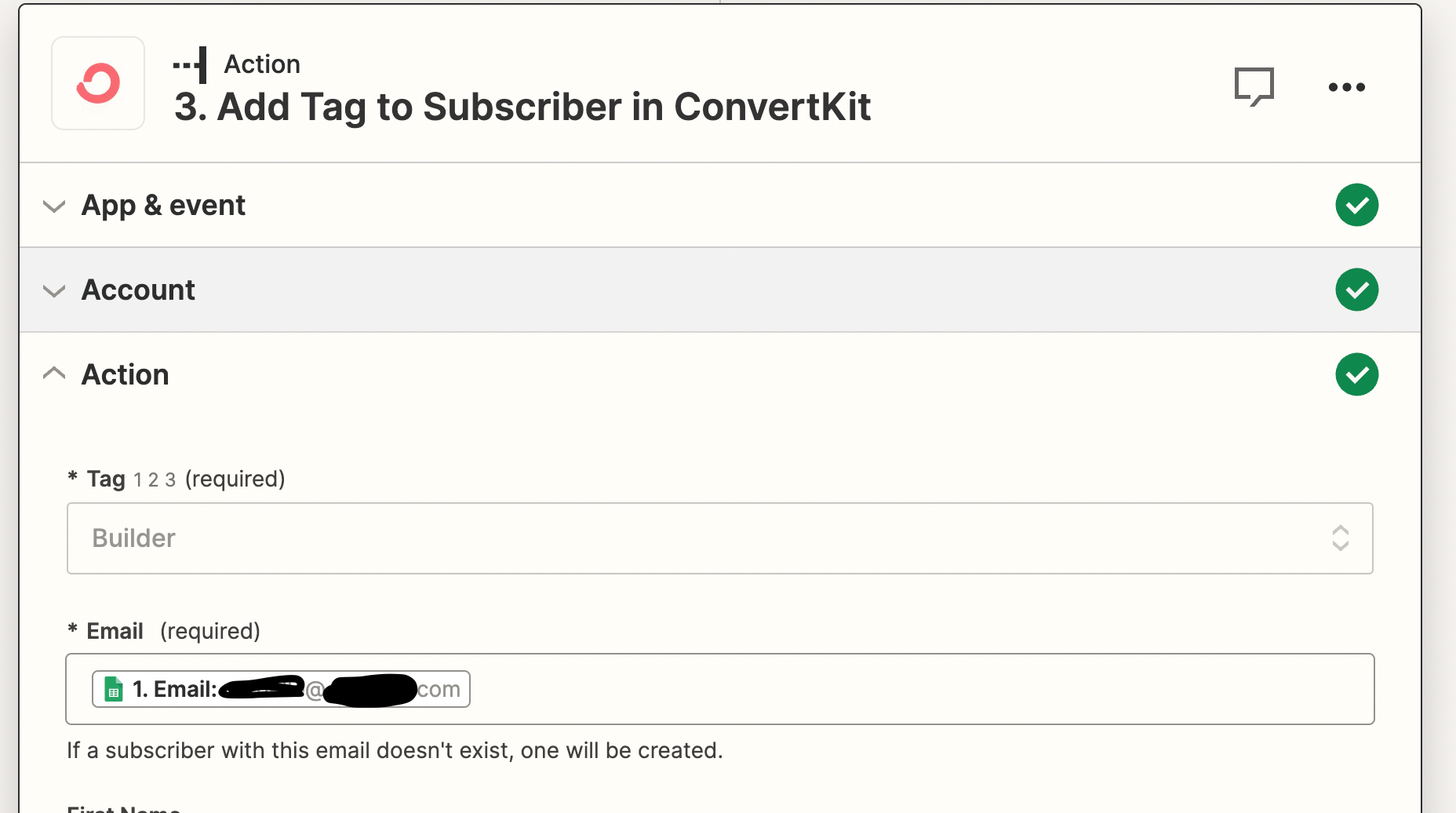
This works!

Why am I running into an error when adding a Custom Tag?

This post has been closed for comments. Please create a new post if you need help or have a question about this topic.

3 replies

Troy Tessalone
Zapier Orchestrator & Solution Partner
Forum|alt.badge.img+14
  • Zapier Orchestrator & Solution Partner
  • July 31, 2023

Hi @Kirsten TVG 

Good question.

The Tag field expects the internal Tag ID as indicated by the 123 icon.


Kirsten TVG
  • Author
  • Beginner
  • July 31, 2023

Thanks Troy, 

I’d love greater clarification on this. My understanding is that there is no internal Tag ID since I am asking the Zap to create a tag based in the input from the google sheet then formatted to “Maintainer”. Do I only have the option to apply already existing tags?


Troy Tessalone
Zapier Orchestrator & Solution Partner
Forum|alt.badge.img+14
  • Zapier Orchestrator & Solution Partner
  • July 31, 2023

@Kirsten TVG

The Zap action you are trying to use is: ConvertKit - Add Tag to a Subscriber

The Tag field expects the internal ID (numerical) of an existing Tag.

You can tell this by looking at the dropdown list of options for the Tag field.

It will show the friendly label of the Tag as well as the Tag ID underneath.

The Tag ID is what the field expects, bu the variable mapped from step 2 (Formatter) is a text value.