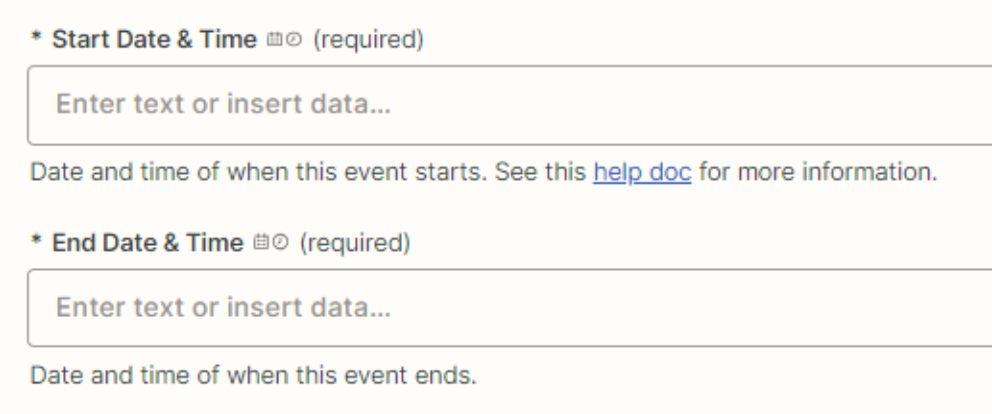
Hi there - I’m trying to create an all-day event in google calendar and even when setting All Day=Yes the Start/End time is still marked as required and i’m not able to save/test the event, see picture below:
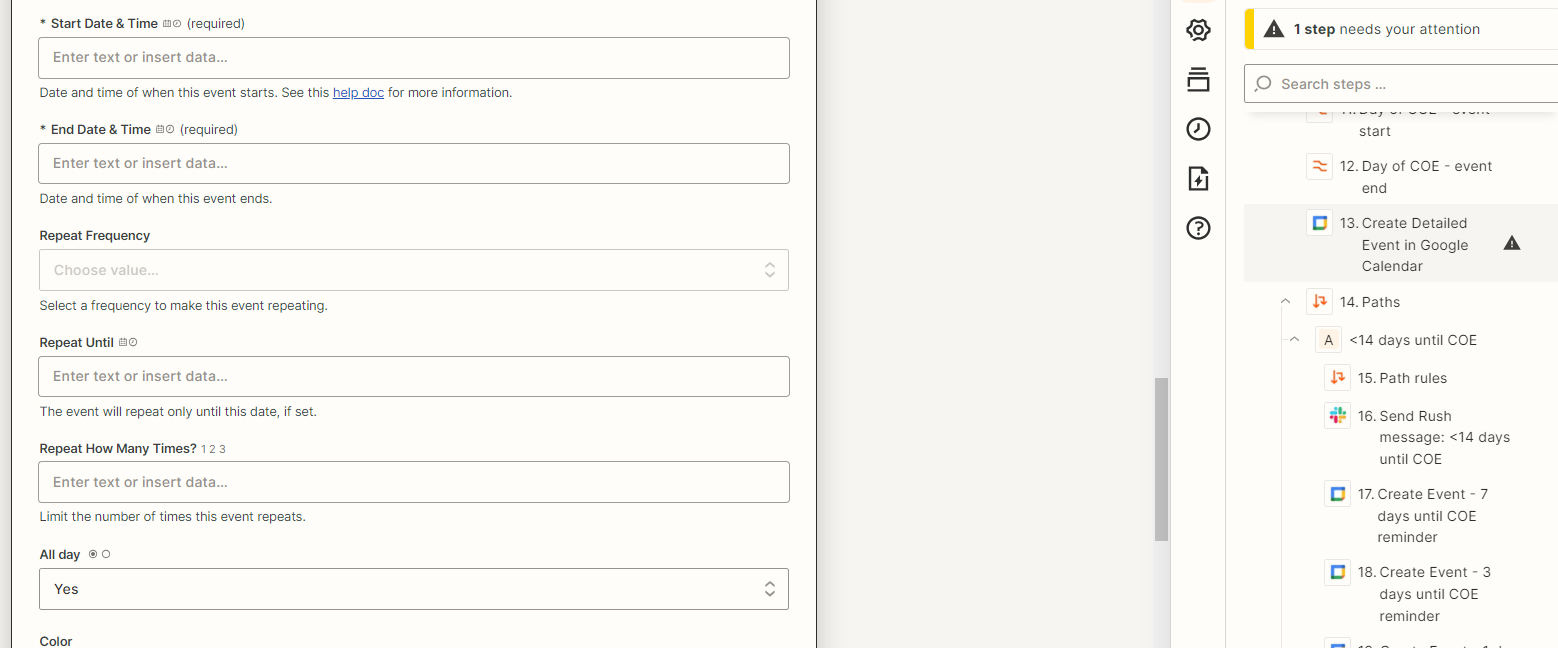


Hi there - I’m trying to create an all-day event in google calendar and even when setting All Day=Yes the Start/End time is still marked as required and i’m not able to save/test the event, see picture below:
Best answer by Troy Tessalone
Good question.
Even for an All Day event you need to specify the DATE of the event.

Build and deploy automations from AI tools you already use. With Agentic Management, if anything breaks, the agent diagnoses the issue and proposes a fix.
Enter your E-mail address. We'll send you an e-mail with instructions to reset your password.