Best answer

Snov.io reply not triggering Slack notifications

  • January 20, 2026
  • 8 replies
  • 23 views

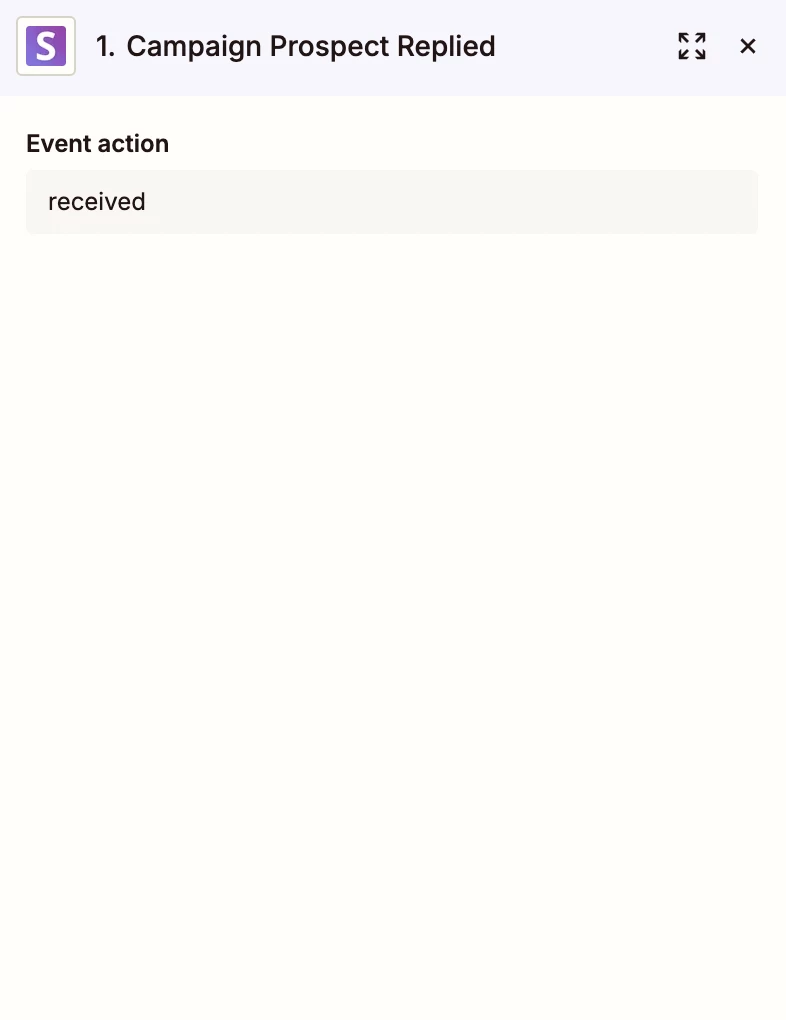
I created zap, where is when I received any reply in snov.io it triggers Slack. But it doesn’t working, even if I receiving reply it doesn’t trigger Slack and i don’t receive message in Slack. But when i press test button, everything is good

Best answer by SamB

Hi there ​@Mykyta Kuzmenko 👋

Just seen you reached out to our Support team about this and they opened a bug report for the developers of the Snov.io app to investigate further. We don’t have any updates to share on the status of the bug at the moment but you’ll definitely get an email notification once it’s fixed and I’ll be sure to follow up here if there’s any updates.

In the meantime, have you had a chance to give Sparsh’s suggestion of using the Webhooks by Zapier app for the trigger instead?

If you do give it a try let us know how you get on, happy to lend a hand if you run into any trouble on that 🙂

8 replies

Sparsh from Automation Jinn
Forum|alt.badge.img+6

Hey ​@Mykyta Kuzmenko,

Are you using the Campaign Prospect Replied trigger? Please post screenshots of Data In, Data Out as well as how each Zap step is configured for us to have more context.


Hello! ​@Sparsh from Automation Jinn 


Sparsh from Automation Jinn
Forum|alt.badge.img+6

Hey ​@Mykyta Kuzmenko,

It will only trigger for replies from active campaigns and not for any past data but just the new replies once you turn on the Zap. Please also make sure that the campaign is in the Snov account that is connected to the Zapier.

For live zap run, see the zap history page(https://zapier.com/app/history) to spot any issues there. Hope it helps!


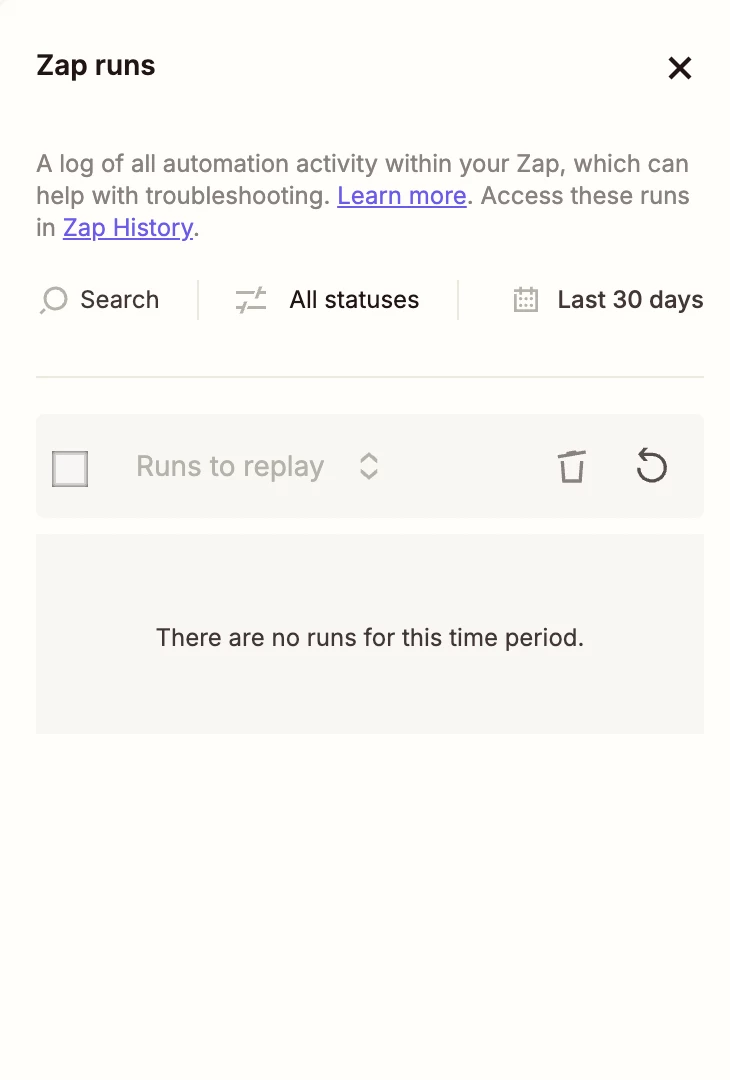
@Sparsh from Automation Jinn yeah, it’s active and connected to right account. but even i received new messages, it’s don’t working. and there is no issues in zap history


Sparsh from Automation Jinn
Forum|alt.badge.img+6

Hey ​@Mykyta Kuzmenko,

Your Zap is not even triggering. If you feel it’s a bug, you can try contacting the Zapier support here- https://zapier.com/app/get-help.

Alternatively you can try the Webhooks approach. Here is a helpful article about Webhooks in Zapier- https://zapier.com/apps/webhook/integrations. Here is Snov webhooks documentation- https://snov.io/knowledgebase/how-to-use-snov-io-webhooks/.

I know it can get a bit more technical and complex but if it’s important for you, you can give this approach a try. Hope it helps!

PS: If you need more active help, I’m happy to connect through my Zapier Solution Partner page if you’d like to reach out here- https://zapier.com/partnerdirectory/automation-jinn


@Sparsh from Automation Jinn okay, thank you


SamB
Community Manager
Forum|alt.badge.img+11
  • Community Manager
  • Answer
  • January 28, 2026

Hi there ​@Mykyta Kuzmenko 👋

Just seen you reached out to our Support team about this and they opened a bug report for the developers of the Snov.io app to investigate further. We don’t have any updates to share on the status of the bug at the moment but you’ll definitely get an email notification once it’s fixed and I’ll be sure to follow up here if there’s any updates.

In the meantime, have you had a chance to give Sparsh’s suggestion of using the Webhooks by Zapier app for the trigger instead?

If you do give it a try let us know how you get on, happy to lend a hand if you run into any trouble on that 🙂