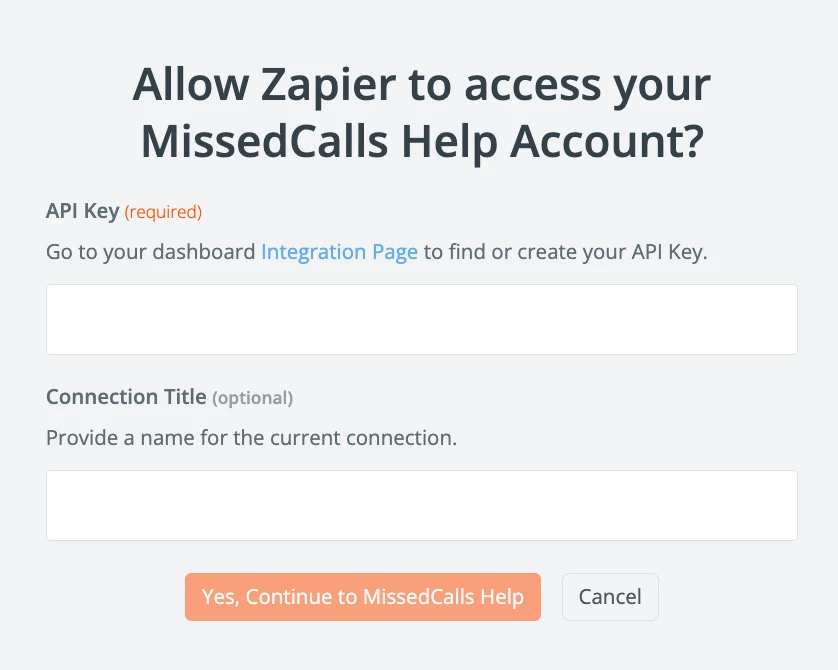
I'm trying to integrate my zapier with missedcall help, i created account for missedcall but when i press connect the token comes back as "token invalid" for the api key requirment page. I tried to see if i missed something on missed calls but i can't find what i might have missed, i deleted previous zap to hopefully clear issue and stated started a new zap but issue still continues.

Question
Integrating Zapier with MissedCalls help: Troubleshooting token issues
This post has been closed for comments. Please create a new post if you need help or have a question about this topic.







Early access

Next Gen Zaps
Build and deploy automations from AI tools you already use. With Agentic Management, if anything breaks, the agent diagnoses the issue and proposes a fix.
Request access now
Enter your E-mail address. We'll send you an e-mail with instructions to reset your password.