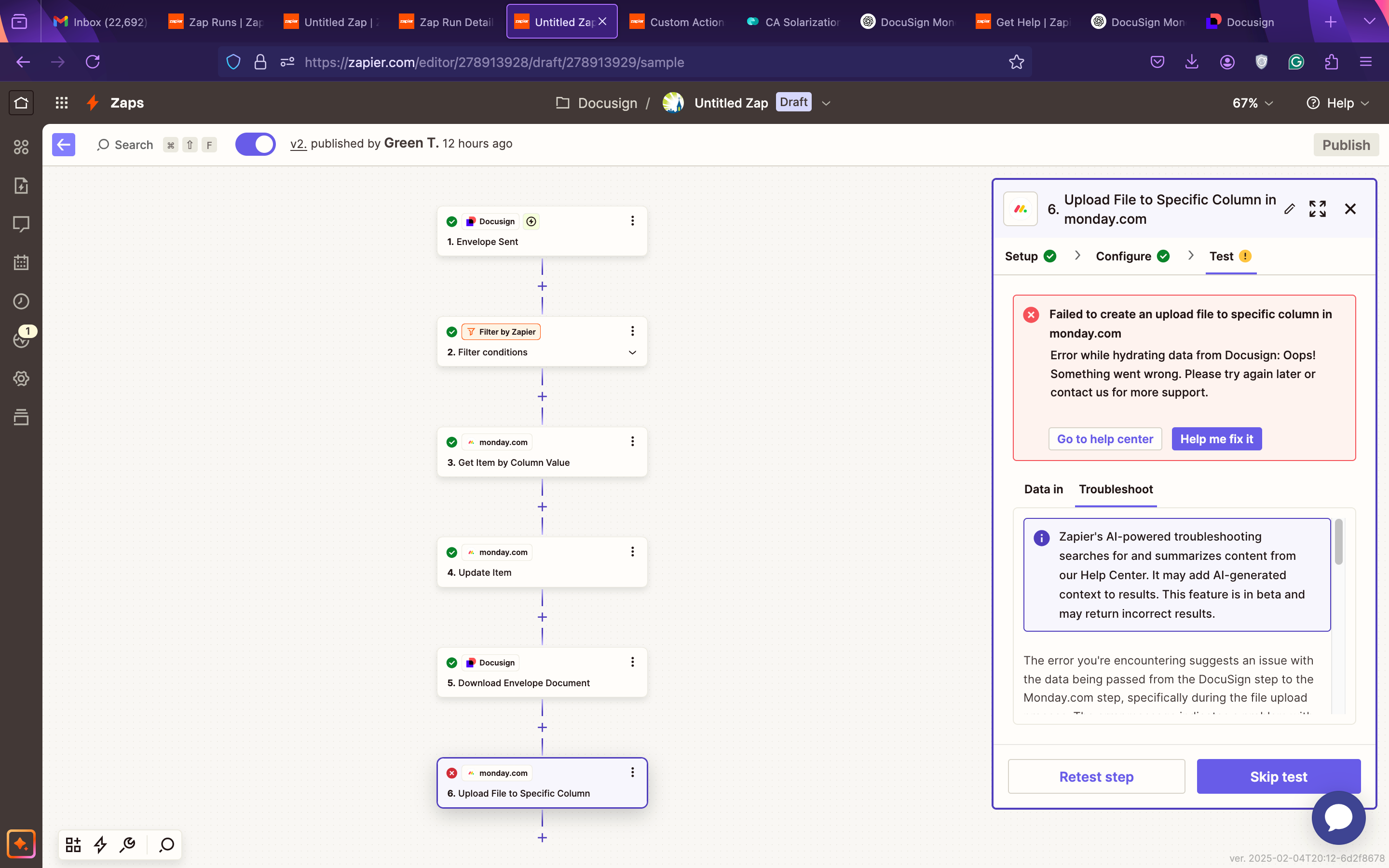
Question

How to automate status updates in Monday.com and upload DocuSign files

  • February 5, 2025
  • 26 replies
  • 213 views

Show first post
This post has been closed for comments. Please create a new post if you need help or have a question about this topic.

26 replies

williamsj04
  • New
  • February 26, 2025

To automate status updates in Monday.com and upload DocuSign files, follow these steps:


1. Automating Status Updates

  • Use Monday.com Automations:
    • Go to Automations > Create Custom Automation
    • Set a trigger (e.g., "When a task is completed")
    • Choose an action (e.g., "Change status to Done")
  • Use Integrations:
    • Connect tools like Zapier or Make (formerly Integromat) to trigger updates based on external events.


2. Uploading DocuSign Files

  • Use the DocuSign Integration in Monday.com:
    • Enable it from the Integrations Center.
    • Automate document signing and file uploads directly into Monday.com.
  • Use Zapier for Automation:
    • Create a Zap to automatically upload signed documents from DocuSign to Monday.com.

These automation steps help streamline workflows, reduce manual work, and improve efficiency.