This post has been edited by a moderator to remove personal information. Please remember that this is a public forum and to remove any sensitive information prior to posting.
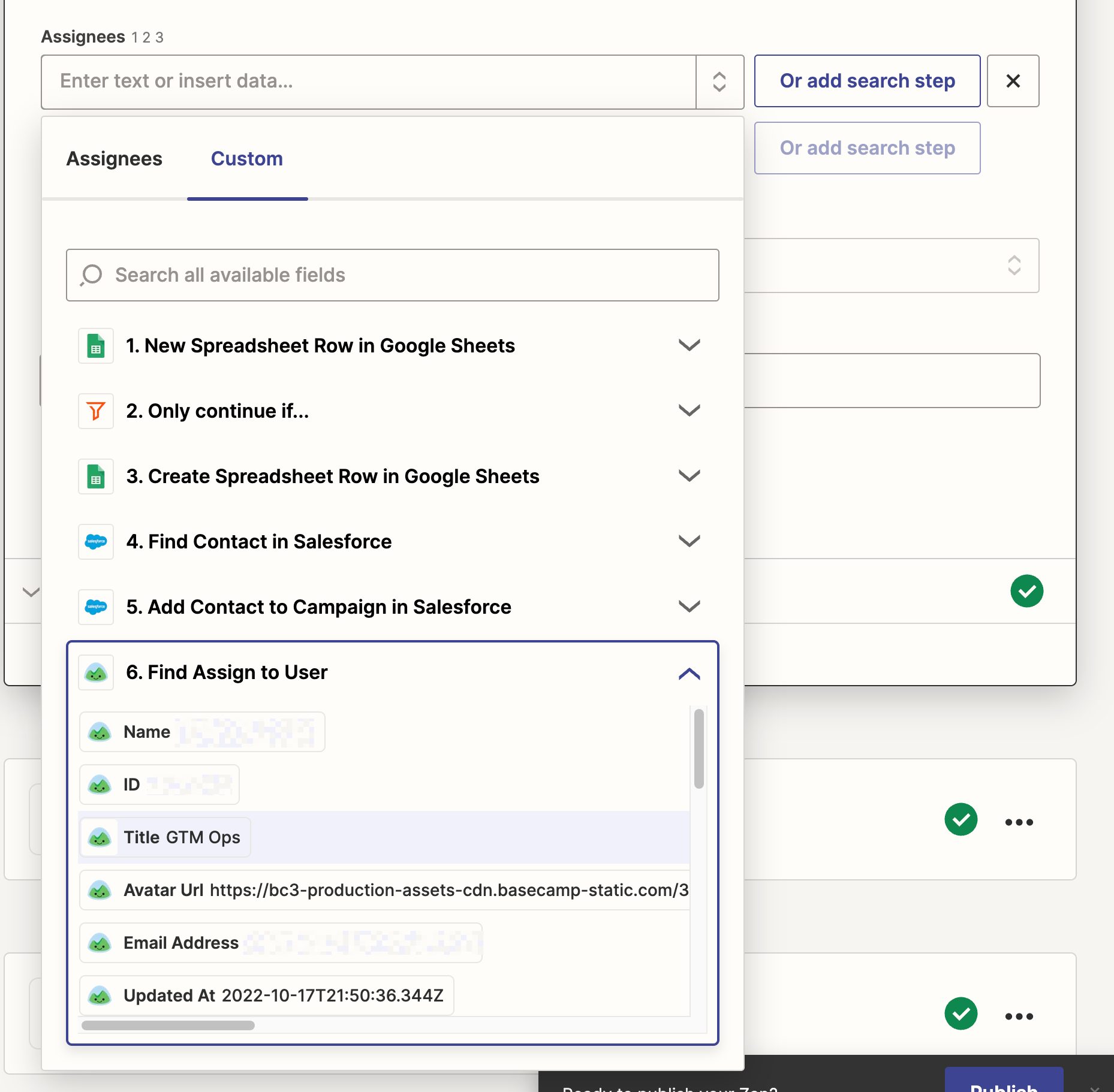
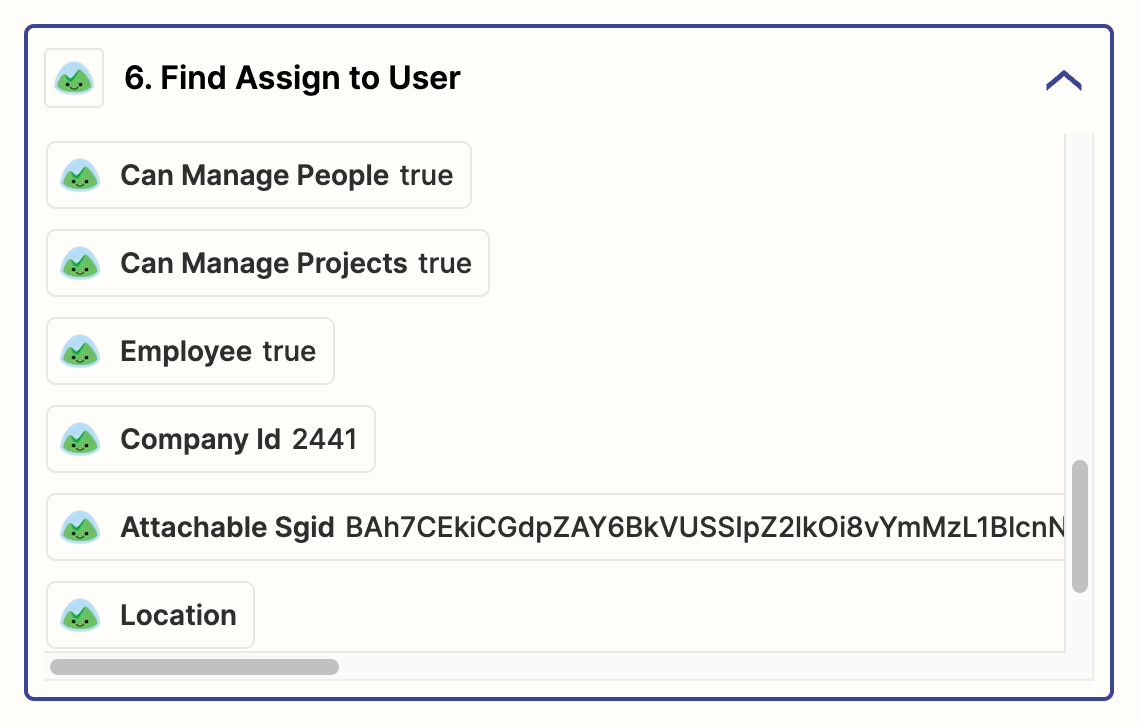
Hi there - I’m trying to do something really basic. Assigning a basecamp to-do to a user. Which ID should I be using for this field? The previous step in this flow is to search for the user in basecamp. I’ve tried Name, ID, email address, Attachable Sgid,,, no luck
Best answer by ken.a
This post has been edited by a moderator to remove personal information. Please remember that this is a public forum and to remove any sensitive information prior to posting.
Hi there @Zipline,
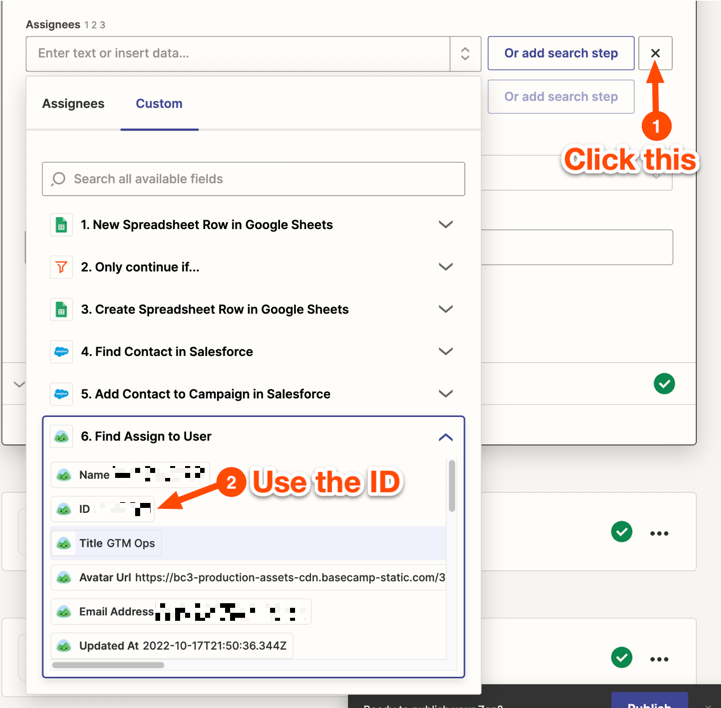
The “Assignees” field looks for the ID of the person and only accepts number value. Looking at the setup of your Zap, it looks like you’re on the right track here. What you want to do here is to map the ID coming from the 6th step of the Zap to the “Assignees” field. Like so:
This post has been edited by a moderator to remove personal information. Please remember that this is a public forum and to remove any sensitive information prior to posting.
Hi there @Zipline,
The “Assignees” field looks for the ID of the person and only accepts number value. Looking at the setup of your Zap, it looks like you’re on the right track here. What you want to do here is to map the ID coming from the 6th step of the Zap to the “Assignees” field. Like so: