Best answer

Updating Service M8 purchase orders using Google Sheets and Zapier

  • November 24, 2025
  • 2 replies
  • 16 views

I would like to create a zap that occurs when my client sends me a bulk purchase order upload in my google sheet, that I can zap the 3 columns like for instance: Finds the service m8 job number and links the purchase order fieled and updates with the recvieved PO number to save manual entry for 100’s of po’s a month. It will look for the client, job number and purchase order column. This should not replace the purchase order field rather update the contents. 

 

Best answer by SamB

Hi there ​@Scooter_mack 👋

I just came across this and saw we’ve got an existing feature request for an “Update Job” action to be added, so I’ve gone ahead and added your vote for it. I can’t guarantee if or when that action will be added by ServiceM8’s developers, but we’ll be sure to notify you via email once they do.

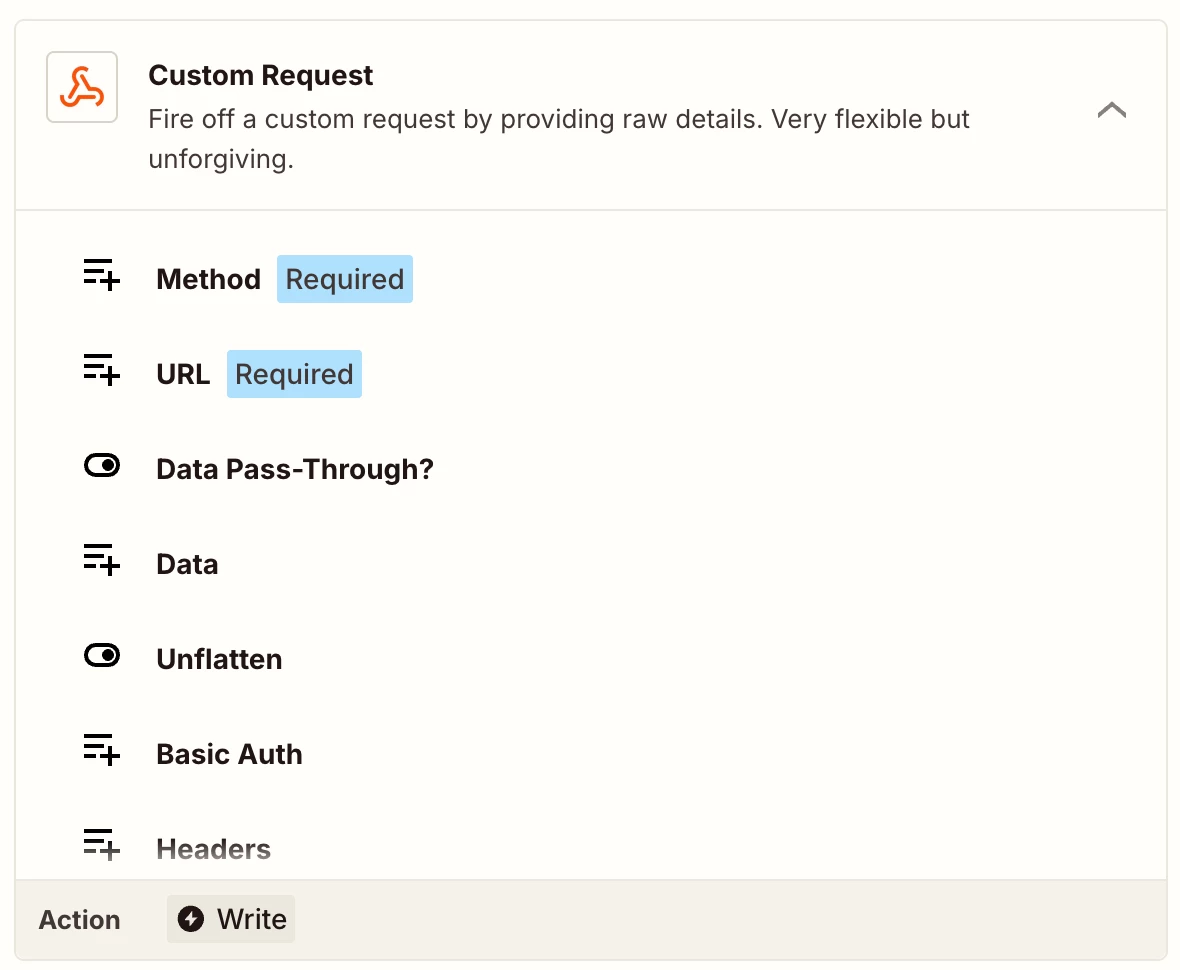
For now, Sparsh’s suggestion of using a Custom Request (Webhooks) action should help to get things up and running in the meantime. 

Let us know if you run into any trouble setting it up though, want to make sure you’re all set! 🙂

2 replies

Sparsh from Automation Jinn
Forum|alt.badge.img+6

Hey ​@Scooter_mack,

Here are all the actions/ triggers for Service M8 in Zapier- https://zapier.com/apps/servicem8/integrations

As you can see there is no Update Job action there but only Create Job in Zapier. But there is a workaround by quering the Service M8 API directly. See more about the API documentation here- https://developer.servicem8.com/reference/updatejobs

You will have to use Custom request from Webhooks in Zapier to do that. Here is a helpful article about that- https://help.zapier.com/hc/en-us/articles/8496326446989-Send-webhooks-in-Zaps. For Google Sheets you can just use the native triggers/ actions( https://zapier.com/apps/google-sheets/integrations). New Spreadsheet Row trigger and Find/ Update row action can be useful for your usecase.

I can understand it can get a bit more technical and complex but if it’s important for you, you can give this approach a try. Hope it helps!

PS: If you need more active help, I’m happy to connect through my Zapier Solution Partner page if you’d like to reach out here- https://zapier.com/partnerdirectory/automation-jinn


SamB
Community Manager
Forum|alt.badge.img+11
  • Community Manager
  • Answer
  • December 3, 2025

Hi there ​@Scooter_mack 👋

I just came across this and saw we’ve got an existing feature request for an “Update Job” action to be added, so I’ve gone ahead and added your vote for it. I can’t guarantee if or when that action will be added by ServiceM8’s developers, but we’ll be sure to notify you via email once they do.

For now, Sparsh’s suggestion of using a Custom Request (Webhooks) action should help to get things up and running in the meantime. 

Let us know if you run into any trouble setting it up though, want to make sure you’re all set! 🙂