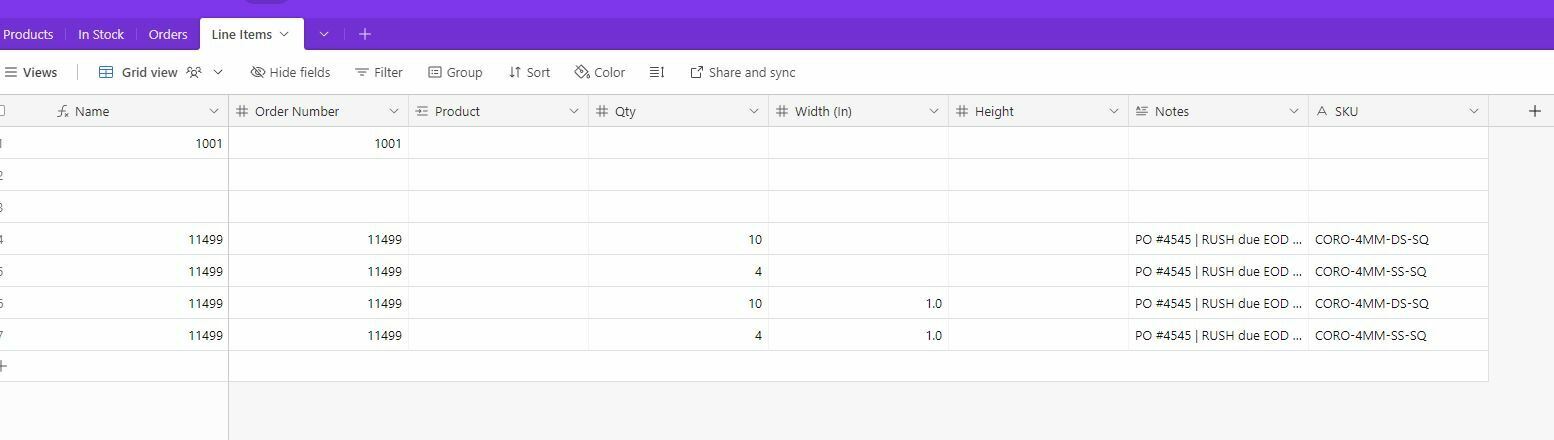
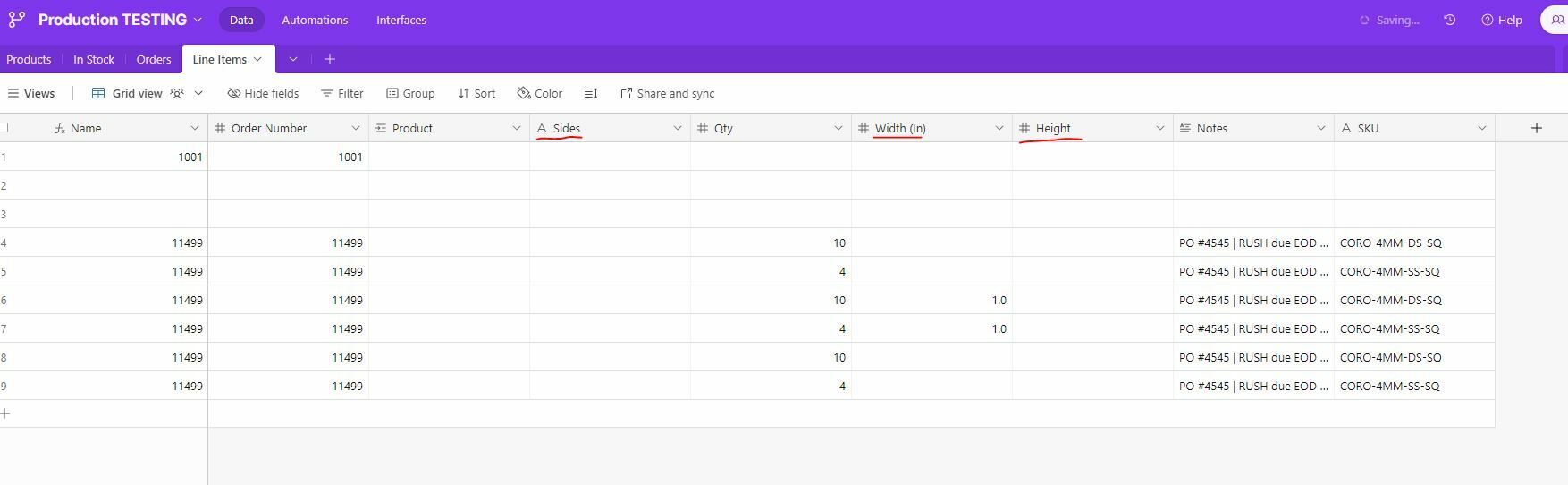
I am trying to split my Shopify details into cells in Airtable using Looping, but I don’t think I’m doing it right, or I’m missing a step. I want my details to go here:
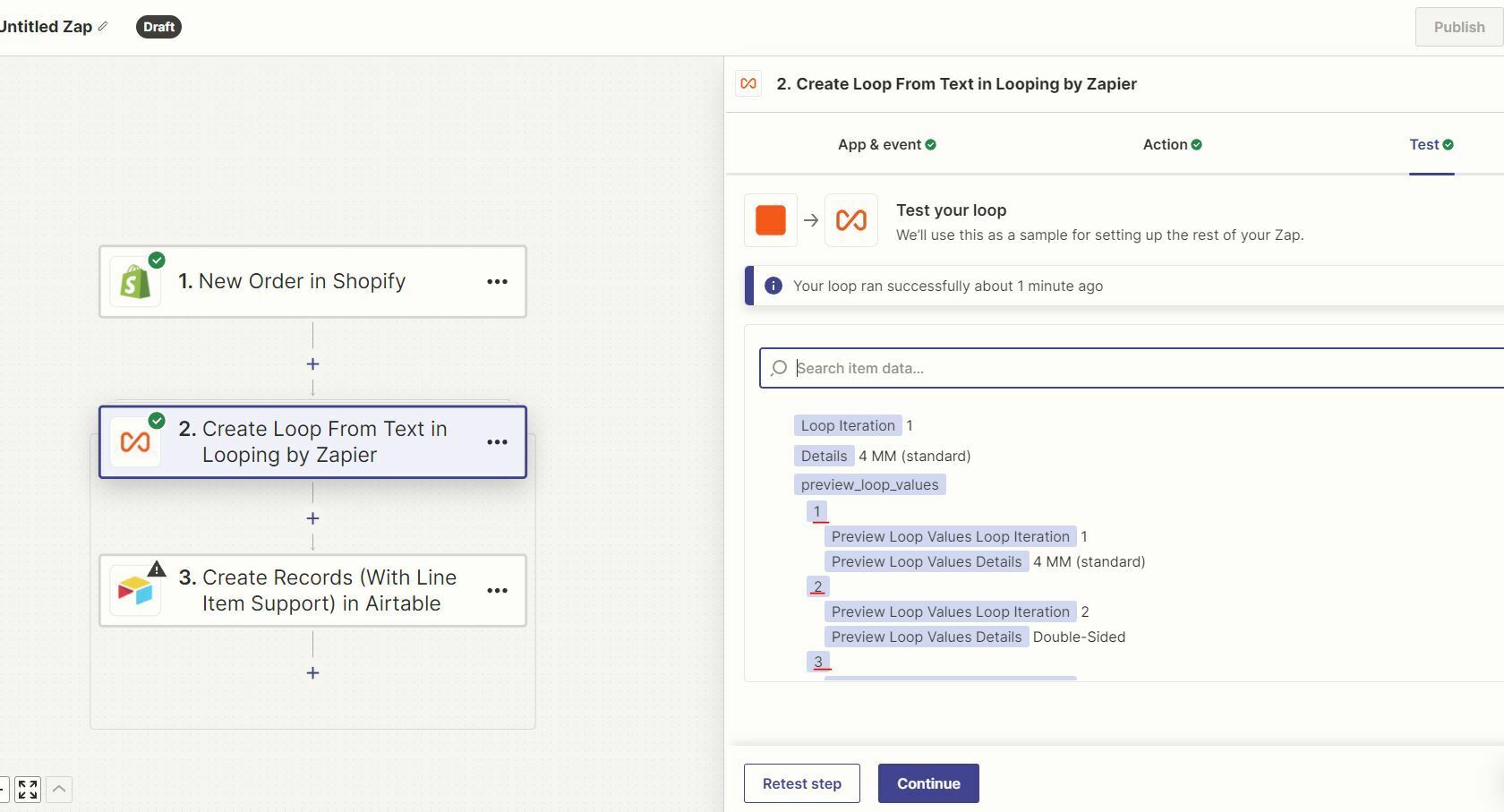
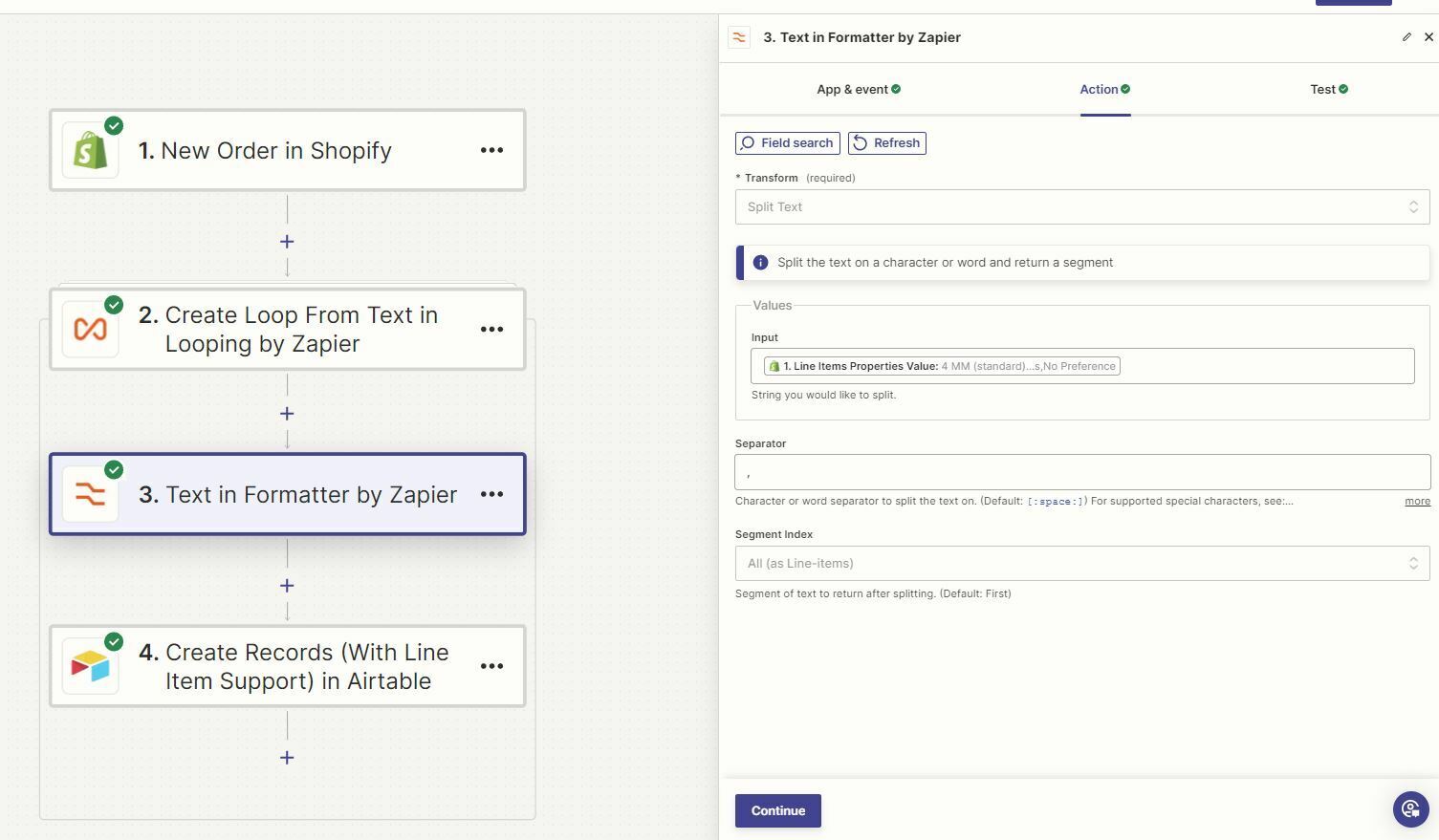
and when I do Looping, it comes out with the correct information:
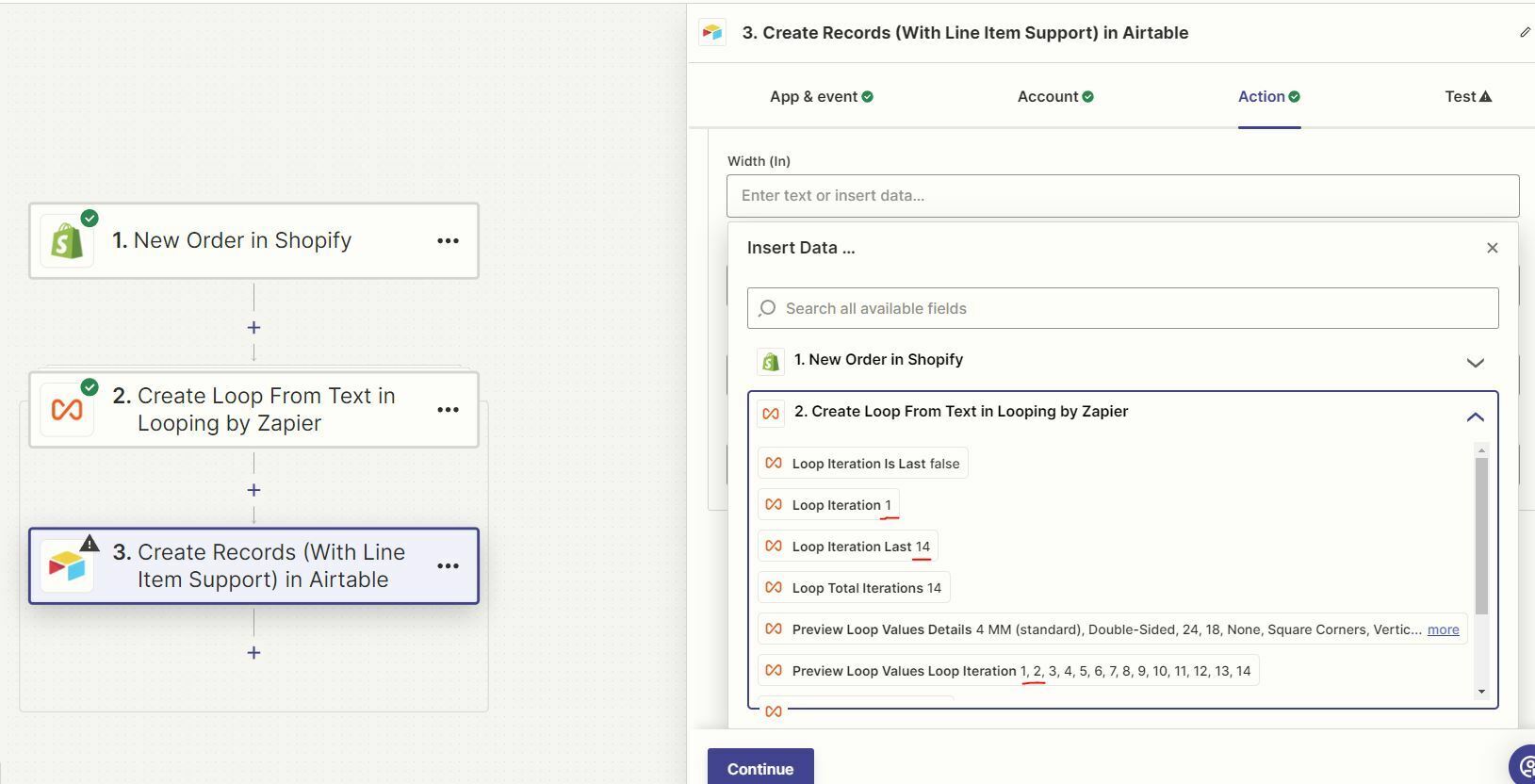
But when I go to add that information in my cells, the option for, say, Loop value 2, isn’t available to click:
What do I need to be doing to set this up correct?
Thank you so much!
Best answer by Troy Tessalone
@ebefort-DDP
Here’s the issue…
1 Shopify Order can have 1+ Line Items.
1 Shopify Oder Line Item can have 1+ Properties.
To properly parse the Shopify Line Item Properties, which is a nested array of items, you’d likely need to use custom Code to transform those into key/value pairs to be mapped as custom variables.
Here’s a related topic for general guidance that can be used within the Looping.
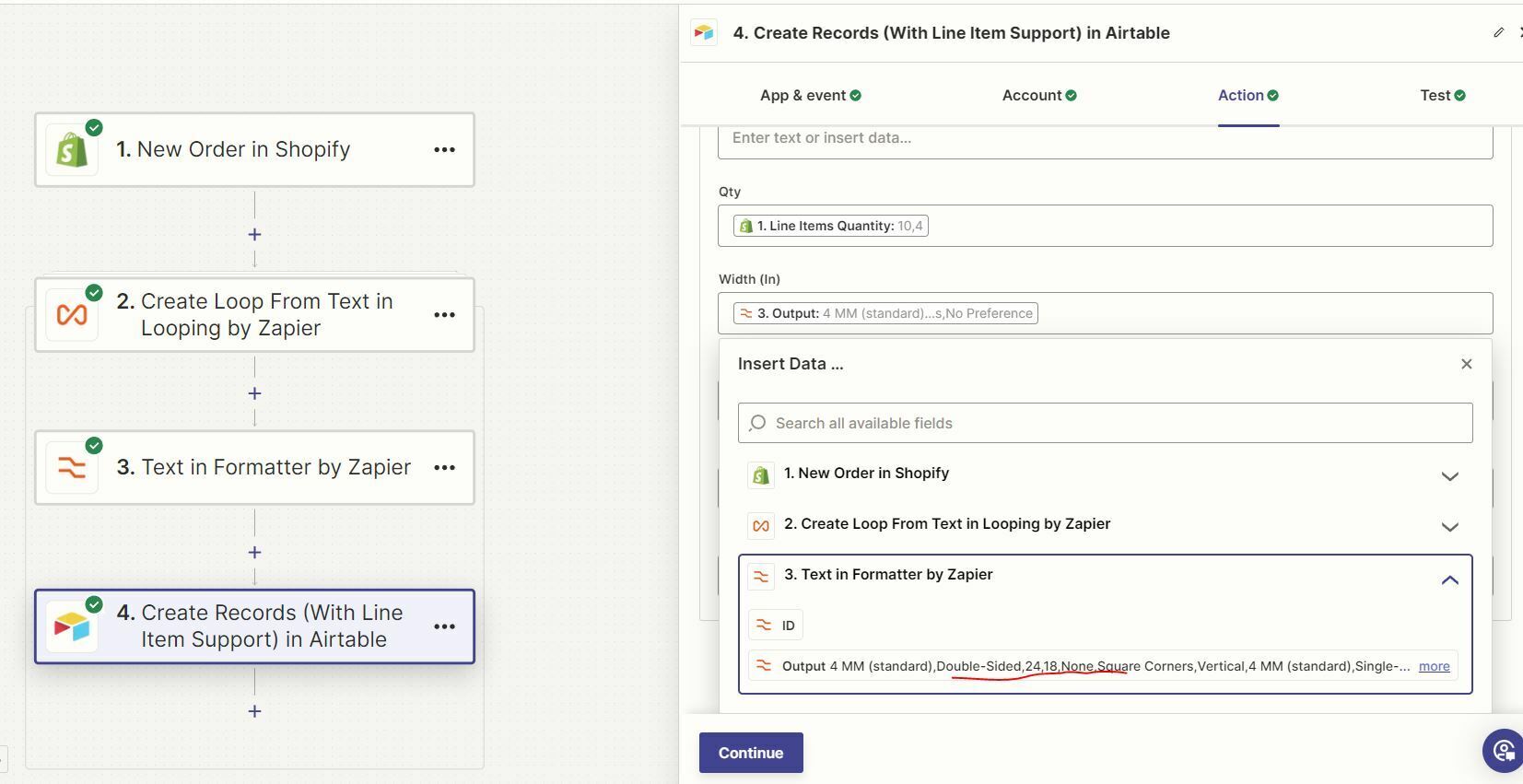
Thank you for the clarification! So regarding that, how can I have specific information be dropped in specific cells? I tried the Formatter as well, but only had a couple options. For example, I need the “Double-Sided, 24, and 18” in the formatter to be in these specific cells:
Am I using the right tools, or should I be using a different one?
To properly parse the Shopify Line Item Properties, which is a nested array of items, you’d likely need to use custom Code to transform those into key/value pairs to be mapped as custom variables.
Here’s a related topic for general guidance that can be used within the Looping.
Oh! Thank you so much!! I will look into that then; I appreciate it!
Early access
Next Gen Zaps
Build and deploy automations from AI tools you already use. With Agentic Management, if anything breaks, the agent diagnoses the issue and proposes a fix.