3. Chat GPT Answers question and sends it to employee.
So far I got it all set up but the thing is, that I want Chat GPT to answer questions about a user manual which is not online. I have it as a text in a google doc. Can I somehow connect this and tell chat gpt to answer the question asked based on the google doc information?
Thanks a lot.
Alex
Best answer by christina.d
Either the OpenAI API would have to be used or a different AI app that is specialized in referencing an external document or data source.
There are AI apps available, but they may not integrate with Zaps.
This (“let me put way more stuff into the GPT context window in an easy way”) is a rapidly-evolving space and there’s a ton of tools coming onto the market right now.
As @Troy Tessalone mentioned it’s very early and many don’t have an official Zapier integration, but a few have APIs you could play around with plugging into.
Hey there, @Foleyy1984! It looks like you have some solid recommendations here to choose from! 🎉
I took a quick peek and also saw you were able to open a ticket with my teammates. They opened a feature request for ya to be able to source replies from offline docs. Not entirely sure this is possible but we’ll keep email and update the thread if it does get implemented. 🤗
In the meantime, thanks for being apart of the Zapier community!
Depending on how long the GDoc contents are you may be able to copy/paste the GDoc contents into the OpenAI Zap action for reference about the desired document.
This (“let me put way more stuff into the GPT context window in an easy way”) is a rapidly-evolving space and there’s a ton of tools coming onto the market right now.
As @Troy Tessalone mentioned it’s very early and many don’t have an official Zapier integration, but a few have APIs you could play around with plugging into.
Hey there, @Foleyy1984! It looks like you have some solid recommendations here to choose from! 🎉
I took a quick peek and also saw you were able to open a ticket with my teammates. They opened a feature request for ya to be able to source replies from offline docs. Not entirely sure this is possible but we’ll keep email and update the thread if it does get implemented. 🤗
In the meantime, thanks for being apart of the Zapier community!
Early access
Next Gen Zaps
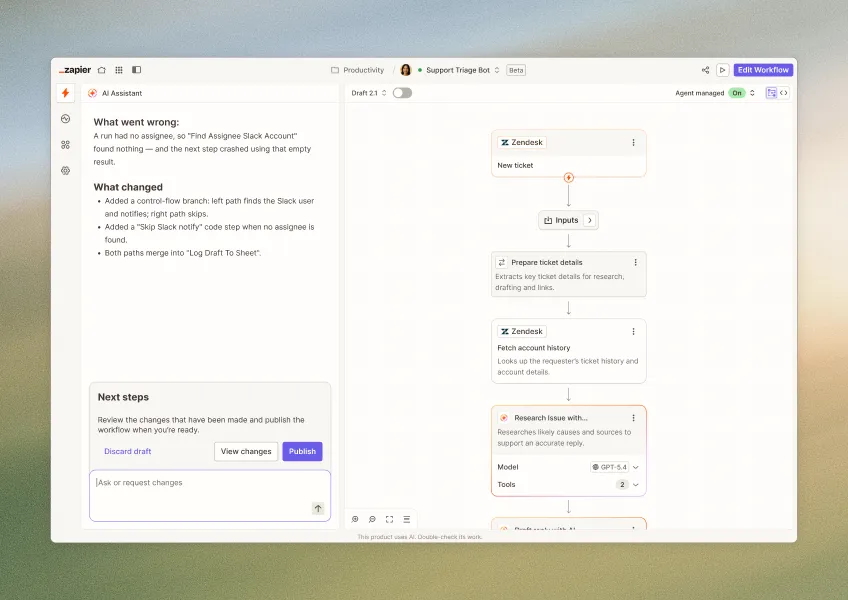
Build and deploy automations from AI tools you already use. With Agentic Management, if anything breaks, the agent diagnoses the issue and proposes a fix.