We have a key field with an ID (First column). How do I can I look to see if there is a row in Monday.com with the same ID and update the row OR if there is no row add a new one? Detailed zap steps would be appreciated.

Best answer
How to add or update existing Monday.com row?
Best answer by christina.d
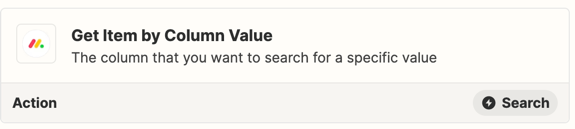
Hey friends! I wanted to pop in and mention this is now supported through the “Get Item by Column Value” Monday Action.
Hope this helps! 🎉
This post has been closed for comments. Please create a new post if you need help or have a question about this topic.






Early access

Next Gen Zaps
Build and deploy automations from AI tools you already use. With Agentic Management, if anything breaks, the agent diagnoses the issue and proposes a fix.
Request access now
Enter your E-mail address. We'll send you an e-mail with instructions to reset your password.