
Hi,
I would like to set up a trigger anytime when we have a new thread reply in a specific private or public channel.
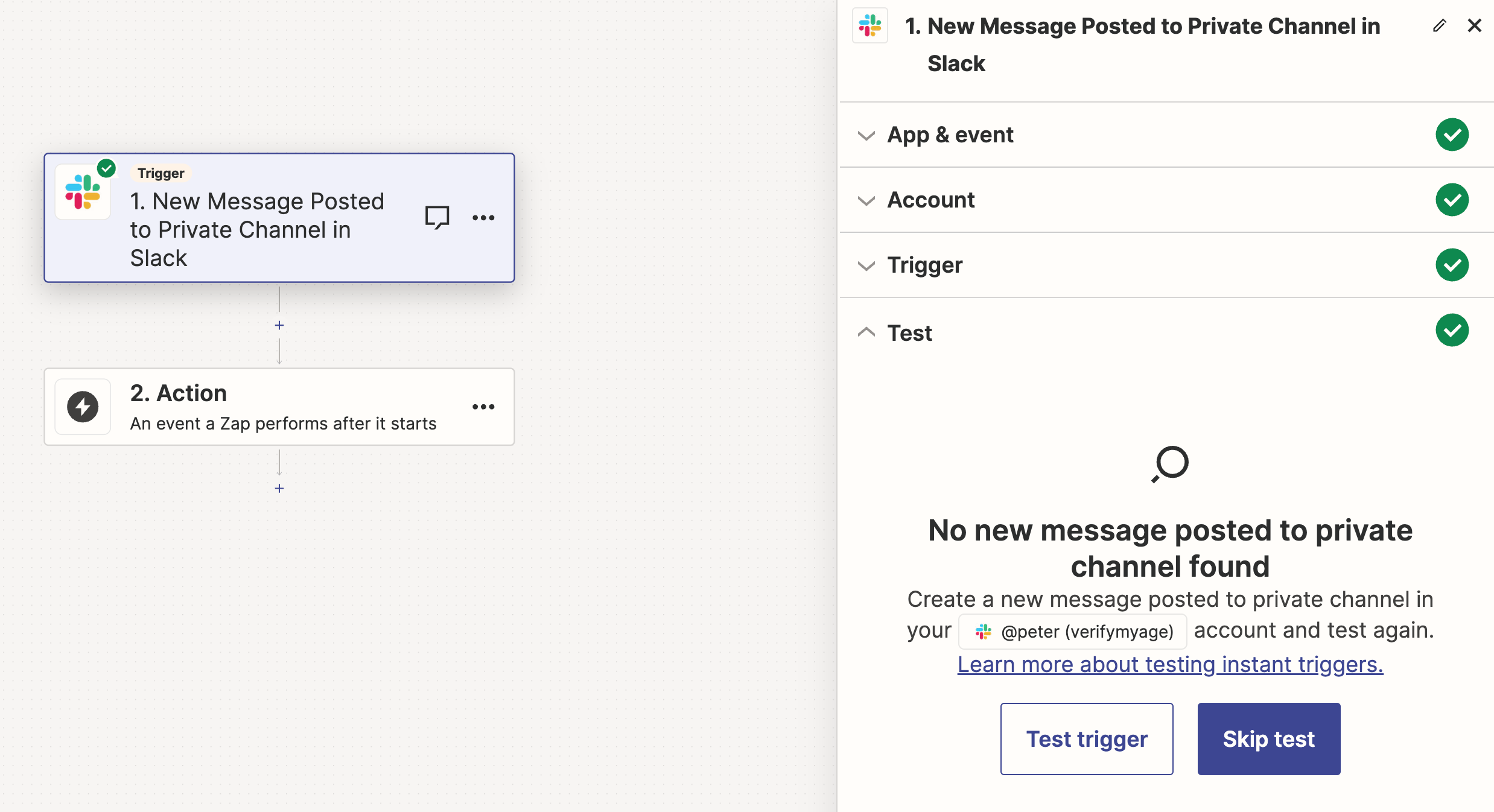
Zapier doesn’t seem to see anything in the thread.
Can someone help me with this please?

Hi,
I would like to set up a trigger anytime when we have a new thread reply in a specific private or public channel.
Zapier doesn’t seem to see anything in the thread.
Can someone help me with this please?
Best answer by ken.a
Hi there
I’m jumping in to see if I can help!
I did some digging into this, and it looks like Slack isn’t pulling in message threads anymore. We have a feature request open for a New Thread trigger, so I’ve added you to the list of interested users. That does a few things:
While I don't have an ETA on when this feature might be implemented, we will notify you via email if it is!
Hopefully, this helps!

Build and deploy automations from AI tools you already use. With Agentic Management, if anything breaks, the agent diagnoses the issue and proposes a fix.
Enter your E-mail address. We'll send you an e-mail with instructions to reset your password.





