
Best answer

How do I match Salesforce account name to QuickBooks Online for Zapier integration?

  • February 20, 2024
  • 1 reply
  • 78 views

I saw a few other posts on this topic that were closed and seemed unresolved.

I am trying to move a Closed Won Opportunity in Salesforce to generate an invoice in Quickbooks.  The zap used to work but recently stopped working.


I can’t seem to find the field for the “Account Name” in Salesforce to search for the Customer account in Quickbooks.  It was replaced with the “Account ID” field in Salesforce which is a long text string and does not connect to anything in Quickbooks.

How can a match with the “Account Name”?
Best answer by Troy Tessalone

Hi @PentaMachine 

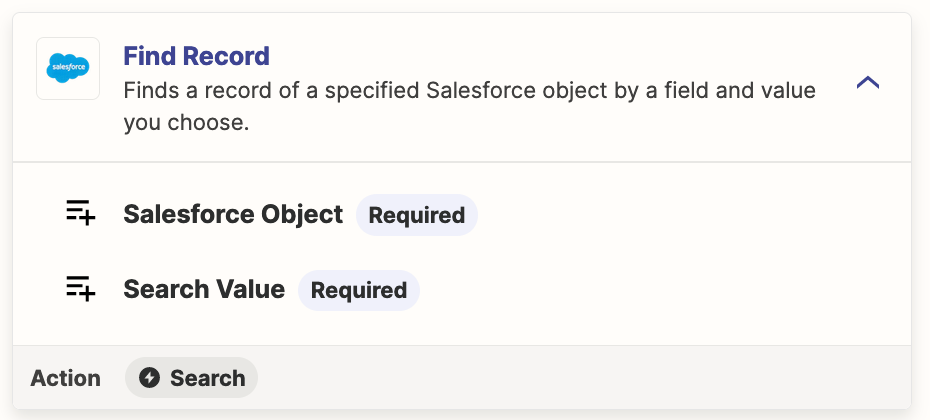
Add this Zap steps: Salesforce - Find Record

Search Account by ID

That will return the Account Name.


This post has been closed for comments. Please create a new post if you need help or have a question about this topic.

1 reply

Troy Tessalone
Zapier Orchestrator & Solution Partner
Forum|alt.badge.img+14
  • Zapier Orchestrator & Solution Partner
  • Answer
  • February 20, 2024

Hi @PentaMachine 

Add this Zap steps: Salesforce - Find Record

Search Account by ID

That will return the Account Name.




