Best answer

How do I connect Trainerize to sign now

  • September 19, 2023
  • 9 replies
  • 65 views

Hi! Anyone can help me set up a trigger from “Trainerize” to “Sign Now” that send them a T&C’s to sign when a new client is created in trainerize.

Thank You

Best answer by Troy Tessalone

Hi @jessyjess_ 

Good question.

Try these Zap steps:

  1. Trigger: Trainerize - New Client
  2. Action: SignNow - Create Document from Template & Send
This post has been closed for comments. Please create a new post if you need help or have a question about this topic.


9 replies

Troy Tessalone
Zapier Orchestrator & Solution Partner
Forum|alt.badge.img+14
  • Zapier Orchestrator & Solution Partner
  • 34039 replies
  • Answer
  • September 19, 2023

Hi @jessyjess_ 

Good question.

Try these Zap steps:

  1. Trigger: Trainerize - New Client
  2. Action: SignNow - Create Document from Template & Send

  • Author
  • Beginner
  • 4 replies
  • September 19, 2023

Hi @jessyjess_ 

Good question.

Try these Zap steps:

  1. Trigger: Trainerize - New Client
  2. Action: SignNow - Create Document from Template & Send

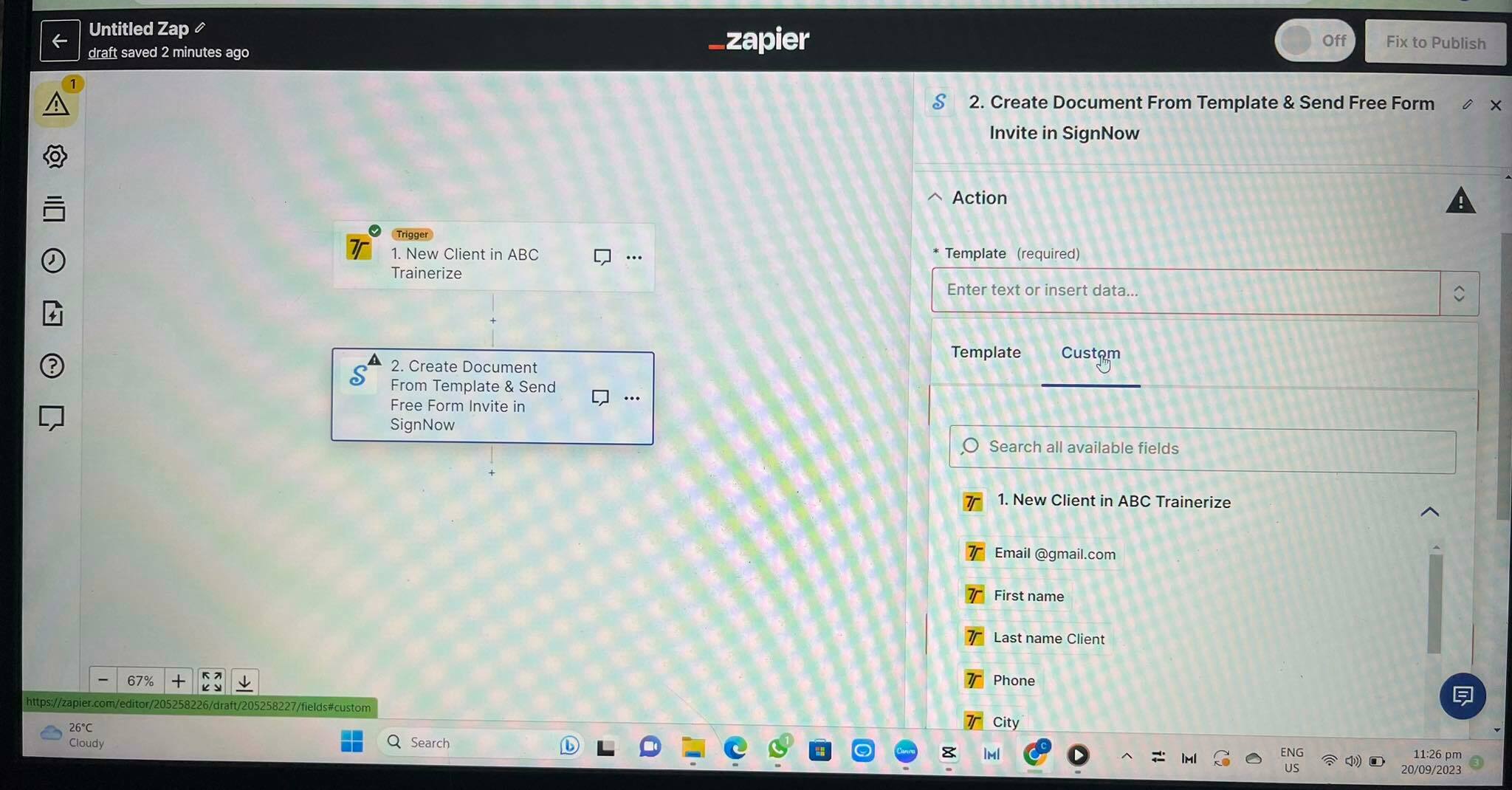
Hi Troy! Appreciate your response so much! I tried it! Thank you. However, I’m having a hard time what to fill in the required fields in the Action, it won’t pull up anything from signnow 😣 (the account is connected already)


Troy Tessalone
Zapier Orchestrator & Solution Partner
Forum|alt.badge.img+14
  • Zapier Orchestrator & Solution Partner
  • 34039 replies
  • September 19, 2023

@jessyjess_

Please post detailed screenshots with how your Zap steps are configured to help give us more context.

Also, make sure to test the Zap trigger first.


  • Author
  • Beginner
  • 4 replies
  • September 20, 2023

Hi @Troy Tessalone! On the right side of the screen, under actions of the signnow, the files showing are extracted from trainerize, what should I put under these?
Appreciate your reply so much!


Troy Tessalone
Zapier Orchestrator & Solution Partner
Forum|alt.badge.img+14
  • Zapier Orchestrator & Solution Partner
  • 34039 replies
  • September 20, 2023

@jessyjess_

GSearch results for how to take screenshots: click to view


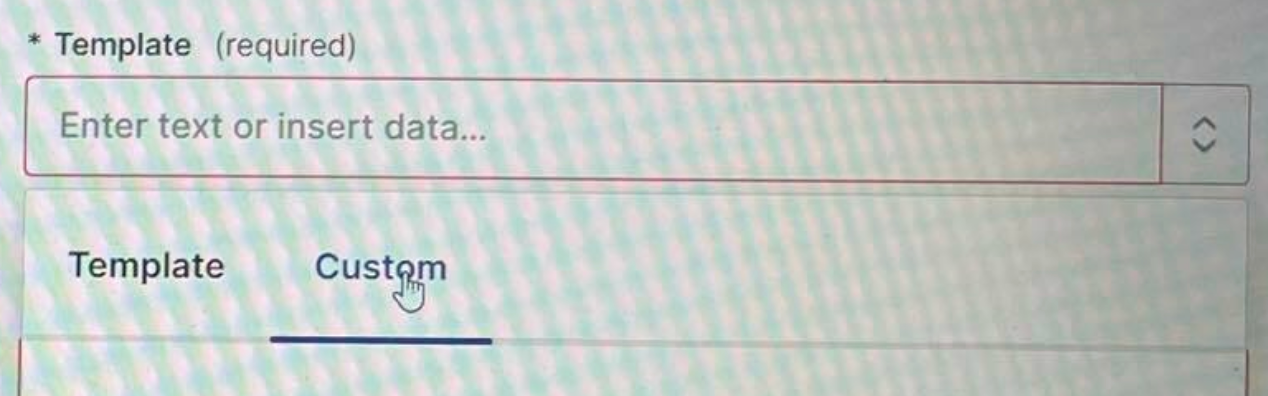
You will need to select the Template from the dropdown list of options. (not via the ‘Custom’ tab)


  • Author
  • Beginner
  • 4 replies
  • September 20, 2023

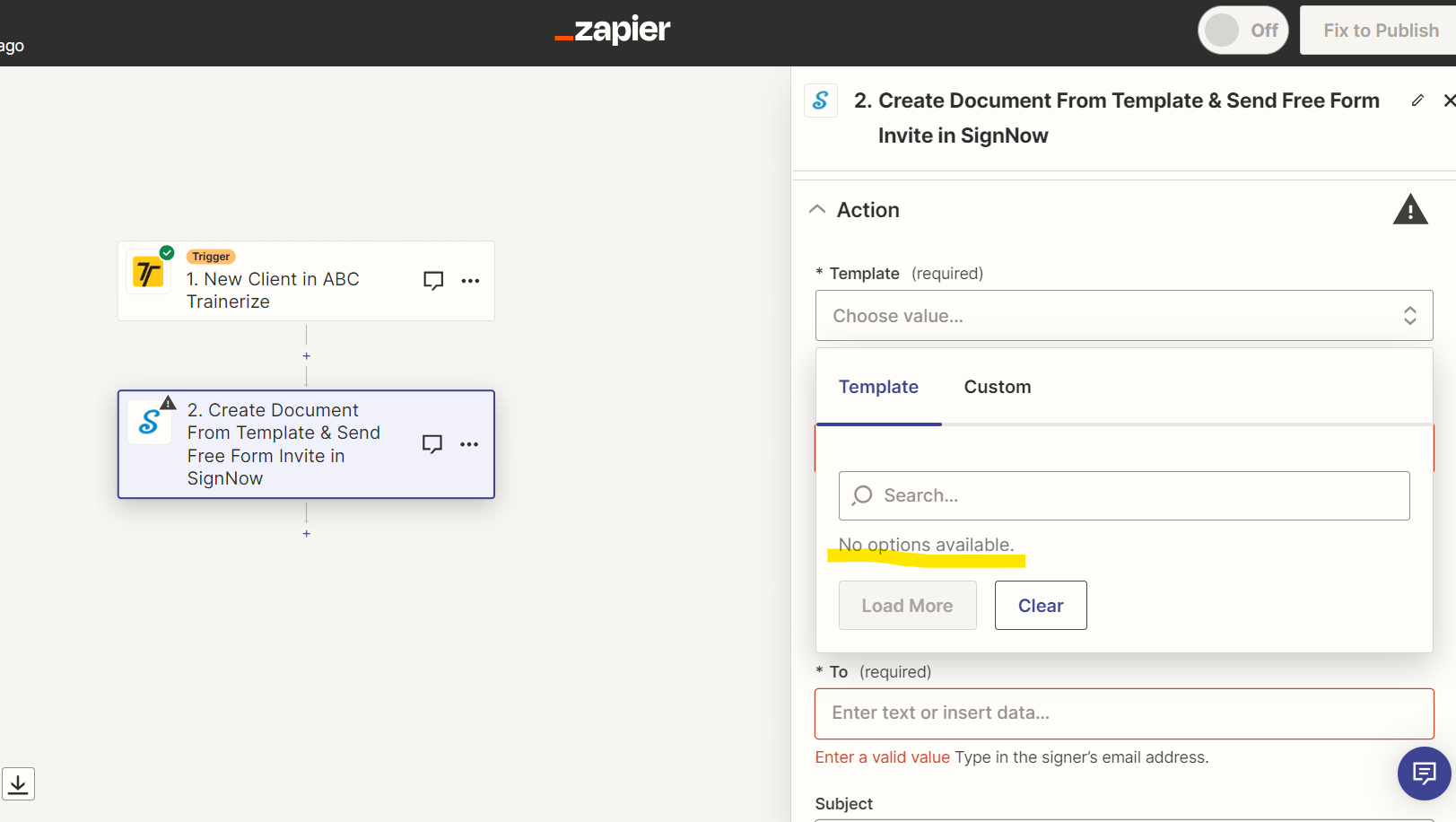
@Troy Tessalone There’s no options available under the template section showing 😭


Troy Tessalone
Zapier Orchestrator & Solution Partner
Forum|alt.badge.img+14
  • Zapier Orchestrator & Solution Partner
  • 34039 replies
  • September 20, 2023

@jessyjess_ 

Have you already configured the template in SignNow?

https://support.signnow.com/help-center/editing-documents-templates/how-do-i-use-templates


  • Author
  • Beginner
  • 4 replies
  • September 21, 2023

Hi @Troy Tessalone Thank you so much for your help! I was able to configure the template! Appreciate your help so muccccch! 💗


ken.a
Forum|alt.badge.img+6
  • Zapier Staff
  • 6780 replies
  • September 22, 2023

That’s great news @jessyjess_! Glad to hear everything is now sorted out, thanks to Troy’s assitance!

If you have any other questions, please don’t hesitate to reach out to the Community. We’re always happy to help! 😊