Answer

How can I set OpenPhone contacts to be visible to everyone in my organization using Zapier?

  • April 15, 2024
  • 7 replies
  • 73 views

My Zap automatically moves contact into OpenPhone but the contact is private. How can I make it to where everyone in the organization can see the contact in OpenPhone?

Best answer by ken.a

Hi there @Flex and @heroic_zapping,

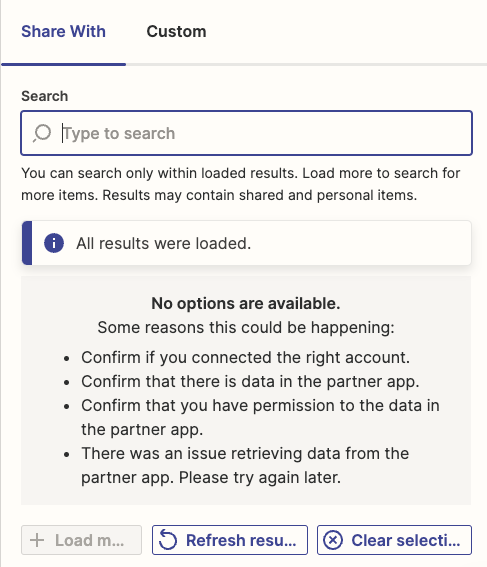
I did some digging into this, and it seems like the “Share With” field not showing any option is a known bug with the OpenPhone integration. Our team is aware of the issue and we're working with OpenPhone on a fix. I've added your email address as another affected user. That does a few things:

  • Bring this to the attention of the integration developers
  • Help track and prioritize fixes
  • Allows us to notify you via email if/when this is fixed

Unfortunately, I do not have an ETA, but I’ve added you to the list of users affected by this issue so we can let you know as soon as we have any updates.

I appreciate your patience and understand.

This post has been closed for comments. Please create a new post if you need help or have a question about this topic.


7 replies

Troy Tessalone
Zapier Orchestrator & Solution Partner
Forum|alt.badge.img+14
  • Zapier Orchestrator & Solution Partner
  • April 15, 2024

Hi @Flex 
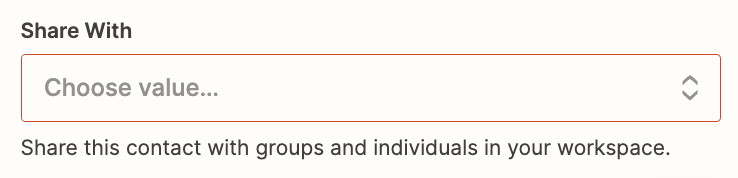
Try configuring this field: Share With


  • Author
  • Beginner
  • April 15, 2024

Hi @Troy Tessalone 

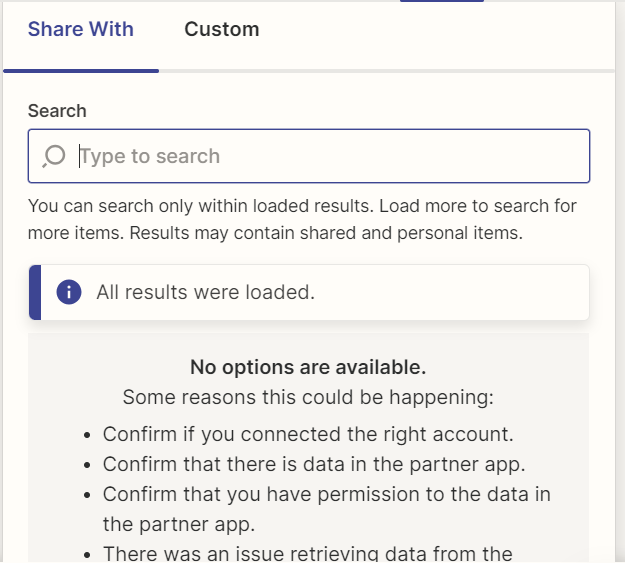
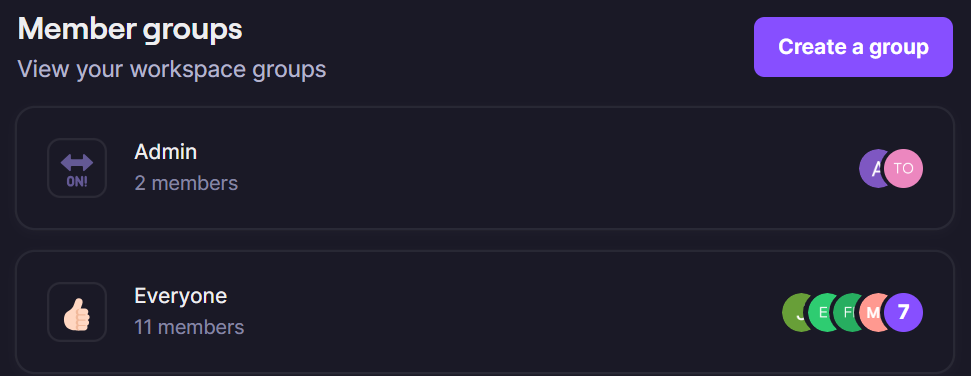
I have tried but I guess I just do not know what I need to do in order to configure it. This is the option that comes up. I have tried everything listed and made sure I am in the group as shown below. Am I missing something?

Configuring Options
OpenPhone Groups​​​​​


Troy Tessalone
Zapier Orchestrator & Solution Partner
Forum|alt.badge.img+14
  • Zapier Orchestrator & Solution Partner
  • April 15, 2024

@Flex 

Try these tips:

Refresh the Zap Editor by refreshing the browser page.


Refresh the Zap step data.


Refresh the Zap step > field data.


  • Author
  • Beginner
  • April 15, 2024

Yes, I tried all of those things

@Flex

Try these tips:

Refresh the Zap Editor by refreshing the browser page.


Refresh the Zap step data.


Refresh the Zap step > field data.


@Troy Tessalone Yes I tried all of those things. Is there any way to use the custom column to bypass the direct link or is there more tips that you have?


Troy Tessalone
Zapier Orchestrator & Solution Partner
Forum|alt.badge.img+14
  • Zapier Orchestrator & Solution Partner
  • April 15, 2024

@Flex 

You can try to use the ‘CUSTOM’ tab, but will need to know the proper ID value to pass.

That might be visible in the browser when looking at a Group in OpenPhone.

You can try reaching out to OpenPhone Support for possible guidance.


I am having the same problem. I am trying to automate the creation of contacts so that they are visible to all members of one specific OpenPhone number among several, or all OpenPhone team members. However, the only automation that is working is creating the OpenPhone contact as “Private”, which isn’t helpful.


ken.a
Forum|alt.badge.img+6
  • Zapier Staff
  • Answer
  • May 3, 2024

Hi there @Flex and @heroic_zapping,

I did some digging into this, and it seems like the “Share With” field not showing any option is a known bug with the OpenPhone integration. Our team is aware of the issue and we're working with OpenPhone on a fix. I've added your email address as another affected user. That does a few things:

  • Bring this to the attention of the integration developers
  • Help track and prioritize fixes
  • Allows us to notify you via email if/when this is fixed

Unfortunately, I do not have an ETA, but I’ve added you to the list of users affected by this issue so we can let you know as soon as we have any updates.

I appreciate your patience and understand.