Hi, does anyone know a simple trick to help me out!
A few leads have re-engaged with my adverts - so a lead is refreshed with new data
however I would like the data to not over write in certain fields like - ‘notes’
Is there a way for the field data to be added to the existing data?
Thanks !
Best answer by Todd Harper
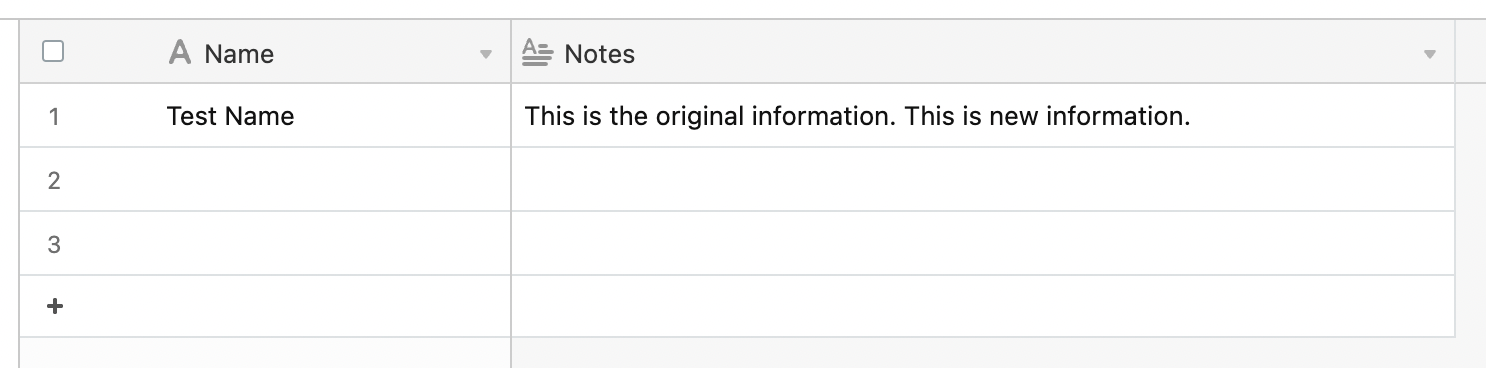
Depending on which app you’re using and where the new information is coming from, the specific process might vary, but this will be essentially the same across Zapier, and the solution is to simply include both the old data and the new data in your field. See screenshots (using Airtable):
Depending on which app you’re using and where the new information is coming from, the specific process might vary, but this will be essentially the same across Zapier, and the solution is to simply include both the old data and the new data in your field. See screenshots (using Airtable):
Hey there @Monique , were you able to get your problem with this issue solved? There likely could be many ways to go about it as Todd mentioned -- feel free to reach out if you still needed assistance!
Early access
Next Gen Zaps
Build and deploy automations from AI tools you already use. With Agentic Management, if anything breaks, the agent diagnoses the issue and proposes a fix.