Best answer

Blank Entries in Hubspot

  • February 10, 2021
  • 9 replies
  • 120 views

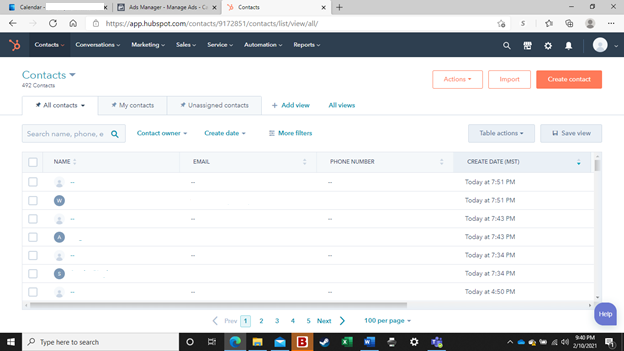
I am getting blank entries in Hubspot. I have a connection between Facebook and Hubspot for exporting leads. However, while all of the leads are exporting correctly, I am also getting several blank lines. Hubspot support suggests it is the way that I have Facebook and Hubspot connected via Zapier, but I can’t find anything to fix or investigate. 

Any help much appreciated

Best answer by Danvers

Hi @chwhitehead! It sounds like you’d be better supported by the Zapier Support Team on this one as they can take a closer look at your Zap and walk you through things step by step. You can get in touch with them using the Get Help form: https://zapier.com/app/get-help

This post has been closed for comments. Please create a new post if you need help or have a question about this topic.

9 replies

Troy Tessalone
Zapier Orchestrator & Solution Partner
Forum|alt.badge.img+14
  • Zapier Orchestrator & Solution Partner
  • 34082 replies
  • February 11, 2021

Hi @chwhitehead 

Please provide screenshots of how your Zap steps are configured.

What fields are showing up as blank?


  • Author
  • Beginner
  • 4 replies
  • February 11, 2021

Hi Troy, 

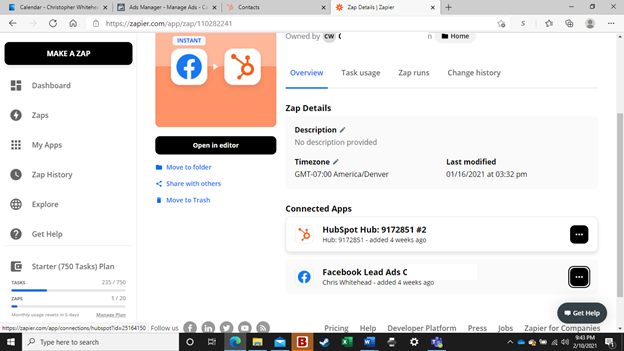
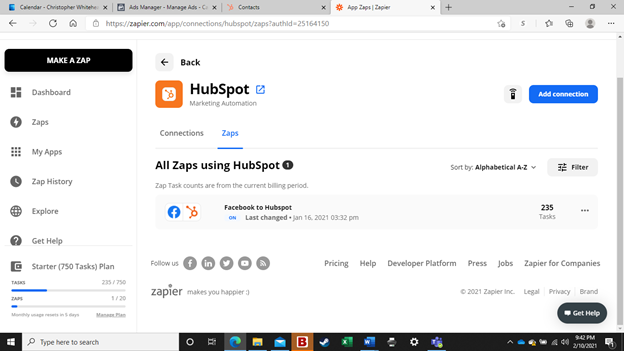
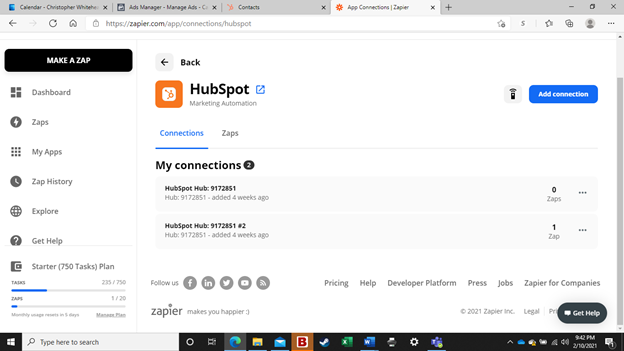
Thanks for your help. Not sure what you’re looking for… here are a few screen shots. Please let me know if you need anything else

Welcome to Community! This post has been modified by a moderator to remove personal information. Please remember to remove any sensitive information as this is a public forum.


Troy Tessalone
Zapier Orchestrator & Solution Partner
Forum|alt.badge.img+14
  • Zapier Orchestrator & Solution Partner
  • 34082 replies
  • February 11, 2021

@chwhitehead 

Looking for screenshots of how your individual Zap steps are configured to determine how you have data points mapped from the trigger step to the action steps.


  • Author
  • Beginner
  • 4 replies
  • February 11, 2021

Sorry. I don’t really know how to show you that. Can you give me a map or some direction?


Troy Tessalone
Zapier Orchestrator & Solution Partner
Forum|alt.badge.img+14
  • Zapier Orchestrator & Solution Partner
  • 34082 replies
  • February 11, 2021

@chwhitehead

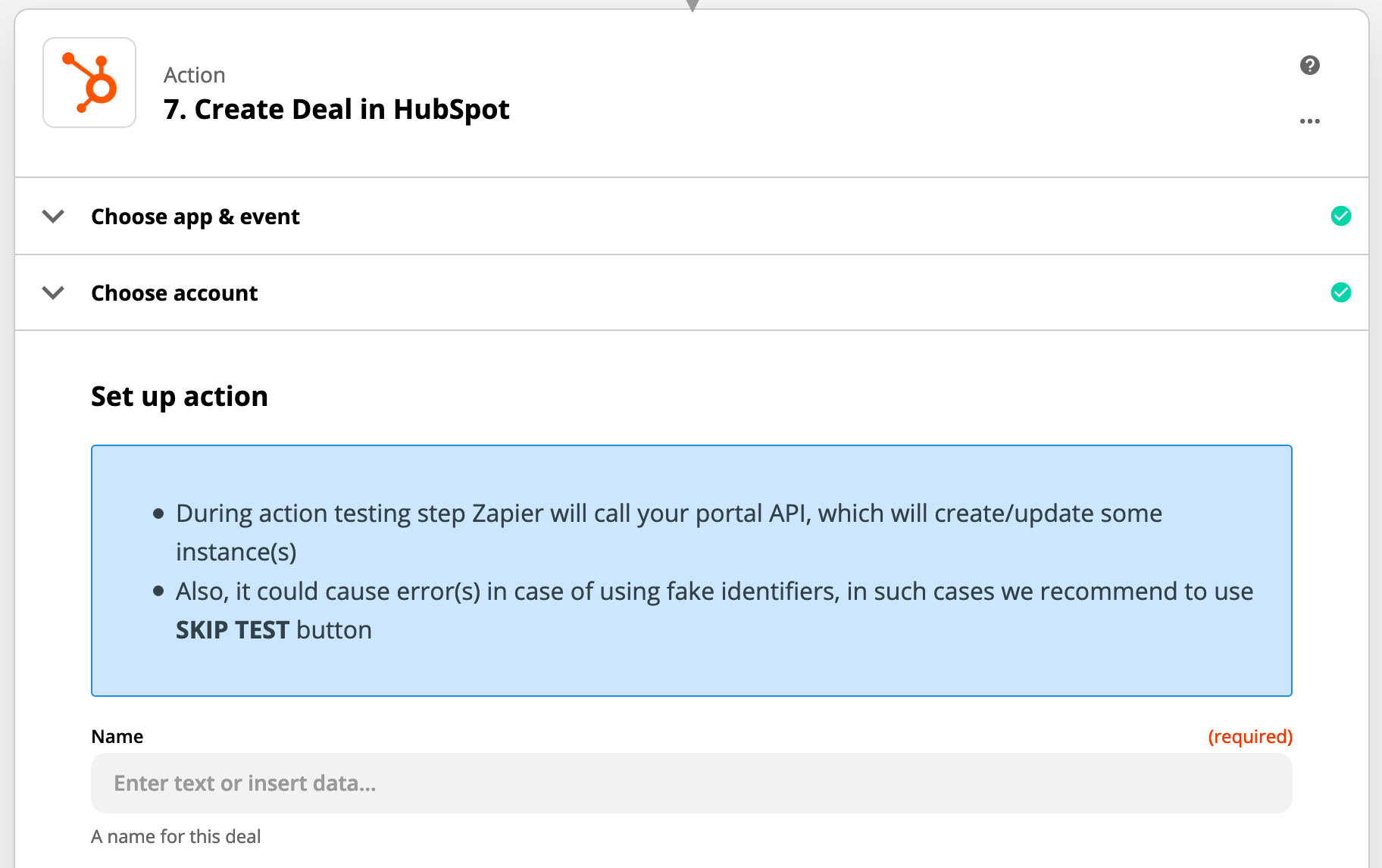
Example


  • Author
  • Beginner
  • 4 replies
  • February 13, 2021

Hi Troy, 

Were you able to figure out what is going on?


Thank you, 

Chris


Troy Tessalone
Zapier Orchestrator & Solution Partner
Forum|alt.badge.img+14
  • Zapier Orchestrator & Solution Partner
  • 34082 replies
  • February 14, 2021

Still haven’t seen screenshots of how your Zap step is configured in order to troubleshoot.


  • Author
  • Beginner
  • 4 replies
  • February 14, 2021

Sorry. I thought the above was what you wanted to see. Please help me better understand what you need to see. Thank you


Danvers
Forum|alt.badge.img+12
  • Zapier Staff
  • 3731 replies
  • Answer
  • February 15, 2021

Hi @chwhitehead! It sounds like you’d be better supported by the Zapier Support Team on this one as they can take a closer look at your Zap and walk you through things step by step. You can get in touch with them using the Get Help form: https://zapier.com/app/get-help