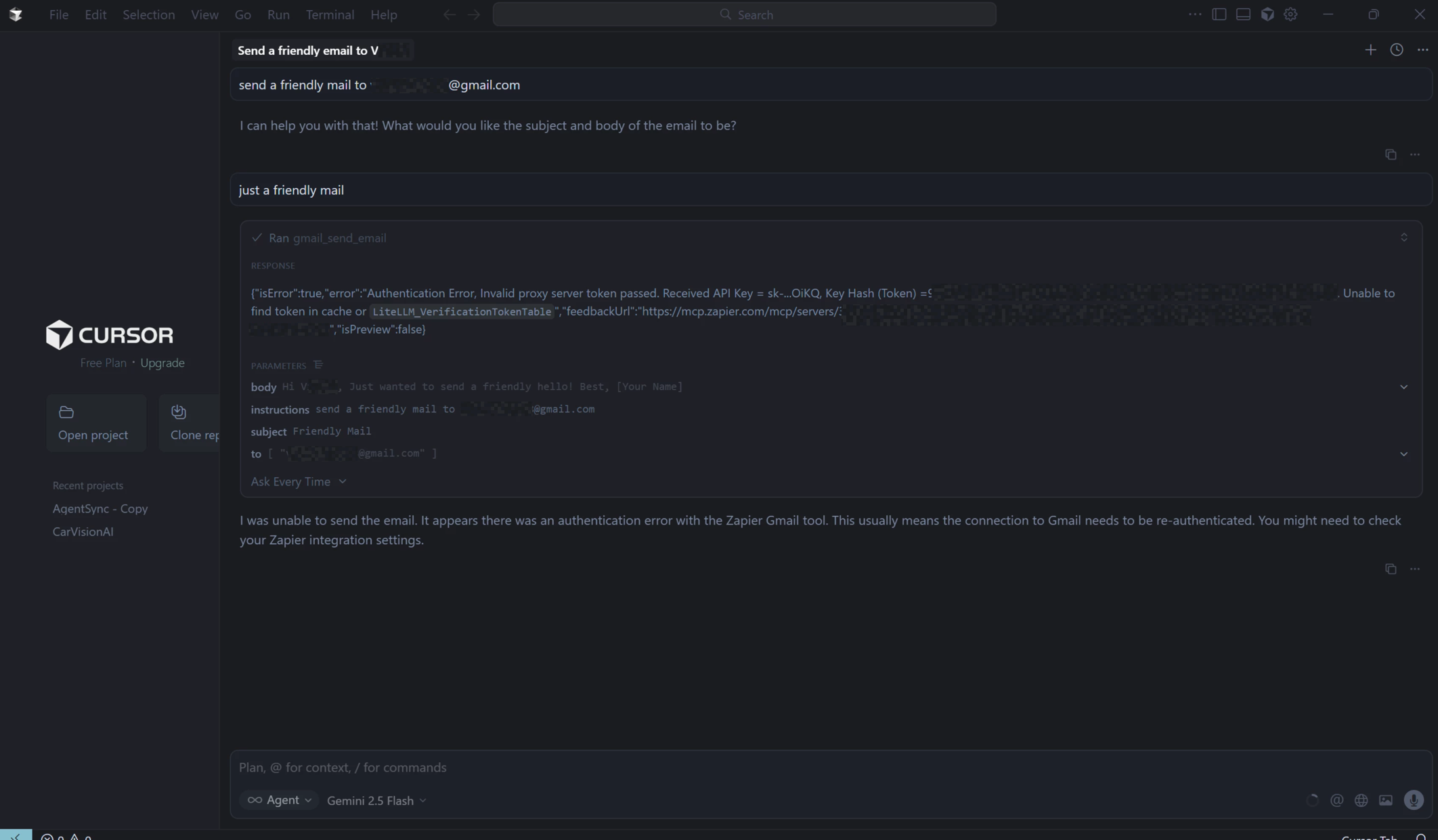
I tried to use Zapier webhook(gmail connected) to send a mail as usual but to day i encountered a new error saying “Invalid proxy server token passed” where i thought the problem was on my side(my code) and then tried it on Cursor AI by connecting the server config from zapier then encountered the same error where the agent is returning this response from zapier:
{
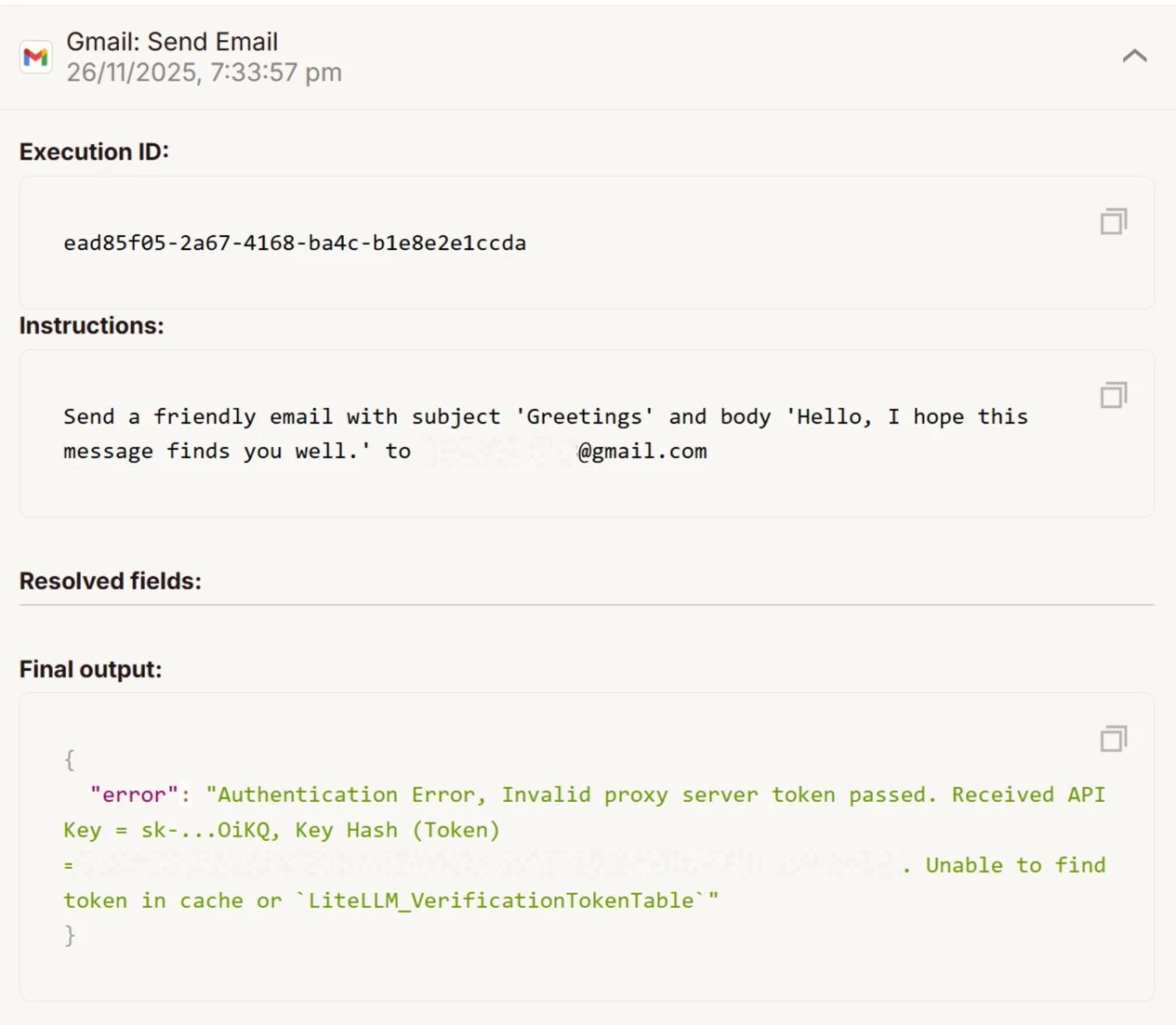
"error": "Authentication Error, Invalid proxy server token passed. Received API Key = sk-...OiKQ, Key Hash (Token) =XXXXXXXXXXXXXXXXXXXXXXXXXXXXXXXXXXXXXXXXXXXXXXXXXXXXX. Unable to find token in cache or `LiteLLM_VerificationTokenTable`"
}
The agents on Cursor AI are also encountering error to execute a gmail_send_email tool
For reference i have also uploaded the screenshot of the error on Cursor AI and Zapier history
How to solve this issue?
Is this problem associated with the Cursor agents or Zapier!
This post has been edited by a moderator to remove sensitive information. Please remember that this is a public forum and avoid sharing credentials, tokens, or other private details that could compromise your account security.