Best answer

Zoom error "This API endpoint is not recognized."

  • November 22, 2025
  • 10 replies
  • 44 views

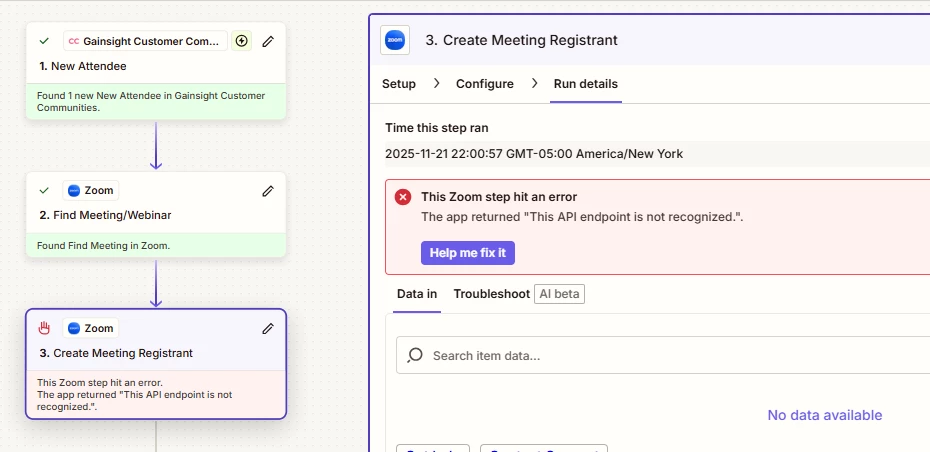
Since Nov 13th, I am getting the following error The app returned "This API endpoint is not recognized.".  when trying to add a registrant to a Zoom Meeting.

I ma using the Zoom app 
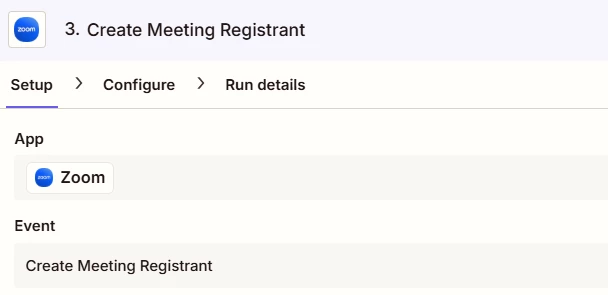
prior to Nov 13th the zap ran perfectly.


Any ideas?

Thanks in advance

Best answer by Troy Tessalone

@AField 

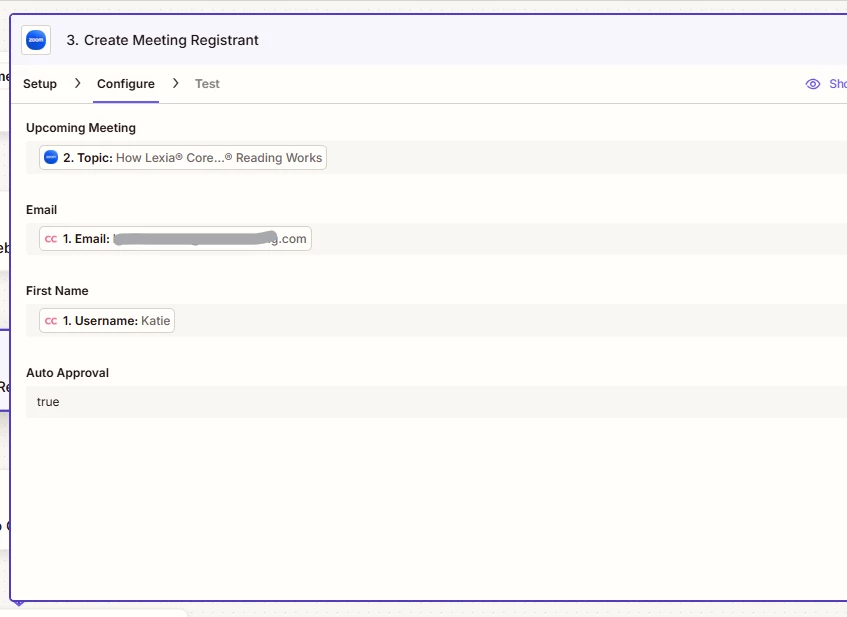
For Zap step 3, the field “Upcoming Meeting” expects the ID of the Meeting from Zap step 2, rather than the Topic of the Meeting.


10 replies

Troy Tessalone
Zapier Orchestrator & Solution Partner
Forum|alt.badge.img+14
  • Zapier Orchestrator & Solution Partner
  • November 23, 2025

Hi ​@AField 

Help us have more info by posting screenshots showing:

  • how your Zaps step is configured in the CONFIGURE tab
  • the encountered error

Sparsh from Automation Jinn
Forum|alt.badge.img+6

Hey ​@AField,

I would recommend deleting the Zoom connection and reconnecting it again for this type of error. You can do that from here- https://zapier.com/app/assets/connections.

If it doesn’t fix you issue, please post screenshots of Data In, Data Out, the error as well as how each Zap step is configured for us to have more context. Hope it helps!


  • Author
  • Beginner
  • November 24, 2025

@Troy Tessalone  ​@Sparsh from Automation Jinn 


This is the error. 


Sparsh from Automation Jinn
Forum|alt.badge.img+6

Hey ​@AField,

Can you make sure that you are on the latest app connection of Zoom and did you do the reconnection as I suggested before? You can do that from here https://zapier.com/app/assets/connections

If the error persists then I think it might be a bug as you said it was working before. Try contacting the Zapier support here- https://zapier.com/app/get-help. Hope it helps!


  • Author
  • Beginner
  • November 24, 2025

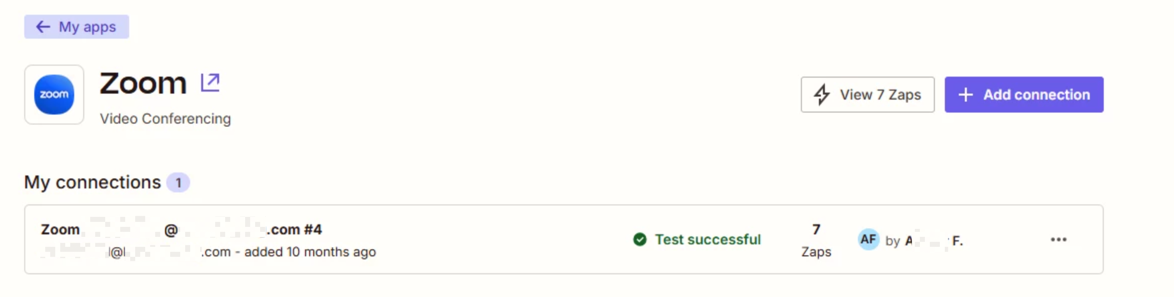
I have tested the connection adn it is fine.


This post has been edited by a moderator to remove personally identifiable information (PII). Please remember that this is a public forum and avoid sharing personal or potentially sensitive details.


  • Author
  • Beginner
  • November 24, 2025

@Sparsh from Automation Jinn 

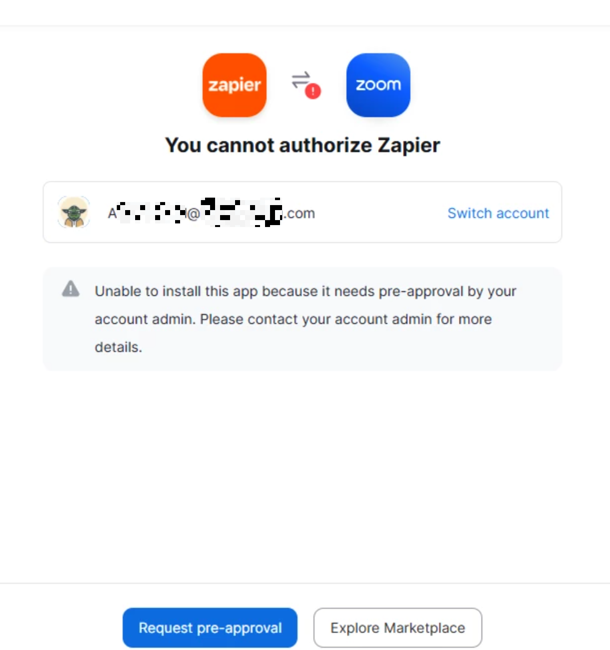
I ma trying to reconnect but need admin assistance.


This post has been edited by a moderator to remove personally identifiable information (PII). Please remember that this is a public forum and avoid sharing personal or potentially sensitive details.


Sparsh from Automation Jinn
Forum|alt.badge.img+6

Hey ​@AField,

You have to give approval from the admin account. Maybe try clicking on Request pre- approval to send a request to Zoom admin. Here is a helpful article about common problems in Zoom- https://help.zapier.com/hc/en-us/articles/8495980386317-Common-Problems-with-Zoom#

Hope it helps!


Troy Tessalone
Zapier Orchestrator & Solution Partner
Forum|alt.badge.img+14
  • Zapier Orchestrator & Solution Partner
  • Answer
  • November 24, 2025

@AField 

For Zap step 3, the field “Upcoming Meeting” expects the ID of the Meeting from Zap step 2, rather than the Topic of the Meeting.


  • Author
  • Beginner
  • November 24, 2025

@AField 

For Zap step 3, the field “Upcoming Meeting” expects the ID of the Meeting from Zap step 2, rather than the Topic of the Meeting.


Good spot ​@Troy Tessalone 

I didnt notice that got changed in a revised publication.


SamB
Community Manager
Forum|alt.badge.img+11
  • Community Manager
  • November 25, 2025

Yay! 🎉 Thanks for the letting us know ​@AField. I’m so glad to see Troy was able to help point you in the right direction ​- well spotted ​@Troy Tessalone! 🙌

Sounds like you’re all set for now but do reach back out if you need help with anything else. 

Happy Zapping! 😁⚡