Question

Zaps that Trigger with RingSense wont turn on

  • October 21, 2025
  • 4 replies
  • 24 views

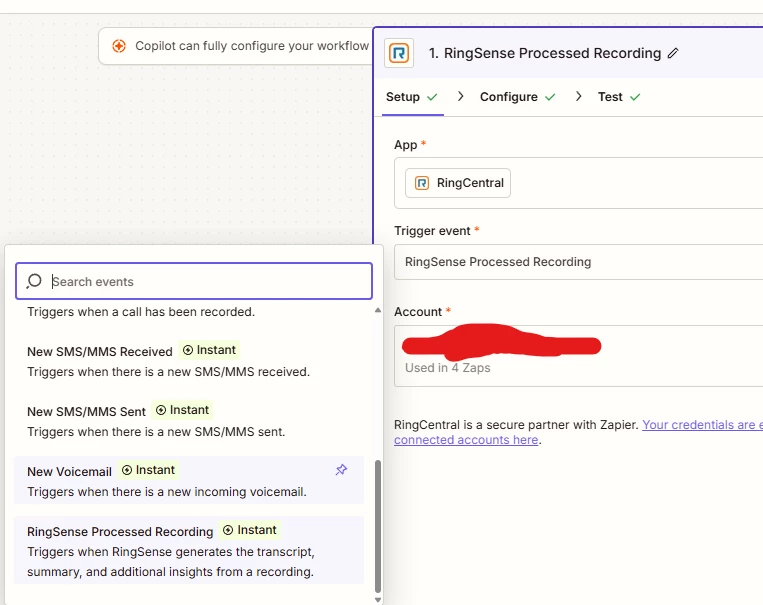
So I’ve been fighting with a zap that wont turn on and I’ve narrowed it down to the fact that ANY zap with a Trigger that’s RingSense Processed Recording will NOT turn on. I’ve duplicated this behavior on several zaps and have no other meaningful nodes in my zaps. (Even tried a single email action)

Has anyone else run into this and if so how did you get around it?

4 replies

Troy Tessalone
Zapier Orchestrator & Solution Partner
Forum|alt.badge.img+14
  • Zapier Orchestrator & Solution Partner
  • October 21, 2025

Hi ​@TechGuy123456 

Help links for troubleshooting why a Zap won’t turn ON: https://help.zapier.com/hc/en-us/articles/8496199466125-Can-t-turn-on-or-publish-Zap


I do not see RingSense listed on the Zap app integrations: https://zapier.com/apps

Is it a private invite only integration from RingSense?

If yes, then try reaching out to RingSense Support for help with their Zap app integration.


Hey Troy,


RingSense (processed recording) is an Event type for Ring Central. Unfortunately, I’ve already been through the guide several times. No luck so far


Troy Tessalone
Zapier Orchestrator & Solution Partner
Forum|alt.badge.img+14
  • Zapier Orchestrator & Solution Partner
  • October 21, 2025

@TechGuy123456 

Check the RingCentral info about RingSense: https://developers.ringcentral.com/guide/ai/ringsense

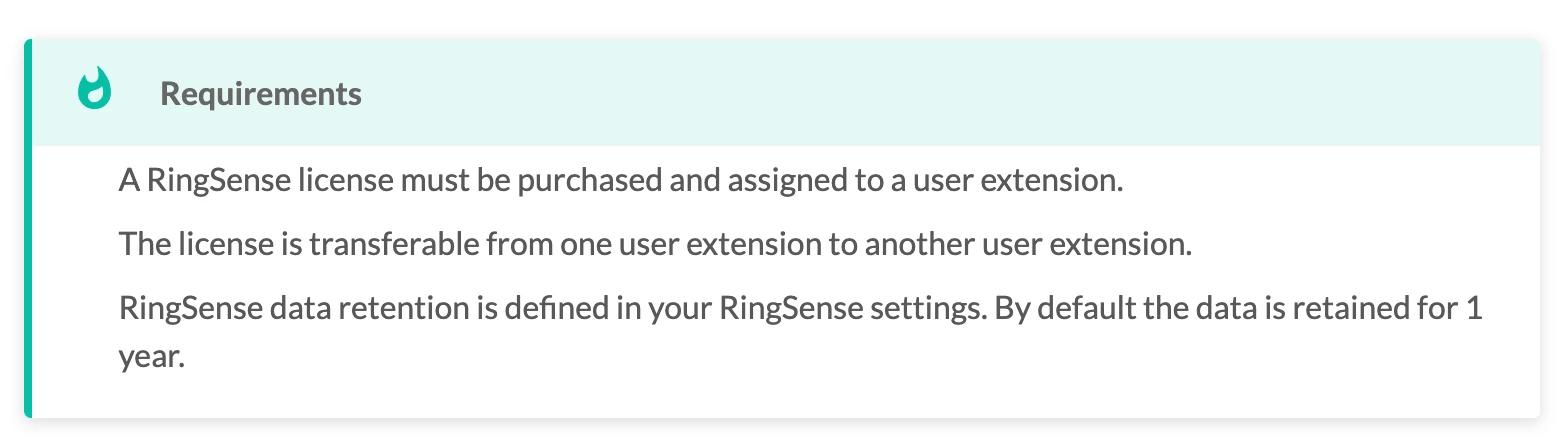
Might be related to your RingCentral account plan/licenses.

Do you have a RingSense license?


You can try reaching out to:


SamB
Community Manager
Forum|alt.badge.img+11
  • Community Manager
  • November 14, 2025

Hi ​@TechGuy123456, just checking in! 👋

Was the Zap not turning on due to the RingSense plan/license as Troy mentioned?

If not, I saw our Support team were able to get some additional information from the error logs for your Zap. Couldn’t see a reply from you confirming whether their suggestion did the trick but wanted to share the details from their reply here in case it’s helpful to others running into the same issue:

I see in our logs the reason the Zap is turned off is: Unexpected disabled filters. This relates to the RingCentral app specifically.
 
This error occurs when you don't have both ReadRingSenseInsights and RingSense enabled in your RingCentral account. Could you please look to enable these settings in RingCentral, reconnect the RingCentral account in Zapier, and then attempt to turn the Zap on again, please?


Let us know whether that solved things, or if you’re still stuck at all. Want to make sure this gets sorted!