Question

Zapier won't populate SMS in Mailchimp

  • June 13, 2026
  • 10 replies
  • 83 views

Forum|alt.badge.img

I am trying to populate a Mailchimp contact after an internet contact form is completed, with one of those data points being their SMS number. I saw the previous questions that this was a known bug from a year ago. I have reached out to MailChimp and they seem to think its possible now? 


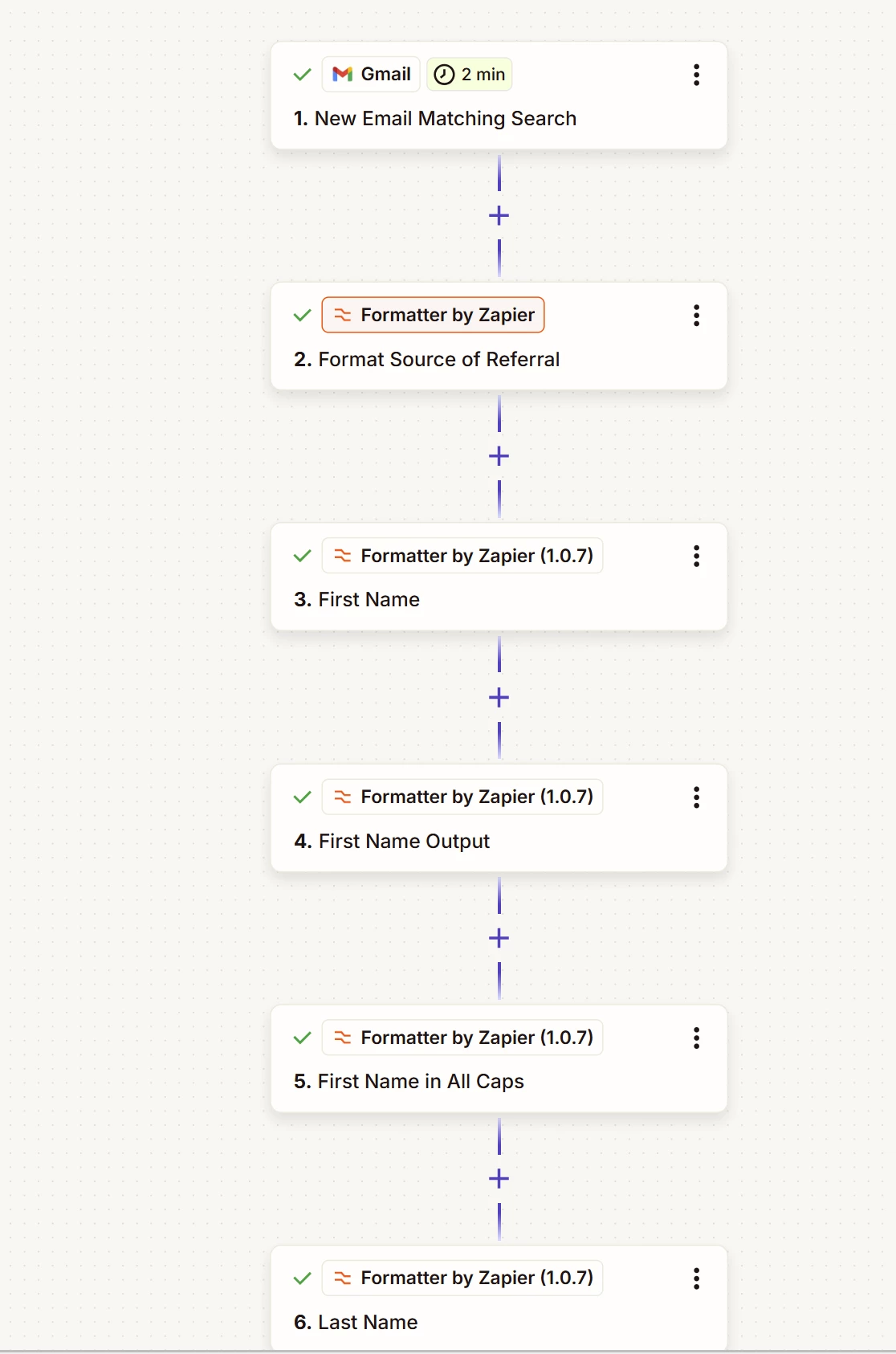
I get an email when a form is completed, I have a zap set up to go set by step pulling/reformatting the relevant data points before populating them into MailChimp. All of the other data points, email, name, address populate correct by not phone number into SMS


10 replies

Troy Tessalone
Zapier Orchestrator & Solution Partner
Forum|alt.badge.img+14
  • Zapier Orchestrator & Solution Partner
  • June 14, 2026

Hi ​@ashland 

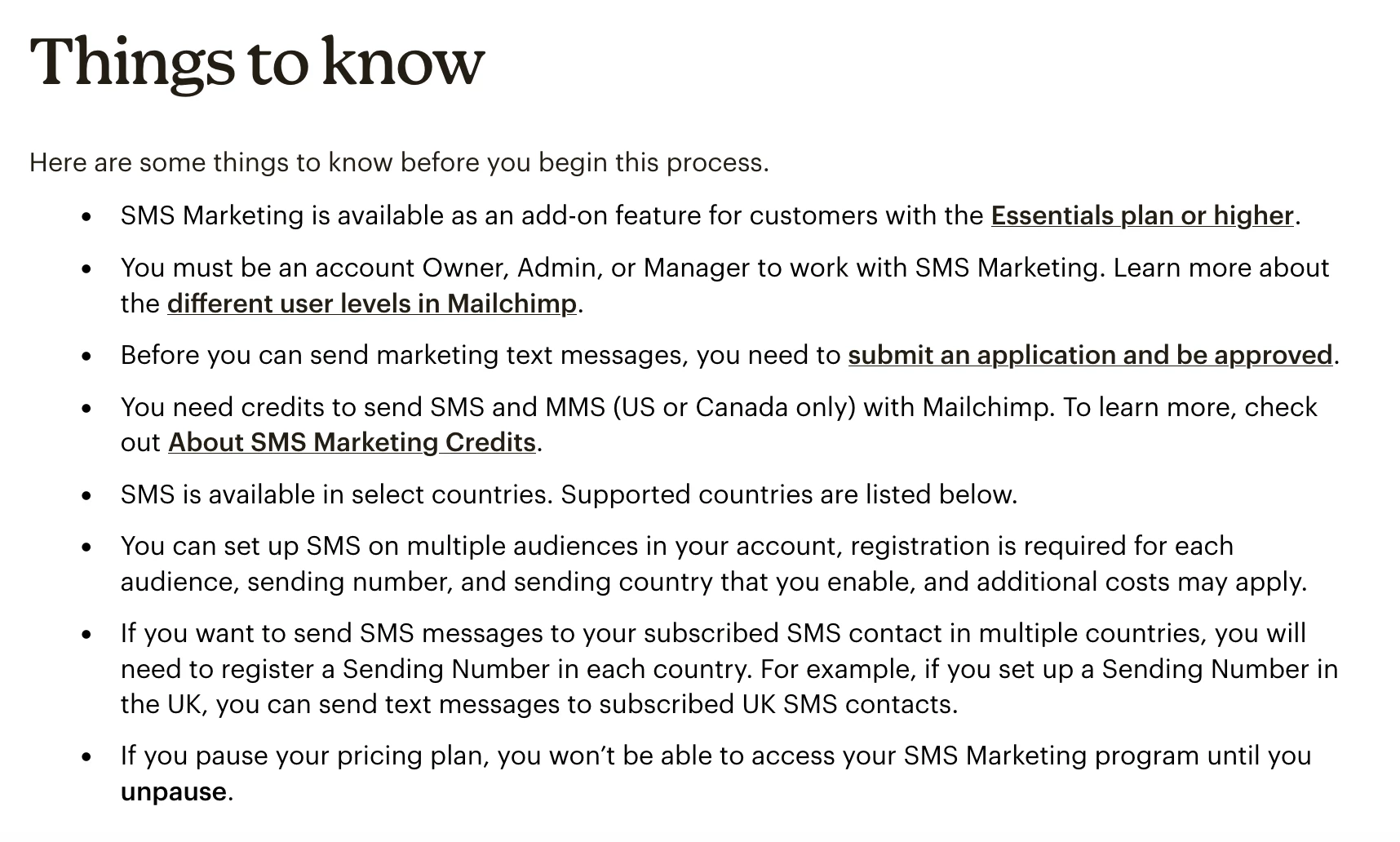
Help links from Mailchimp for using SMS: https://mailchimp.com/help/about-sms-marketing/


Forum|alt.badge.img
  • Author
  • Beginner
  • June 15, 2026

Yes, I have already set it up in MailChimp and worked through their steps. Is there something set up in my Zap wrong?


Troy Tessalone
Zapier Orchestrator & Solution Partner
Forum|alt.badge.img+14
  • Zapier Orchestrator & Solution Partner
  • June 15, 2026

@ashland 

Can you confirm all of the bullet points in the screenshot below?


Forum|alt.badge.img

Hi ​@ashland, Has this been resolved yet?

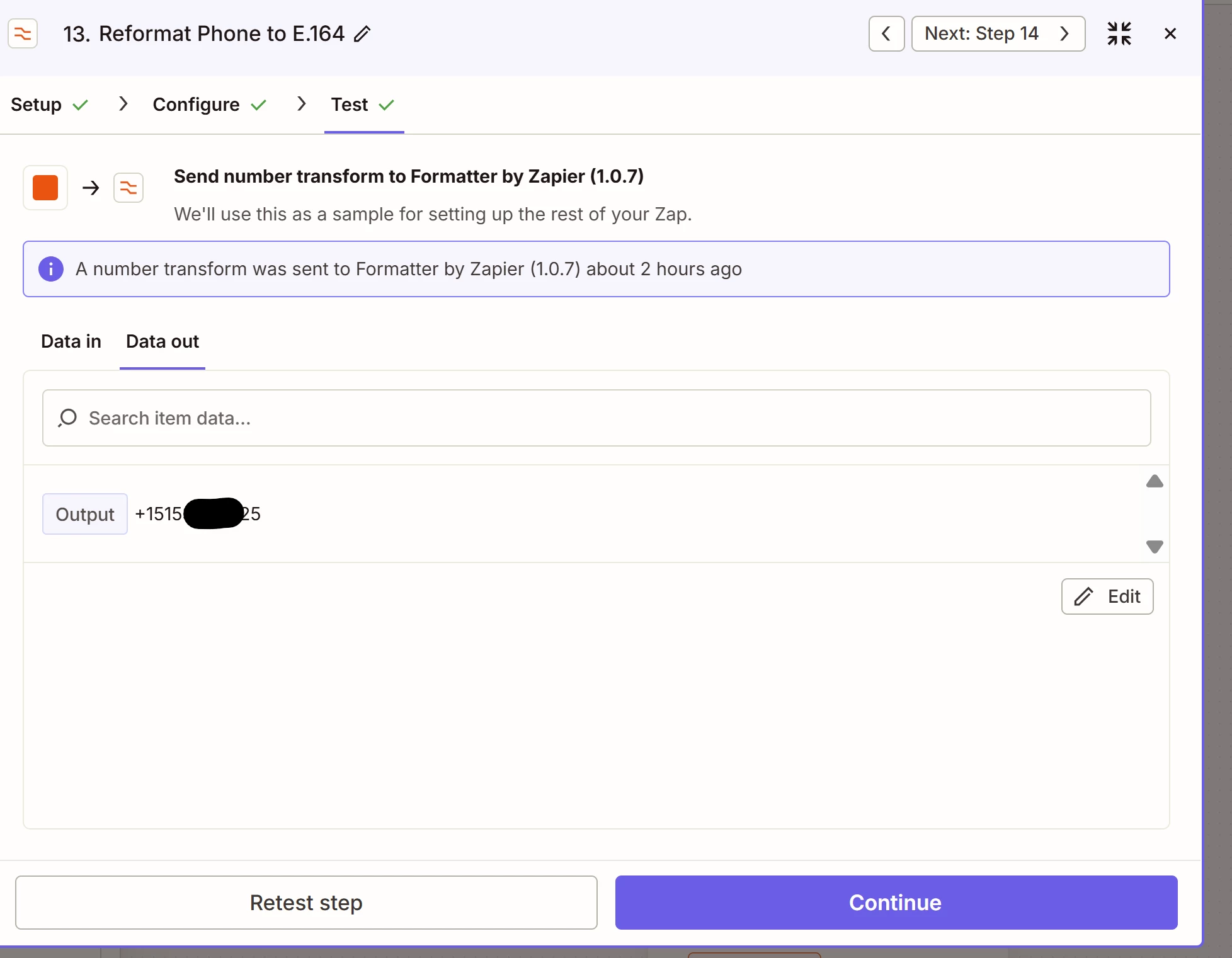
If not, If the other fields are populating correctly, I'd check the phone number format first. Mailchimp can be picky about SMS fields and often expects numbers in a specific format (usually including the country code).

You might want to inspect the exact value coming out of the Formatter step to see if it's matching what Mailchimp expects.

Happy to take a look if you'd like:
--link removed by moderator--

This post has been edited by a moderator to remove self-promotional calendar booking link as per our Community Code of Conduct.


Forum|alt.badge.img
  • Author
  • Beginner
  • June 16, 2026

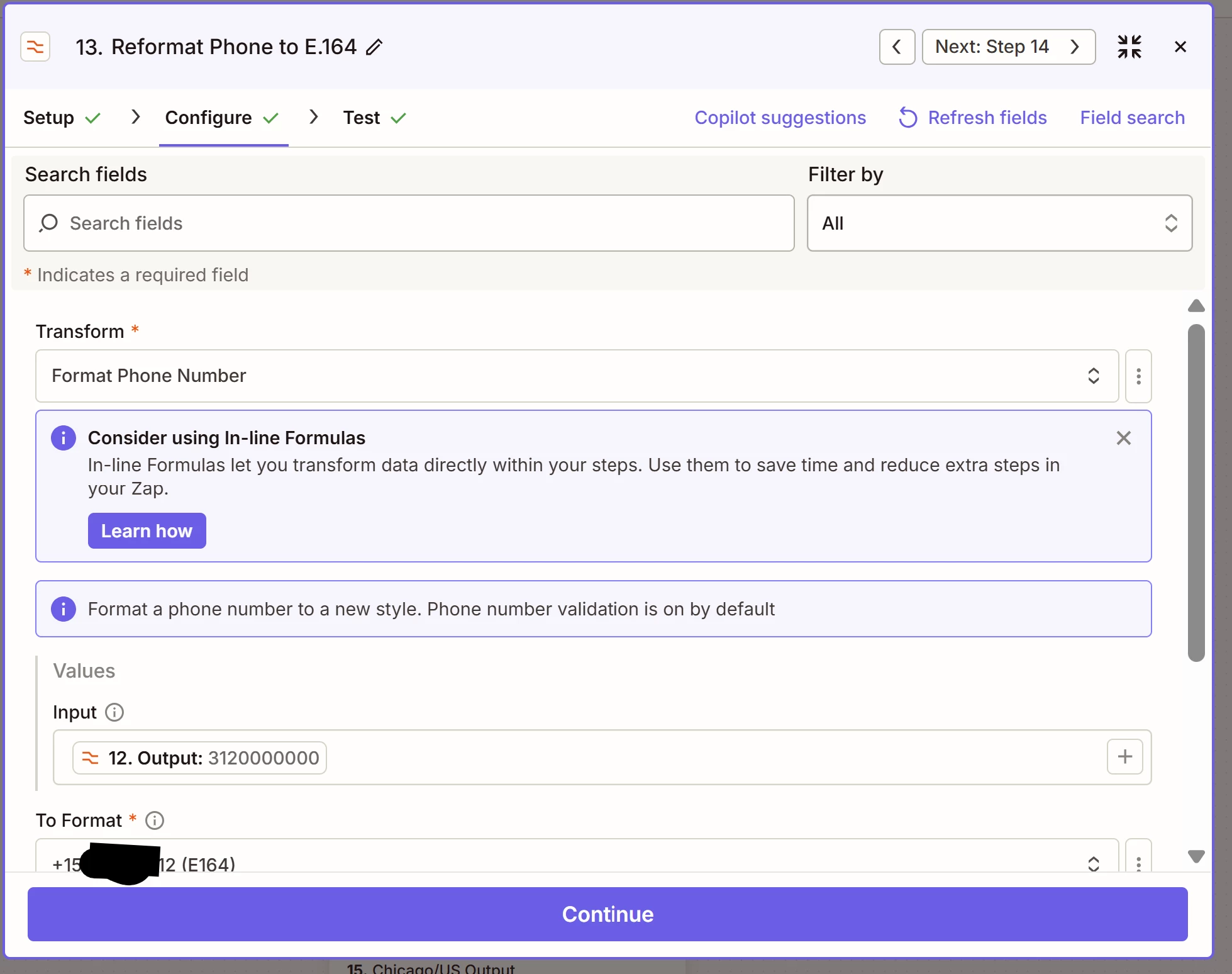
Here is what the output from that step in the Zap looks like -- it seems to be formatted correctly?


Forum|alt.badge.img
  • Author
  • Beginner
  • June 16, 2026

@Troy Tessalone Confirmed -- I have the SMS plan set up within Mailchimp. Its paid and sends the SMS messages as intended (after I manually add the number), but my Zap doesn’t populate the SMS field...even though the Zap populates every other field correctly. 
 

I don’t have a “phone” field and instead to directly upload it to the SMS field (similar to what I do with the email address in the email field). That can’t be the issue, can it? 


Troy Tessalone
Zapier Orchestrator & Solution Partner
Forum|alt.badge.img+14
  • Zapier Orchestrator & Solution Partner
  • June 16, 2026

@ashland 
Looks like the same issue persists as your other Mailchimp SMS topic from a while ago: 


Forum|alt.badge.img
  • Author
  • Beginner
  • June 18, 2026

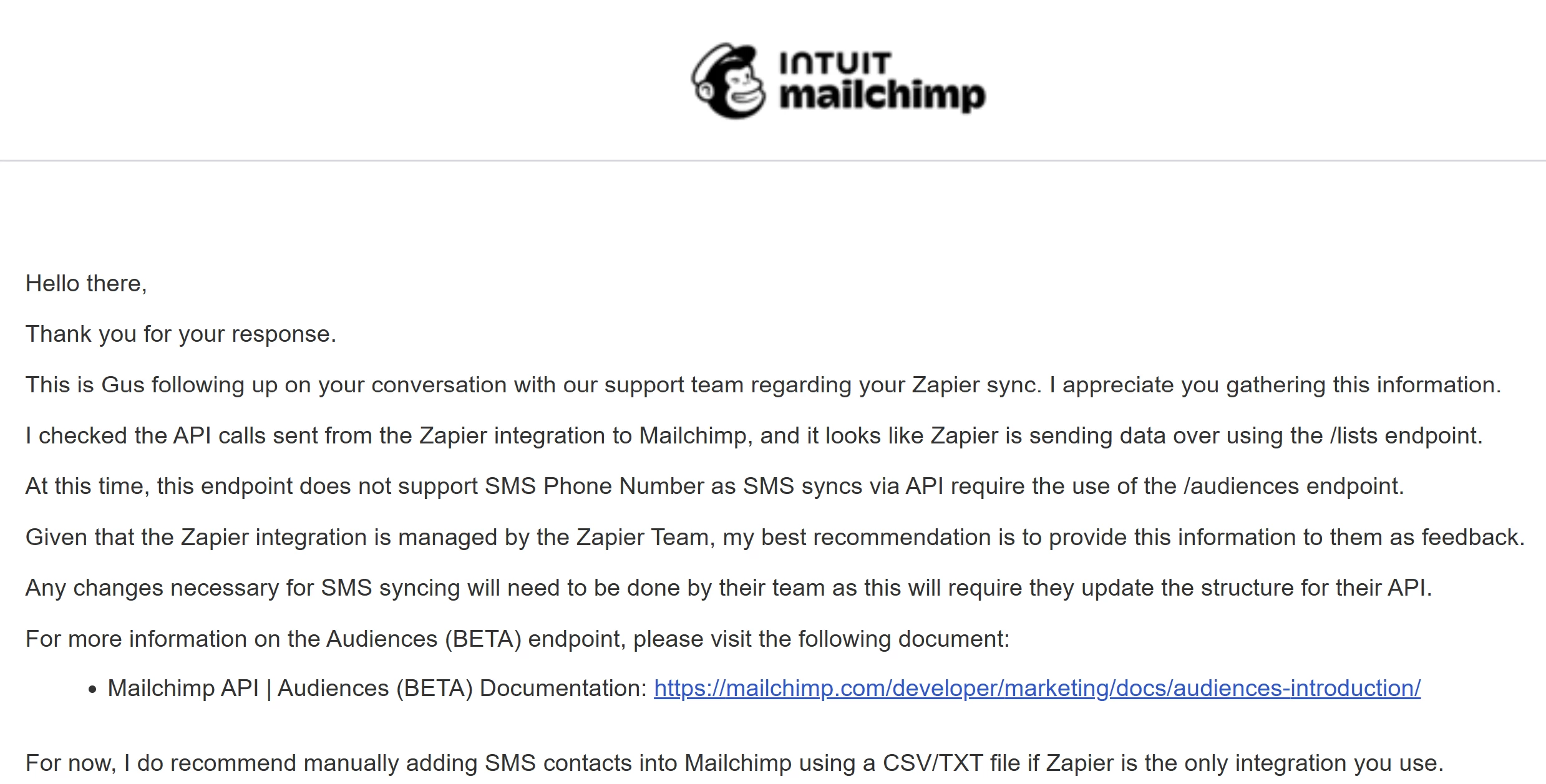
Yes, Mailchimp just confirmed that this is still a Zapier API issue. :( How can I place a ticket for Zapier to update its API?


Troy Tessalone
Zapier Orchestrator & Solution Partner
Forum|alt.badge.img+14
  • Zapier Orchestrator & Solution Partner
  • June 18, 2026

@ashland 

Zapier help: https://zapier.com/app/get-help


SamB
Community Manager
Forum|alt.badge.img+11
  • Community Manager
  • June 26, 2026

Hey there ​@ashland 👋

Seems like you were referencing the bug report that’s been discussed over here:

I see that bug report was since converted to a feature request though, and our Support team have added your vote to it. We can’t give any sort of ETA on when it might be implemented but we’ll definitely notify you by email as soon as it is. 

In the meantime, since its now available via their API you could try using an API Request (Mailchimp) action to update the SMS field via a Zap. Our API Request actions in Zapier guide gives general advice on how to use it, so you’d need to reference Mailchimp’s API documentation to make sure the request is set up correctly. 

If you give that a try and get stuck at all just let us know, want to make sure you’re all set! 🙂