Answer

Zapier not pulling records from Parseur correctly

  • November 22, 2024
  • 6 replies
  • 40 views

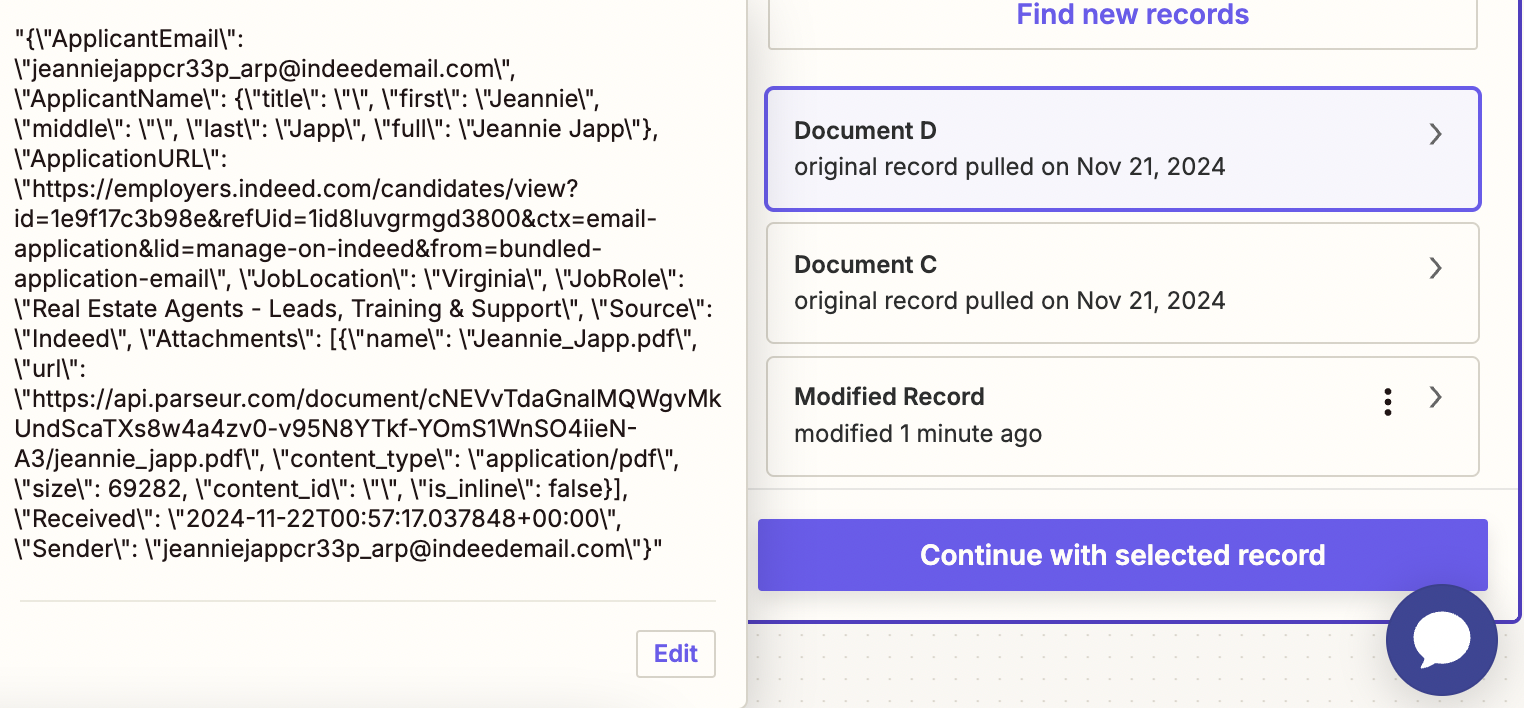
Anyone ever encounter this when trying to set-up a Zap from Parseur for job applications?

It should look like this image, just with the additional info added…. any thoughts?

 

Best answer by Sylvestre

Hi all,

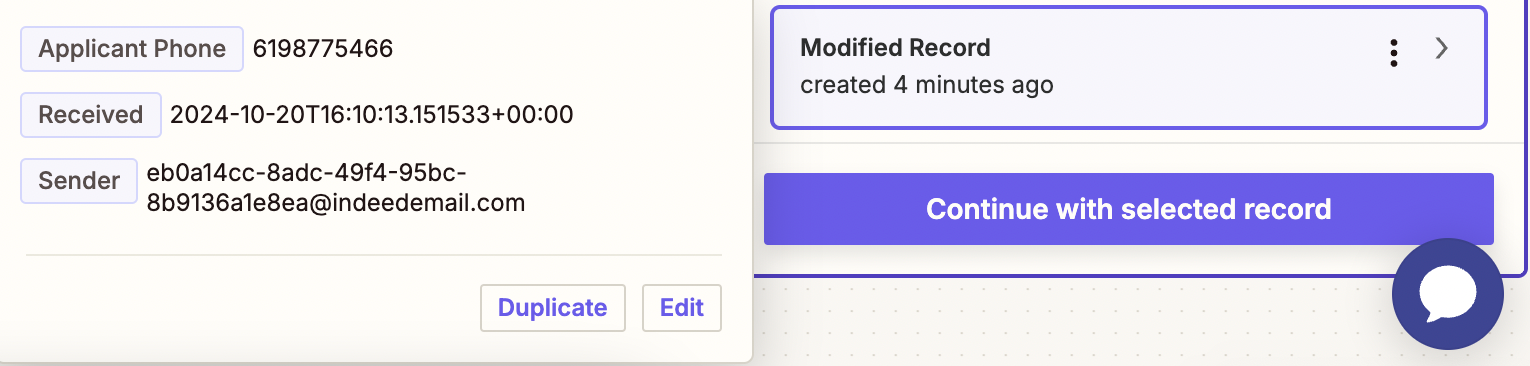
We’ve identified that the issue was actually on Parseur’s end, and it has now been resolved. To refresh the documents in your Zap, please click on “Find new records.”

We apologize for any inconvenience this may have caused and appreciate your understanding!

This post has been closed for comments. Please create a new post if you need help or have a question about this topic.

6 replies

ken.a
Forum|alt.badge.img+6
  • Zapier Staff
  • November 22, 2024

Hi there ​@Brokerage Growth,

Welcome to the Community! 🎉

Before we dig deeper into this, could you please try reconnecting your Parseur account to see if it’ll fix the sample data issue?

I'll be keeping an eye out for your response!


JammerS
Forum|alt.badge.img+6
  • Zapier Staff
  • November 25, 2024

Hi ​@Brokerage Growth,


We just wanted to see how everything is going with your Zap. "Did Ken’s idea work for the job?" If you need any assistance, feel free to reach out. 

We're happy to address any concerns and assist you.


Sylvestre
Forum|alt.badge.img
  • New
  • November 25, 2024

Hi there, 

This is Sylvestre from Parseur. When pulling a document in Zapier, the result field is a string, and you need to parse the JSON string to get the data. You can maybe do that with the Code app, but it’s probably not worth the hassle.

A better way to get the parsed data from your document is to setup a new Zap based on the New Document Processed trigger. This zap will be triggered instantly when the parsed data is ready and will contain the data ready to use in Zapier.

I hope this helps!


ken.a
Forum|alt.badge.img+6
  • Zapier Staff
  • November 25, 2024

Hi ​@Brokerage Growth,

It looks like ​@Sylvestre from Parseur has a suggestion regarding the issue that you’re running into. Have you had the time to follow their suggestion here?

I'll be keeping an eye out for your response!


Sylvestre
Forum|alt.badge.img
  • New
  • Answer
  • November 26, 2024

Hi all,

We’ve identified that the issue was actually on Parseur’s end, and it has now been resolved. To refresh the documents in your Zap, please click on “Find new records.”

We apologize for any inconvenience this may have caused and appreciate your understanding!


JammerS
Forum|alt.badge.img+6
  • Zapier Staff
  • November 27, 2024

Hi ​@Sylvestre,


Thank you for sharing the resolution that got the Zap running. This will significantly help our Community members to have as a reference for the same issue.