Question

Zapier not adding contact to Constant Contact

  • September 5, 2025
  • 4 replies
  • 33 views

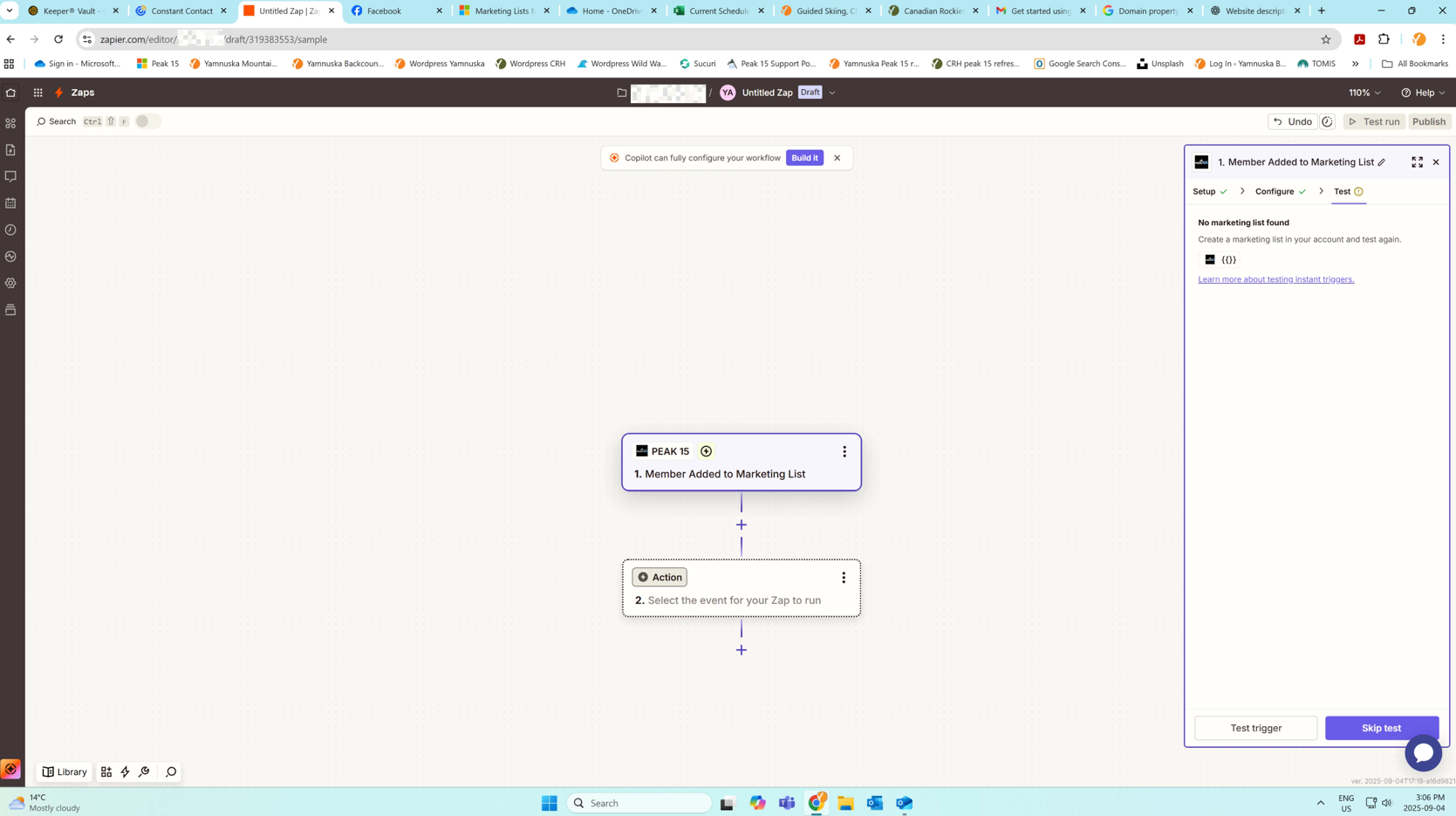
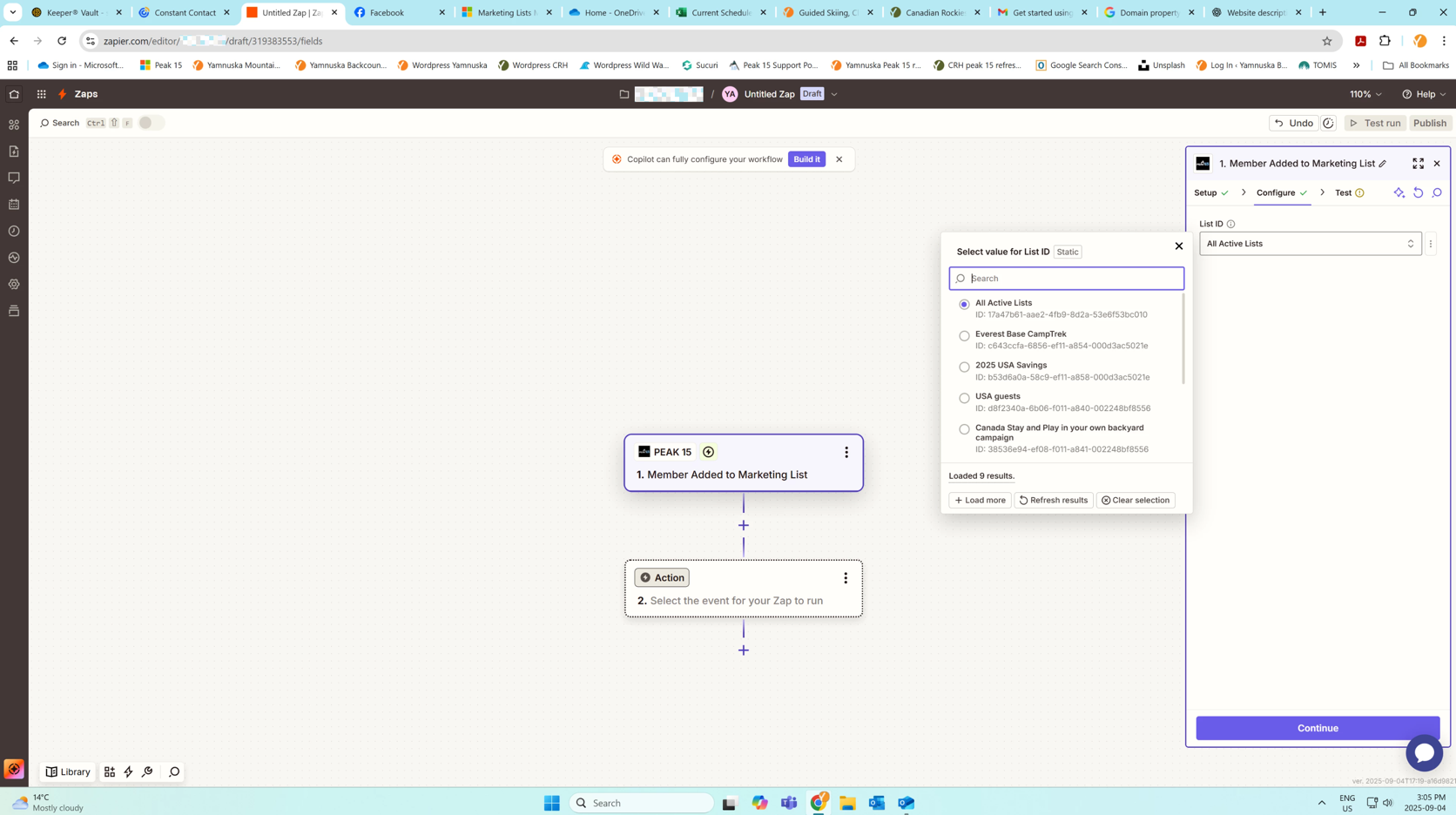
I have been trying to set up my first Zap to have contacts added from a marketing list in our reservation system/CRM (Peak 15 Systems) into a list in constant contact.  I have connected the apps and Zapier is able to see my marketing lists in the CRM when I am starting to build the zap but then I keep getting an error from Zapier saying I don’t have any marketing lists, even though during the setup it does detect the static lists. (see attached screenshots)

Does anyone have any suggestions.
This post has been edited by a moderator to remove potentially personally identifiable information (PII). Please remember that this is a public forum and avoid sharing personal or potentially sensitive details.


This post has been closed for comments. Please create a new post if you need help or have a question about this topic.

4 replies

Troy Tessalone
Zapier Orchestrator & Solution Partner
Forum|alt.badge.img+14
  • Zapier Orchestrator & Solution Partner
  • September 5, 2025

Hi ​@Yamnuska 

In the Zap trigger TEST tab, try clicking the [TEST TRIGGER] button.


  • Author
  • Beginner
  • September 8, 2025

I have run it through the test several times and using copilot to help and it says its fine when I am building it and then the test does not work as it says the list does not exist


Troy Tessalone
Zapier Orchestrator & Solution Partner
Forum|alt.badge.img+14
  • Zapier Orchestrator & Solution Partner
  • September 8, 2025

@Yamnuska 

Previous screenshots show you have not tested Zap trigger step 1.

Post screenshots showing the encountered error.


SamB
Community Manager
Forum|alt.badge.img+11
  • Community Manager
  • September 16, 2025

Hi there ​@Yamnuska 👋

How are things going with this? Did you manage to get a test record loaded in from Peak 15?

If not, can you try clicking the Skip test button and continue setting up the Zap using the default test record fields it provides.

Once you’ve done that, turn on the Zap and run a live test by adding a member to the relevant marketing list in Peak 15. That should trigger the Zap and allow you to check that it adds the contact into Constant Contact as expected.

Let us know how that goes, want to make sure this Zap gets up and running!