

I have a gravity form set up on my wordpress website, which sends 2 emails on submission: one to my admin email, and one to my zapier email parser inbox. The email always reaches my admin email, and previously always reached my zapier email parser inbox. However, as of a few days ago, despite my doing nothing at all to the forms or the zapier email parser settings, the zapier email parser inbox no longer receives emails from the gravity form. I have double checked that the email address of the inbox is correct; after all, it hasn't changed since the point in time when it was working. When I email the zapier inbox directly through my gmail account instead, it receives the email. And when I send the email meant for the zapier inbox to my admin email address instead, that also works. I’ve tried clearing my zapier inbox (it had 97 emails in it), but that didn’t solve the issue either. Any ideas on where to go from here?

Best answer
Zapier Email Parser suddenly stopped receiving emails from my website
- Beginner
Best answer by McDonald Hunter Gardens
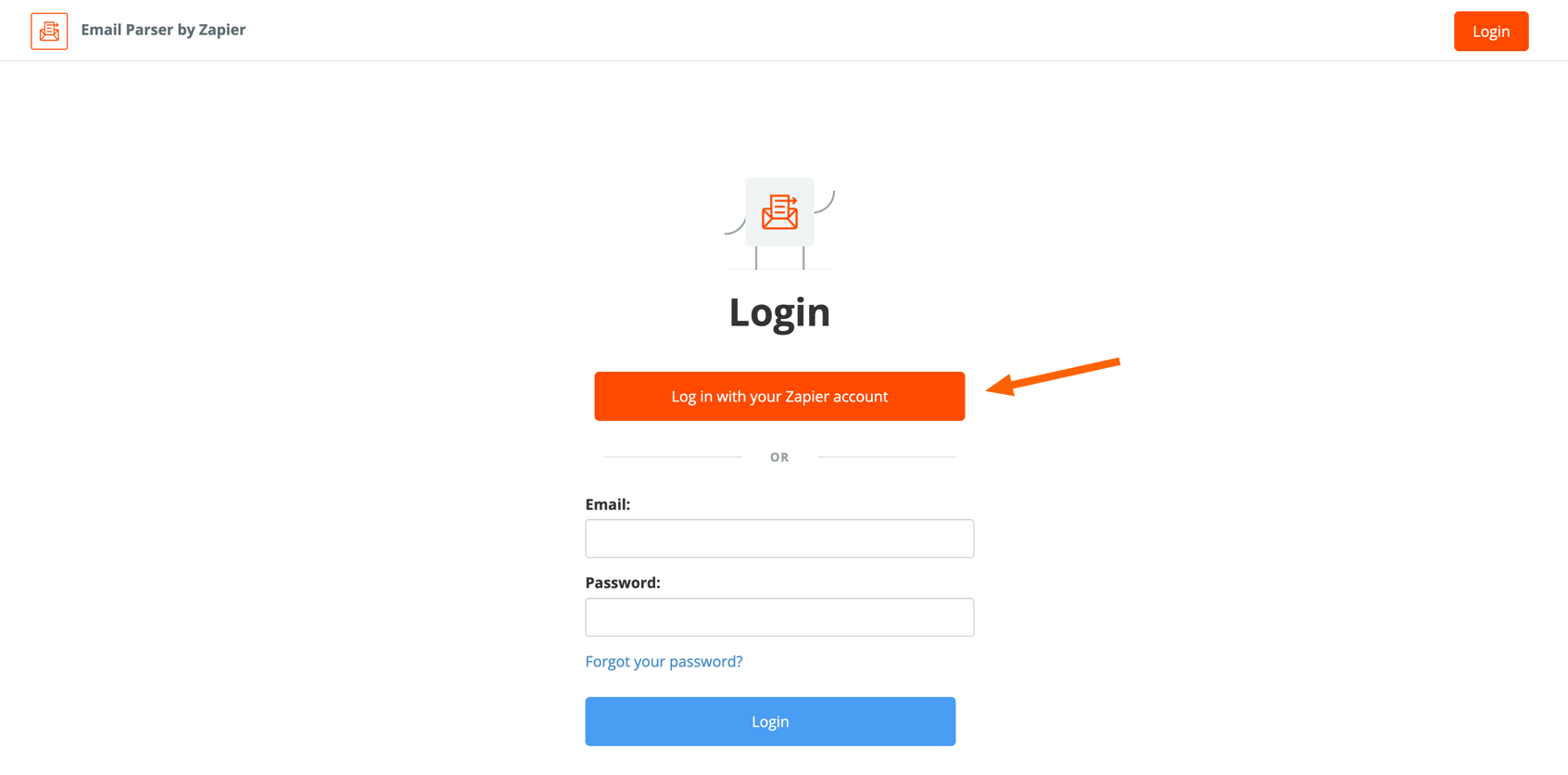
Thanks Sam. With your instructions I was able to log in, but the emails to the zapier email parser inbox were still very inconsistent. I ended up skipping the middleman completely - I’ve got the gravity form submission going straight to my job system without zapier. I’m happy with this solution, so we can leave it there. Thanks everyone for all the help.
This post has been closed for comments. Please create a new post if you need help or have a question about this topic.








Early access

Next Gen Zaps
Build and deploy automations from AI tools you already use. With Agentic Management, if anything breaks, the agent diagnoses the issue and proposes a fix.
Request access now
Enter your E-mail address. We'll send you an e-mail with instructions to reset your password.