
Question

Zap linking Jotform to Zoho Books fails due to date issue

  • August 30, 2024
  • 11 replies
  • 49 views

Resi

hi there! thanks for the help.

I have a zap linking Jotform to ZohoBooks.

When a booking form is filled in jotform, it creates a draft invoice in Zoho Books. or is it?


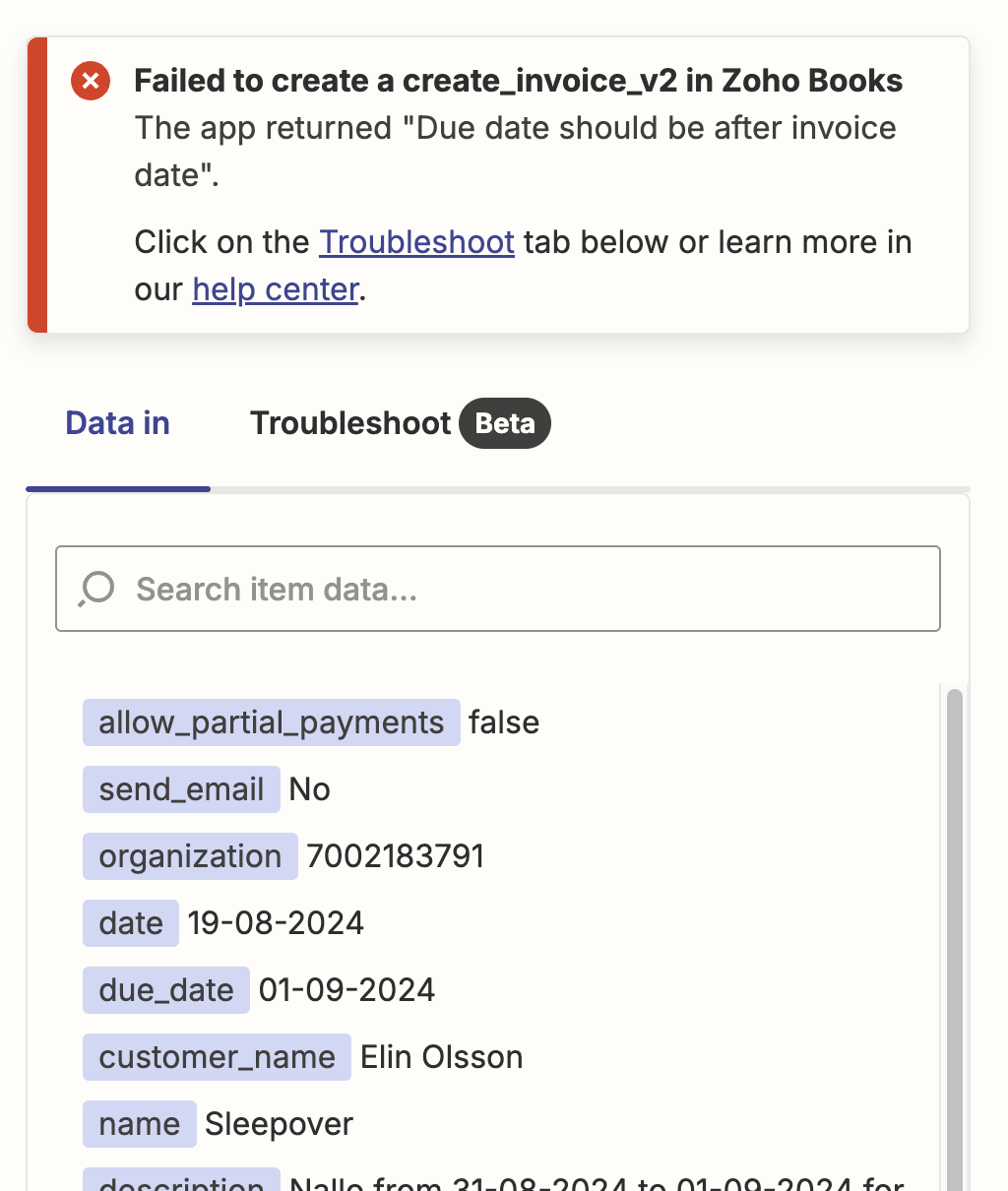
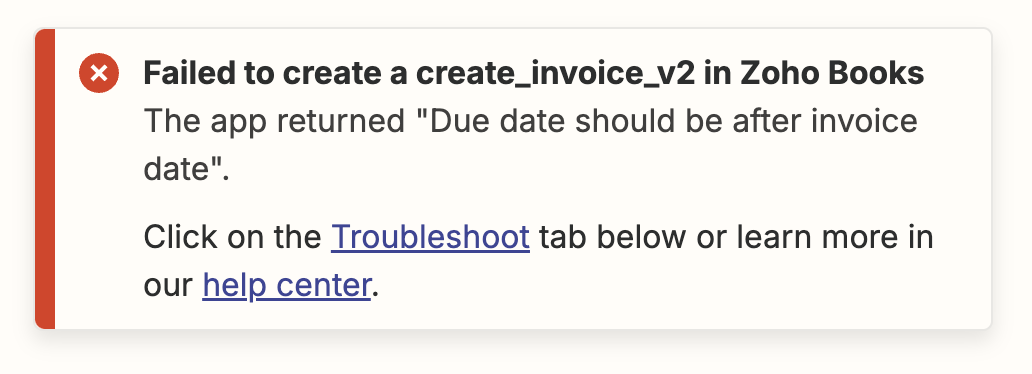
when i test the zap i get this error:
 

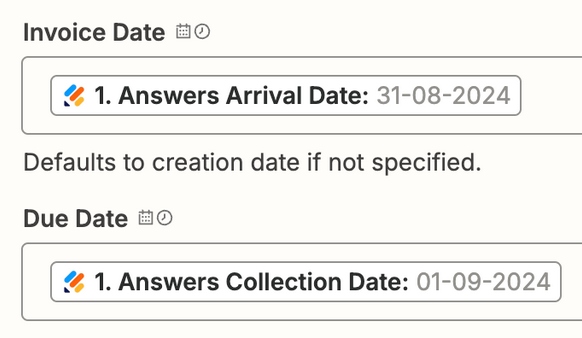
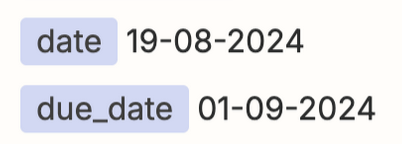
when I check the entires I see this:
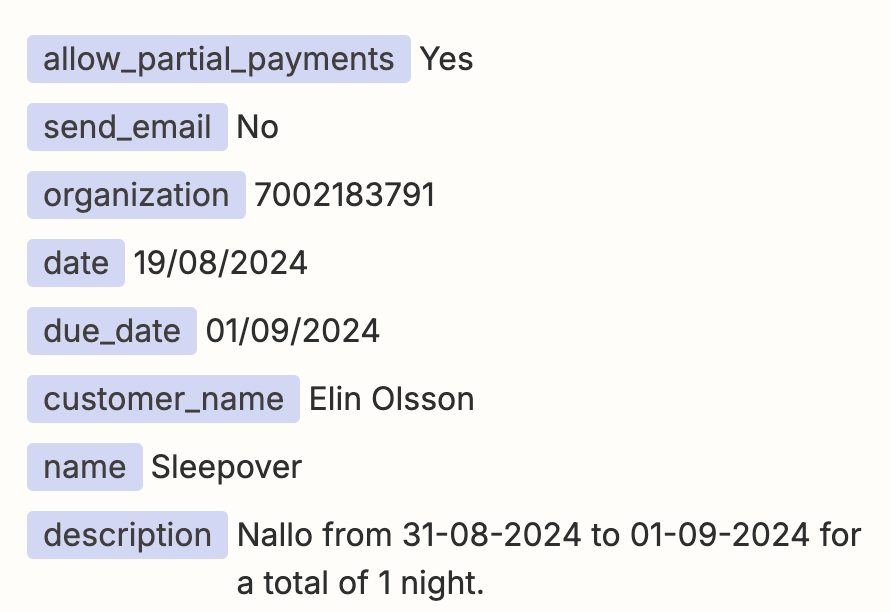
 

now, English ain’t my first language, but the due date is after the (creation) date.

why is the zap not working?

I have another form where this is working fine, but this form has always given me issues.

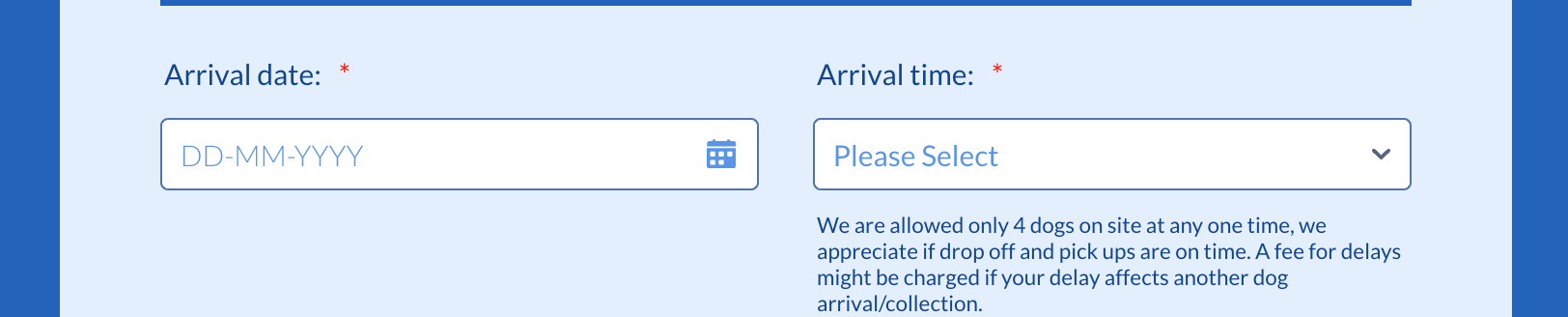
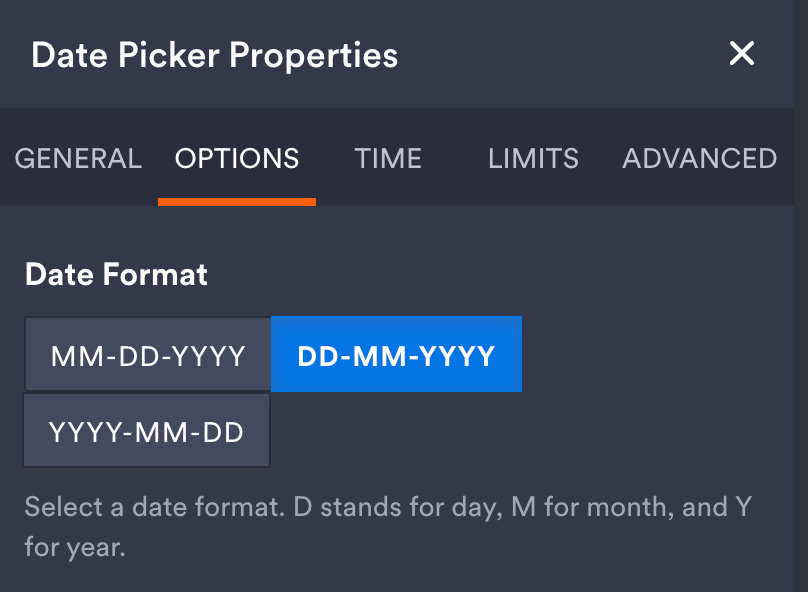
In Jotform, both entries are dd-mm-yyyy. 

thanks for reading, looking forward to your help. thanks, R

This post has been closed for comments. Please create a new post if you need help or have a question about this topic.

11 replies

Troy Tessalone
Zapier Orchestrator & Solution Partner
Forum|alt.badge.img+14
  • Zapier Orchestrator & Solution Partner
  • August 30, 2024

Hi @Resi 

You may need to use a Formatter > Date & Time > Format step to adjust the date formats to: YYYY-MM-DD


Resi
  • Author
  • Beginner
  • August 30, 2024

Thanks @Troy Tessalone  but that’s not an issue as even without any entry (date is not a required field) it gives the same for report. 
 

any other suggestion?

thanks, R


Troy Tessalone
Zapier Orchestrator & Solution Partner
Forum|alt.badge.img+14
  • Zapier Orchestrator & Solution Partner
  • August 30, 2024

@Resi

For us to have more info, post screenshots showing how your Zap steps are outlined and configured in EDIT mode.


Most apps use this standardized date format: YYYY-MM-DD


Resi
  • Author
  • Beginner
  • August 30, 2024

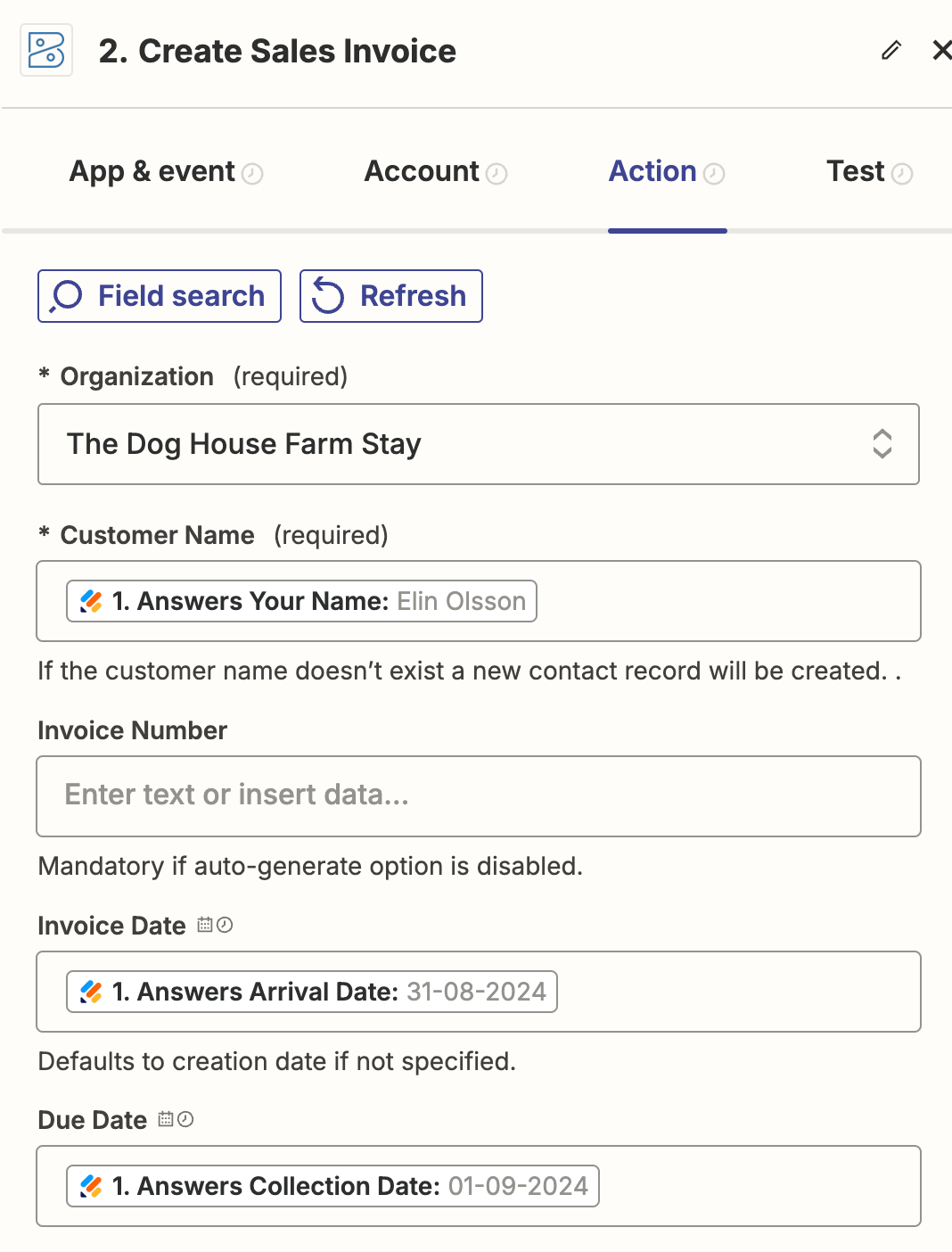
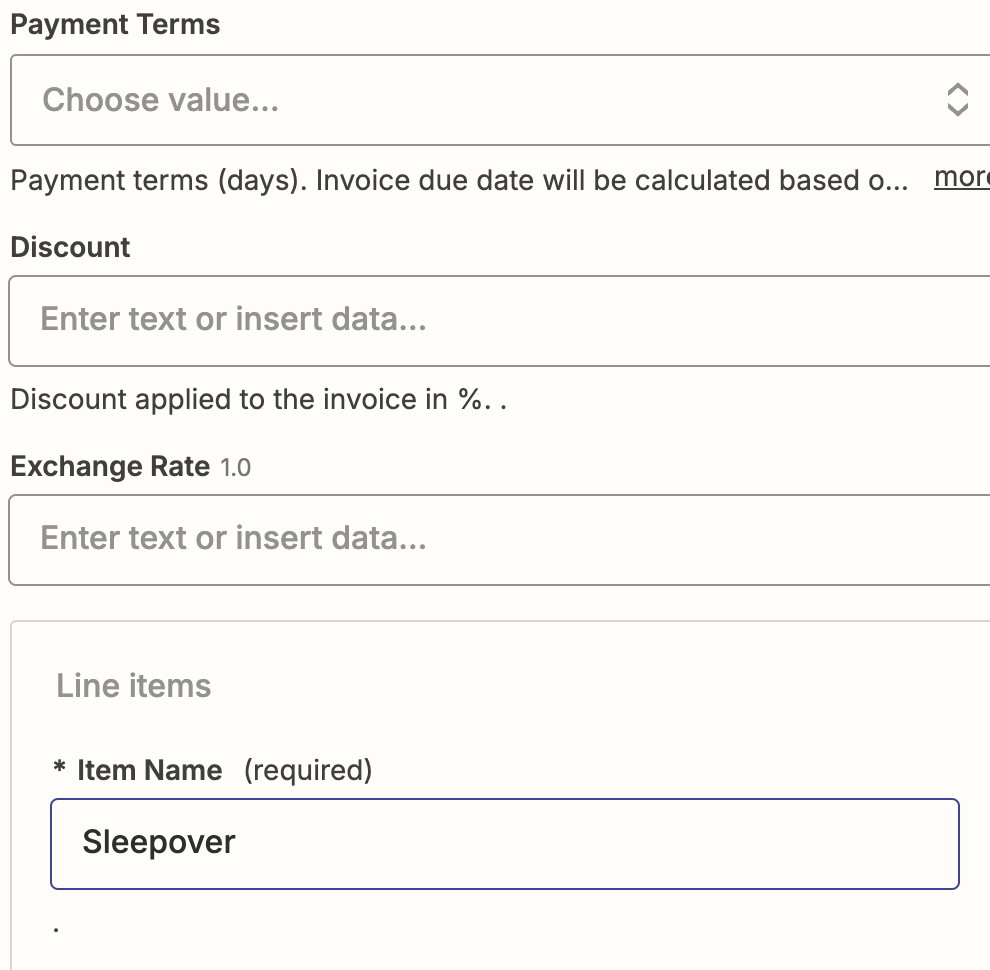
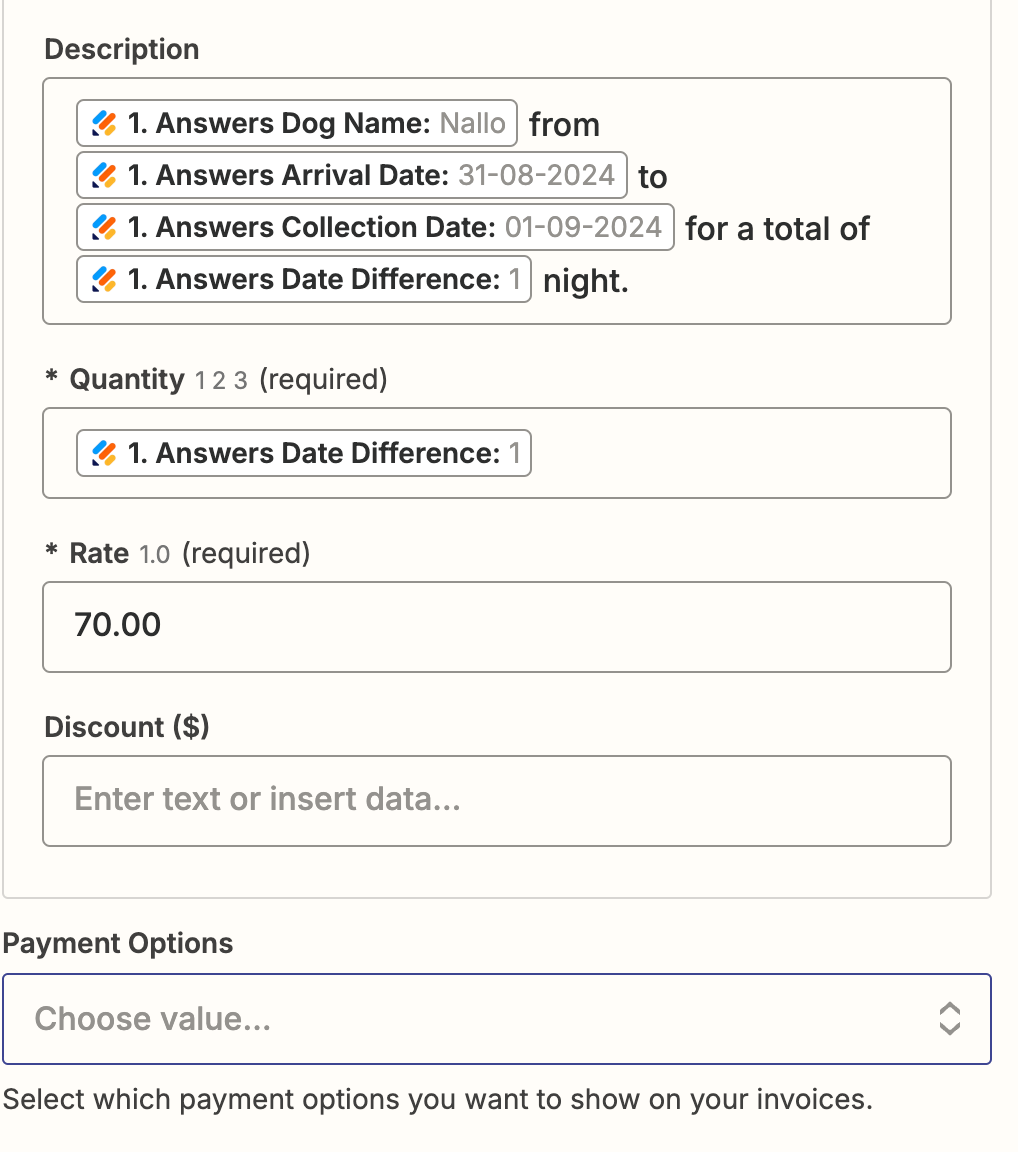
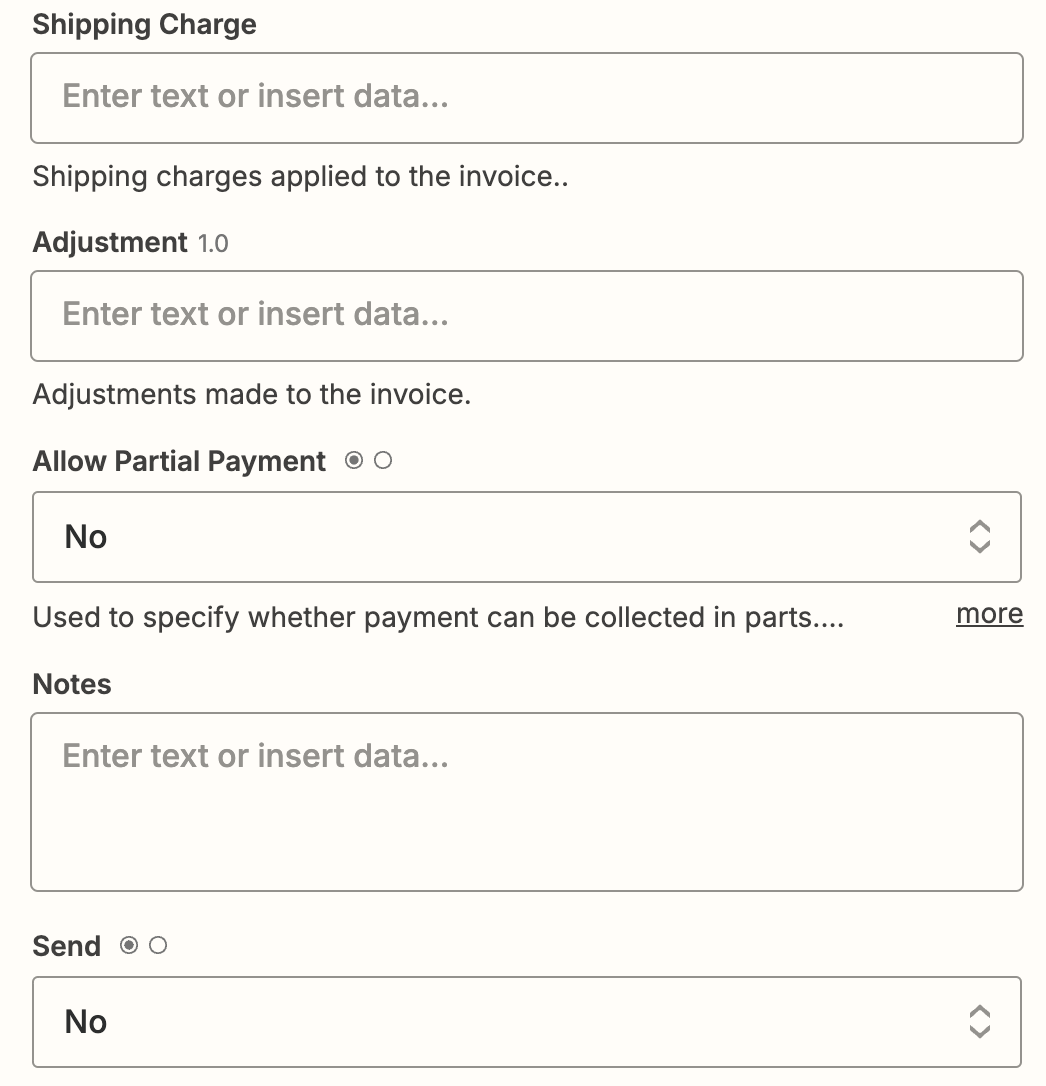
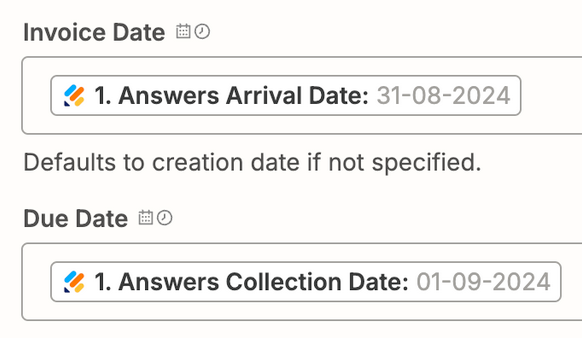
here are the steps - HOWEVER, my other zaps work fine without changing the dates format so I feel this is a Zapier issue and not a Jotform issue.

NOTE: IF I change the Invoice date to EMPTY or actual creation date (when form is filled) or arrival date - ALL give the same error.


here is also the Jotform module deets:


thanks for all the help @Troy Tessalone !


Troy Tessalone
Zapier Orchestrator & Solution Partner
Forum|alt.badge.img+14
  • Zapier Orchestrator & Solution Partner
  • August 30, 2024

@Resi 

Zoho likely expects a date in this format: YYYY-MM-DD

Add 2 of these Zap actions: Formatter > Date & Time > Format

  • From DD-MM-YYYY to YYYY-MM-DD

Then map the output from the Formatter steps to the Zoho Date fields.


Resi
  • Author
  • Beginner
  • August 30, 2024

I don’t understand this as the collection date is in the same format and inputed correctly. It is just the arrival date that is the issue.


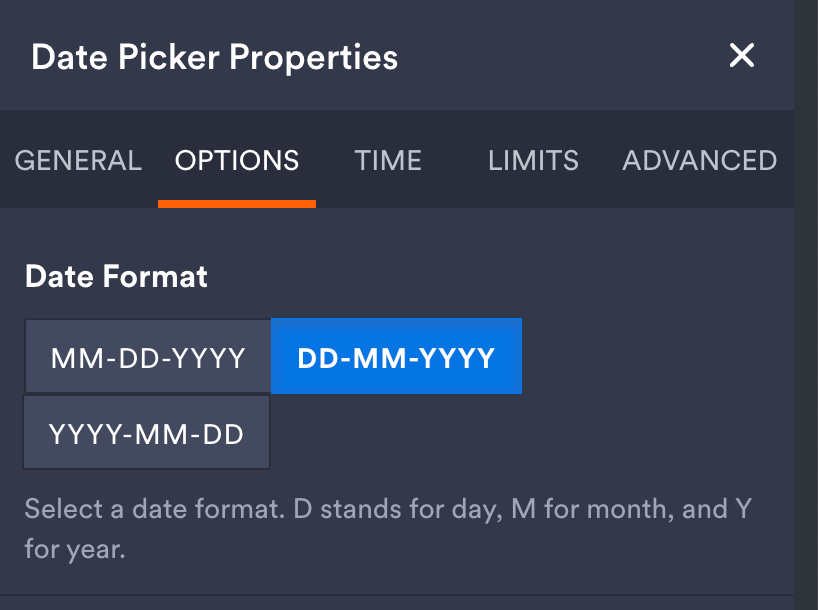
this is the collection date Jotform block deets:


exactly the same as the arrival date.


Troy Tessalone
Zapier Orchestrator & Solution Partner
Forum|alt.badge.img+14
  • Zapier Orchestrator & Solution Partner
  • August 30, 2024

@Resi 

If Jotform is outputting date values in this format: DD-MM-YYYY

AND

If Zoho expects a date value in a standardized format: YYYY-MM-DD

THEN

Use a Formatter > Date & Time > Format to convert the Jotform Date values from DD-MM-YYYY to YYYY-MM-DD.

NOTE: Make sure to do this for BOTH Date fields:

  • Invoice Date
  • Due Date


When in doubt, test it out.


Resi
  • Author
  • Beginner
  • August 30, 2024

I Just did that and:


Resi
  • Author
  • Beginner
  • August 30, 2024

need to pop out, I will be checking in after lunch  - thanks for your help! R


Troy Tessalone
Zapier Orchestrator & Solution Partner
Forum|alt.badge.img+14
  • Zapier Orchestrator & Solution Partner
  • August 30, 2024

Troy Tessalone
Zapier Orchestrator & Solution Partner
Forum|alt.badge.img+14
  • Zapier Orchestrator & Solution Partner
  • August 30, 2024

@Resi 

Your DATA IN still shows the wrong date format: MM-DD-YYYY

Expected date format: YYYY-MM-DD


These fields should have variables mapped from 2 different Formatter steps.