Question

WooCommerce to LearnWorlds Zap working when testing but not in live environment

  • January 12, 2026
  • 8 replies
  • 28 views

Hi, i need assistance with why my zaps works when i test but does not in a live environment. I had them for more that a year and they where working fine, just recently they stop working even though the are active.

In an ideal environment: The student would purchase their course via WooCommerce and complete the checkout process. What then needs to take place is the zap to grant the student access to the course (I use WordPress & WooComerce for the front-end with LearnWorlds as the LMS - both connected via LearnWorlds SSO).

Any ideas what could be the issues?


Thanx in advance

8 replies

Sparsh from Automation Jinn
Forum|alt.badge.img+6

Hey ​@LuckyM,

I think if it was working before and now it’s not working then the trigger data might have changed. So you may want to edit it again to find any issues in mapping. Please post screenshots of Data In, Data Out as well as how each Zap step is configured for us to have more context.

For live Zaps, see the Zap history page- https://zapier.com/app/history to spot any issues there. Hope it helps!

PS: If you need more active help, I’m happy to connect through my Zapier Solution Partner page if you’d like to reach out here- https://zapier.com/partnerdirectory/automation-jinn


  • Author
  • New
  • January 13, 2026

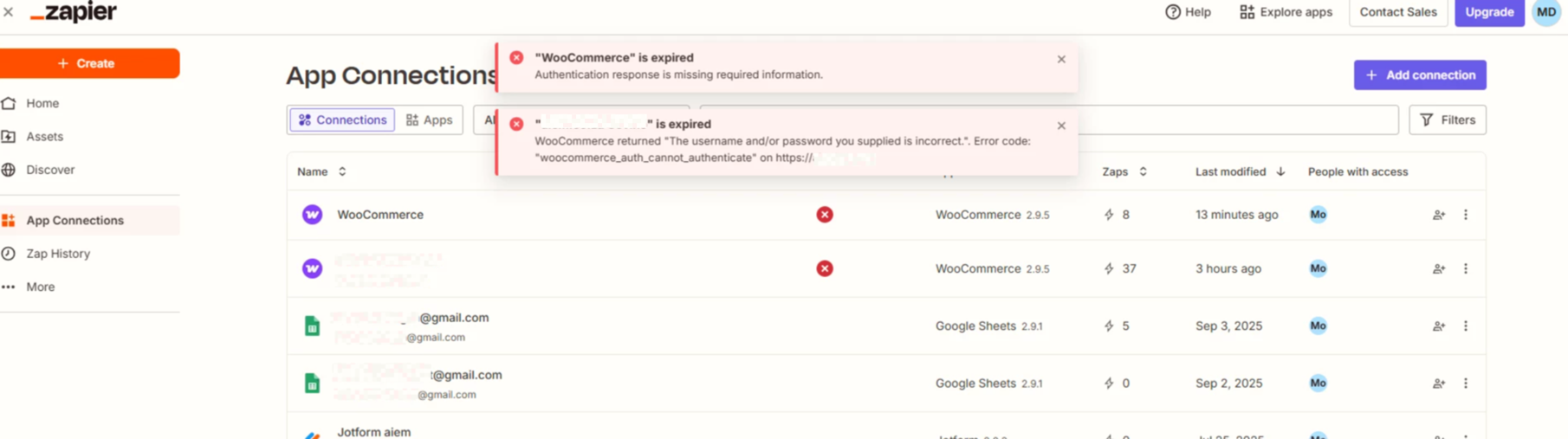
Hi ​@Sparsh from Automation Jinn , thank you for the response. i have included the screenshot as requested.

The focus is on the two WooCommerce connection, the top one is new and is meant to replace the bottom connection. It too keep disconnection when ever i test the connection.

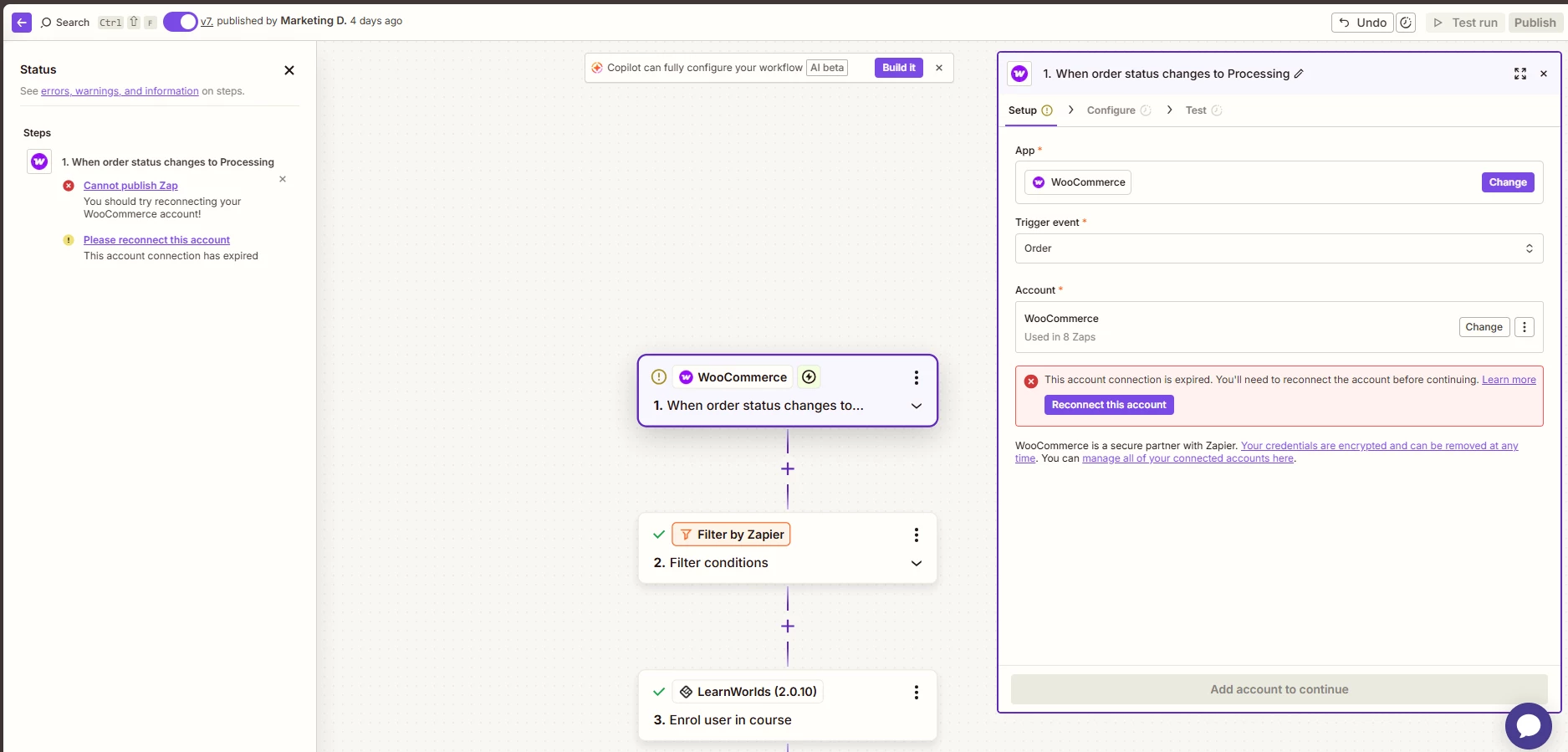
I went and rechecked my zaps and re configured them and still the same issues persists.

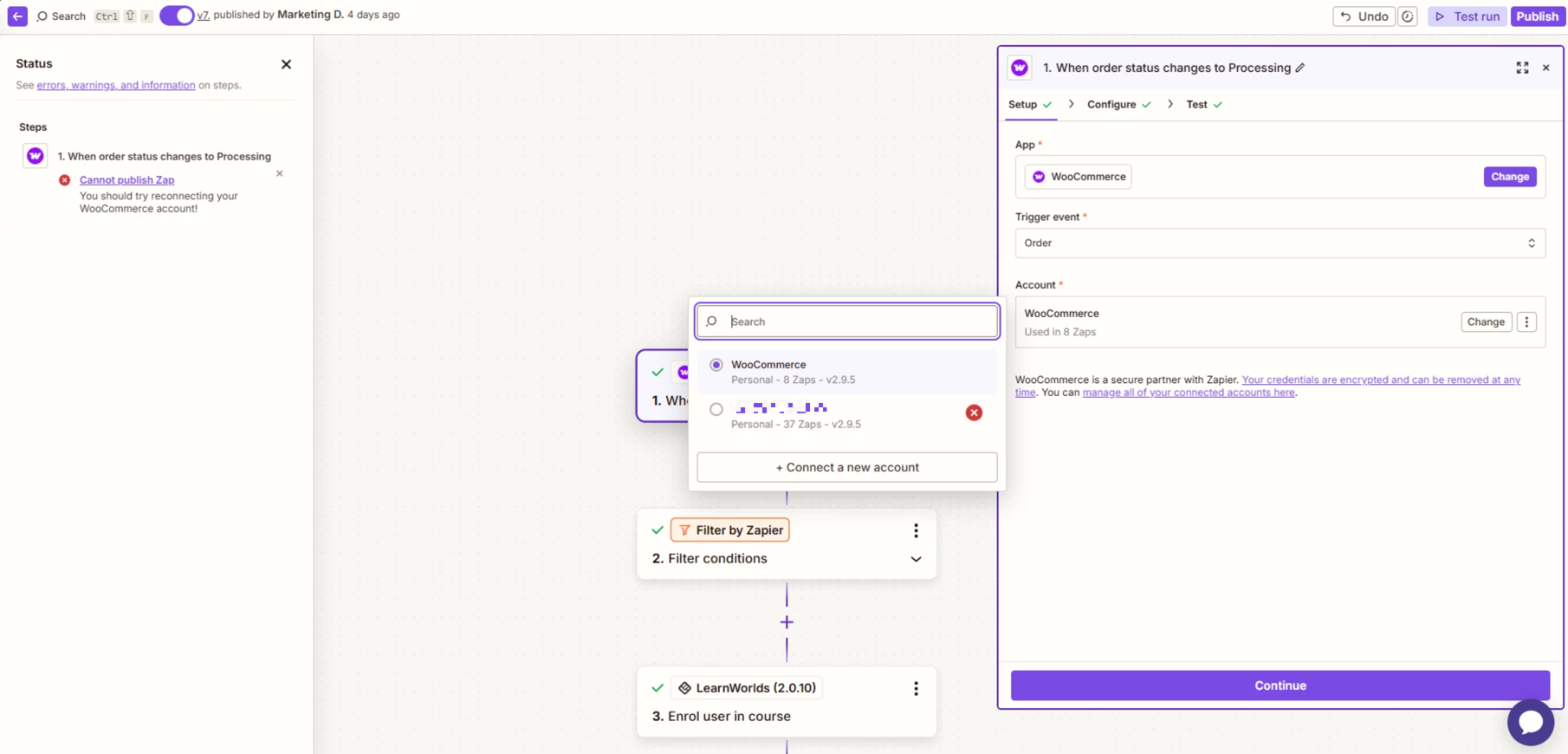
soon after the above i re selected the connection as seen below:

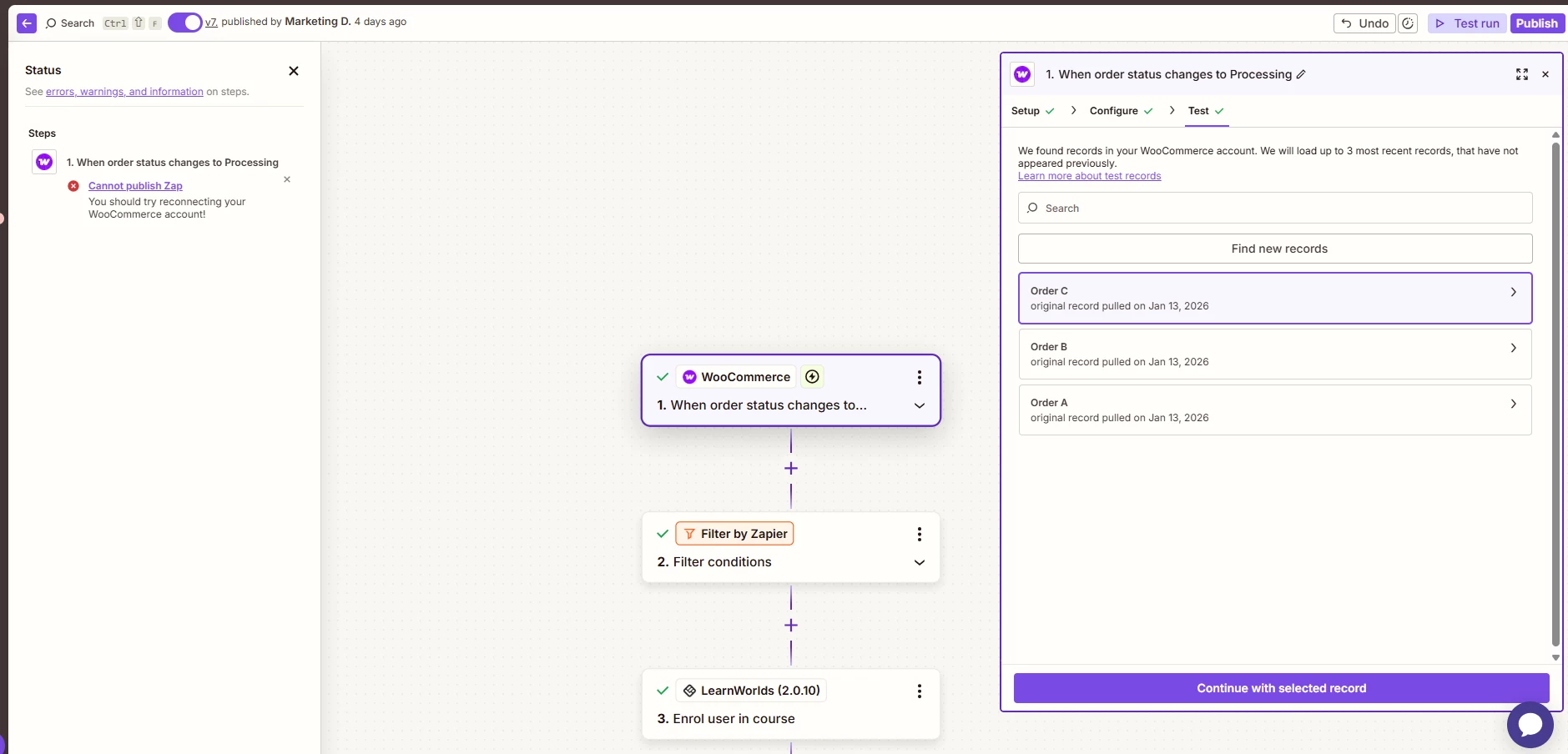
continued to the testing page and it connected.

This post has been edited by a moderator to remove personally identifiable information (PII). Please remember that this is a public forum and avoid sharing personal or potentially sensitive details.


Sparsh from Automation Jinn
Forum|alt.badge.img+6

Hey ​@LuckyM,

Your connection is expired and you have to reconnect it again. Please make sure the username and password is correct while connecting it and that you login with a administrator account with administrator role permissions. The error says that username and/or password is incorrect.

Also, you do need the Woocommerce Zapier paid integration. Check if the plan is still active for the integration. See more about it here- https://woocommerce.com/products/woocommerce-zapier/. Here is also a helpful article about connecting Woocommerce in Zapier- https://help.zapier.com/hc/en-us/articles/8495989524621-How-to-get-started-with-WooCommerce-on-Zapier. Hope it helps!


  • Author
  • New
  • January 13, 2026

Hi ​@Sparsh from Automation Jinn, i had the new connection created with the correct information as per the direction from:

Also i have the paid version of the plugin, see the image below:


  • Author
  • New
  • January 13, 2026

Hi ​@Sparsh from Automation Jinn here is a small video link to illustrate my issues: https://www.awesomescreenshot.com/video/48309550?key=aee6b2b079db8c2d97cd23c55ce872a8


Sparsh from Automation Jinn
Forum|alt.badge.img+6

Hey ​@LuckyM,

Do you also have the admin account?

Another issue could be that your security plugins and firewalls can interfere with authentication and API communication, causing compatibility issues.

Once you fix this, creating an entirely new connection by clicking on add a connection rather than reconnecting. Hope it helps!


  • Author
  • New
  • January 13, 2026

Hi ​@Sparsh from Automation Jinn, Yes my account is Admin level. I have not changed any setting with regards to the security plugins and firewall thus far. will try reset them and see.


  • Author
  • New
  • January 13, 2026

Hi @Sparsh from Automation Jinn, i went ahead and disabled the security plugin, cleaved my cache and tried to reconnect. Still no luck - in-fact now the connection seem to be taking longer  - No indication as to is it failing or connecting.