Question

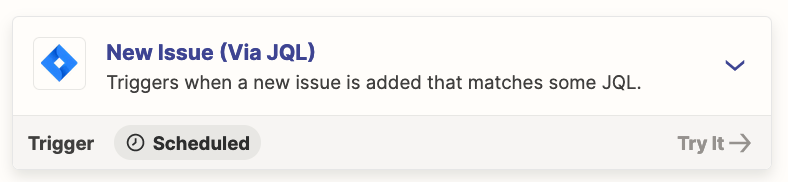
Why my 1. "New Issue (Via JQL)" Trigger is not running

  • November 29, 2023
  • 4 replies
  • 49 views

I created this Zap to sync my Jira assignments with my Google Tasks, and everything looks to be fine, but there’s no runs history, 

I copied the JQLL query from Jira where it showed data without any errors.
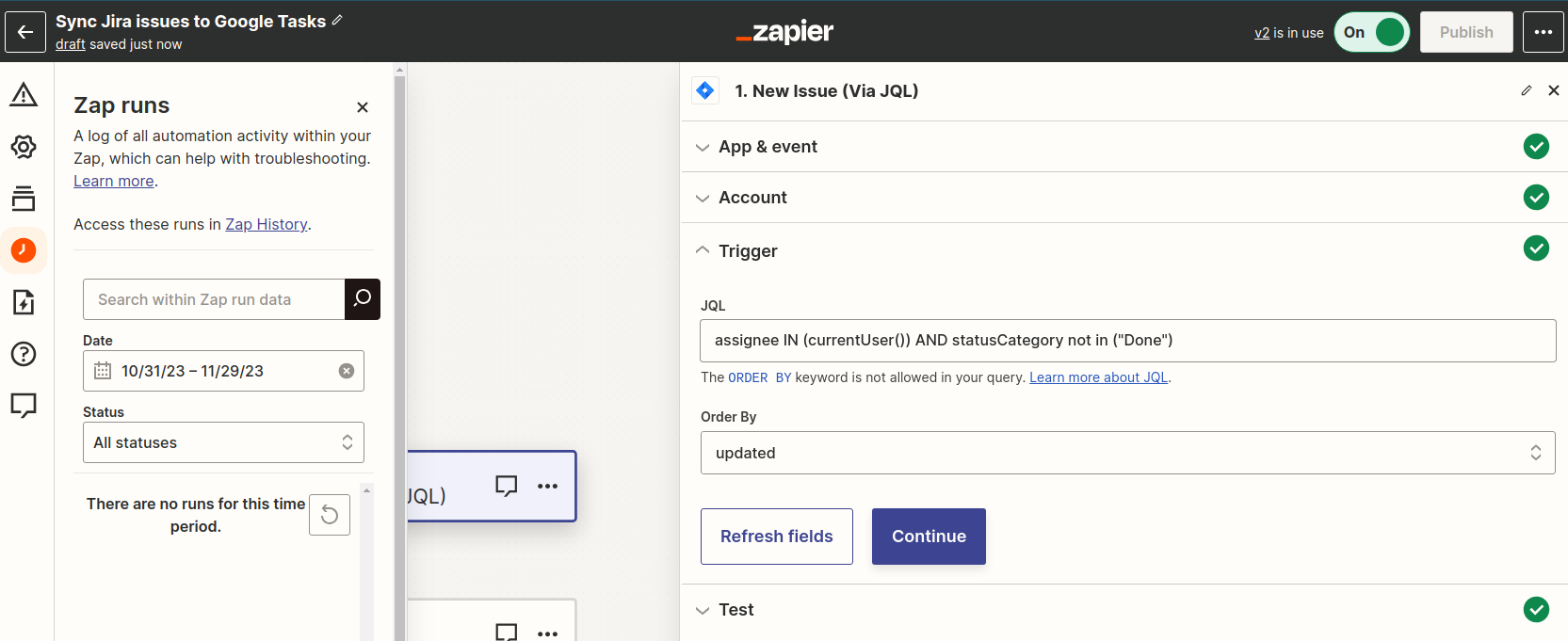
 

Polling interval is set at 2

I tried turning the Zap on and off several times and rebuilding the connection, without success, the Action related is not showing errors.


Anybody has an idea about what can be holding it?

This post has been closed for comments. Please create a new post if you need help or have a question about this topic.

4 replies

Troy Tessalone
Zapier Orchestrator & Solution Partner
Forum|alt.badge.img+14
  • Zapier Orchestrator & Solution Partner
  • November 29, 2023

Hi @FelipeB 

Good question.

Have there been new issues in Jira that match the trigger conditions?

Zaps work while turned ON for new data going forward.


  • Author
  • New
  • November 30, 2023

Thanks, it makes sense. But I’m wandering if there’s a way to sync the existing assignments using the same trigger (I have a few dozens of tasks I would like to migrate)


Troy Tessalone
Zapier Orchestrator & Solution Partner
Forum|alt.badge.img+14
  • Zapier Orchestrator & Solution Partner
  • November 30, 2023

@FelipeB 

Existing data would have to match the Zap trigger conditions to fire the Zap.


Troy Tessalone
Zapier Orchestrator & Solution Partner
Forum|alt.badge.img+14
  • Zapier Orchestrator & Solution Partner
  • November 30, 2023

@FelipeB 

To clarify, the Zap trigger is only for New Issues that match the conditions.

So if you add a new issue then change a value which matches the trigger conditions it won’t fire the Zap, because that would be considered an UPDATED Issue.