Question

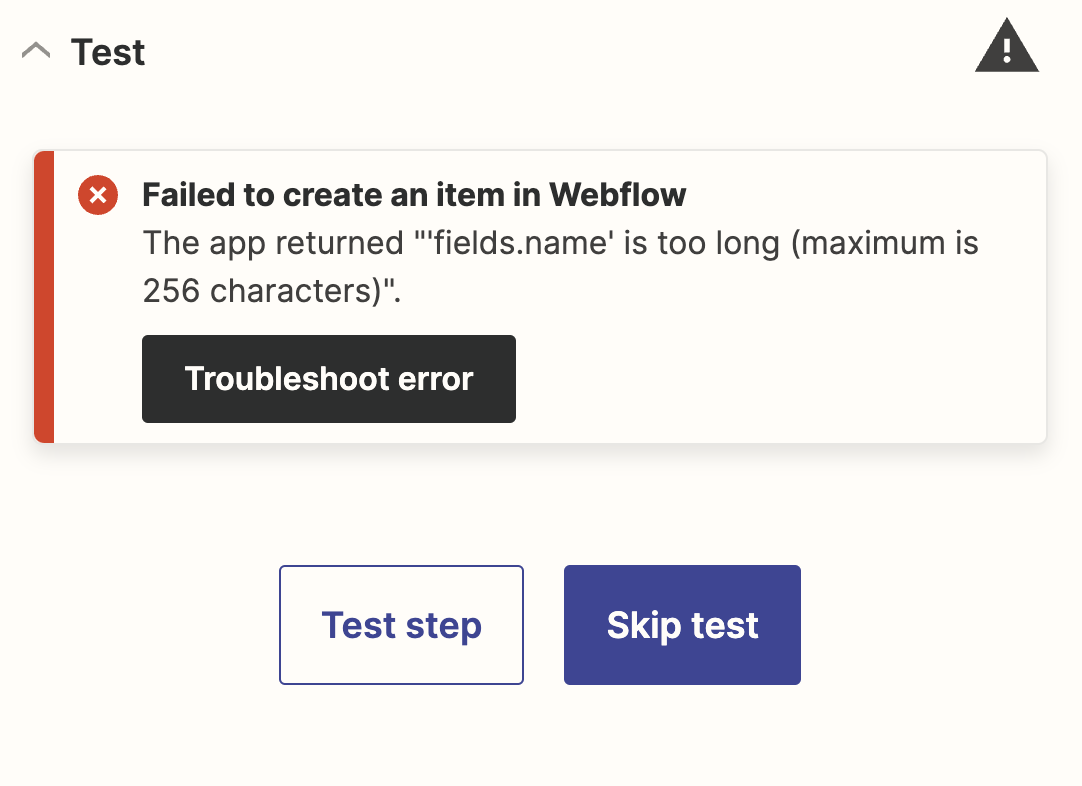
Webflow: The app returned "'fields.name' is too long (maximum is 256 characters)".

  • January 8, 2024
  • 17 replies
  • 130 views

Forum|alt.badge.img

Hi i am getting similar error Message by using Instagram->Webflow.

Troy is giving an answer but on his screenshot there are no settings i am stuck and dont get it to work. Somebody found a different solution or can provide the appropriate settings?


 

This post has been closed for comments. Please create a new post if you need help or have a question about this topic.

17 replies

Troy Tessalone
Zapier Orchestrator & Solution Partner
Forum|alt.badge.img+14
  • Zapier Orchestrator & Solution Partner
  • January 8, 2024

Hi @verex 

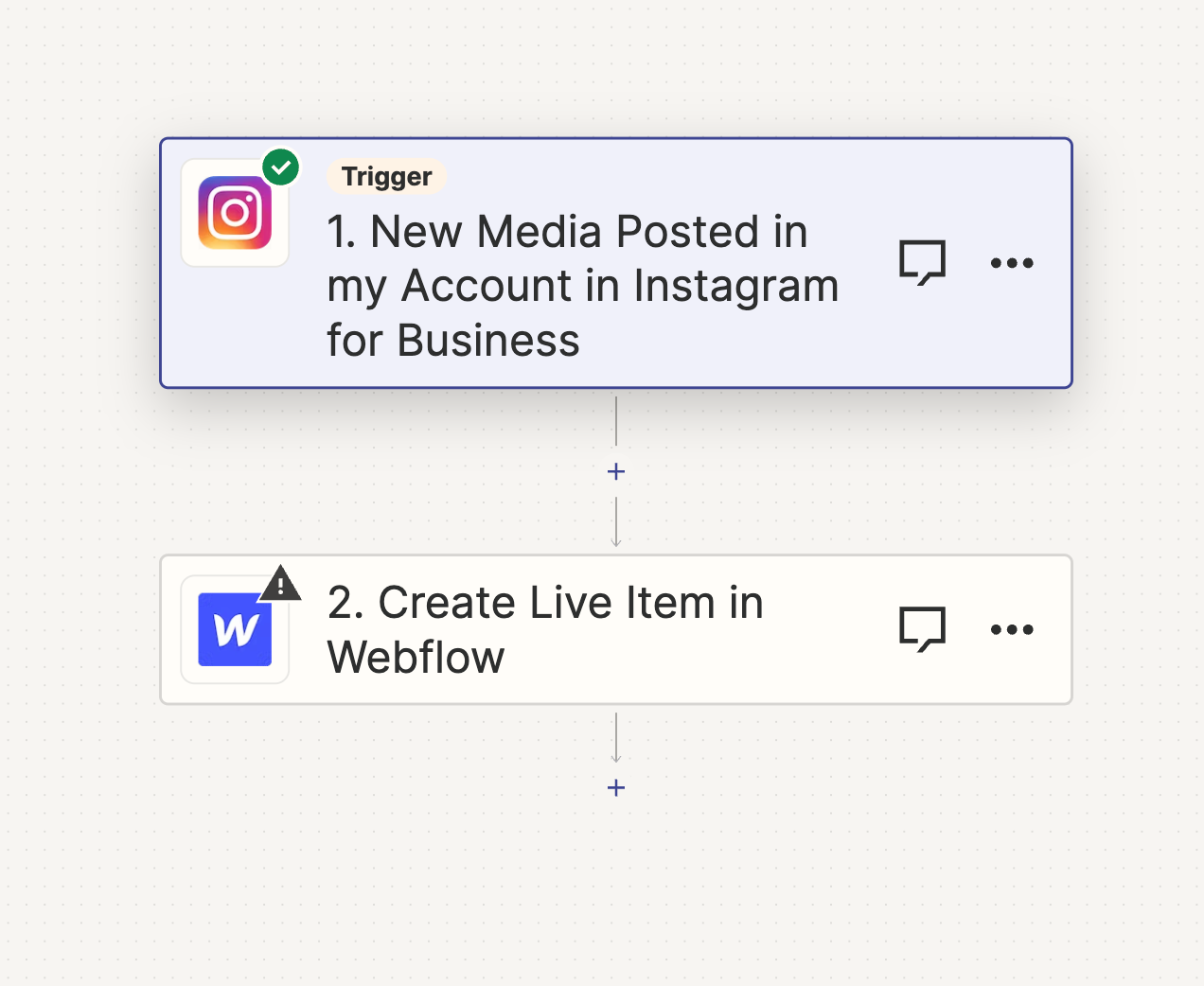
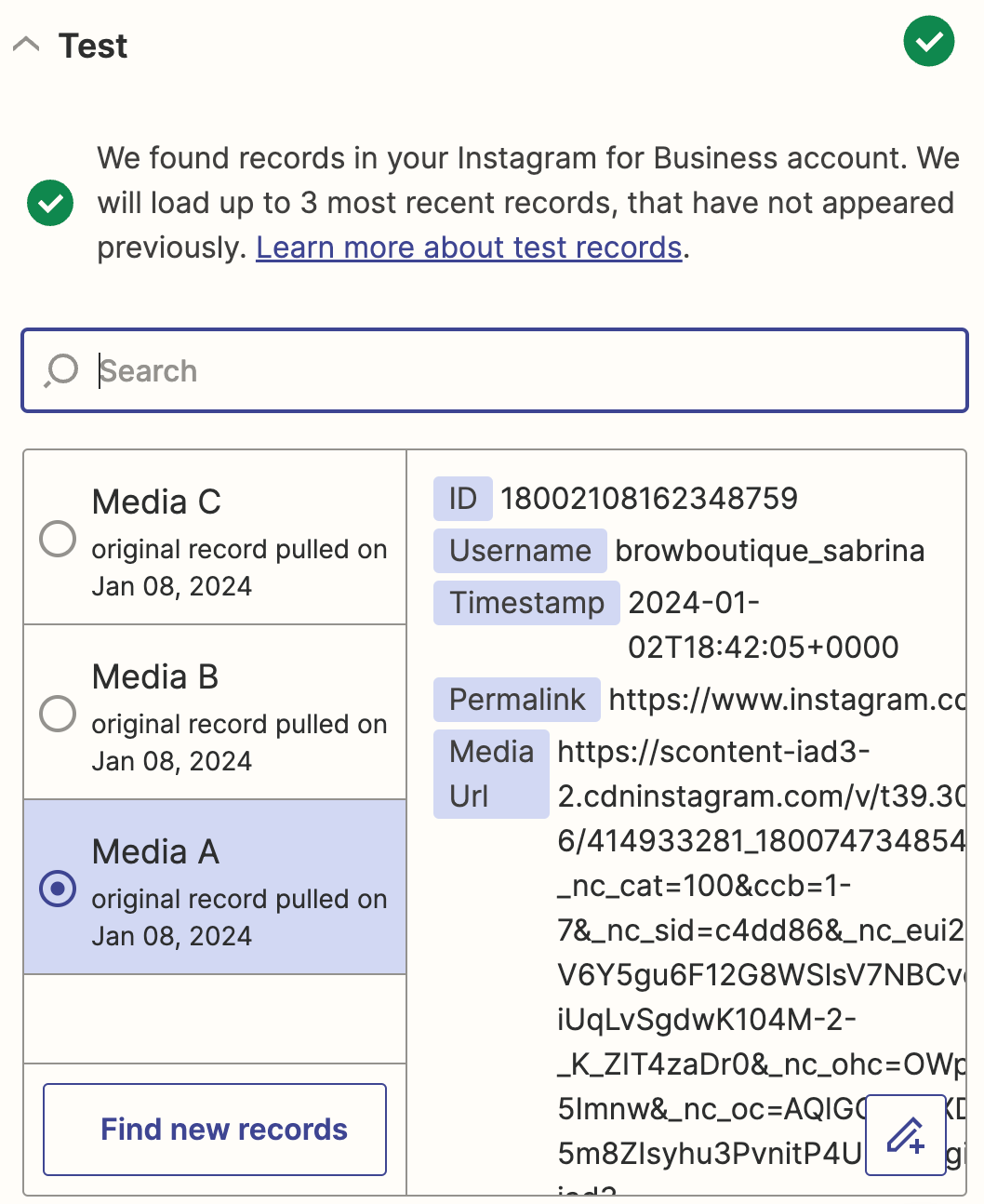
Please post detailed screenshots with how your Zap steps are outlined and configured along with the encountered error to help us have context.


Forum|alt.badge.img
  • Author
  • Beginner
  • January 9, 2024

Hi @verex 

Please post detailed screenshots with how your Zap steps are outlined and configured along with the encountered error to help us have context.


Troy Tessalone
Zapier Orchestrator & Solution Partner
Forum|alt.badge.img+14
  • Zapier Orchestrator & Solution Partner
  • January 9, 2024

@verex 

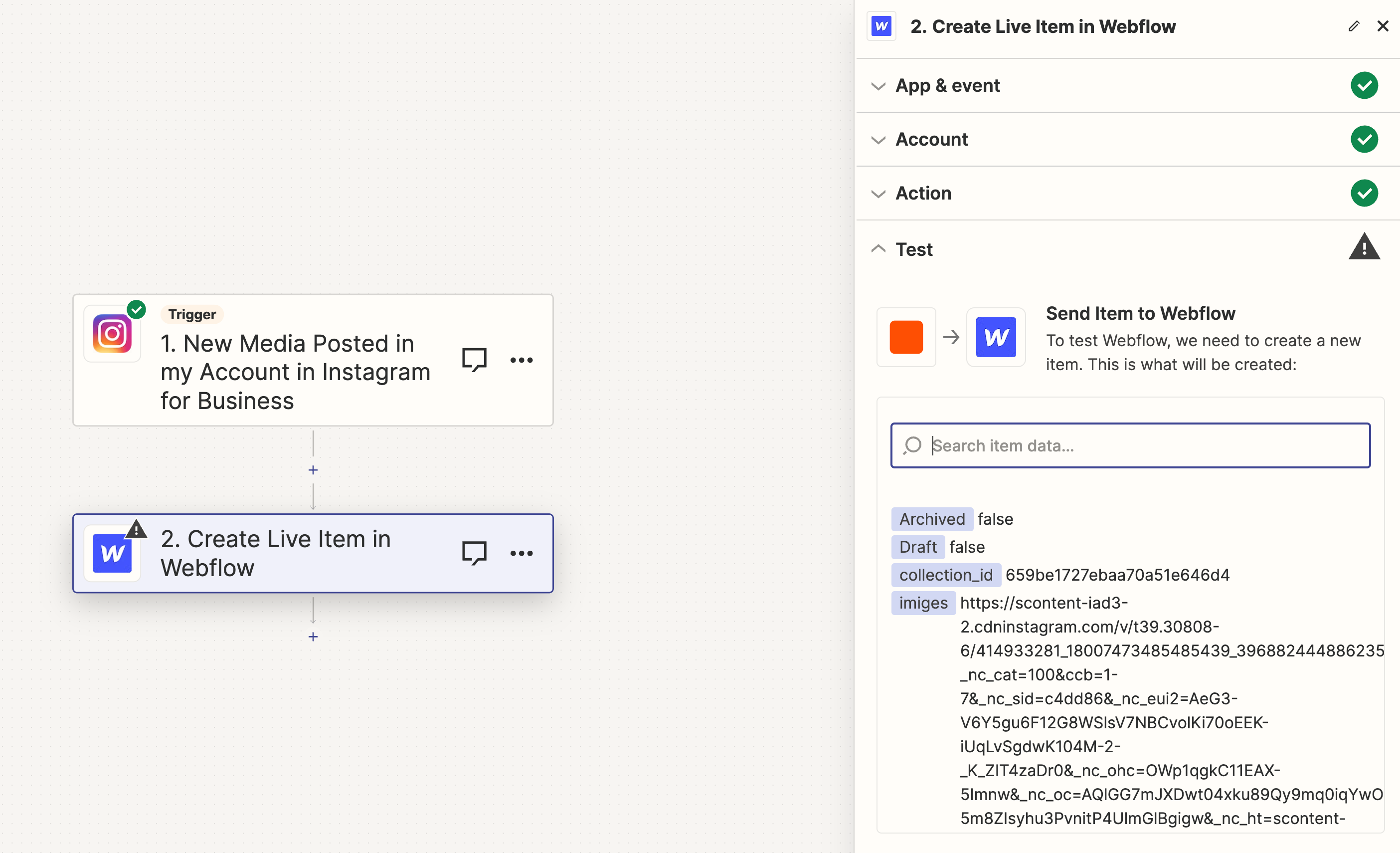
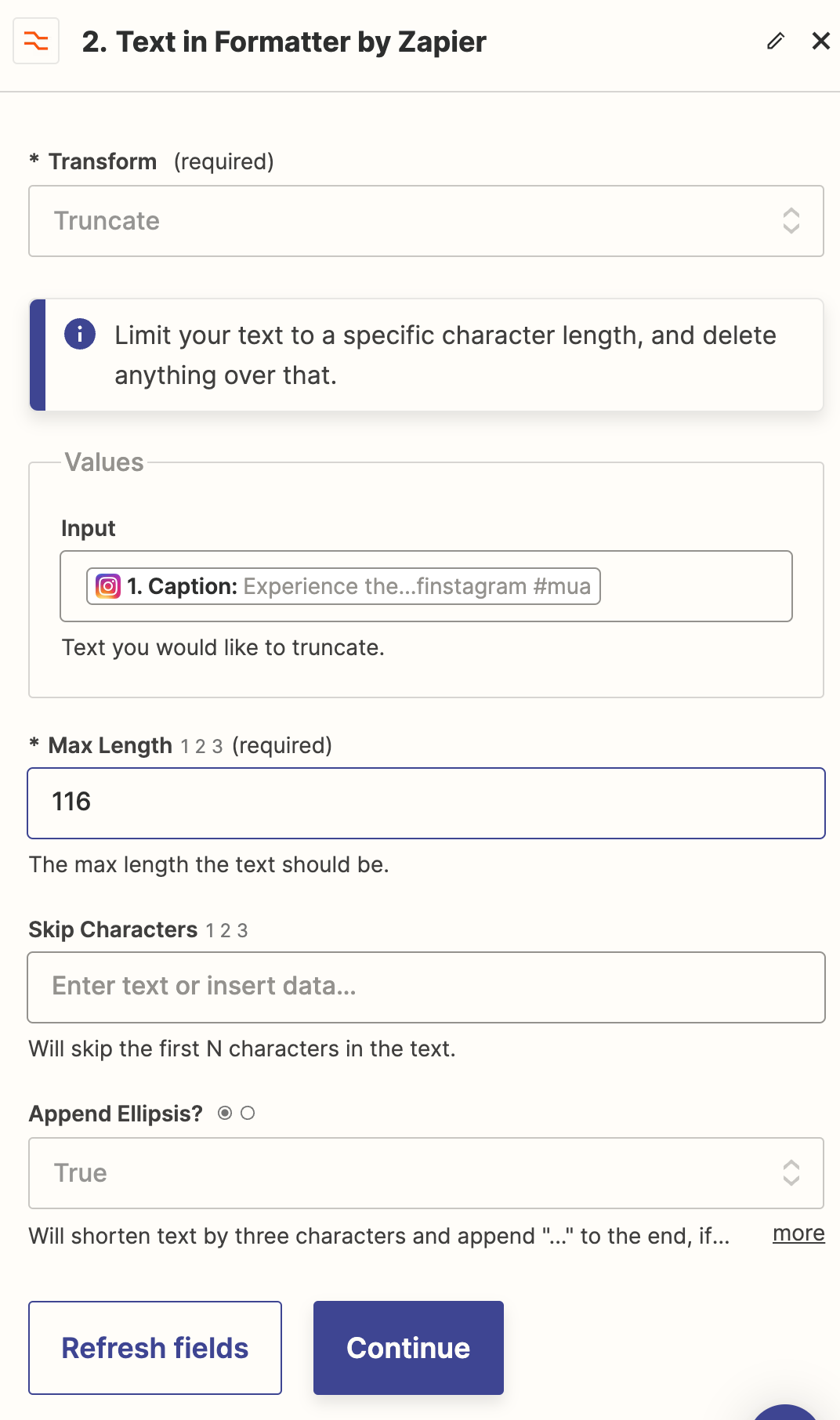
We would need to see screenshots with how your Zap step 2 is configured.


Forum|alt.badge.img
  • Author
  • Beginner
  • January 12, 2024

ok:


Forum|alt.badge.img
  • Author
  • Beginner
  • January 12, 2024

@Troy Tessalone 


Troy Tessalone
Zapier Orchestrator & Solution Partner
Forum|alt.badge.img+14
  • Zapier Orchestrator & Solution Partner
  • January 12, 2024

@verex 

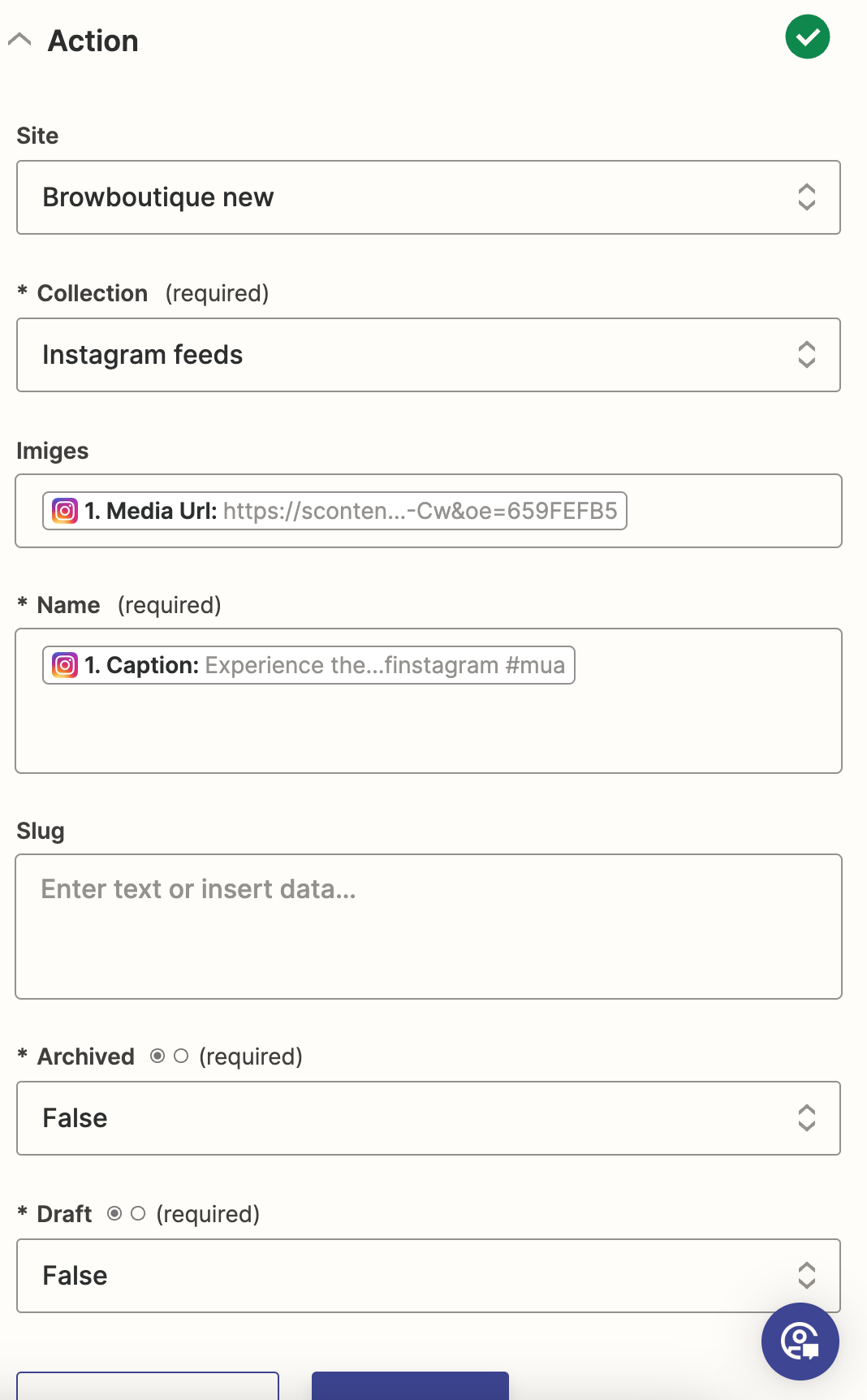
We would need to see how your ‘Action’ section is configured.


Forum|alt.badge.img
  • Author
  • Beginner
  • January 12, 2024

@Troy Tessalone 


Troy Tessalone
Zapier Orchestrator & Solution Partner
Forum|alt.badge.img+14
  • Zapier Orchestrator & Solution Partner
  • January 12, 2024

@verex 

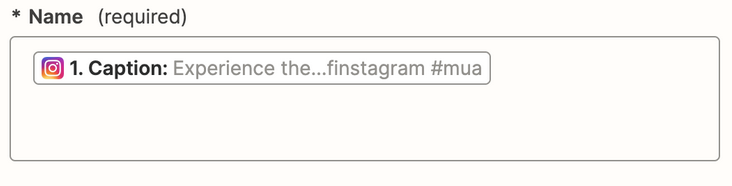
It’s likely the mapped variable of Caption is too long for the field Name.

You may need to add a Formatter > Text > Truncate step.


Forum|alt.badge.img
  • Author
  • Beginner
  • January 13, 2024

I am sorry @Troy Tessalone i used the guide of webflow to use zapier for Instagram integration. I am new to zapier i have problems to understand how/where to add this step, could you help me out with this?


Troy Tessalone
Zapier Orchestrator & Solution Partner
Forum|alt.badge.img+14
  • Zapier Orchestrator & Solution Partner
  • January 13, 2024

@verex 

You would need to add the Formatter step before the Webflow step.


Forum|alt.badge.img
  • Author
  • Beginner
  • January 13, 2024

@Troy Tessalone still not working but i also would need help to setup the additional zap


Forum|alt.badge.img
  • Author
  • Beginner
  • January 13, 2024

@Troy Tessalone 


i tried other setting sbut not working:


Troy Tessalone
Zapier Orchestrator & Solution Partner
Forum|alt.badge.img+14
  • Zapier Orchestrator & Solution Partner
  • January 13, 2024

@verex

Please show more screenshots for these.


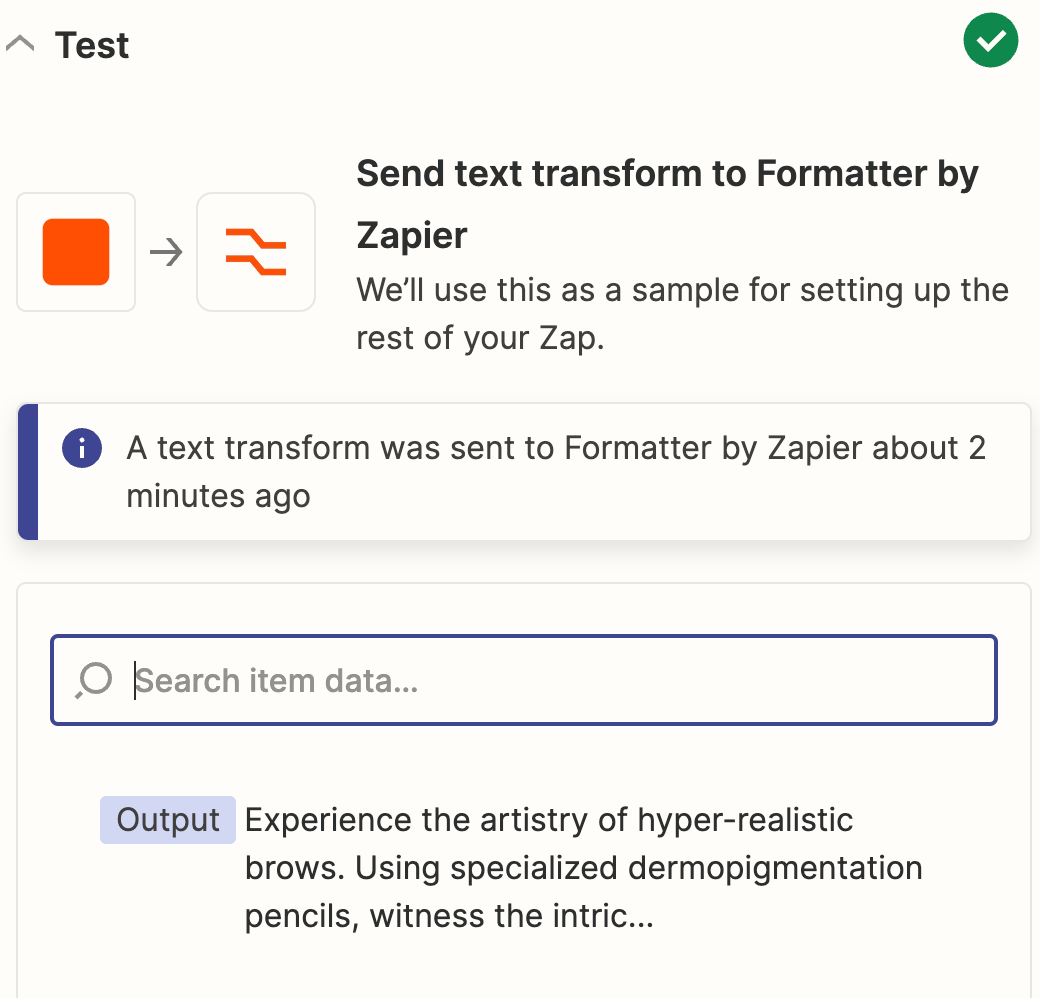
What are the results of this Formatter config?


Did you map the output from the Formatter step to the Name field in place of the previously mapped variable?


Forum|alt.badge.img
  • Author
  • Beginner
  • January 13, 2024

@Troy Tessalone 


Forum|alt.badge.img
  • Author
  • Beginner
  • January 13, 2024

@Troy Tessalone 


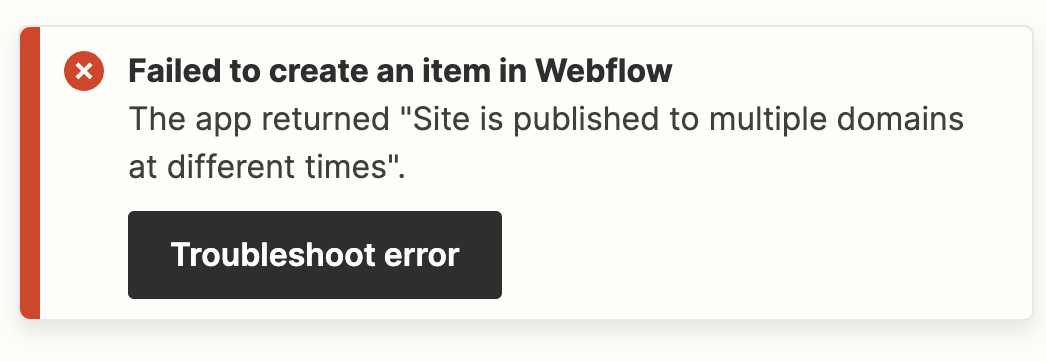
ok i this was it, but now a differnet error:


Troy Tessalone
Zapier Orchestrator & Solution Partner
Forum|alt.badge.img+14
  • Zapier Orchestrator & Solution Partner
  • January 13, 2024

Forum|alt.badge.img
  • Author
  • Beginner
  • January 13, 2024

thank you for your help!