Answer

Uploading only one line of a multi-line order

  • April 19, 2024
  • 2 replies
  • 35 views

Hi,

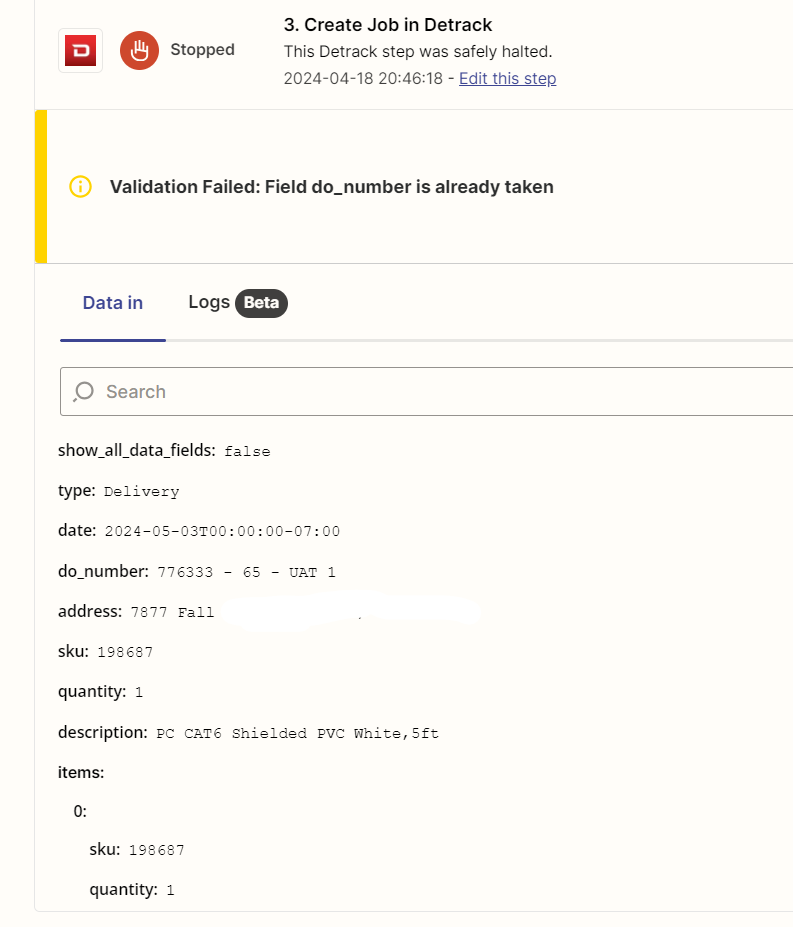
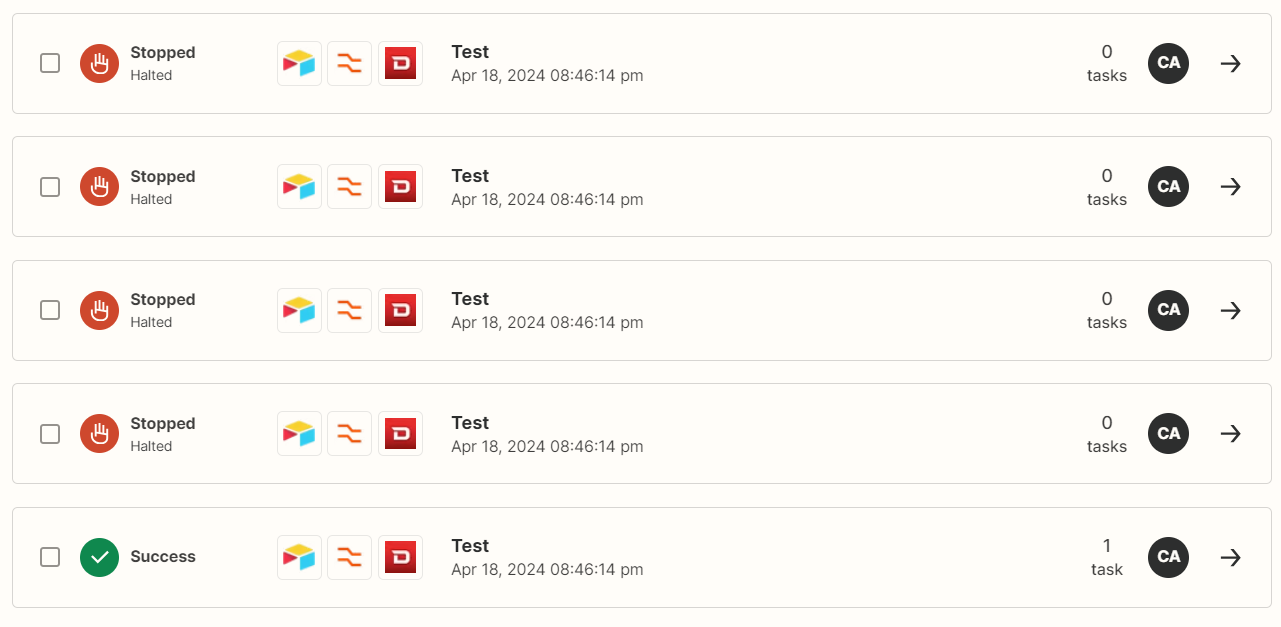
I have my Airtable connected, running code by Zapier and Detrack account connected to my Zap. All works fine on a single line do_number. However, with a multi-line do_number, only one line uploads. The other lines do not because “Validation Failed: Field do_number is already taken”. The do_number is basically a order number. See screenshots below and any help is greatly appreciated.

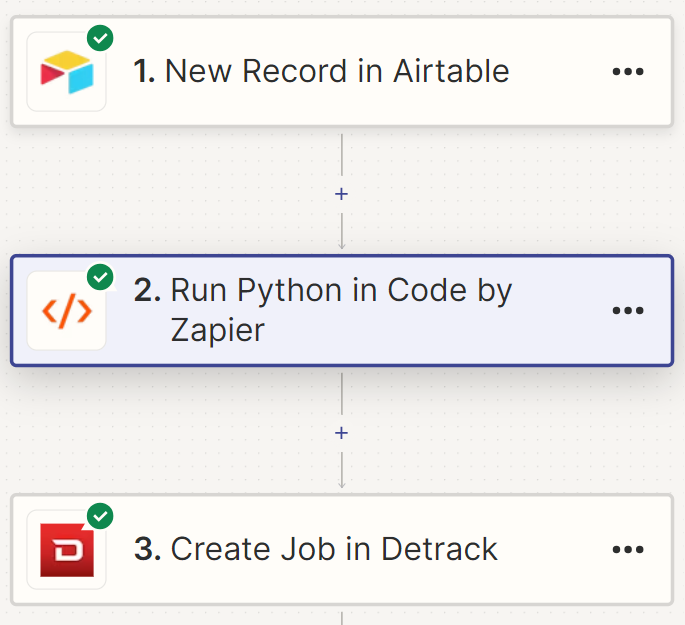
Each step shows success…
 

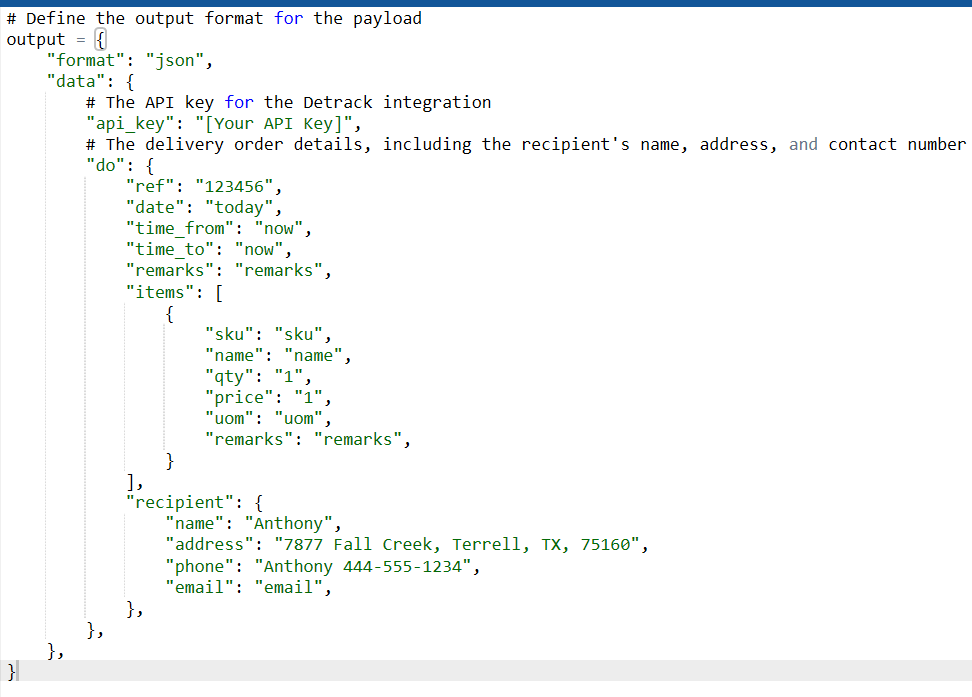
This is by Zapier code
 

This is the halt
 

Best answer by calvinscm

To whoever this may help, I figured out how to make this work correctly. In Airtable, set the items fields (array requirements) to a rollup, use ARRAYUNIQUE(values) as the formula and voila, uploaded perfectly.

This post has been closed for comments. Please create a new post if you need help or have a question about this topic.

2 replies

  • Author
  • Beginner
  • Answer
  • April 21, 2024

To whoever this may help, I figured out how to make this work correctly. In Airtable, set the items fields (array requirements) to a rollup, use ARRAYUNIQUE(values) as the formula and voila, uploaded perfectly.


ken.a
Forum|alt.badge.img+6
  • Zapier Staff
  • April 22, 2024

Hi @calvinscm,

Thank you for looping back to this post and sharing the solution here. This will be helpful to our Community members.

Happy Zapping! ⚡️