Question

Uploading CSV (Formatter) to Zapier Table (Find or Create) doesn't process individual lines

  • April 15, 2024
  • 3 replies
  • 30 views

Uploading CSV (Formatter) to Zapier Table (Find or Create) doesn't process individual lines, instead I get one line with all the values comma separated:
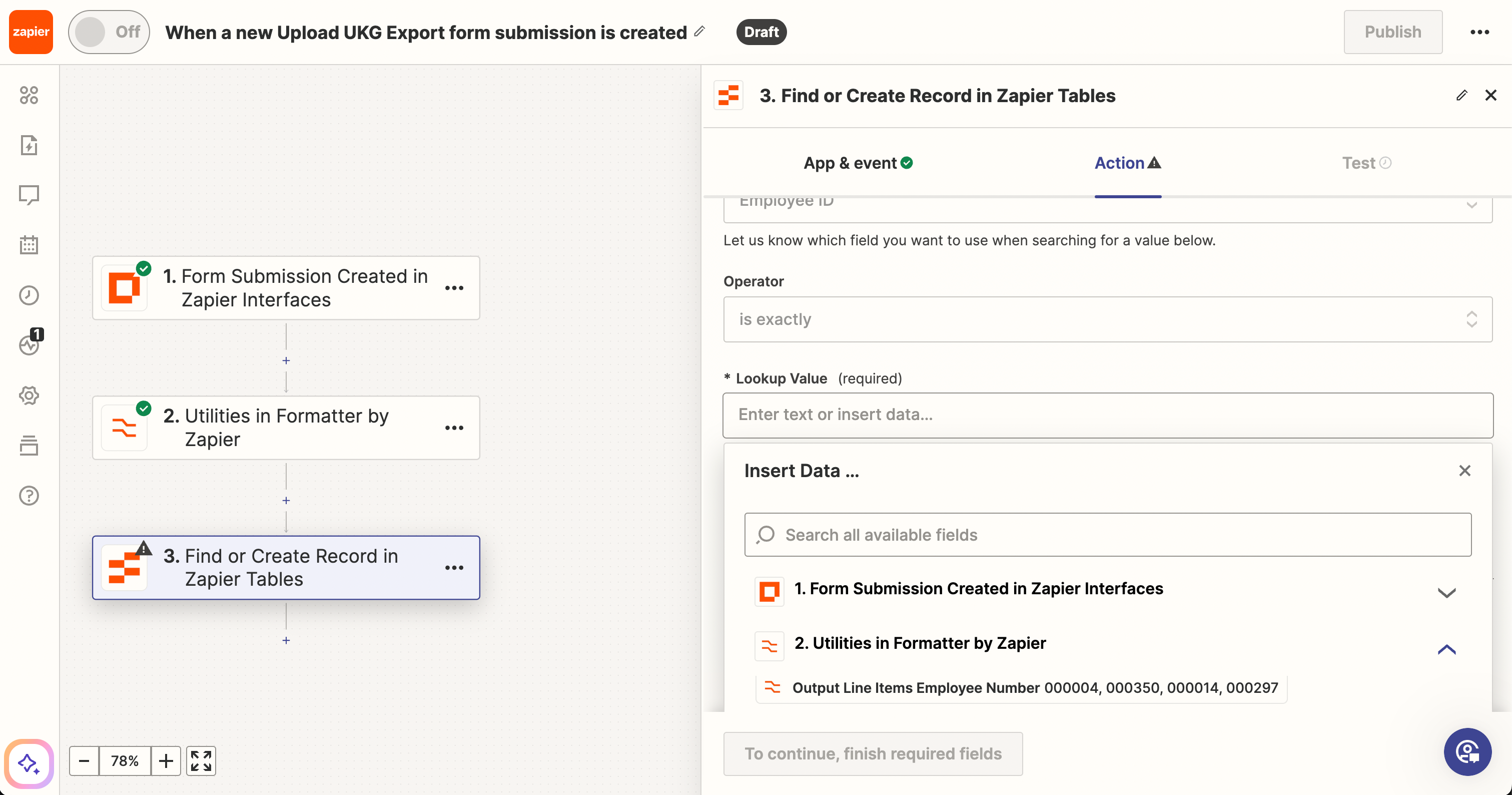
In this case I’m trying to find or create by Employee Number - but as you can see it just gives one long string with each of the values for that column in the file.


What am I doing wrong with this Zap?

This post has been closed for comments. Please create a new post if you need help or have a question about this topic.

3 replies

Troy Tessalone
Zapier Orchestrator & Solution Partner
Forum|alt.badge.img+14
  • Zapier Orchestrator & Solution Partner
  • April 15, 2024

Hi @xdotcommer 

Try adding Looping (Create Loop from Line Items) to iterate each CSV row: https://zapier.com/apps/looping/help


  • Author
  • New
  • April 15, 2024

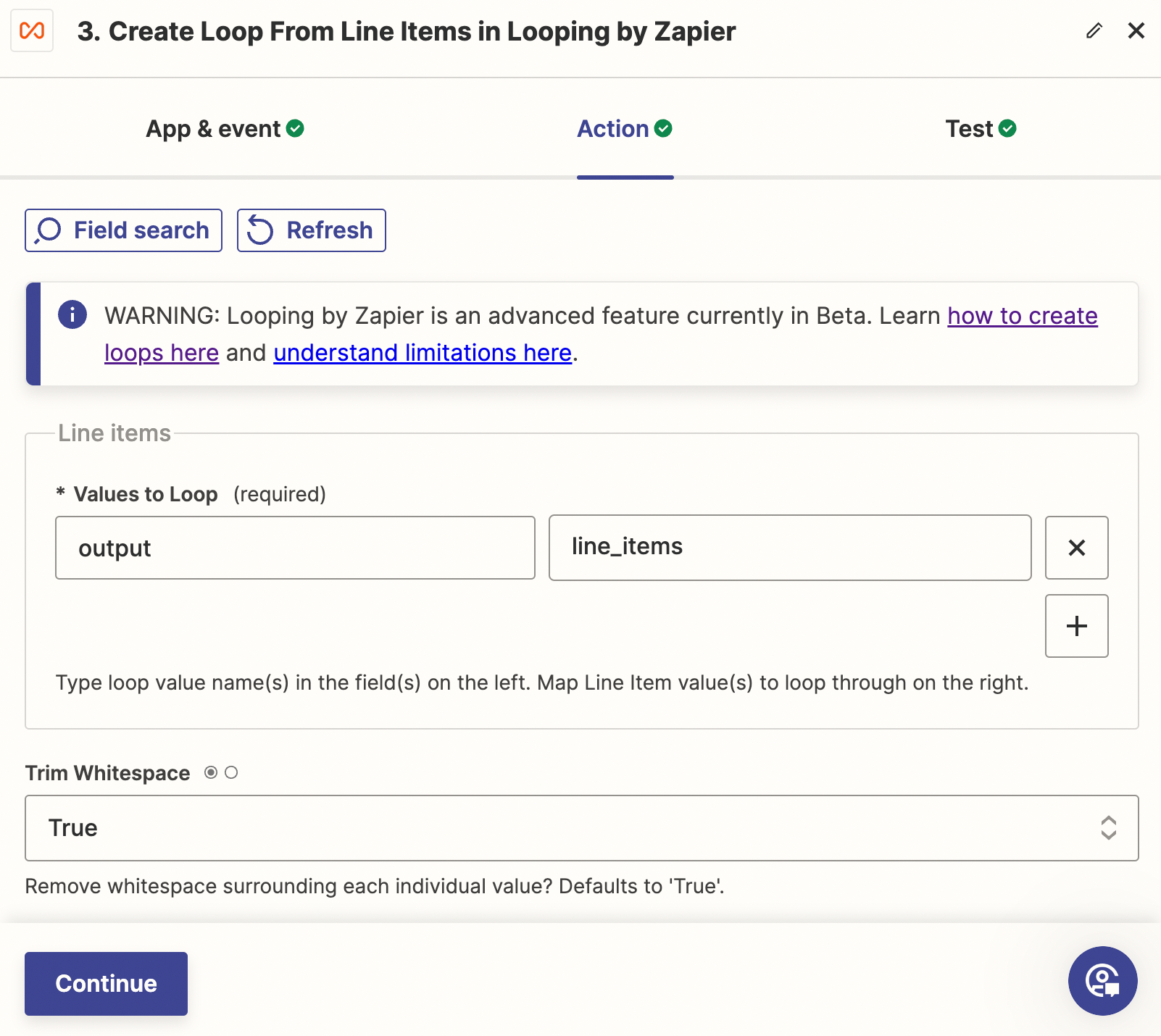
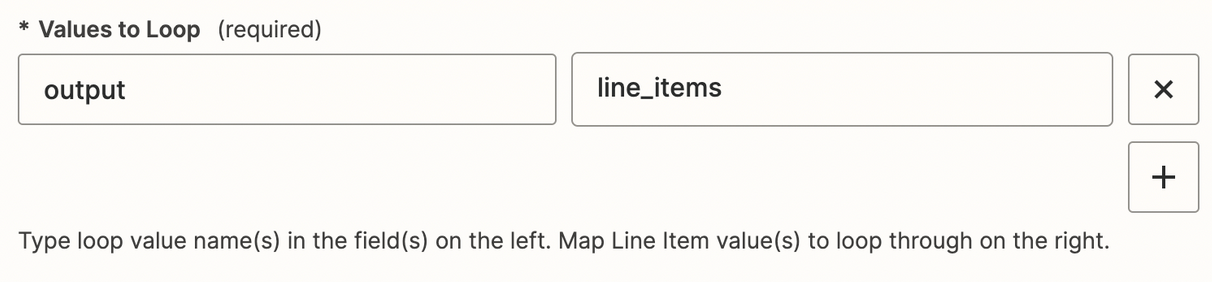
Thank you.  I just started playing around with Create Loop from line items, but not sure what I should put in the two values to loop fields…

When selecting from the second drop down it still gives me Output Line Items Employee Name, with all the employee names, etc. (like the first screenshot).


Troy Tessalone
Zapier Orchestrator & Solution Partner
Forum|alt.badge.img+14
  • Zapier Orchestrator & Solution Partner
  • April 15, 2024

@xdotcommer 

Check the field description for guidance.

Select the field that has the comma delimited list of values that you can the Zap step to loop thru. (e.g. Employee)

Help article about Looping: https://help.zapier.com/hc/en-us/articles/8496106701453-Loop-your-Zap-actions

When in doubt test it out.