Question

Unable to schedule tasks with due date times in Google Tasks using Zapier.

  • November 29, 2023
  • 3 replies
  • 251 views

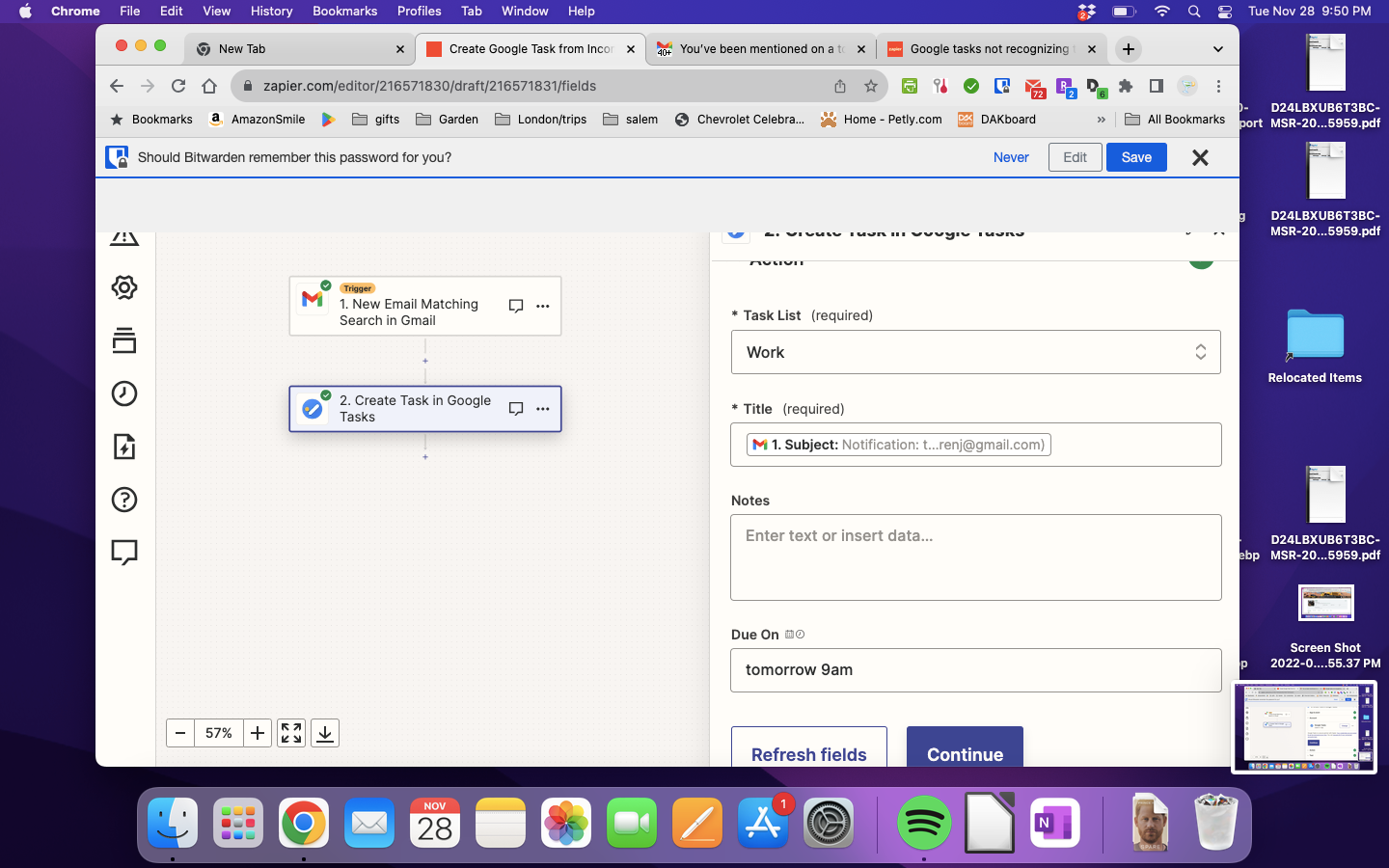
I have a zap set up to create a task in Google Tasks based on certain google emails, the whole thing works when I test it but no matter what format I choose, when I put in the due date (tomorrow 9am, 9 a.m., 9am EST, noon, +3d) it will only enter the date but not the time. I can’t figure out how to schedule it for a time in tasks.

Todoist works but I’d prefer to use Google Tasks since I already pay for another to-do app.

This post has been closed for comments. Please create a new post if you need help or have a question about this topic.

3 replies

Troy Tessalone
Zapier Orchestrator & Solution Partner
Forum|alt.badge.img+14
  • Zapier Orchestrator & Solution Partner
  • November 29, 2023

Hi @Dev24 

Good question.

We would need to see detailed screenshots with how your Zap steps are configured to have true context.


  • Author
  • Beginner
  • November 29, 2023

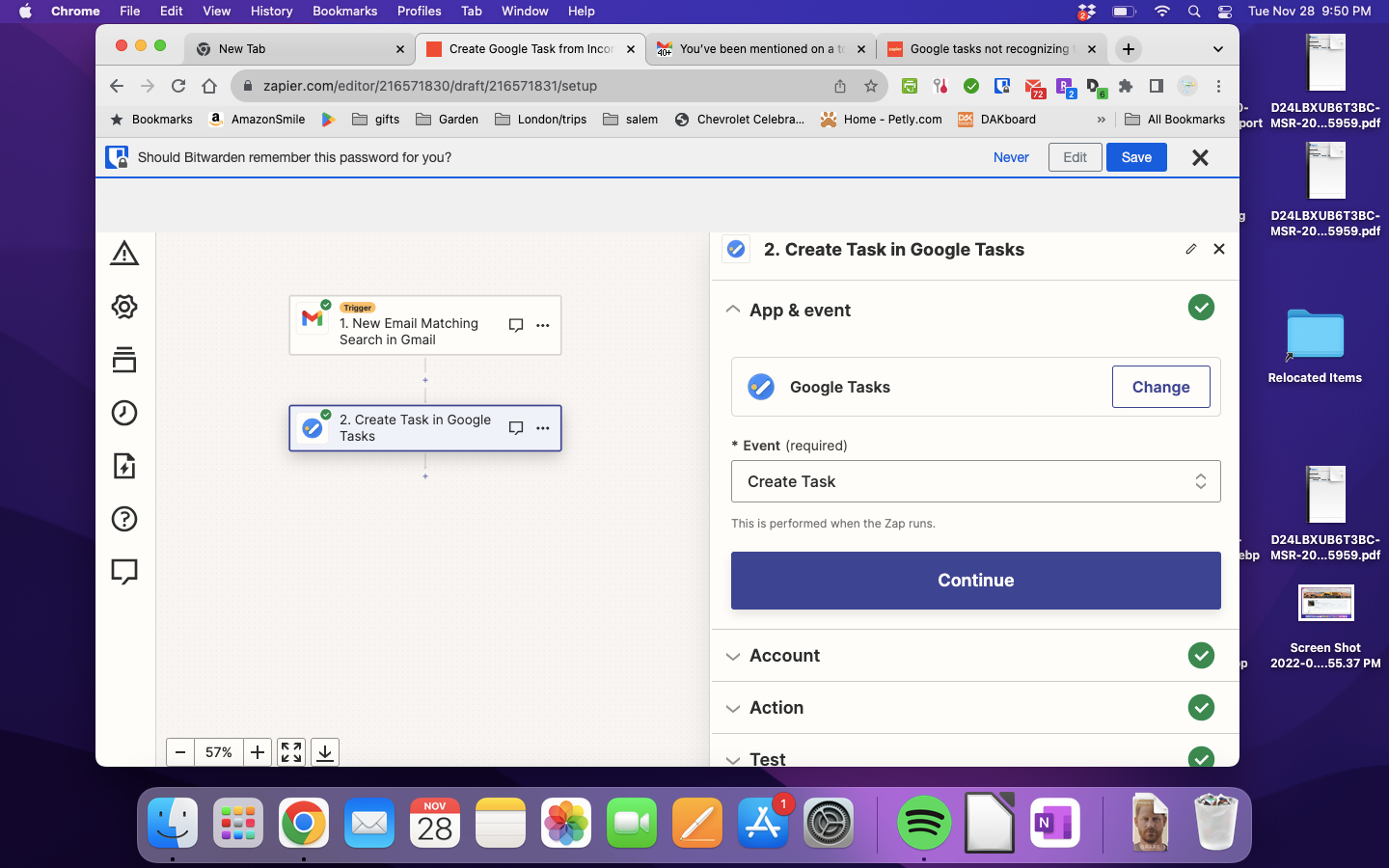
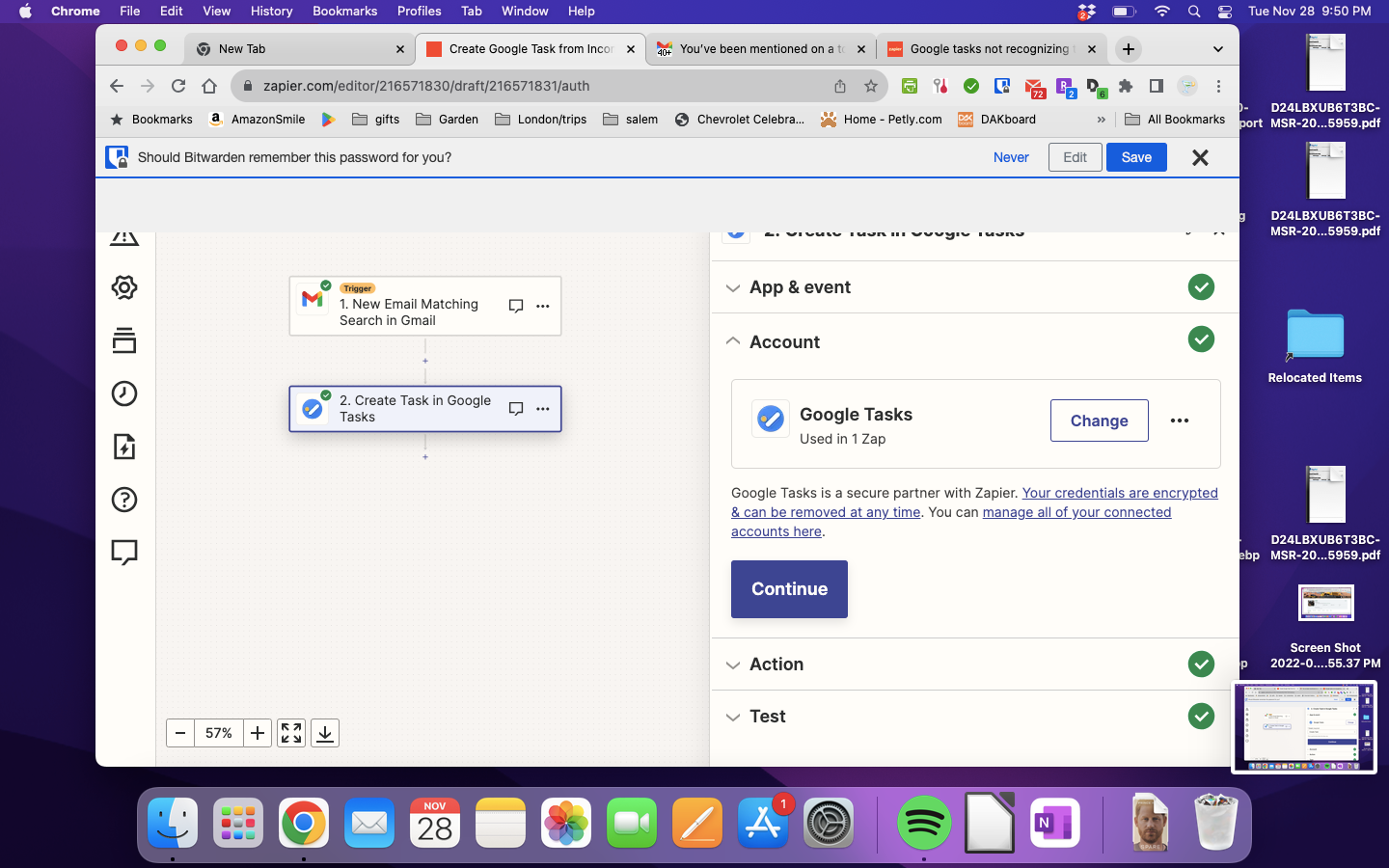
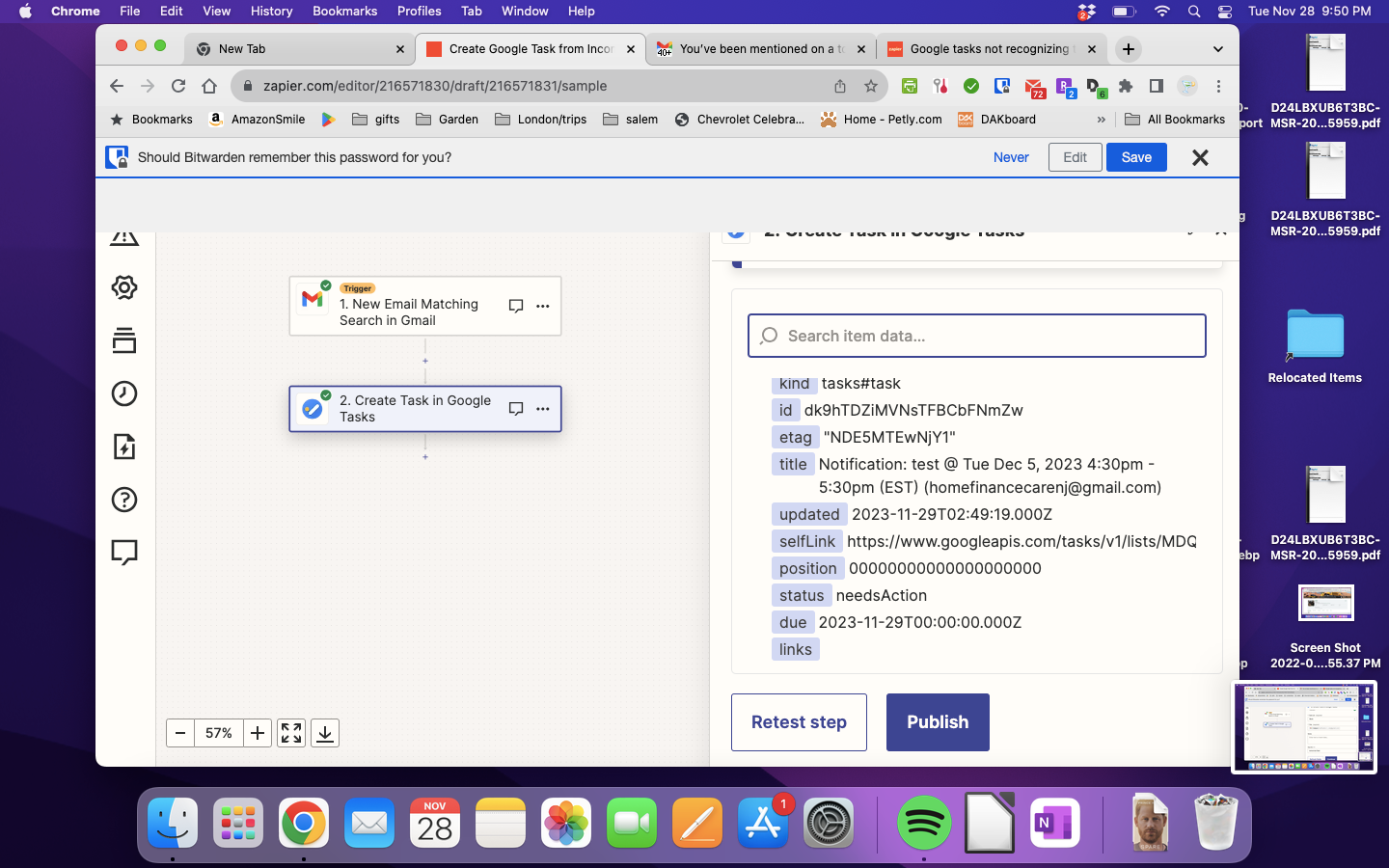
Here are the screenshots. The event gets created as tomorrow in Tasks, but with no time set.


Troy Tessalone
Zapier Orchestrator & Solution Partner
Forum|alt.badge.img+14
  • Zapier Orchestrator & Solution Partner
  • November 29, 2023

@Dev24 

I wasn’t able to get a time set either, only a date, when testing.

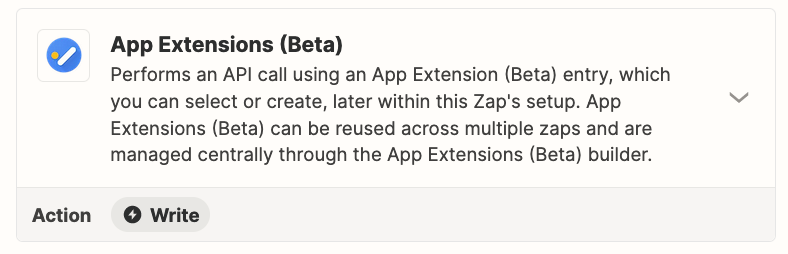
You can try using this Zap action: GTasks - App Extensions

There is AI to help configure.