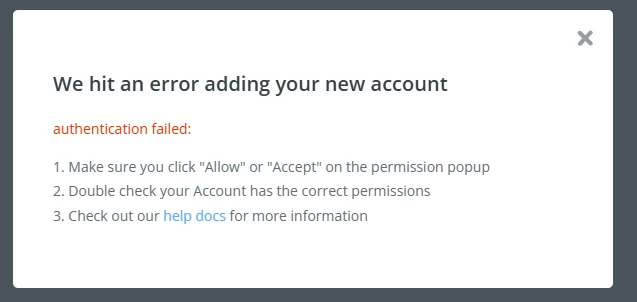
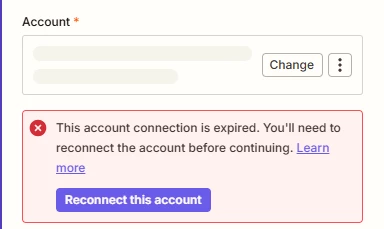
Error: 500 Internal Server Error or other trouble connecting
In order to connect to WordPress, you must have XML-RPC functionality turned on. This is turned on by default in WordPress 3.5+. If you're having issues connecting, go to Settings > Writing > Remote Publishing and check the checkbox.
You may also receive this error if your WordPress installation is secured and not publicly available. Unfortunately, the installation must be publicly accessible to work with Zapier.
Also, we're unable to provide IPs to allowlist as our IPs are not static - they rotate because we use AWS. If you'd like, you should be able to allowlist a block of IPs from AWS to make this work. You would just need to make sure the list you're allowing is the us-east-1 IP range.
Additionally, Zapier's calls will always include the header User-Agent: Zapier, so this may be an alternative when allowing a whole range of IPs isn't feasible.
Hi there @isparkdev 👋 Did the guides Andrew and Sparsh shared help you to get those errors sorted?
Want to make sure your WordPress account gets added successfully, so please keep us posted on how it went!
Early access
Next Gen Zaps
Build and deploy automations from AI tools you already use. With Agentic Management, if anything breaks, the agent diagnoses the issue and proposes a fix.