Question

Troubleshooting Sage Intacct login issues when using Zapier

  • July 16, 2026
  • 6 replies
  • 27 views

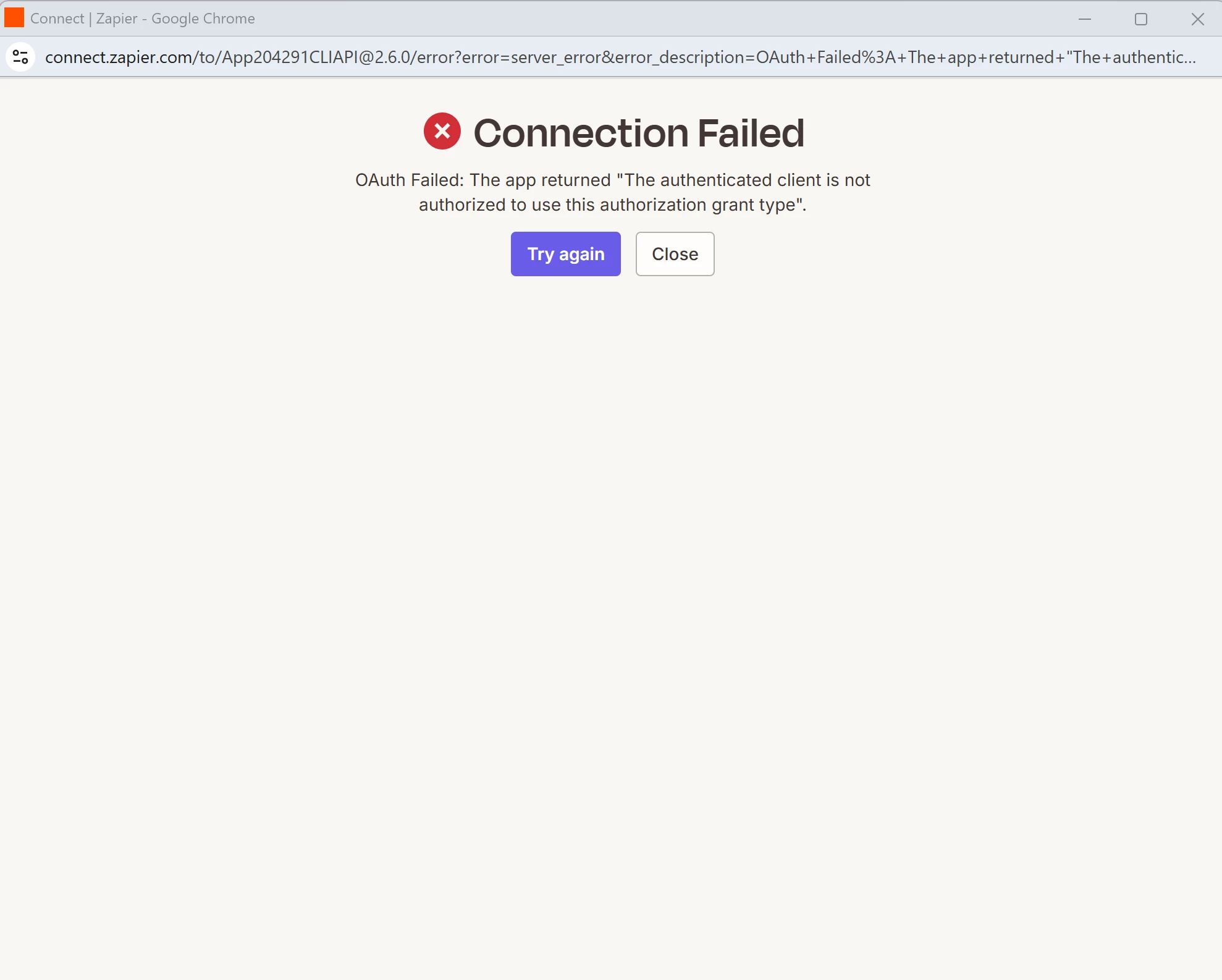
I am trying to build a Zap to push data to sage intacct, however i cannot seem to login successfully to sage intacct. i have tried logging in but i keep getti OAuth failure or connection failure. 

6 replies

Troy Tessalone
Zapier Orchestrator & Solution Partner
Forum|alt.badge.img+14
  • Zapier Orchestrator & Solution Partner
  • July 16, 2026

Hi ​@adi Group 

Help links for using Sage Intacct in Zaps: https://zapier.com/apps/sage-intacct/integrations#help


Prerequisites

To use the Sage Intacct app on Zapier, you must have:


  • Author
  • Beginner
  • July 17, 2026

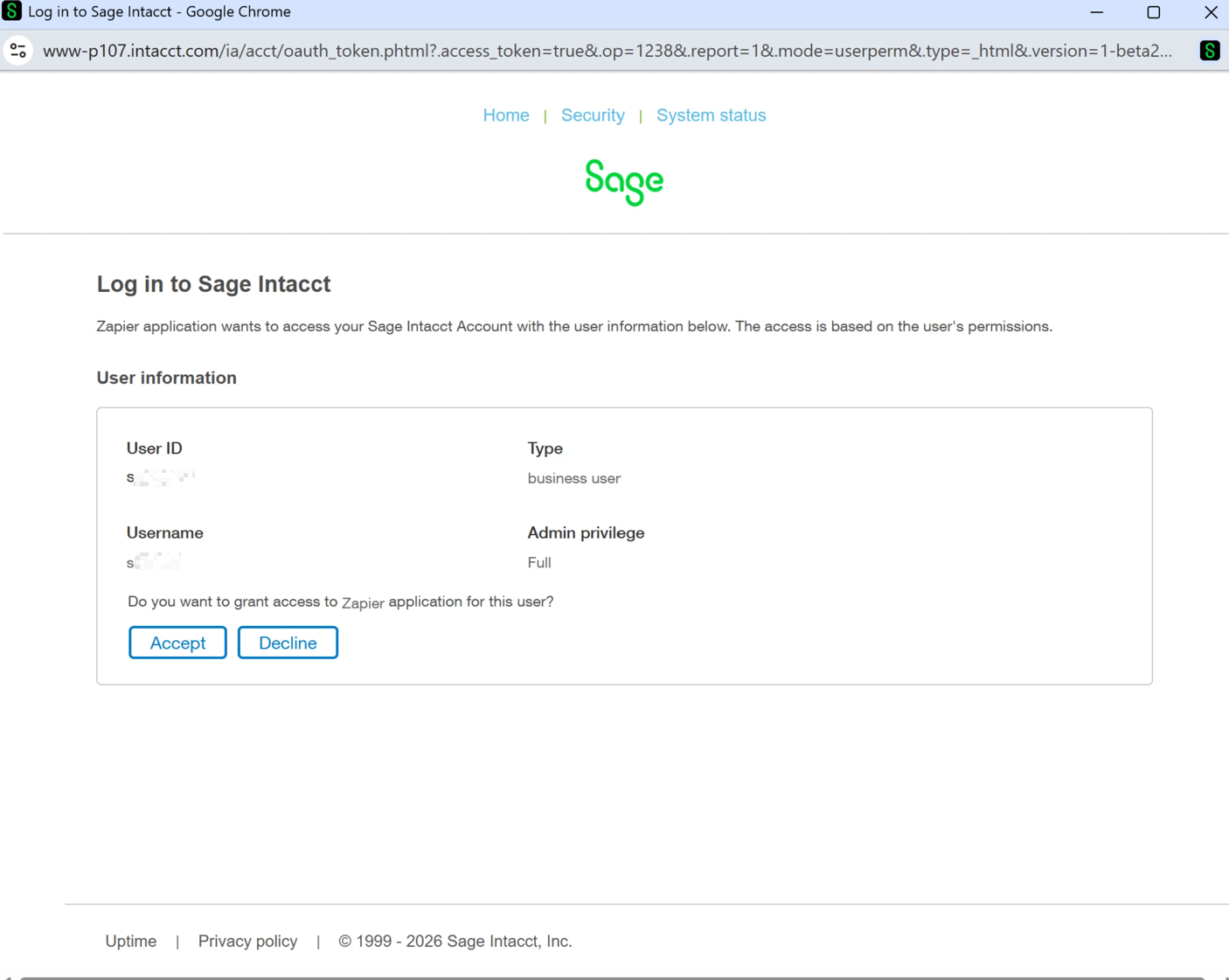
Hi i have both a paid account and a paid sage intacct plan, i am the administrator of the both systems. 


When i log in i get the below 


 but after clicking accept i get 


This post has been edited by a moderator to remove personally identifiable information (PII). Please remember that this is a public forum and avoid sharing personal or potentially sensitive details.


Troy Tessalone
Zapier Orchestrator & Solution Partner
Forum|alt.badge.img+14
  • Zapier Orchestrator & Solution Partner
  • July 17, 2026

@adi Group 

Try this tip: 


  • Author
  • Beginner
  • July 21, 2026

i have tried incognito and it still isn’t working i still get the same error. 


Troy Tessalone
Zapier Orchestrator & Solution Partner
Forum|alt.badge.img+14
  • Zapier Orchestrator & Solution Partner
  • July 21, 2026

@adi Group 

Try reaching out to Sage Intacct Support for help with their Zap app integration.

Try opening a ticket with Zapier Support: https://zapier.com/app/get-help


SamB
Community Manager
Forum|alt.badge.img+11
  • Community Manager
  • July 22, 2026

Hi ​@adi Group 👋

I did some digging and it looks like some others have run into this as well. Here's what our Support team suggested:

  1. In Sage Intacct, open Company > Setup (or Company information) > Security, then find Authorized Client Applications.
  2. Contact Sage Intacct Support and ask for Zapier's production OAuth Client ID for the Zapier marketplace/app connection, plus confirmation of any Web Services user mapping their OAuth setup requires.
  3. Add that Client ID as an Authorized Client Application (status Active). If Sage asks you to map a Web Services user ID to that client, use a dedicated Web Services user with the API permissions you need (not only a regular business login).
  4. Keep your existing Sender ID "Zapier" authorization Active.
  5. Retry the Zapier connection from https://zapier.com/app/assets/connections.

 
Sage's doc on Authorized Client Applications: https://www.intacct.com/ia/docs/en_US/help_action/Company/Company_setup/Company_Information/Security/company-authorized-client-applications.htm


Can you give those steps a try and let us know if that fixes the error?