Question

Troubleshooting "is invalid" errors when setting up a Zap from Jotform to NeonCRM

  • November 29, 2025
  • 3 replies
  • 30 views

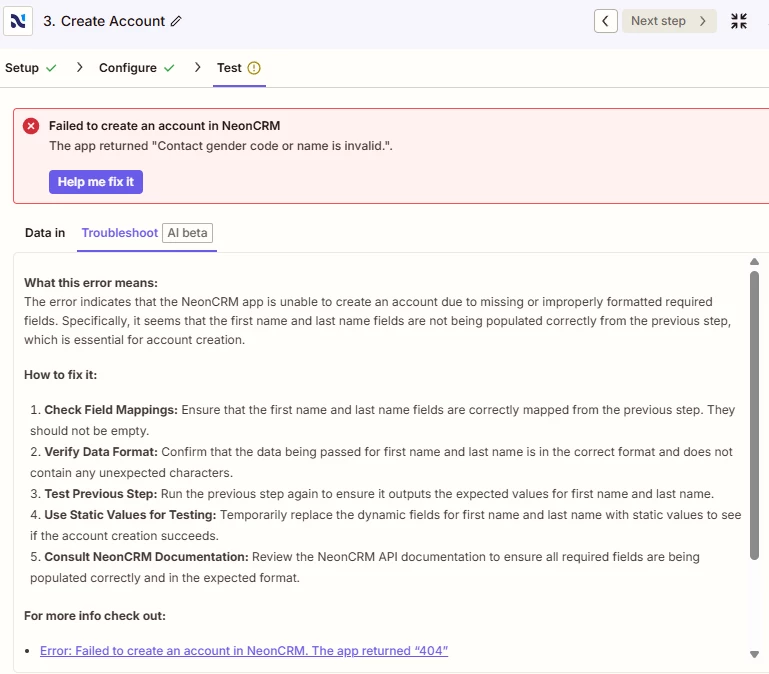
I continually getting errors when trying to test data during initial Zap set-up.  Initial it had been with First Name and Last Name and ultimately I had to disconnect the connection and restart the Zap.  The Jotform application is long so now I am testing field by field and continue to come up with issues with the following fields, each of which I am setting up using Custom (vs Static).

Gender

In Configure Step

Error Message I am receiving when I add Gender Identity field.  Before I did this the Test (including name) ran successfully.


Barriers/Hardships - TEST is the answer from the Jotform Application test

This is the error I am receiving:
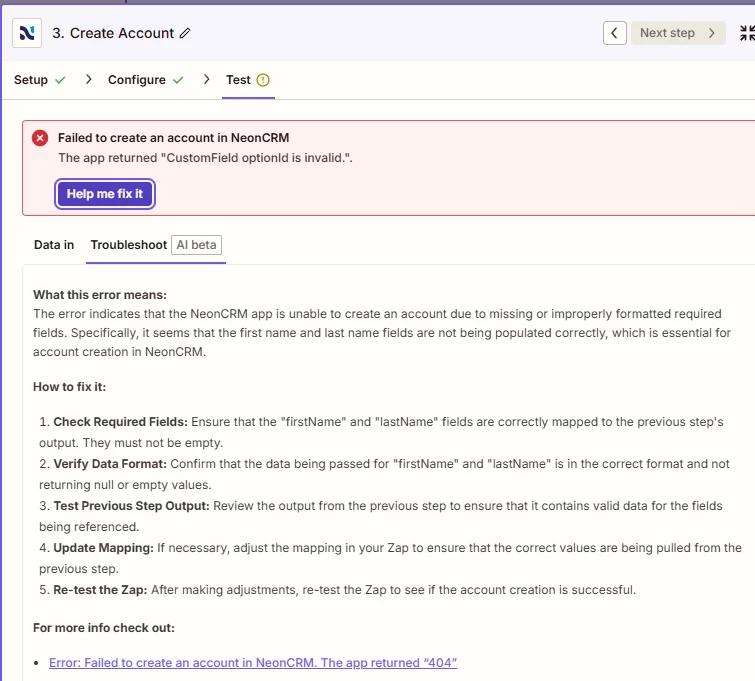
 

I have double checked that all the field options in Neon CRM match the field options in Jotform.  

What else am I missing??

3 replies

Sparsh from Automation Jinn
Forum|alt.badge.img+6

Hey ​@heathparri99,

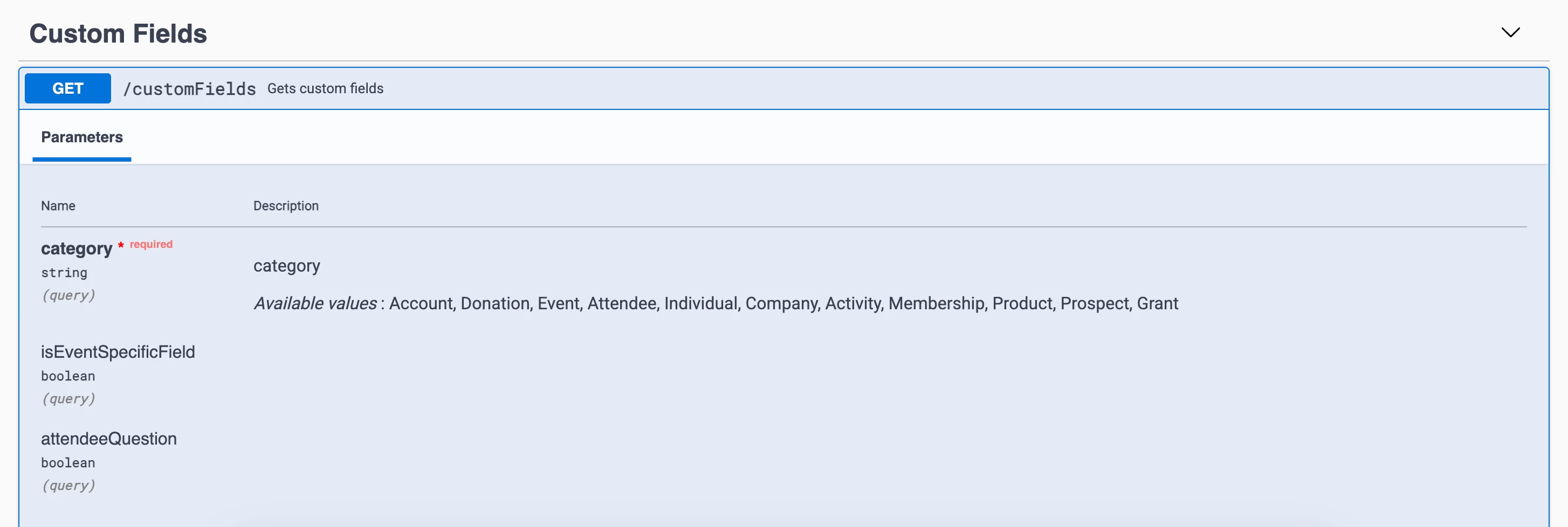
It’s because NeonCRM expects Option ID for these fields. You can use Lookup Tables if they are not many custom field to match the option id. See more about it here- https://help.zapier.com/hc/en-us/articles/8496305146765-Create-lookup-tables-in-Zaps


You can directly query the Neon CRM API using Webhooks in Zapier to get the custom fields. Here is a helpful article about it here- https://help.zapier.com/hc/en-us/articles/8496326446989-Send-webhooks-in-Zaps. Hope it helps!

PS: If you need more active help, I’m happy to connect through my Zapier Solution Partner page if you’d like to reach out here- https://zapier.com/partnerdirectory/automation-jinn


Troy Tessalone
Zapier Orchestrator & Solution Partner
Forum|alt.badge.img+14
  • Zapier Orchestrator & Solution Partner
  • December 1, 2025

Hi ​@heathparri99 

Help link for understanding the expected value for dropdown fields: https://help.zapier.com/hc/en-us/articles/8496241696141-Add-custom-values-to-dropdown-menu-fields-in-Zaps


SamB
Community Manager
Forum|alt.badge.img+11
  • Community Manager
  • December 9, 2025

Hi there ​@heathparri99 👋

Did the replies from Sparsh and Troy help to point you in the right direction, or are you still stuck at all?

Keep us posted on how it’s going, want to make sure those errors get sorted!