Answer

Trouble with Zapier not triggering threaded responses in Slack despite using filters and validation.

  • January 5, 2024
  • 13 replies
  • 470 views

Hi there I have been following these instructions but can’t seem to get this to work consistently. Any thoughts?


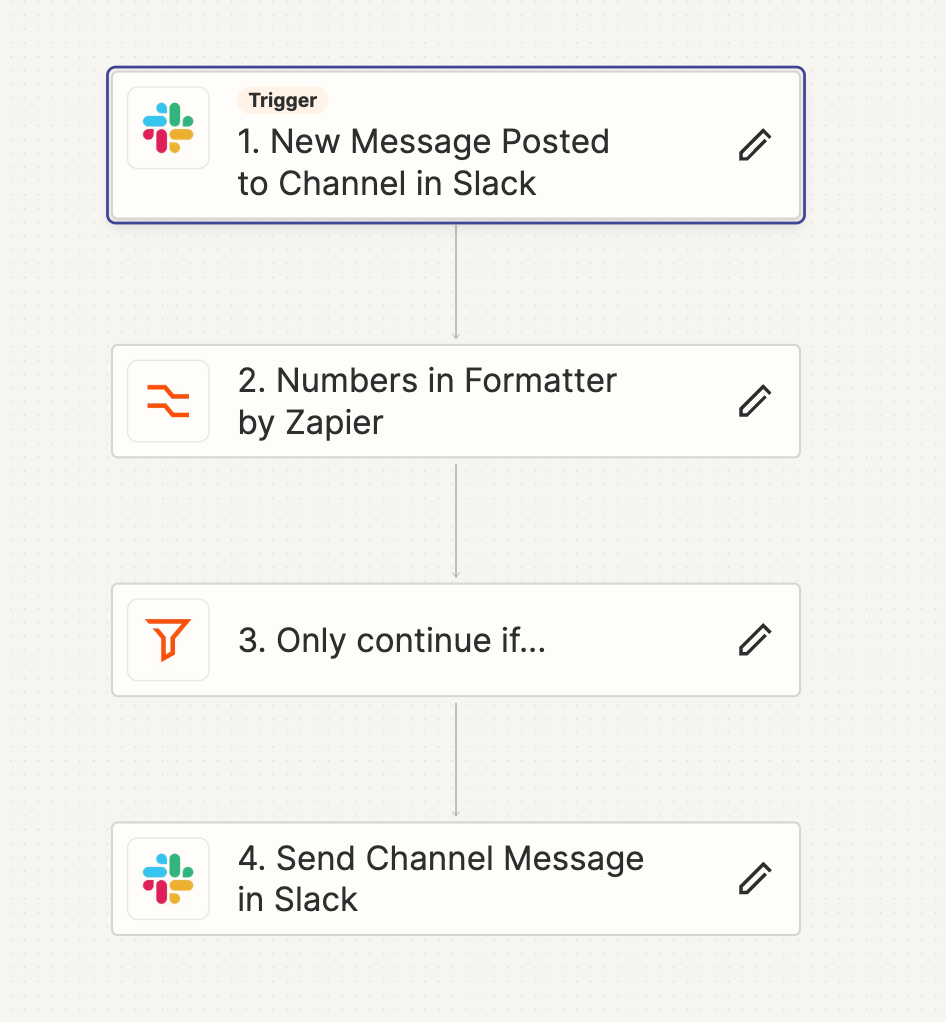
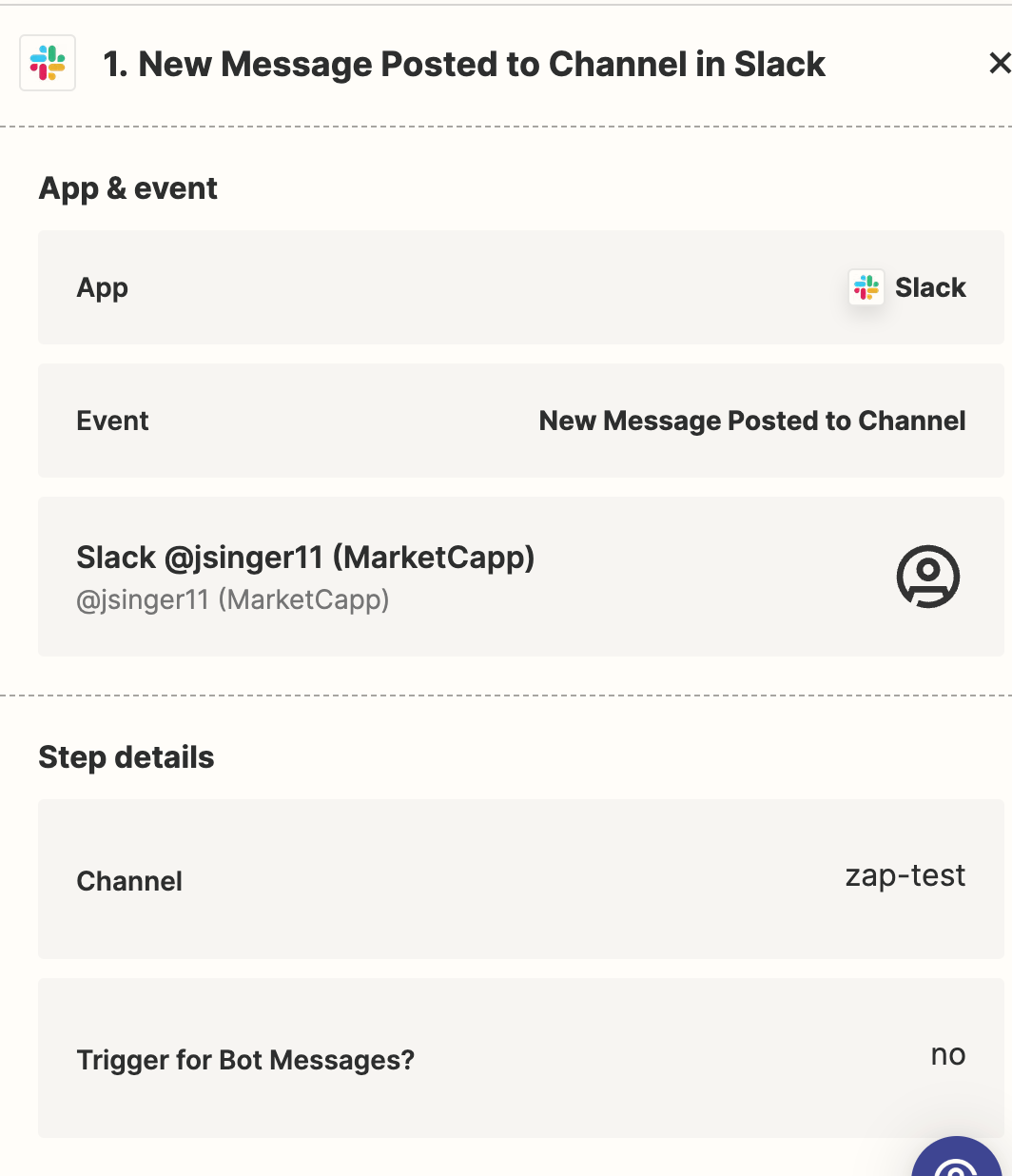
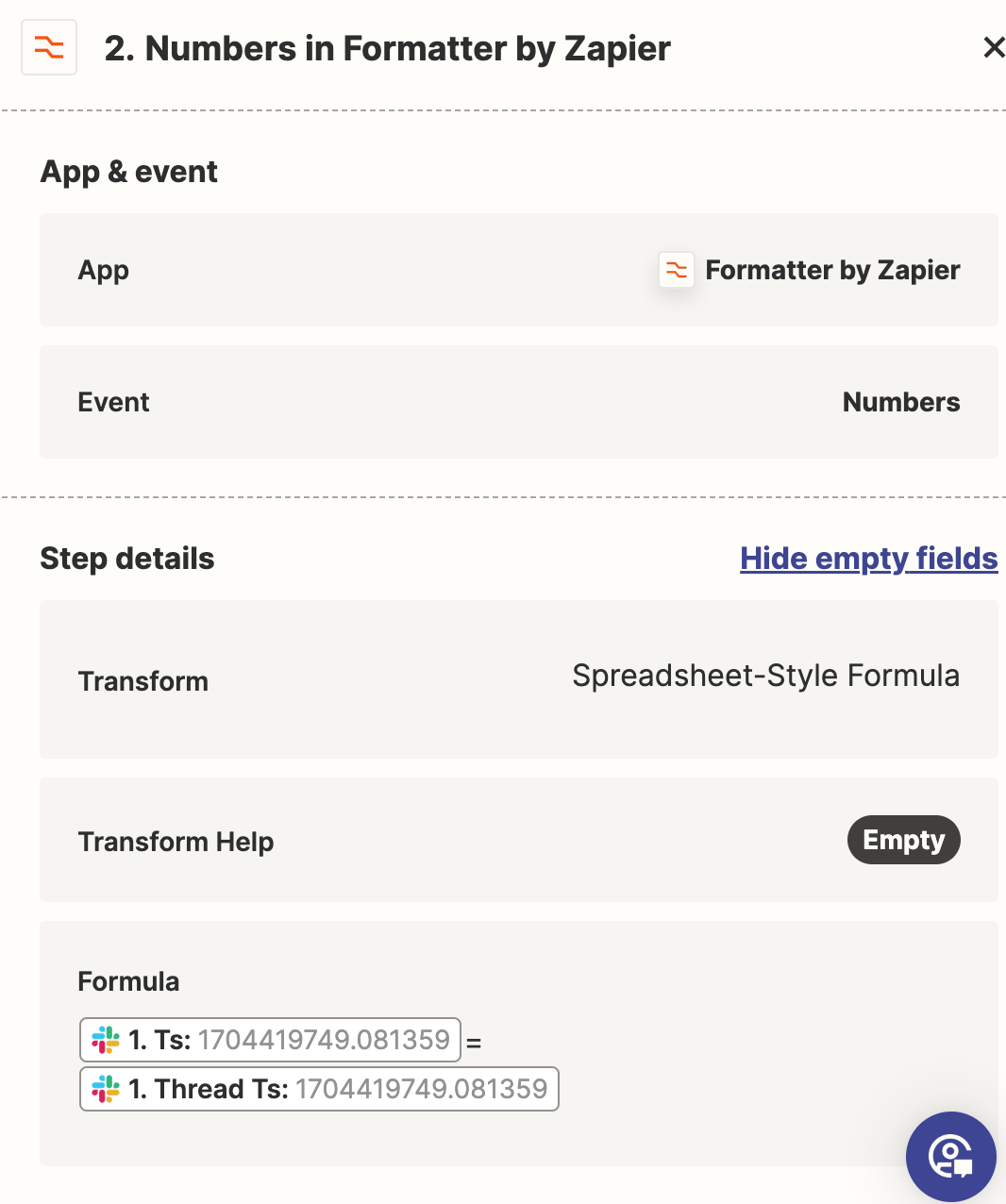
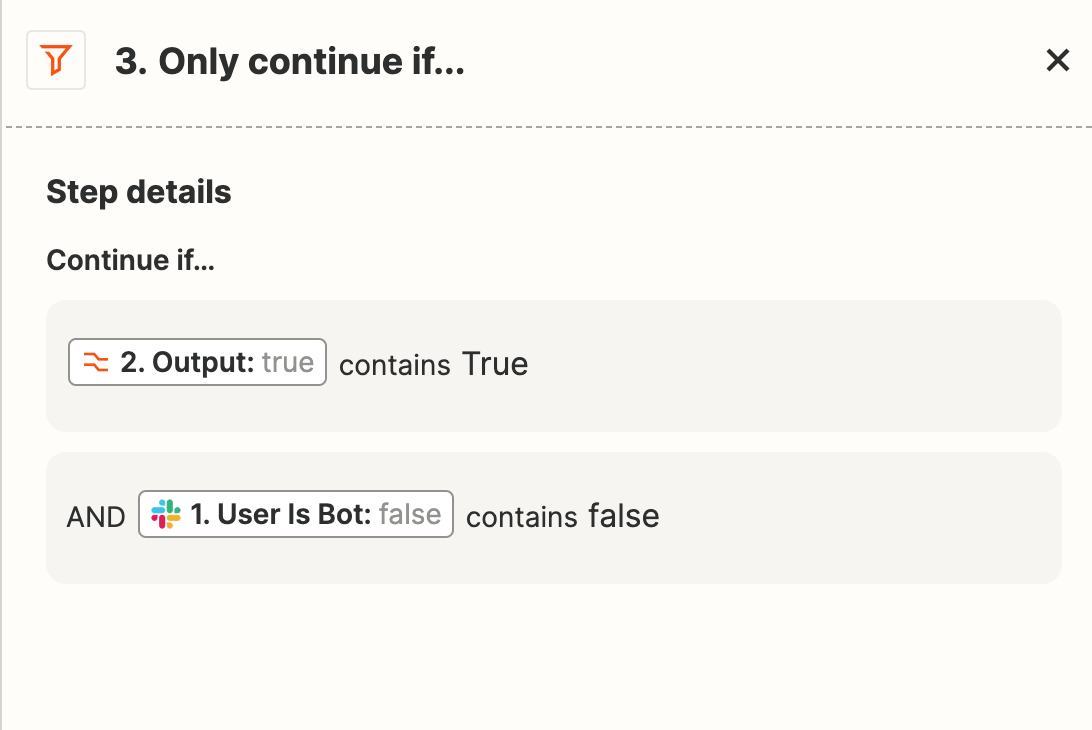
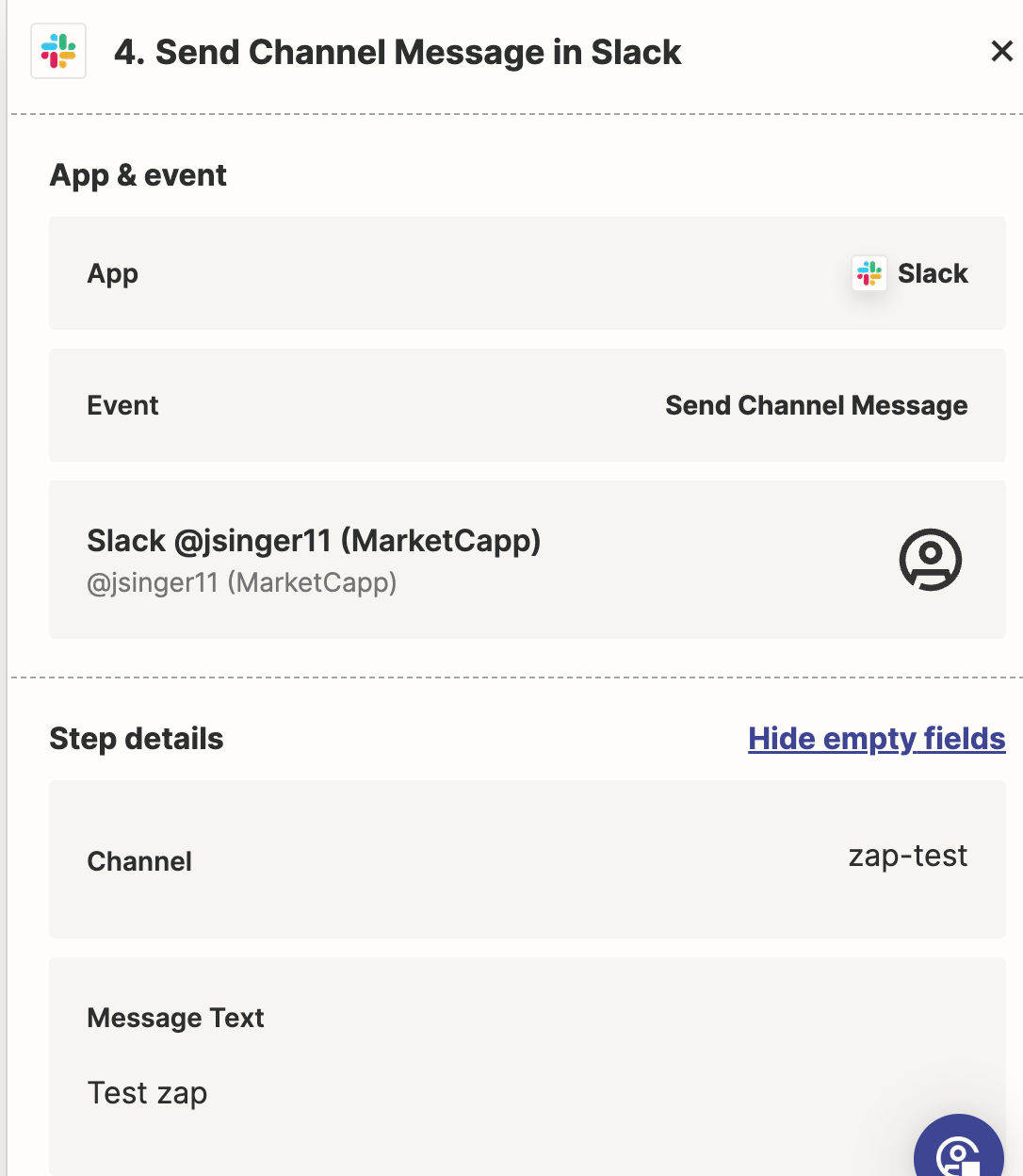
I set up a test channel and have a trigger for a new message. I then set up the filter and validation that the message is not a thread message. I then set up the filter per the instructions to only respond if it is a) a non thread message b) not a bot. Lastly, I think this is where the error comes in -- it won’t trigger a threaded response. Not sure why… any help would be greatly appreciated!

 

Best answer by Troy Tessalone

@jsinger11 

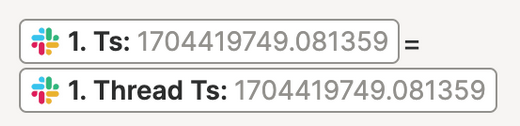
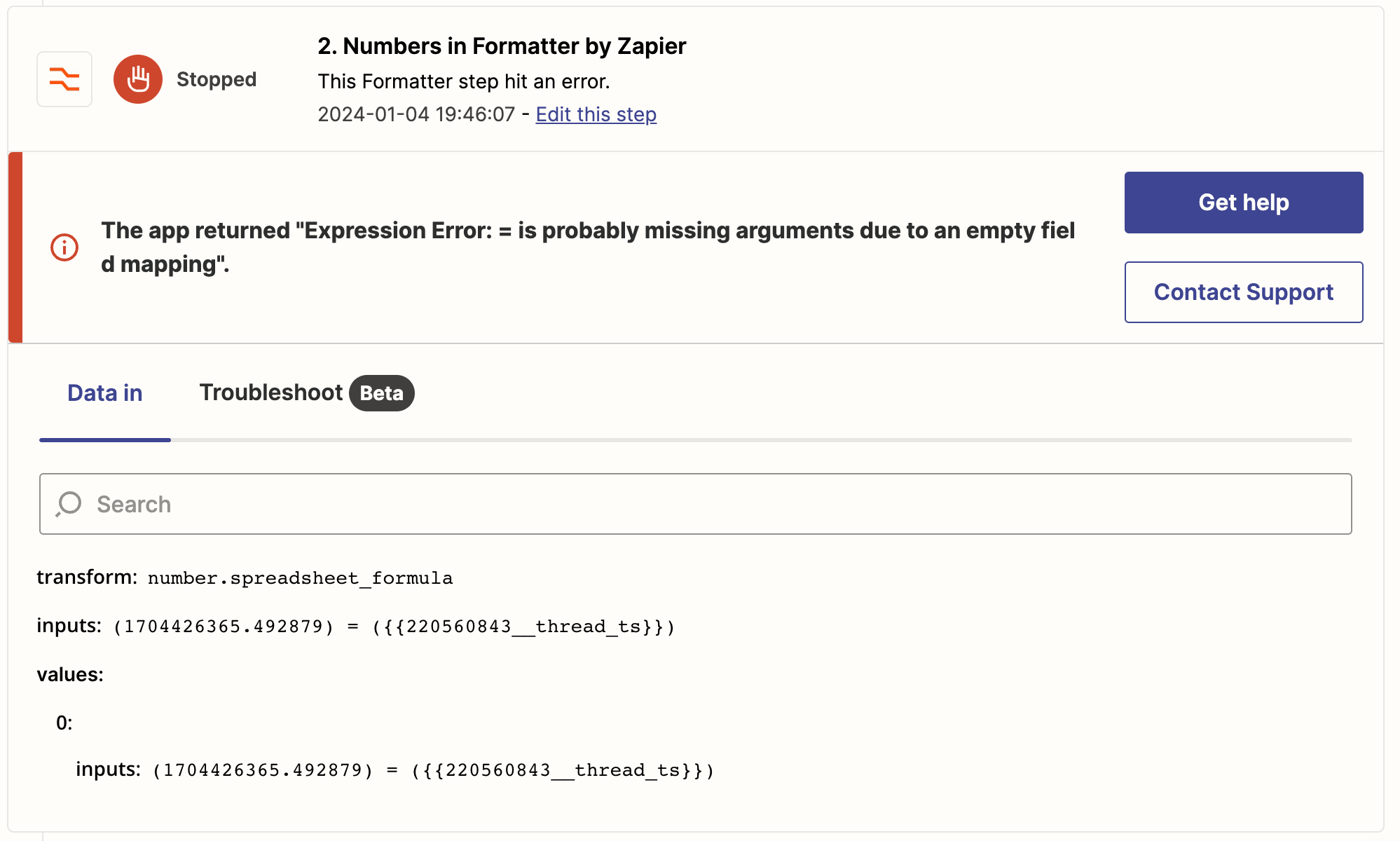
When you see this in the DATA IN for a Zap Run step, it means the mapped variable was invalid or missing a value.


Perhaps take a different approach with the Filter and check if there is no Thread TS present.

That would indicate it’s a new message vs a message thread.


This post has been closed for comments. Please create a new post if you need help or have a question about this topic.

13 replies

Troy Tessalone
Zapier Orchestrator & Solution Partner
Forum|alt.badge.img+14
  • Zapier Orchestrator & Solution Partner
  • January 5, 2024

Hi @jsinger11 

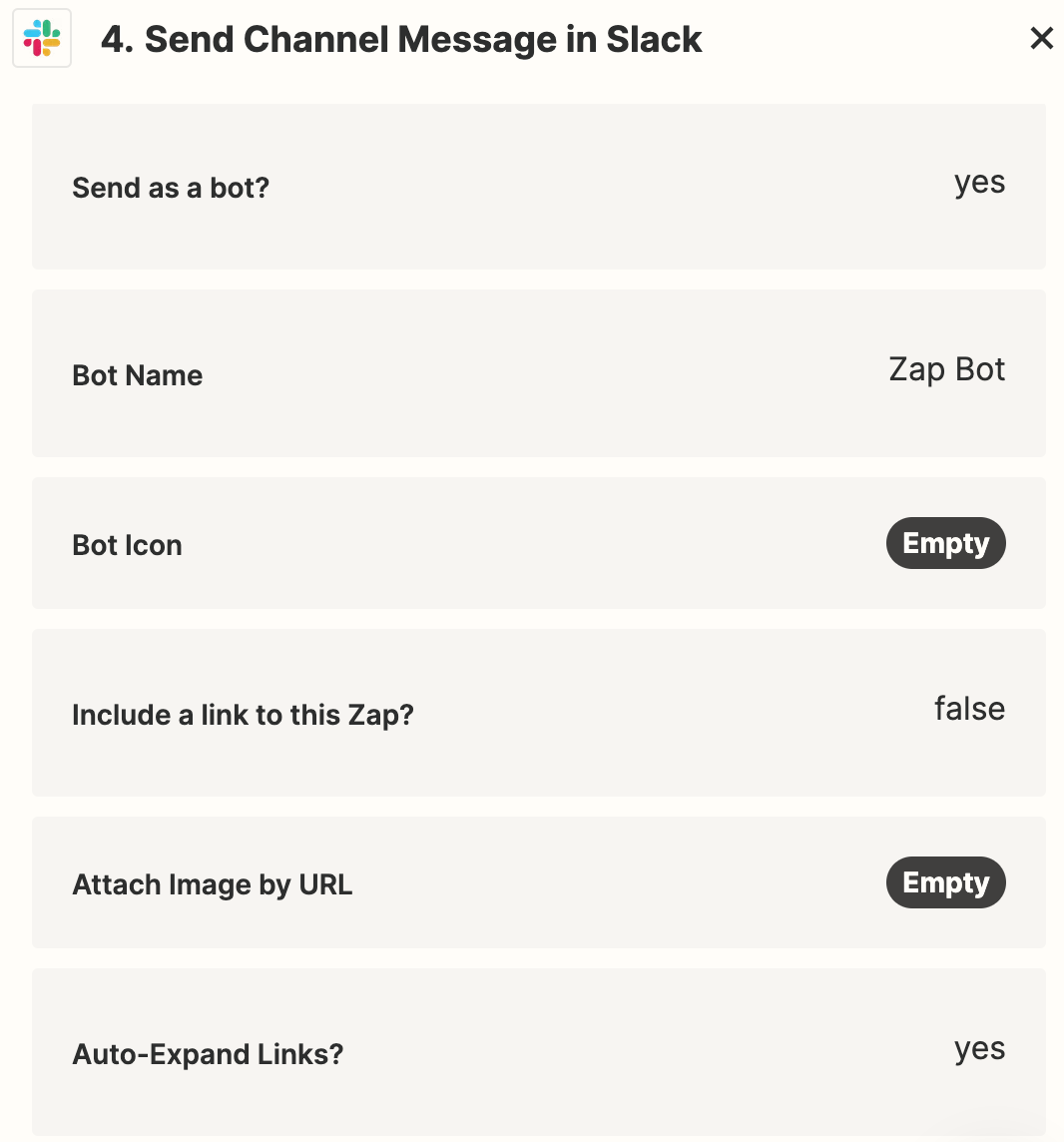
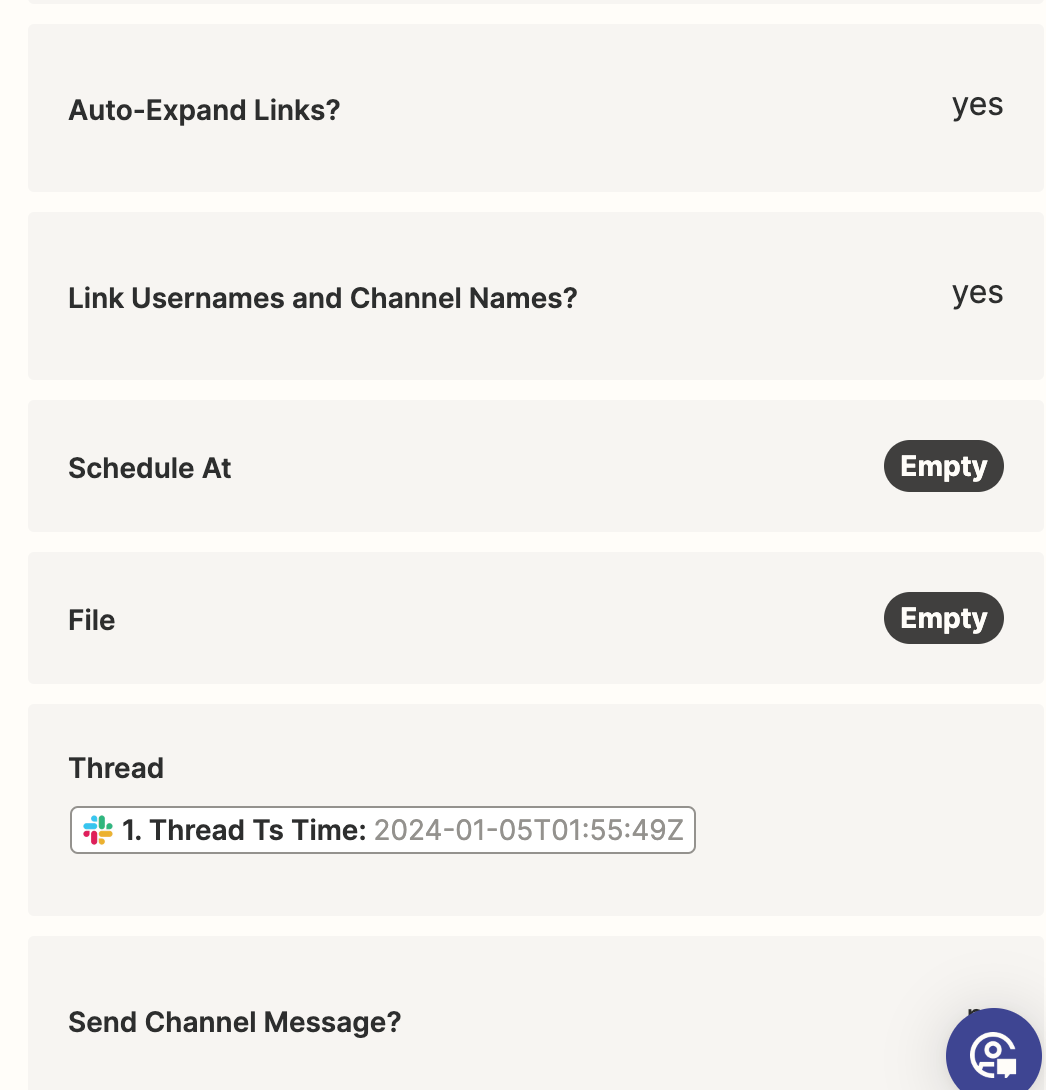
Can you post detailed screenshots with how your Zap steps are outlined and configured to give us true context?


  • Author
  • New
  • January 5, 2024
Overview
Slack message trigger

@Troy Tessalone here you go! Thanks for being engaged


Troy Tessalone
Zapier Orchestrator & Solution Partner
Forum|alt.badge.img+14
  • Zapier Orchestrator & Solution Partner
  • January 5, 2024

@jsinger11 

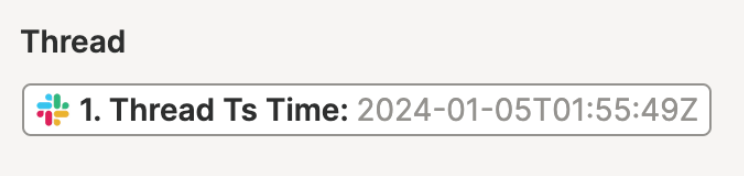
The Thread value needs to be the Thread TS (not with time)


  • Author
  • New
  • January 5, 2024

@Troy Tessalone I ajusted and it fired the zap to the message that is entered. However, when I tried typing a new message in slack nothing fired off in thread… thoughts? I want to make sure the same automated messaged goes anytime someone posts in this specific channel.


Troy Tessalone
Zapier Orchestrator & Solution Partner
Forum|alt.badge.img+14
  • Zapier Orchestrator & Solution Partner
  • January 5, 2024

@jsinger11 

To troubleshoot, check your Zap Runs history for activity/issues: https://zapier.com/app/history/


  • Author
  • New
  • January 5, 2024

Thoughts @Troy Tessalone 


Troy Tessalone
Zapier Orchestrator & Solution Partner
Forum|alt.badge.img+14
  • Zapier Orchestrator & Solution Partner
  • January 5, 2024

@jsinger11 

In the Zap Run details, you can see the DATA IN/OUT for each Zap step to help you troubleshoot.


  • Author
  • New
  • January 5, 2024

@Troy Tessalone gotcha -- I’m wondering if you know of a simpler way to accomplish what I am trying to do here.


Troy Tessalone
Zapier Orchestrator & Solution Partner
Forum|alt.badge.img+14
  • Zapier Orchestrator & Solution Partner
  • January 5, 2024

@jsinger11 

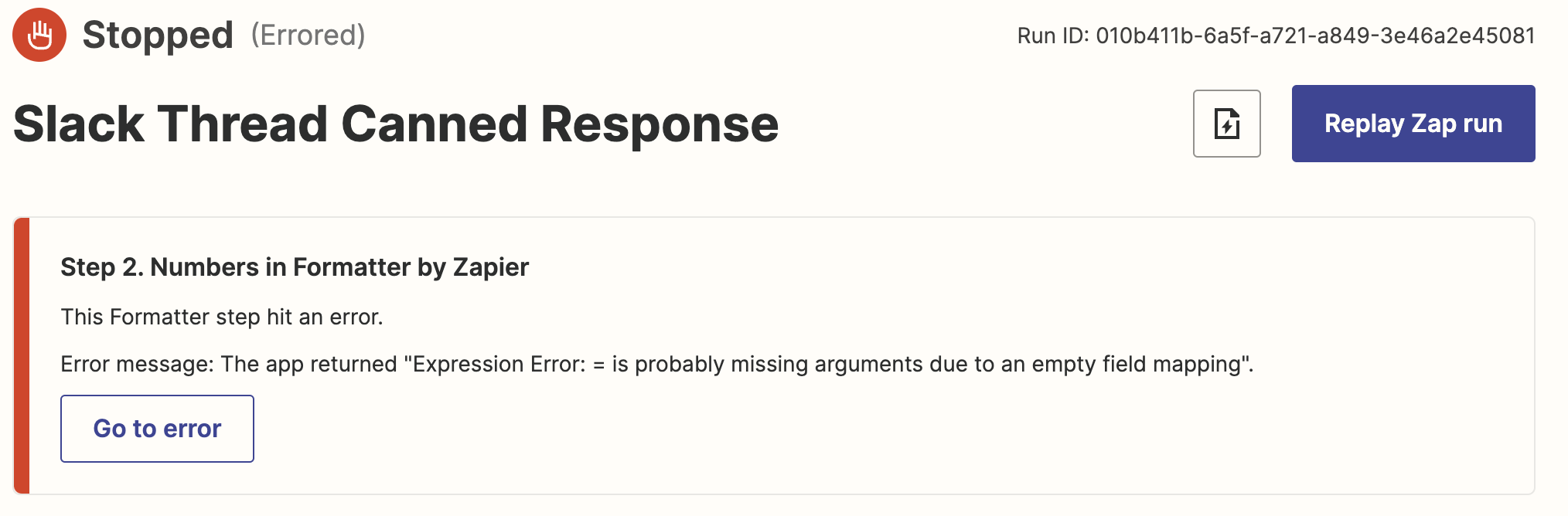
Can you post a screenshot of the DATA IN/OUT for the Formatter step that resulted in the error in the Zap Run to give us context?


Troy Tessalone
Zapier Orchestrator & Solution Partner
Forum|alt.badge.img+14
  • Zapier Orchestrator & Solution Partner
  • January 5, 2024

  • Author
  • New
  • January 5, 2024

It almost seems like the new slack message doesn’t have a thread ts field -- that is only created when a message is sent to create a thread. The challenge is I don’t want to get on a loop.


Troy Tessalone
Zapier Orchestrator & Solution Partner
Forum|alt.badge.img+14
  • Zapier Orchestrator & Solution Partner
  • Answer
  • January 5, 2024

@jsinger11 

When you see this in the DATA IN for a Zap Run step, it means the mapped variable was invalid or missing a value.


Perhaps take a different approach with the Filter and check if there is no Thread TS present.

That would indicate it’s a new message vs a message thread.


  • Author
  • New
  • January 5, 2024

Tried it -- works! Thanks @Troy Tessalone