Question

Trouble with Zapier Detecting Jira Data

  • March 27, 2026
  • 7 replies
  • 31 views

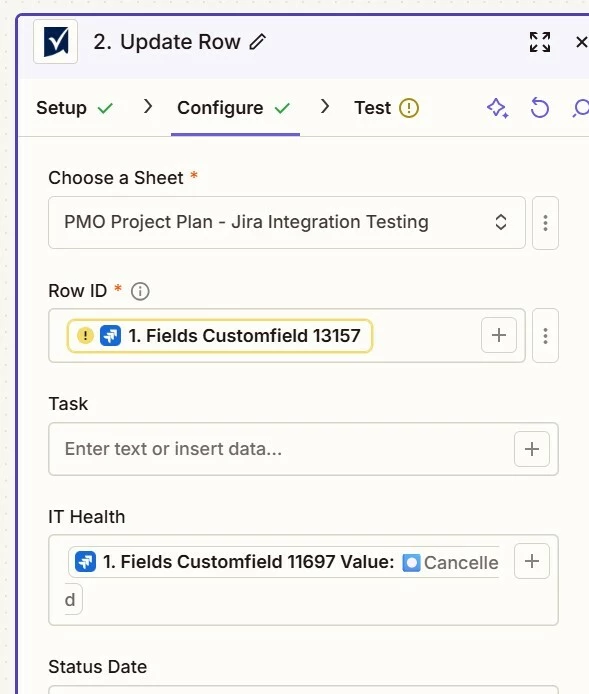
I am trying to get this Zap to test from Jira to Smartsheet but the test is blocked on the Smartsheet step because it is not detecting any value for customfield_13157 (Smarsheet Row ID) in Jira. Is there a way to search for the value that's in the field like how the other fields are showing a result? I am unsure why it is not grabbing it from Jira when the field is not empty in Jira.



7 replies

Troy Tessalone
Zapier Orchestrator & Solution Partner
Forum|alt.badge.img+14
  • Zapier Orchestrator & Solution Partner
  • March 27, 2026

Hi ​@ckopanonHH 

Make sure you are using a Zap trigger step example that has a value for the custom field.

You can add a Filter step to check that required fields in action steps have values for mapped variables.

https://zapier.com/apps/filter/integrations#help


How to use a previous Zap Run as a Zap trigger step example to configure Zap action steps: https://help.zapier.com/hc/en-us/articles/35632951078029-Use-previous-Zap-runs-as-trigger-test-records


  • Author
  • Beginner
  • March 27, 2026

Hello, the Zap trigger starts with an issue update in Jira but its still not recognizing it in this second step. I worked with support last time and they had me do a search for the field with the value using some formatting but I cannot remember what they did. That was during the free trial so I was able to chat with someone through IM.


Troy Tessalone
Zapier Orchestrator & Solution Partner
Forum|alt.badge.img+14
  • Zapier Orchestrator & Solution Partner
  • March 27, 2026

@ckopanonHH 

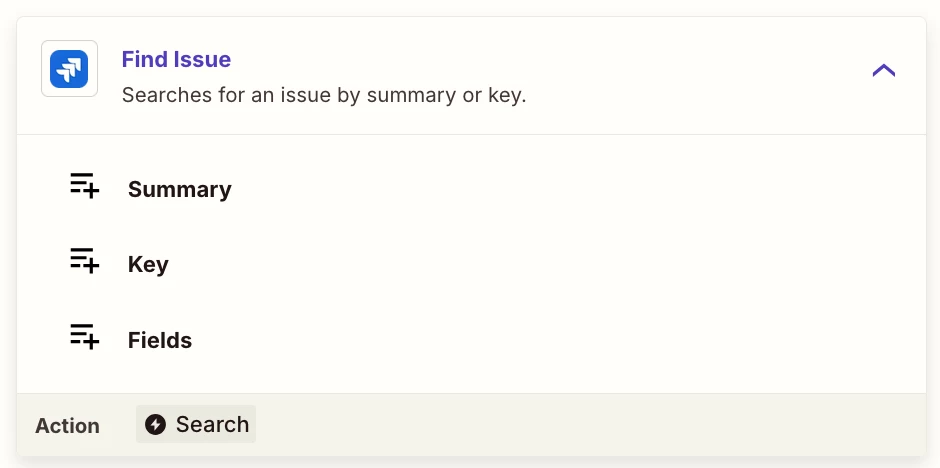
You can add a “Find” step to find a record to see if that returns the custom field value.

e.g. Find Issue


Forum|alt.badge.img+2
  • Zapier Solution Partner
  • March 27, 2026

Hi ​@ckopanonHH 

A few things to try:

  1. Verify the custom field ID – Double-check that customfield_13157 is the correct ID for the field in Jira. You can view the issue in Jira and inspect the field source or use Jira's REST API to confirm.

  2. Re-add the Jira trigger – If the trigger was set up before the custom field existed in Jira, Zapier may not recognize it. Try removing and re-adding the trigger step to refresh the field list.

  3. Add a Filter step – Insert a Filter step before Smartsheet to ensure the Zap only runs when customfield_13157 has a value. This won't fix mapping but helps avoid unnecessary errors.

  4. Check the field type – If it's a custom field type like a dropdown, user picker, or checkbox, the value may be nested (e.g., { "value": "123" }). Use a Formatter > Text Formatter step to extract the actual value before mapping to Smartsheet.

Hope one of these helps!

If you're still stuck, I offer a free 20-min Zapier troubleshooting call. Book it through my Zapier Directory profile — it's listed under Resources on the left side: https://zapier.com/partnerdirectory/automatemybiz!-->


Sparsh from Automation Jinn
Forum|alt.badge.img+6

Hey ​@ckopanonHH,

Try using the Find issue action to find the custom field. The screenshot you uploaded shows that the custom field is empty from the trigger.

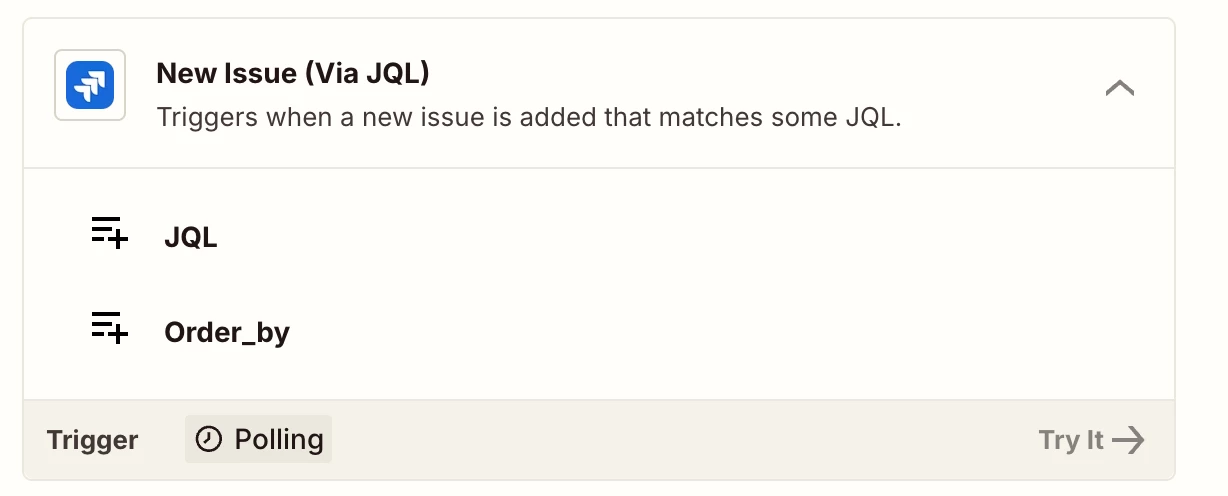
Alternatively you can also try using New Issue(via JQL) trigger which can possible expose the custom fields.


Hope it helps!

PS: If you need more active help, I’m happy to connect through my Zapier Solution Partner page if you’d like to reach out here- https://zapier.com/partnerdirectory/automation-jinn


Forum|alt.badge.img+2
  • Zapier Solution Partner
  • March 31, 2026

Hi ​@ckopanonHH 

Just checking in to see if this is now sorted? If not, feel free to share an update—happy to help troubleshoot further if you're still stuck with that custom field.

And if you'd rather just get it sorted quickly, I offer a free 20-min Zapier troubleshooting call. Book it under Resources on my Zapier Directory profile: https://zapier.com/partnerdirectory/automatemybiz


  • Author
  • Beginner
  • March 31, 2026

Hello, I was able to use Find Issue and got this to work! Thanks for the help :)