Question

Trouble 'hydrating; data from Airtable

  • July 25, 2024
  • 9 replies
  • 154 views

Hi, 

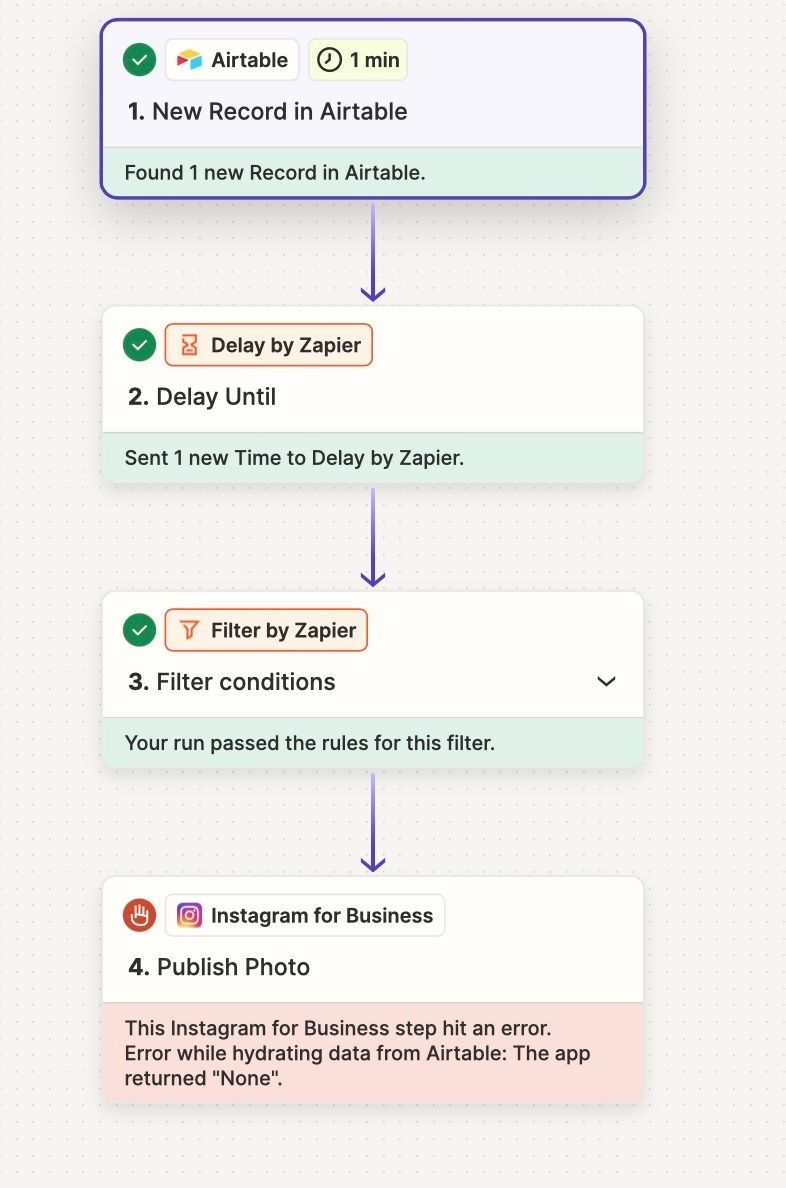
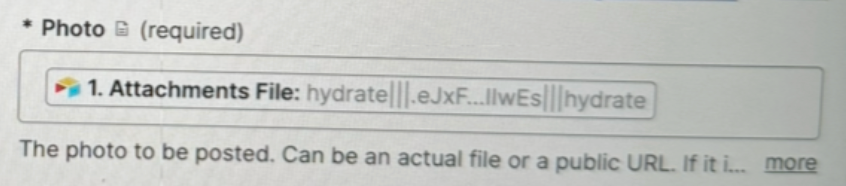
I am creating a Zap using data from Airtable, the intention is to get the data from Airtable and post on Instagram and Facebook. The Zap has run successfully before but now it is having issues with the image files and will not run. Does anyone know how to fix it? 

Please note that the image files are stored in Dropbox if that will make a difference? 

This post has been closed for comments. Please create a new post if you need help or have a question about this topic.

9 replies

Troy Tessalone
Zapier Orchestrator & Solution Partner
Forum|alt.badge.img+14
  • Zapier Orchestrator & Solution Partner
  • July 25, 2024

Hi @mbsmih 

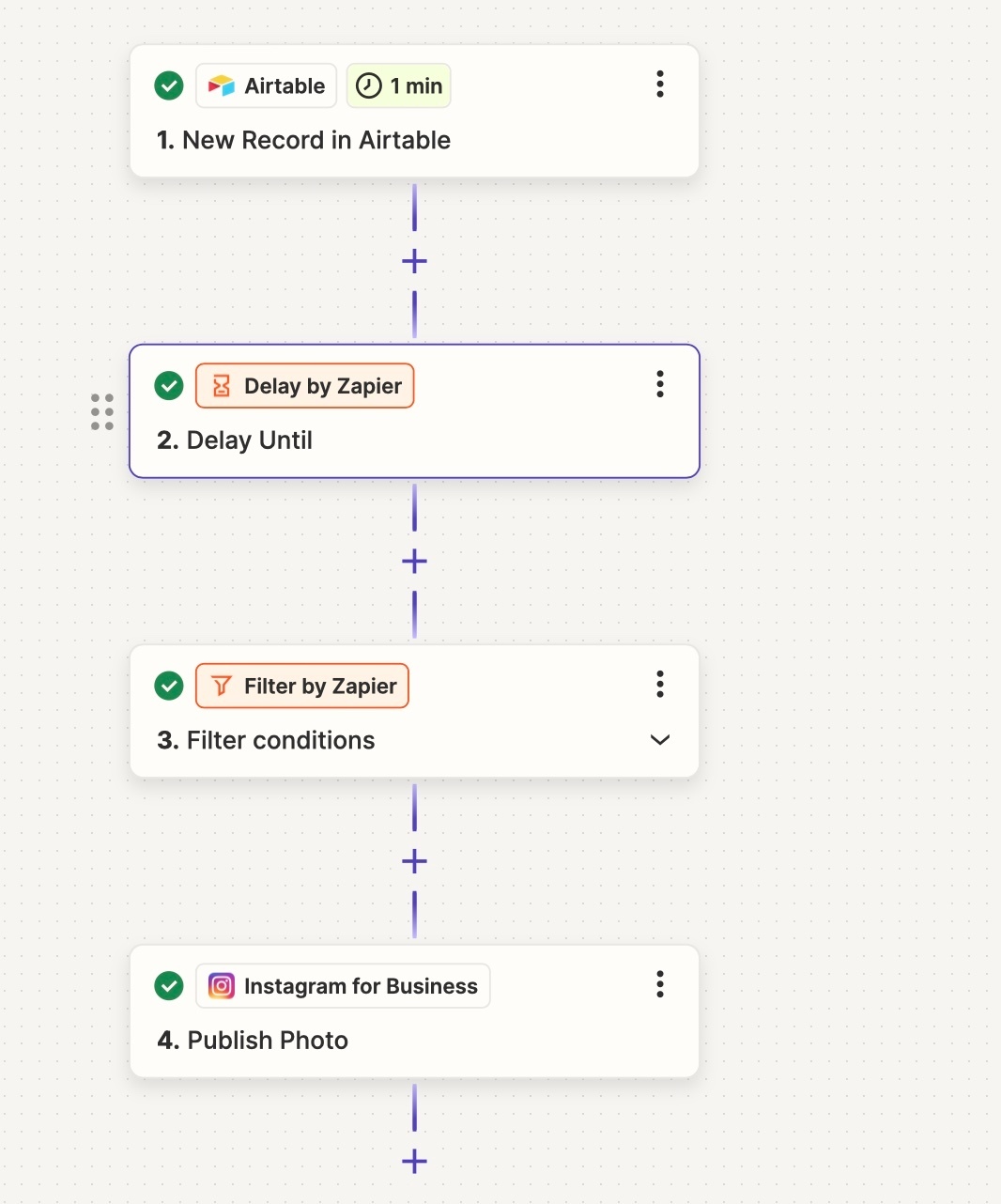
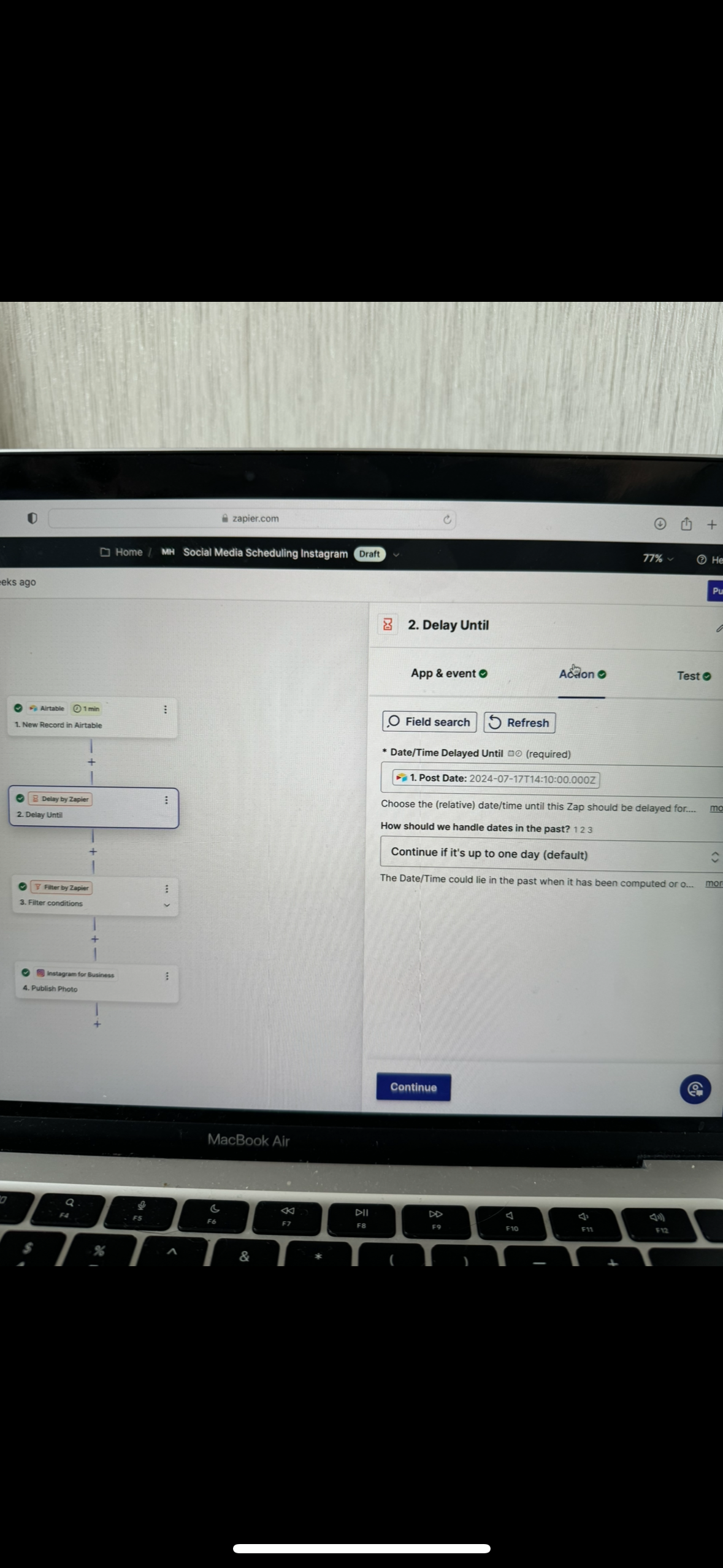
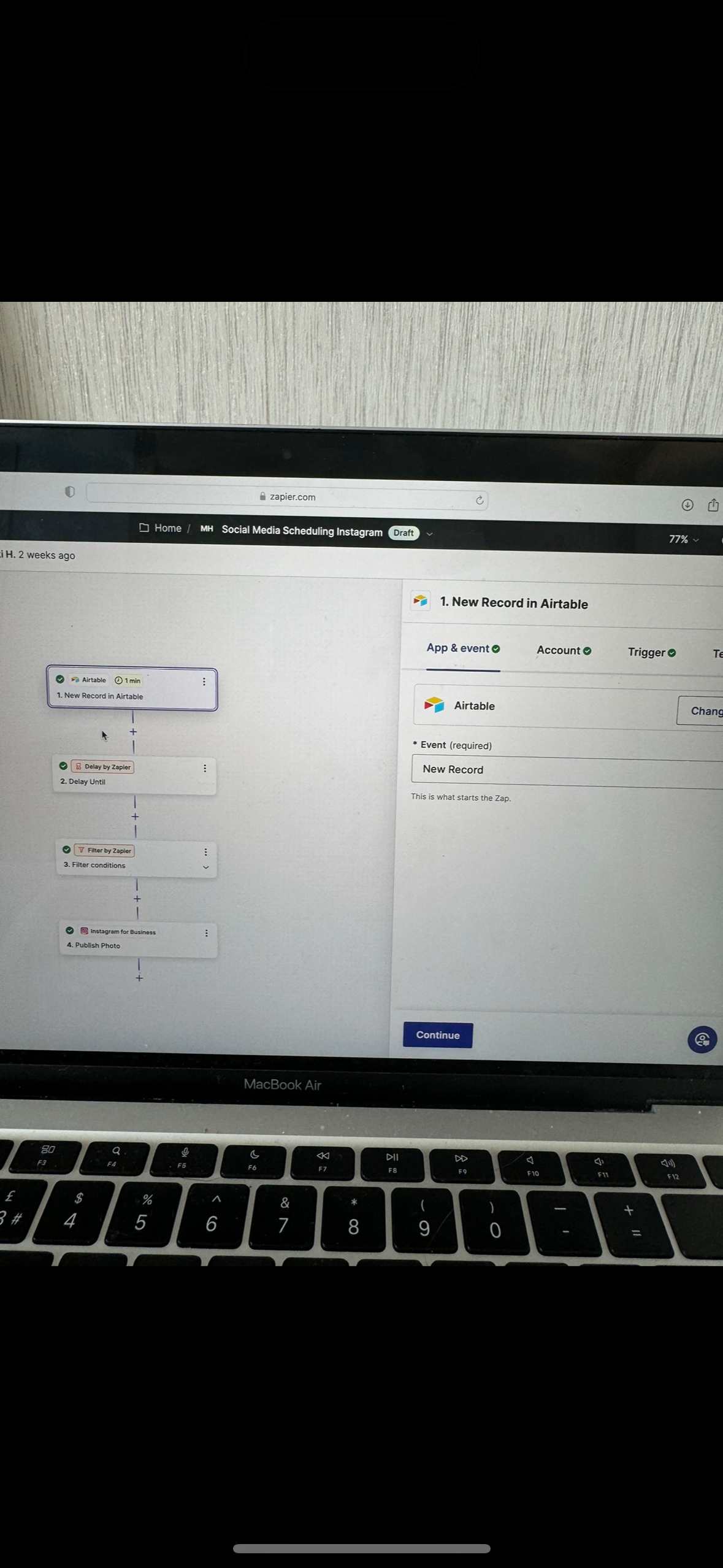
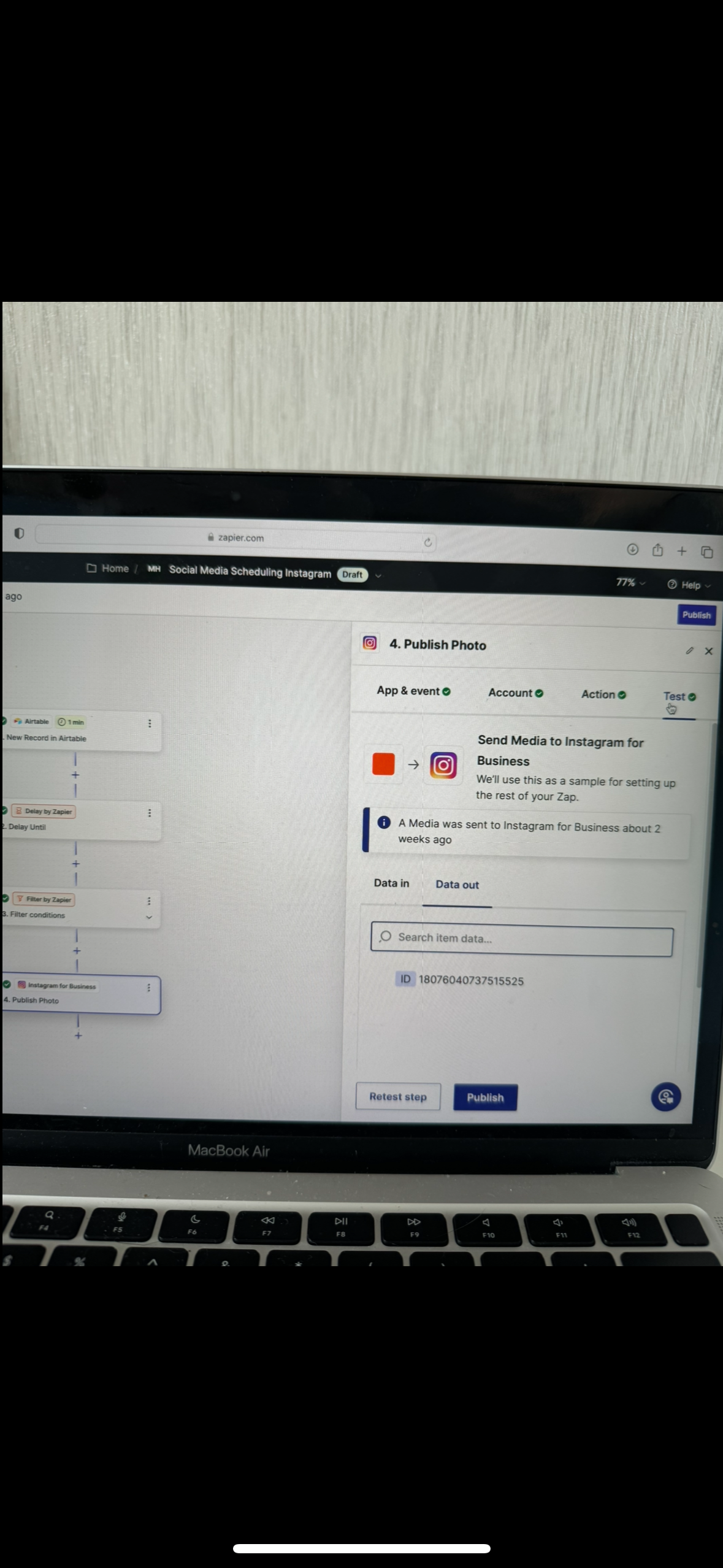
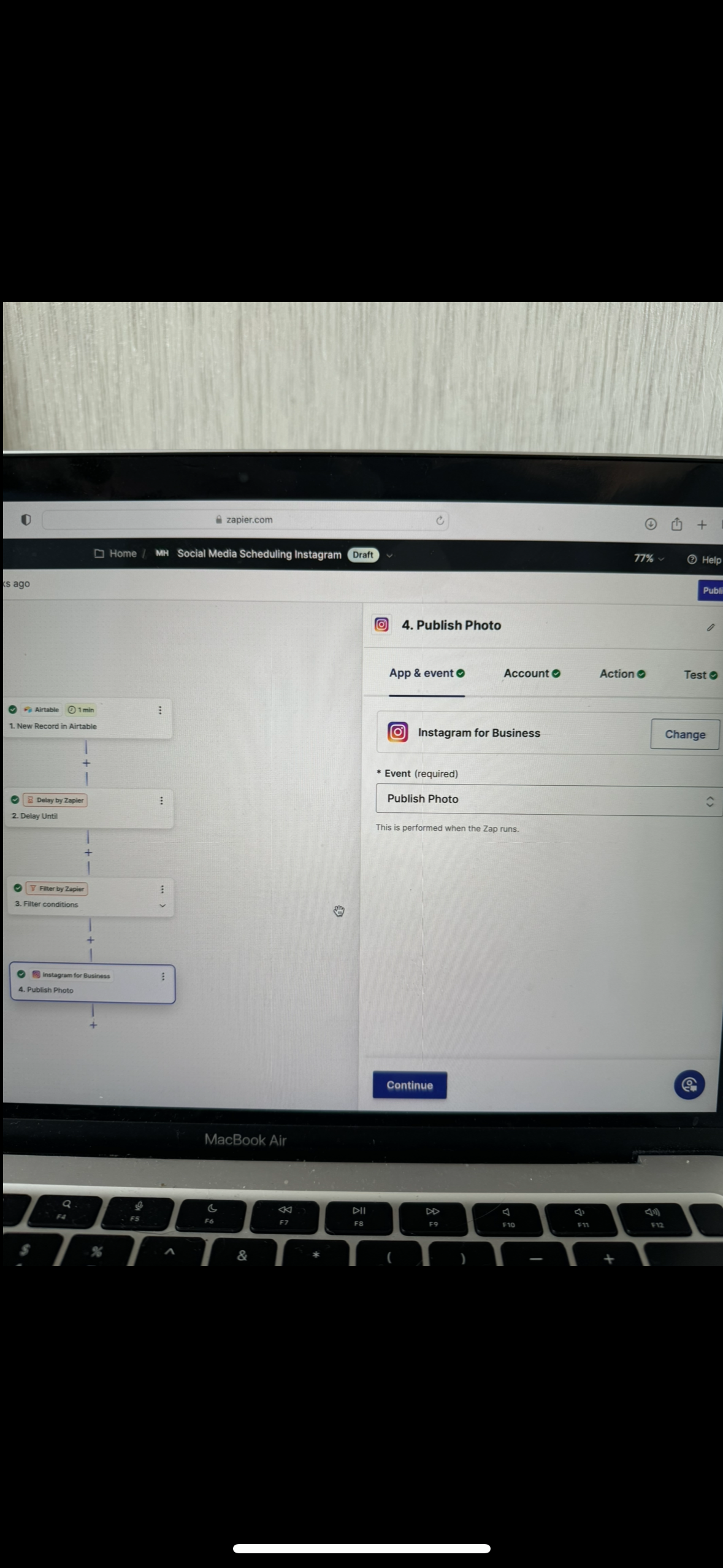
For us to have more context post screenshots showing these:

  • How your Zap steps are outlined and configured in EDIT mode
  • The encountered error

  • Author
  • Beginner
  • July 26, 2024

Hi, 


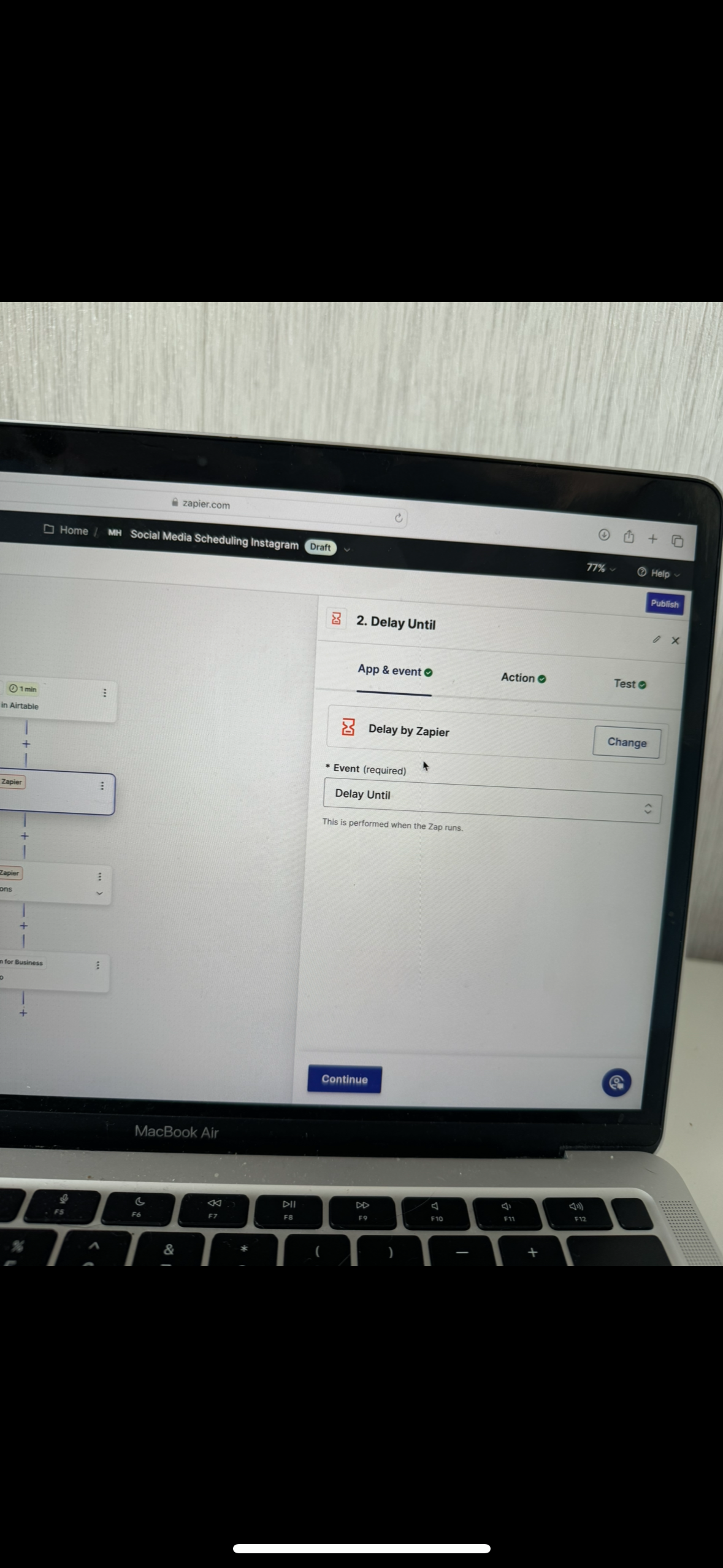
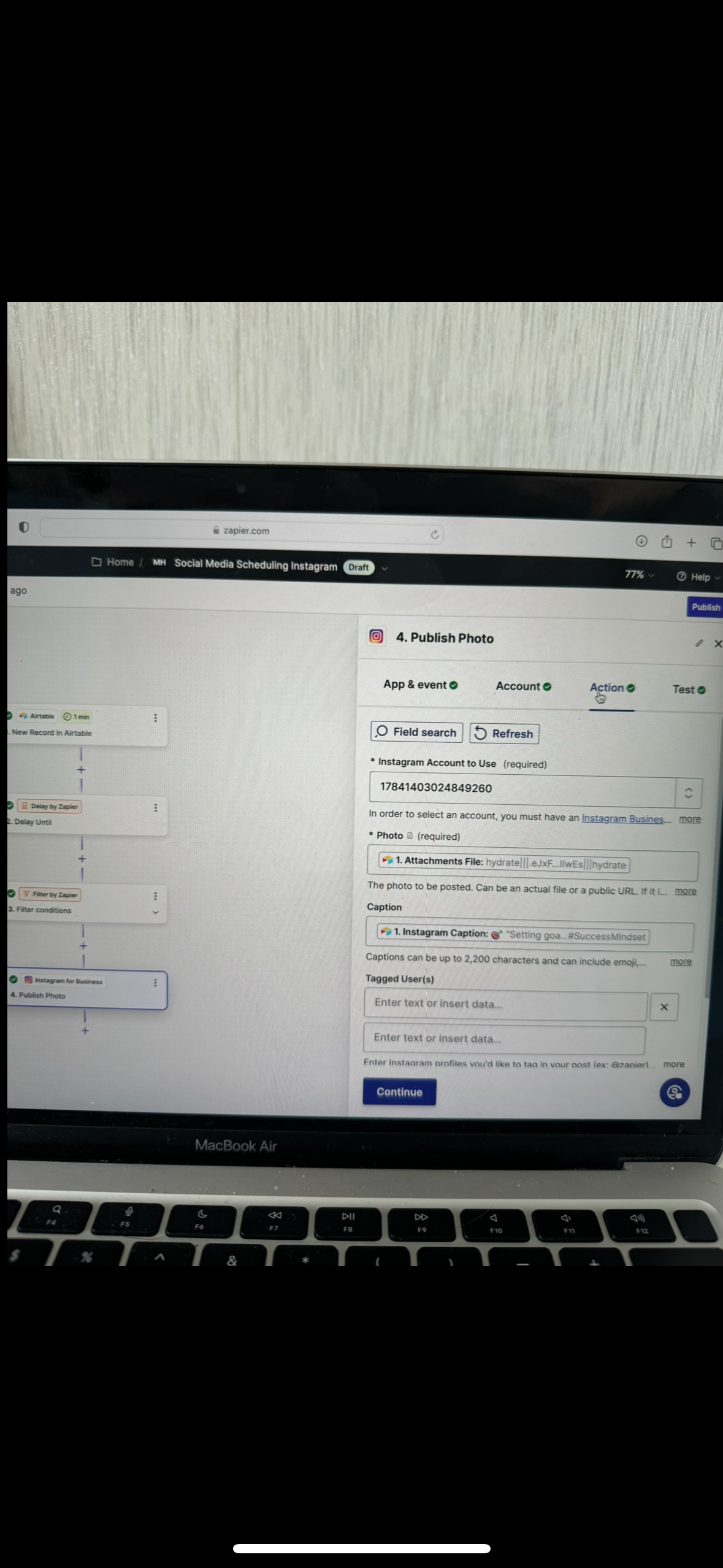
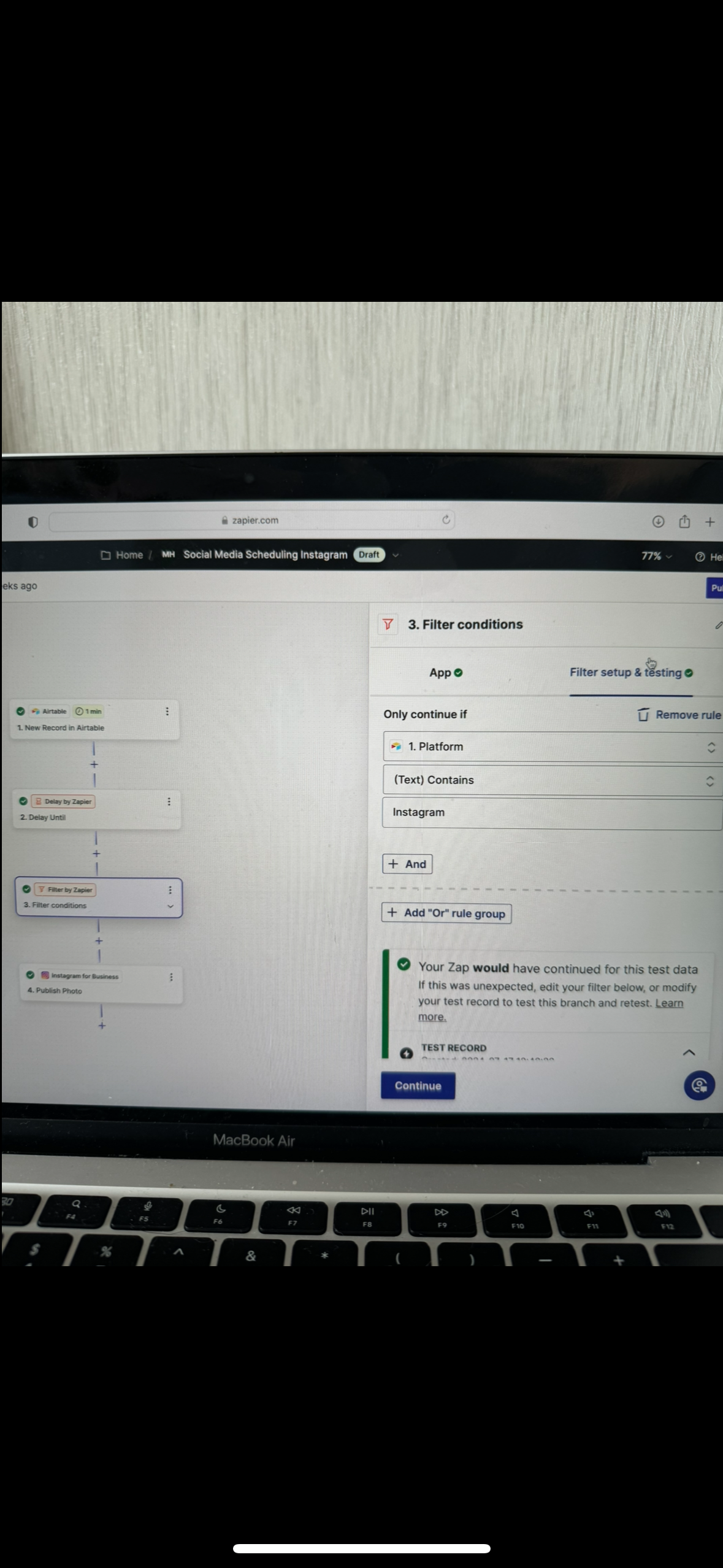
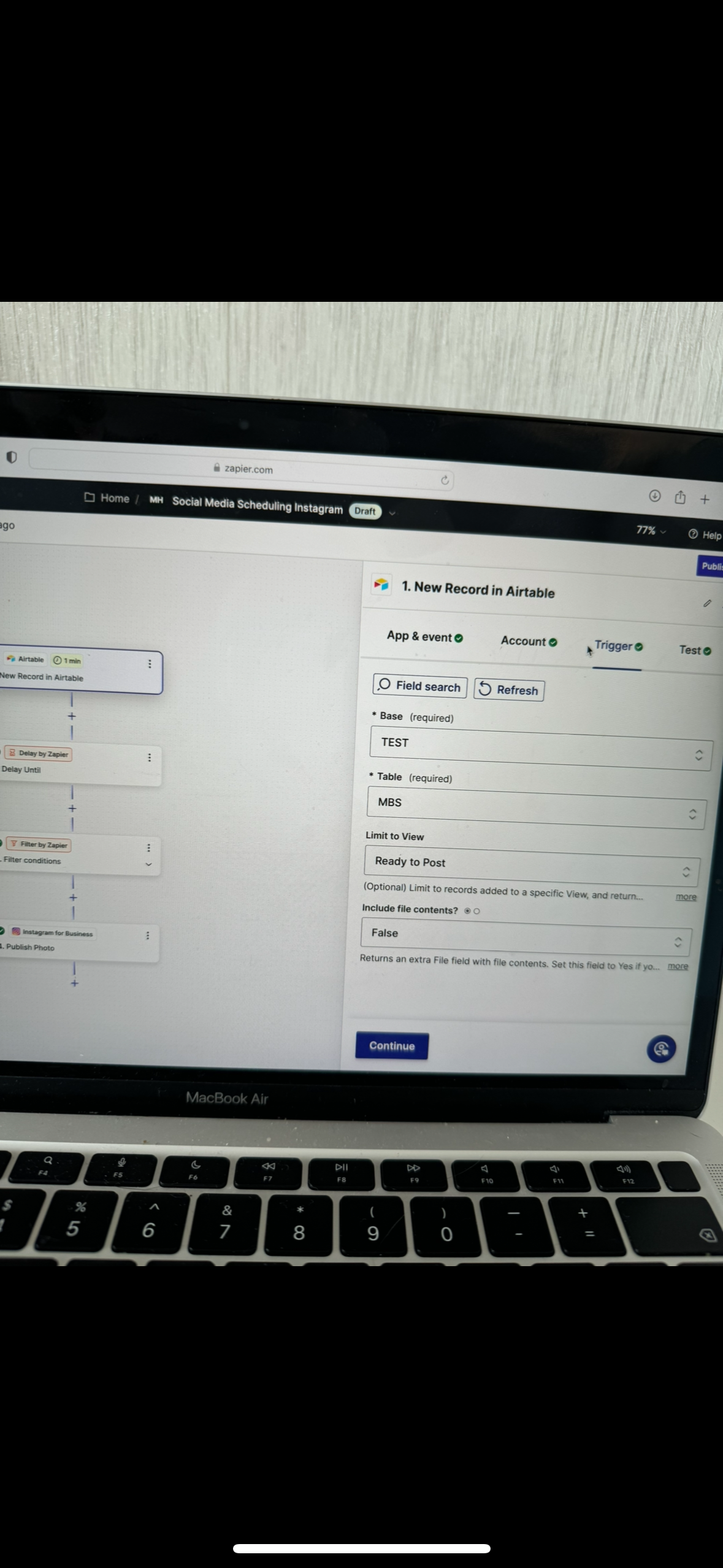
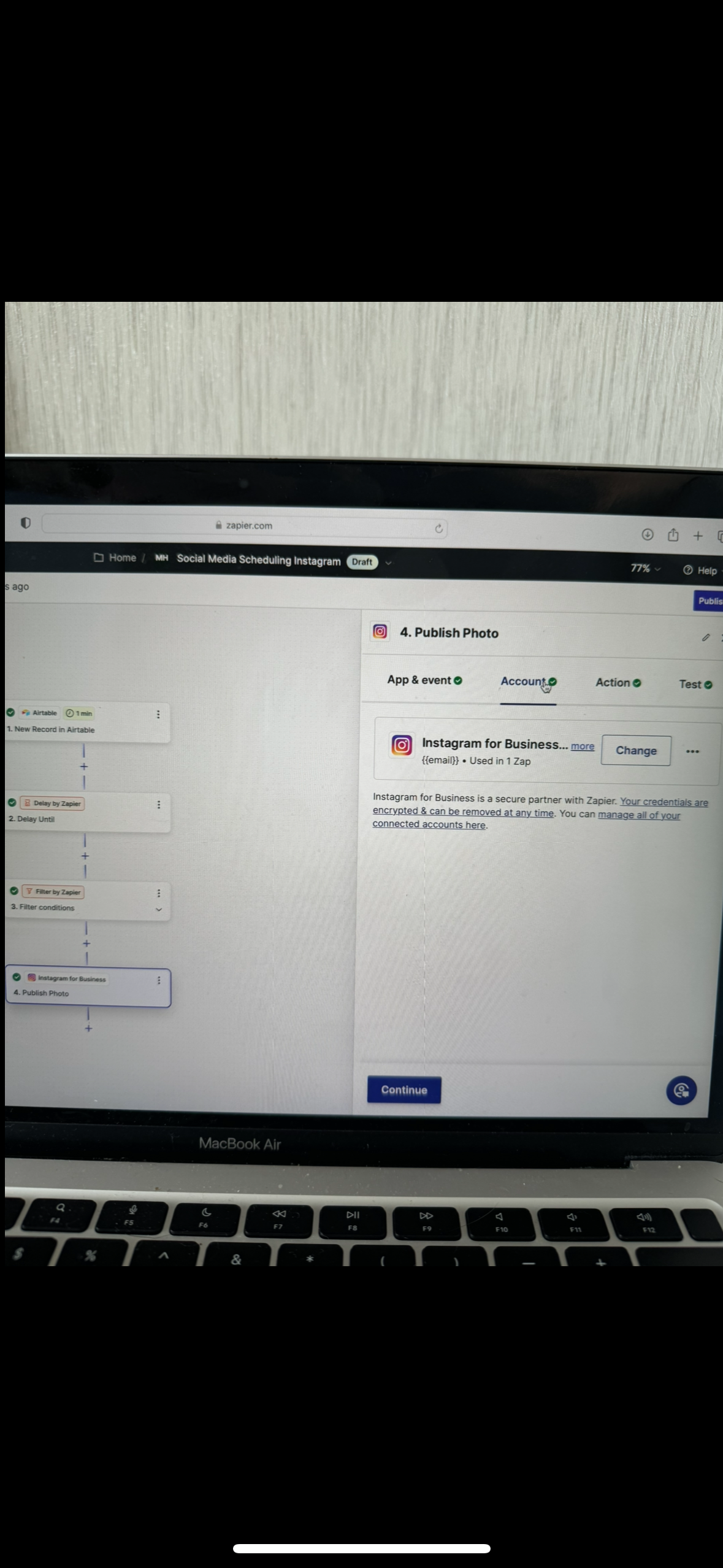
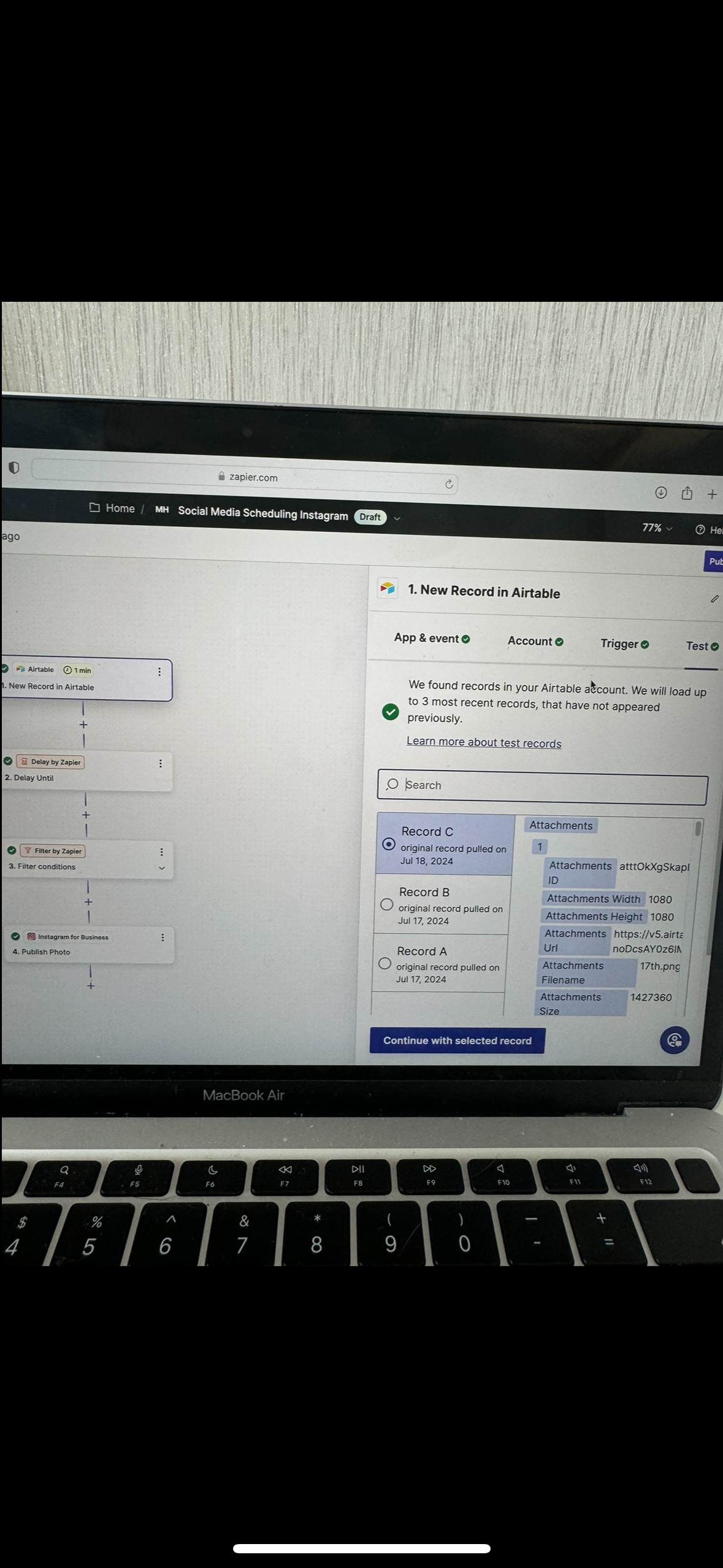
Please see screenshot below:


Troy Tessalone
Zapier Orchestrator & Solution Partner
Forum|alt.badge.img+14
  • Zapier Orchestrator & Solution Partner
  • July 26, 2024

@mbsmih 

We need to see how the Zap steps are configured in EDIT mode to have full context about the error.


  • Author
  • Beginner
  • July 29, 2024

Hi, 

Is this what you mean?


Troy Tessalone
Zapier Orchestrator & Solution Partner
Forum|alt.badge.img+14
  • Zapier Orchestrator & Solution Partner
  • July 29, 2024

@mbsmih 

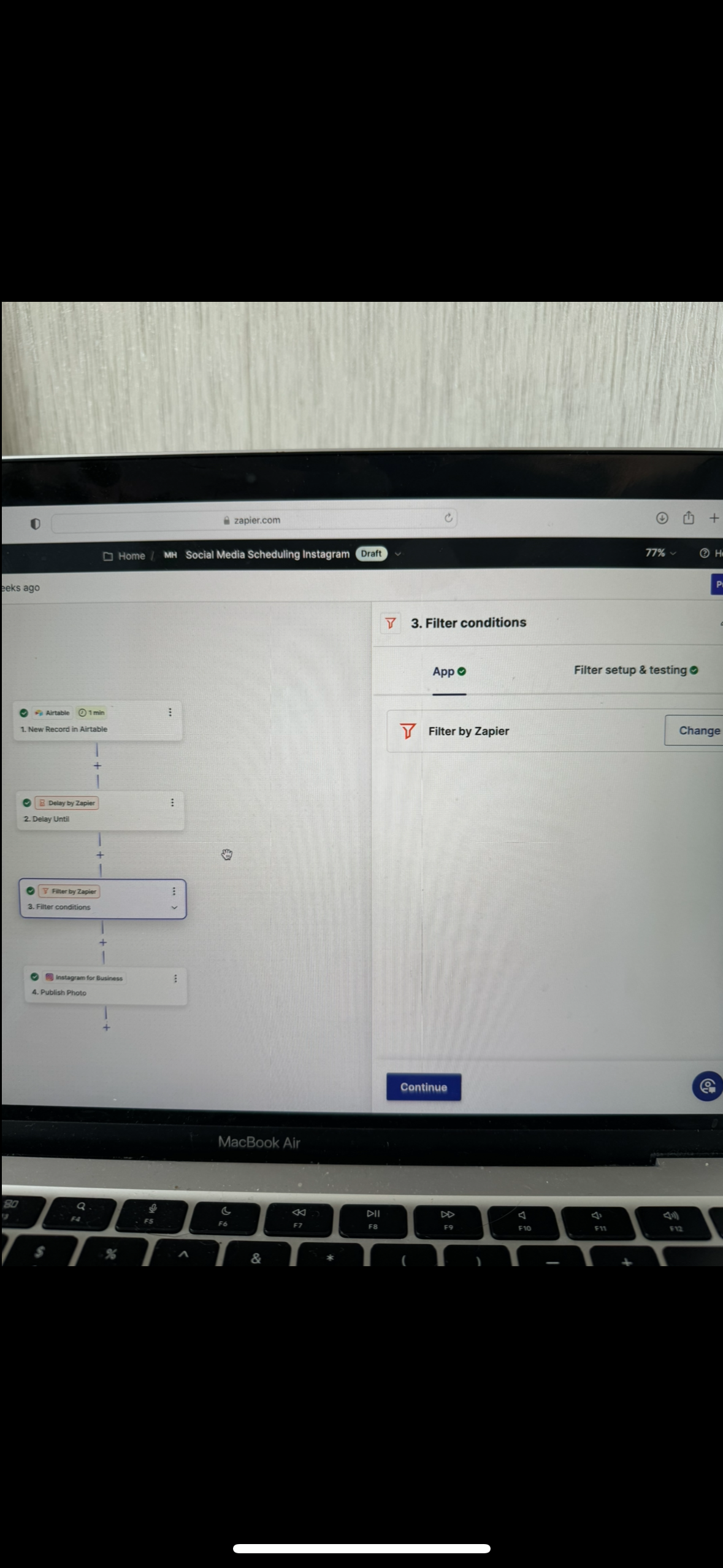
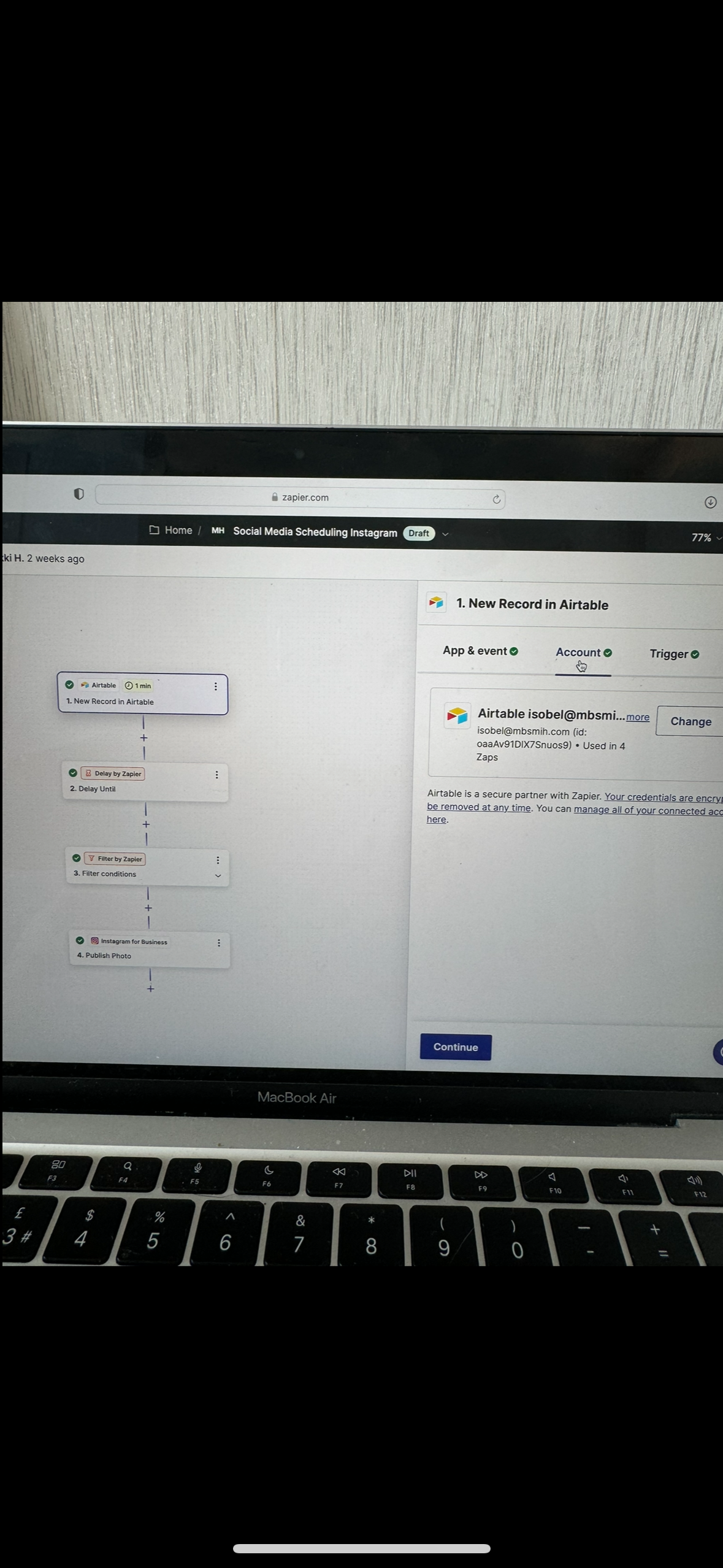
We need to see how each Zap step is configured in EDIT mode.


  • Author
  • Beginner
  • July 30, 2024

Hi, 


Is this what you need - if not please could you explain further what you mean? 


Troy Tessalone
Zapier Orchestrator & Solution Partner
Forum|alt.badge.img+14
  • Zapier Orchestrator & Solution Partner
  • July 30, 2024

@mbsmih 

How to take screenshots: https://www.google.com/search?q=how to take screenshots


Help links about the Airtable Attachments field:

https://support.airtable.com/docs/attachment


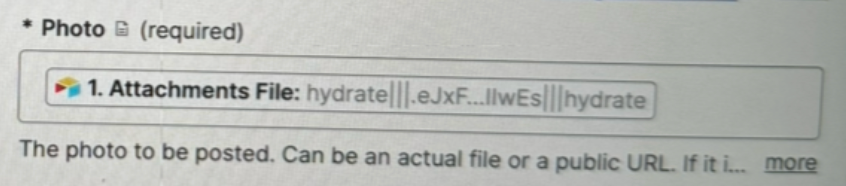
The Photo field has a variable mapped from an Attachments field.

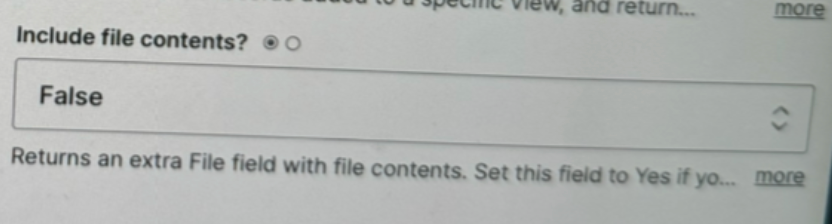
Try changing the Zap trigger settings for: Include File Contents = True


Other things to check…

Hydrated files are temp files that expire after 1 hour, so you may have to refresh the Zap trigger examples data to then test again.

Are there multiple files in the Attachments field for the record in question because that could be causing the issue?

Can you explain more what you mean by it will not run?

  • Do you mean the Zap does not trigger to run?
    • That is dependent on the selected View in the Zap trigger
    • Records already in the View will not retrigger the Zap due to deduplication
  • Do you mean the Zap action step does not process as expected?


  • Author
  • Beginner
  • July 31, 2024

Thanks for this! I will try changing the file contents field to ‘true’

The intention of the zap is to be able to schedule social media posts weeks in advance. The zap is not working in the intended way as the image files are not being uploaded (only the copy).

We would ideally be able to put multiple images within the same post, are you saying that this isn't possible? 


Troy Tessalone
Zapier Orchestrator & Solution Partner
Forum|alt.badge.img+14
  • Zapier Orchestrator & Solution Partner
  • July 31, 2024

@mbsmih 

Check the Photo field description for guidance.

It does not appear to mention support for multiple photos.