Question

Trouble Finding Charges on Stripe to filter through on Zapier

  • March 5, 2024
  • 39 replies
  • 276 views

Show first post
This post has been closed for comments. Please create a new post if you need help or have a question about this topic.

39 replies

Troy Tessalone
Zapier Orchestrator & Solution Partner
Forum|alt.badge.img+14
  • Zapier Orchestrator & Solution Partner
  • March 12, 2024

@Alexandra R. 

The data from most Zap trigger step apps won’t be created by a Zap.


An advanced approach would be to try using Webhooks in Stripe. (Developers section in Stripe)

Zap Trigger: Webhook - Catch Hook

This will generate a unique webhook URL to configure in Stripe. (essentially same thing as available Zap triggers that are instant)


If you need help, consider hiring a Certified Zapier Expert: https://zapier.com/experts


Forum|alt.badge.img
  • Author
  • Beginner
  • March 12, 2024

So I can just attempt the last thing you suggested? Could there be another reason why I am not seeing the data I need?


Troy Tessalone
Zapier Orchestrator & Solution Partner
Forum|alt.badge.img+14
  • Zapier Orchestrator & Solution Partner
  • March 12, 2024

@Alexandra R. 

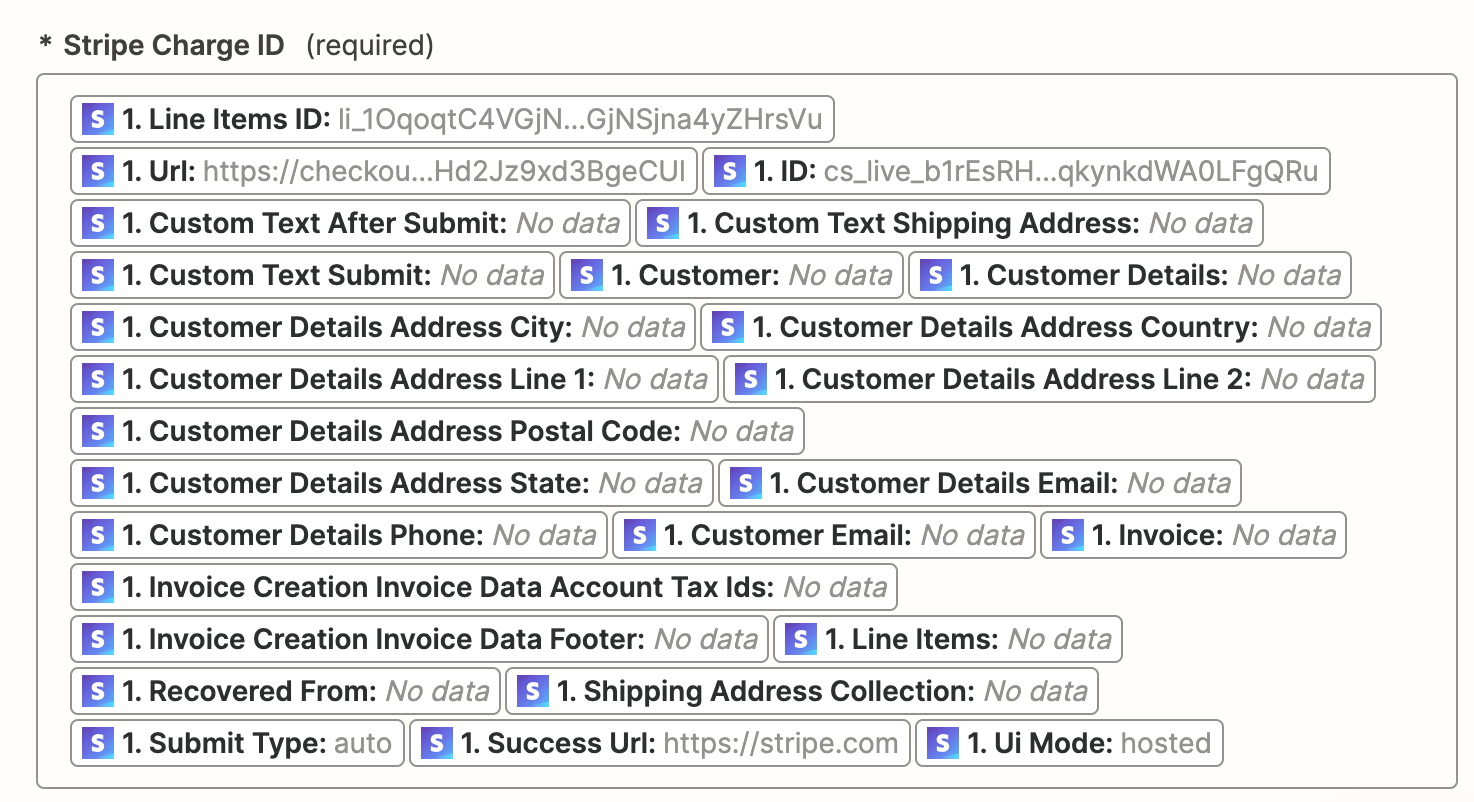
It may be related to how things on configured in Stripe.

It may be related to how you are testing, meaning making a real purchases as a end user would via Stripe.

it may be related to the Zap trigger example you are using.


Forum|alt.badge.img
  • Author
  • Beginner
  • March 12, 2024

I saw that they had a similar issue to me should I attempt what they did? 


Forum|alt.badge.img
  • Author
  • Beginner
  • March 12, 2024

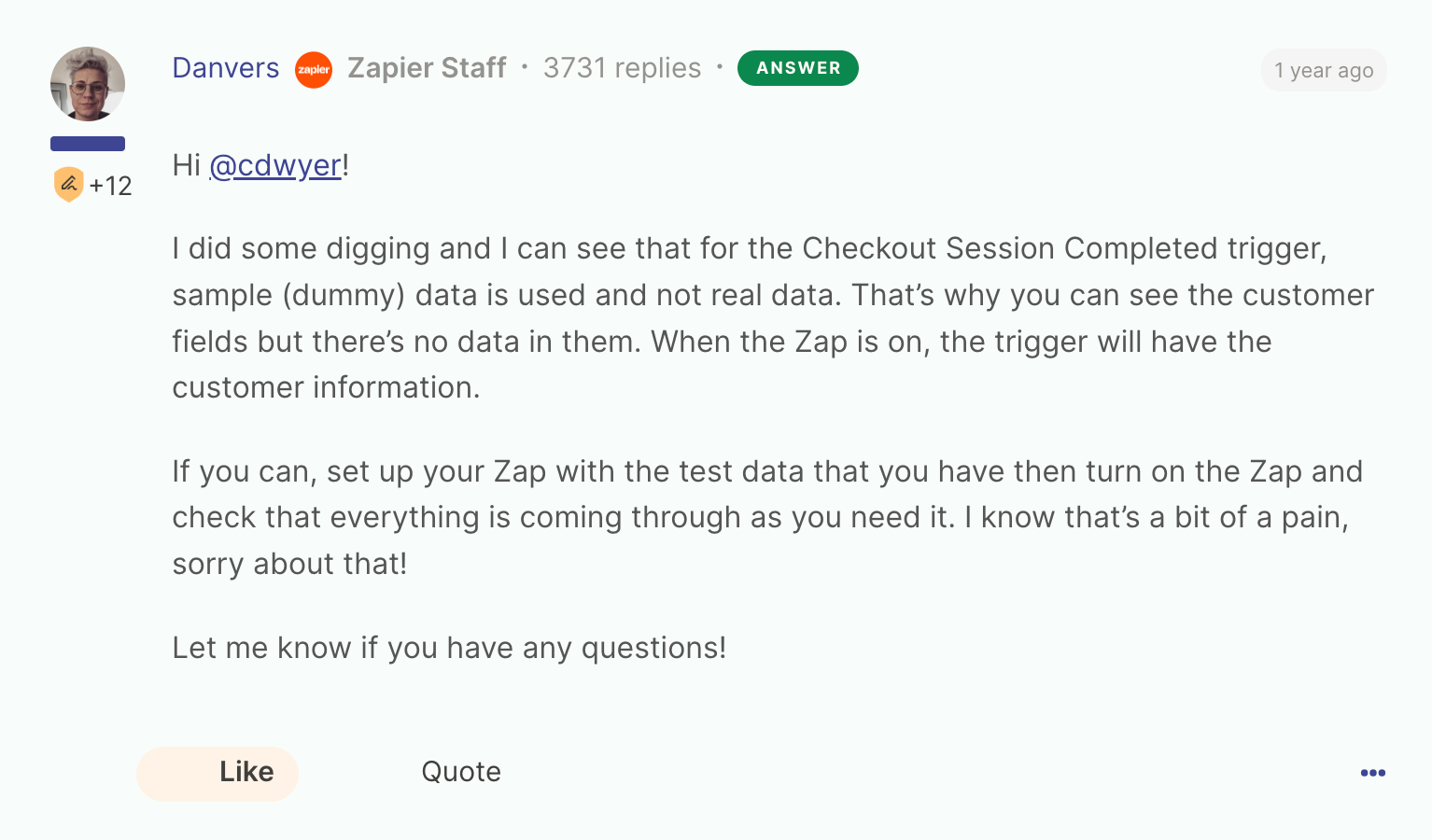
I attempted and am still encountering the same issue. The trigger still does not have the customer data despite being turned on.


Troy Tessalone
Zapier Orchestrator & Solution Partner
Forum|alt.badge.img+14
  • Zapier Orchestrator & Solution Partner
  • March 12, 2024

@Alexandra R. 

This was a previous suggestion:


OR try turning the Zap ON, then testing live.

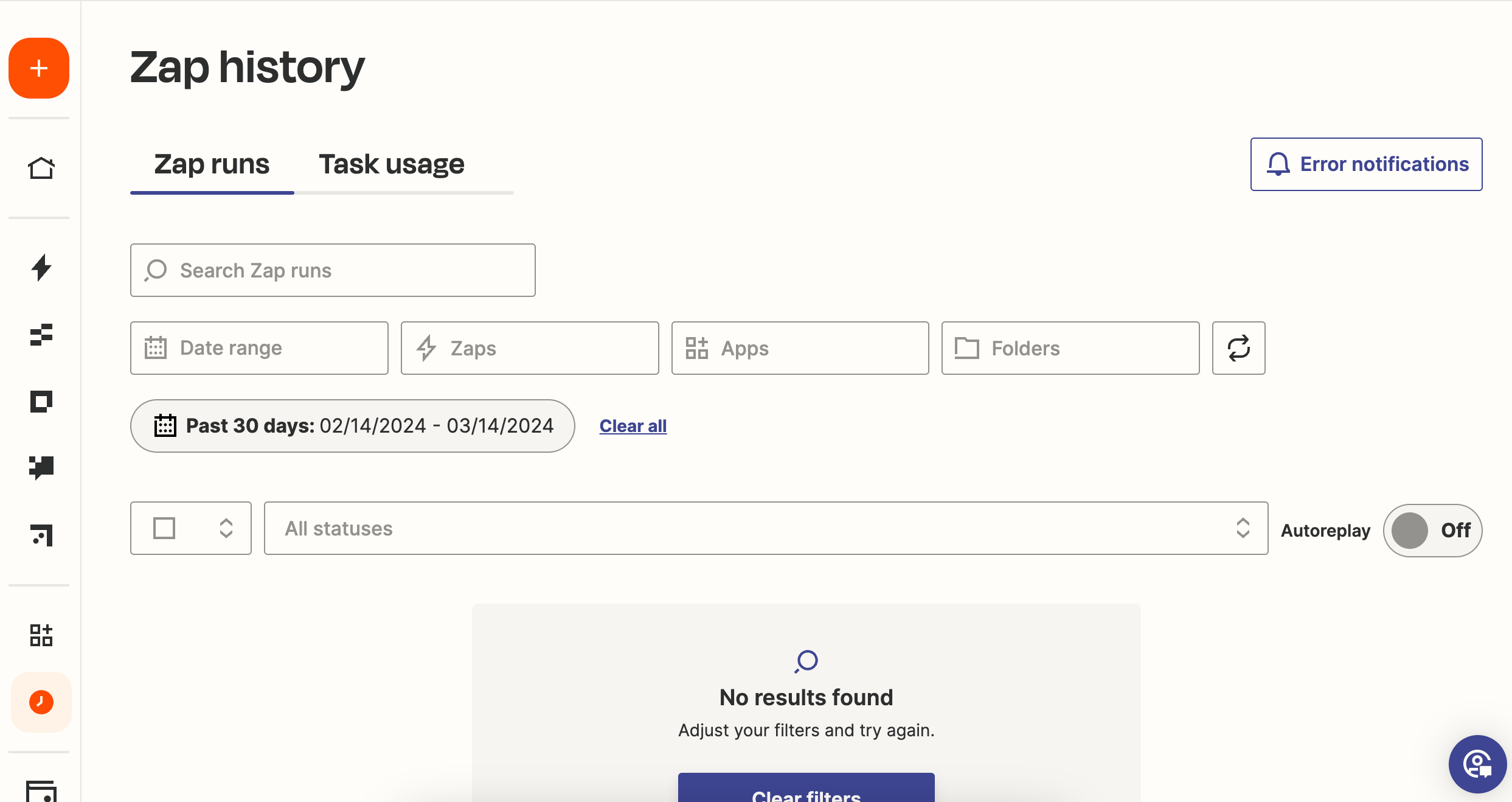
You can check the Zap Runs history details to see the DATA IN/OUT for each Zap step to help you troubleshoot: https://zapier.com/app/history/


Forum|alt.badge.img
  • Author
  • Beginner
  • March 14, 2024

So now moving on do I have to use webhooks and make it live so that I could troubleshoot and get the data I need?


Troy Tessalone
Zapier Orchestrator & Solution Partner
Forum|alt.badge.img+14
  • Zapier Orchestrator & Solution Partner
  • March 14, 2024

@Alexandra R. 

Stripe Webhooks is an option to explore.


Ultimately testing live will tell if it’s working as expected.


Forum|alt.badge.img
  • Author
  • Beginner
  • March 14, 2024

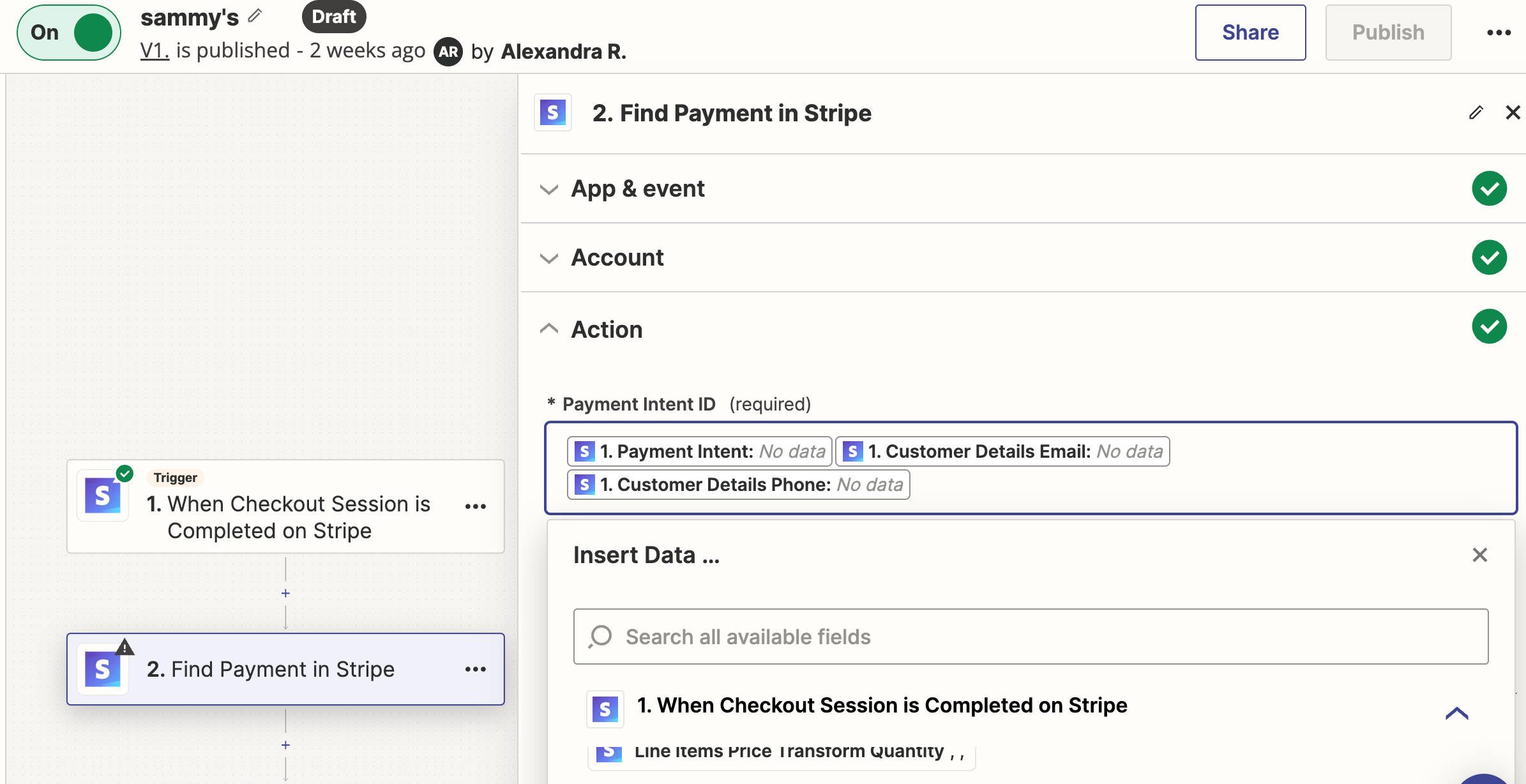
How do I make sure I am testing live? It was on when I tested the trigger but when I moved to the next filter it would not turn on. I also do not see any data displayed. Could you walk me through the process, please?


Troy Tessalone
Zapier Orchestrator & Solution Partner
Forum|alt.badge.img+14
  • Zapier Orchestrator & Solution Partner
  • March 14, 2024

@Alexandra R. 

Test live means to test with the Zap turned ON and perform the event that would trigger the Zap.


Forum|alt.badge.img
  • Author
  • Beginner
  • March 14, 2024

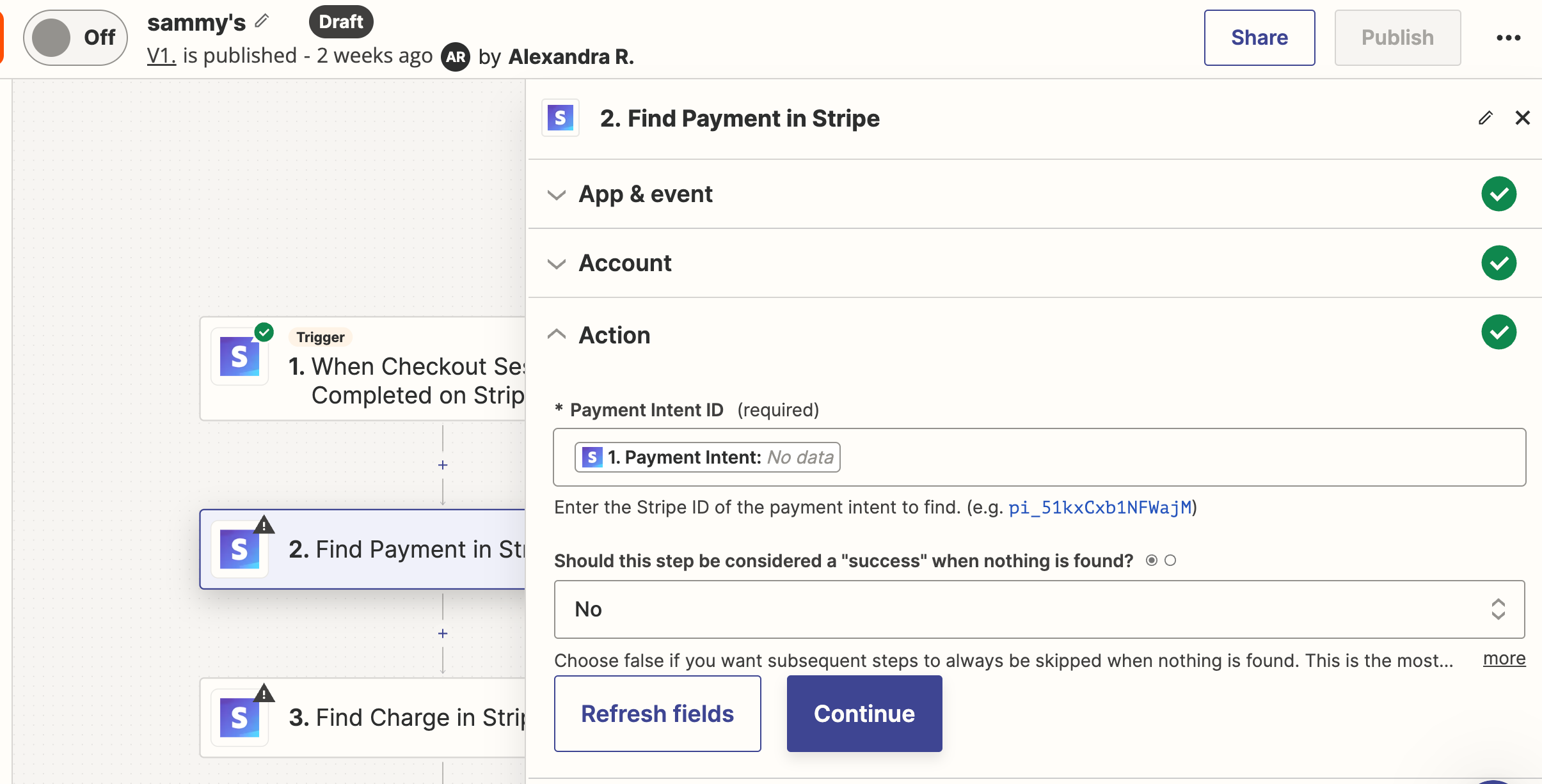
I have done this and no new data is showing up. Payment intent shows up as no data. 


Troy Tessalone
Zapier Orchestrator & Solution Partner
Forum|alt.badge.img+14
  • Zapier Orchestrator & Solution Partner
  • March 14, 2024

@Alexandra R. 

It might be best to consider hiring help.

Directory of Certified Zapier Experts: https://zapier.com/experts


Forum|alt.badge.img
  • Author
  • Beginner
  • March 19, 2024

I was able to find the information needed for a payment transaction using its payment ID. Is there a way where I don’t have to put the specific payment ID but instead acquire the data from somewhere else that includes all the payment IDs from the payment link? If I continue doing it the way I have it set up I would have to input each payment ID which would defeat the purpose of automating the process. 


Troy Tessalone
Zapier Orchestrator & Solution Partner
Forum|alt.badge.img+14
  • Zapier Orchestrator & Solution Partner
  • March 19, 2024

@Alexandra R. 

You can map dynamic variables between Zap steps using the ‘CUSTOM’ tab.

Help: https://zapier.com/help/create/basics/set-up-your-zap-action