Question

Trouble creating a Google Workspace user from Google Form through Zapier, issues with primary email field

  • April 25, 2024
  • 5 replies
  • 56 views

Hi

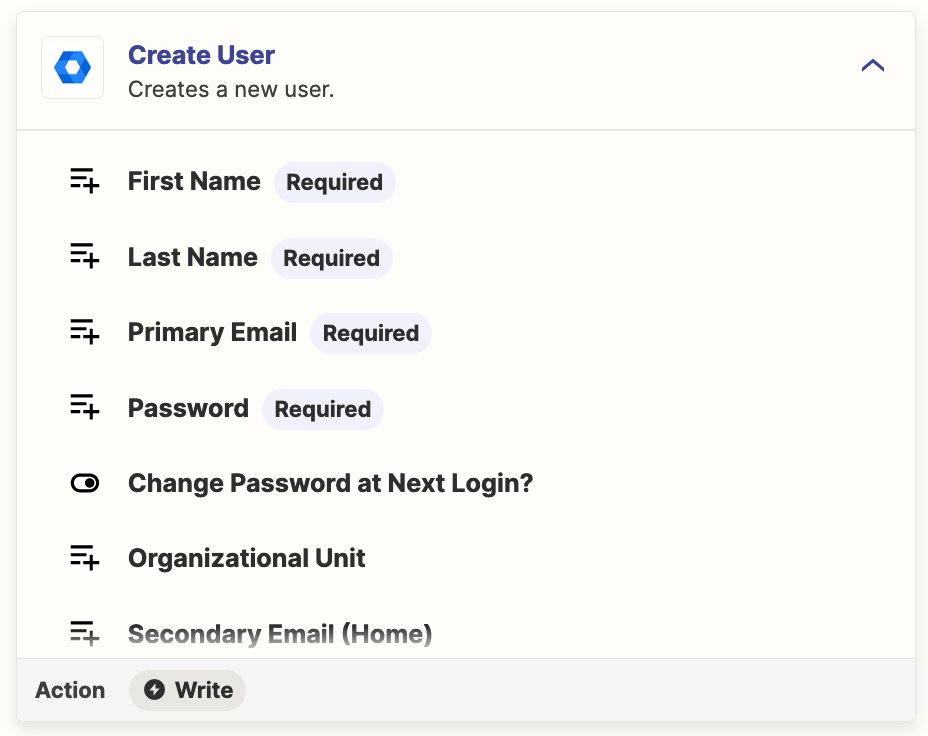
I want to create a Zap for creating a new google workspace user, using details from a google form. The problem I have is the primary email address field. I can’t put anything in the google form to pull this data and it wont let me create the zap without it. Obviously this will need to be first name and surname followed by our domain but unsure how to get that across into the google workspace primary email field. 

Any help would be much apricated. 

Thanks

This post has been closed for comments. Please create a new post if you need help or have a question about this topic.

5 replies

Troy Tessalone
Zapier Orchestrator & Solution Partner
Forum|alt.badge.img+14
  • Zapier Orchestrator & Solution Partner
  • April 25, 2024

Hi @AndyVeste 

Input fields can have a combo of dynamic variable and static values.

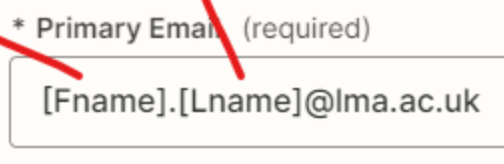
e.g. [Fname].[Lname]@email.com

If you still need help, post screenshots to give us more context.


  • Author
  • Beginner
  • April 25, 2024

Hi

Thanks for the reply

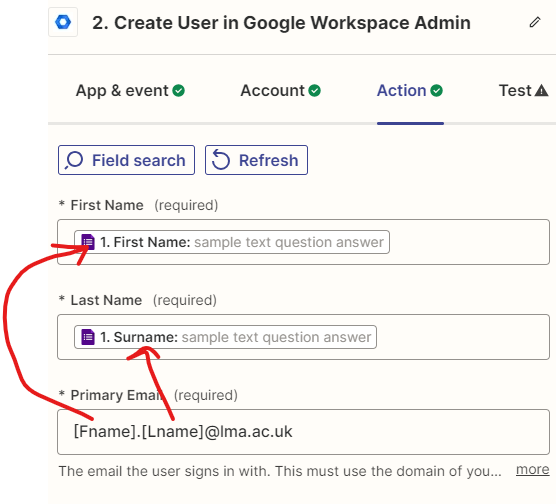
Yes I am trying to get the primary email to use the first name and surname from the google form. Please see screen shot.

I updated it with what you put should this work. Does it need the brackets etc?

Thanks


Troy Tessalone
Zapier Orchestrator & Solution Partner
Forum|alt.badge.img+14
  • Zapier Orchestrator & Solution Partner
  • April 25, 2024

@AndyVeste 

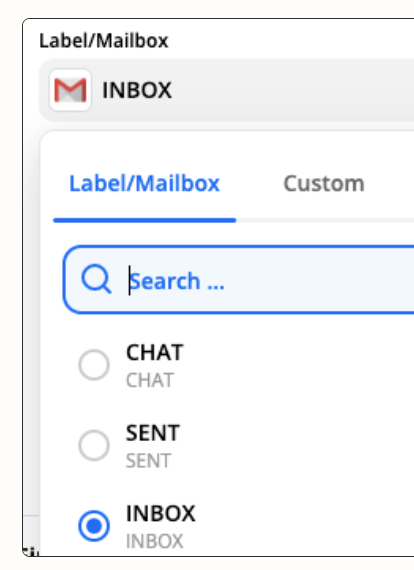
You can do that the same way you mapped dynamic variables for First Name and Last Name fields using the ‘Custom’ tab.


  • Author
  • Beginner
  • April 25, 2024

Hi Thanks

Sorry but I have not used a “custom tab” I have only selected the fields from google form form search that zapier does. Is this maybe because I don’t have premium sub?


Thanks


Troy Tessalone
Zapier Orchestrator & Solution Partner
Forum|alt.badge.img+14
  • Zapier Orchestrator & Solution Partner
  • April 25, 2024

@AndyVeste 

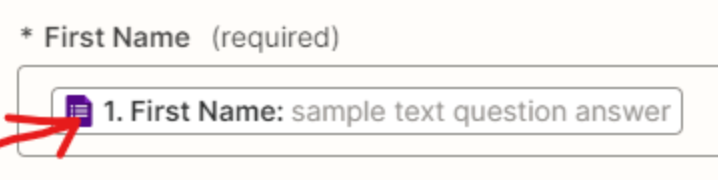
Use the same way you did to get the variable “First Name” from step 1 mapped to the ‘First Name’ field in step 2.


Help: https://help.zapier.com/hc/en-us/articles/8496257774221-Set-up-your-Zap-action#h_01H9RFMADBPQC8FPVWXX60RKTR