Best answer

Trouble creating a form submission in Kajabi due to invalid email error

  • September 6, 2025
  • 11 replies
  • 76 views

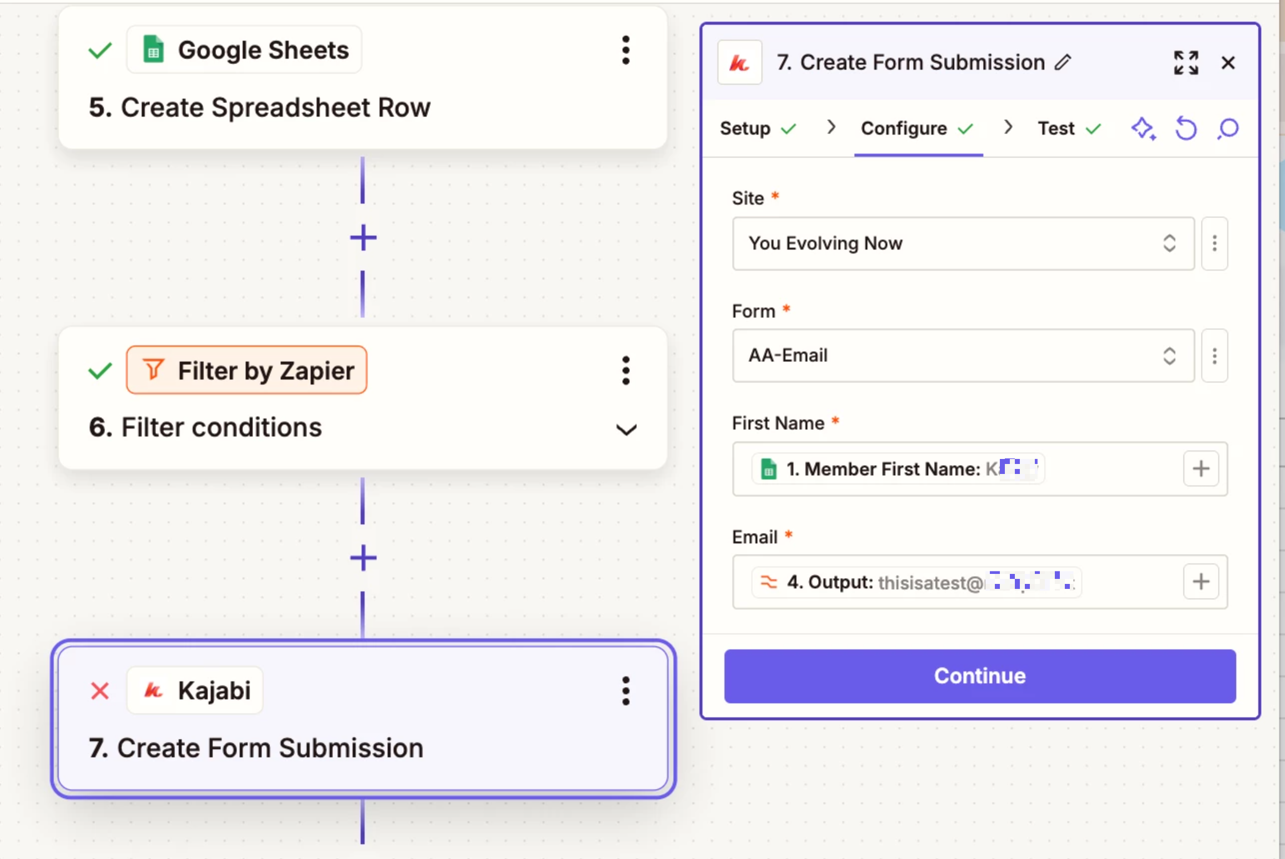
I am having difficulty for Kajabi to recognize that I have an Email set up correctly to “Create a Form Submission”.
I have Formatter for lower case.
I have Formater for trim whitespace just in case there is an error in copy and paste.

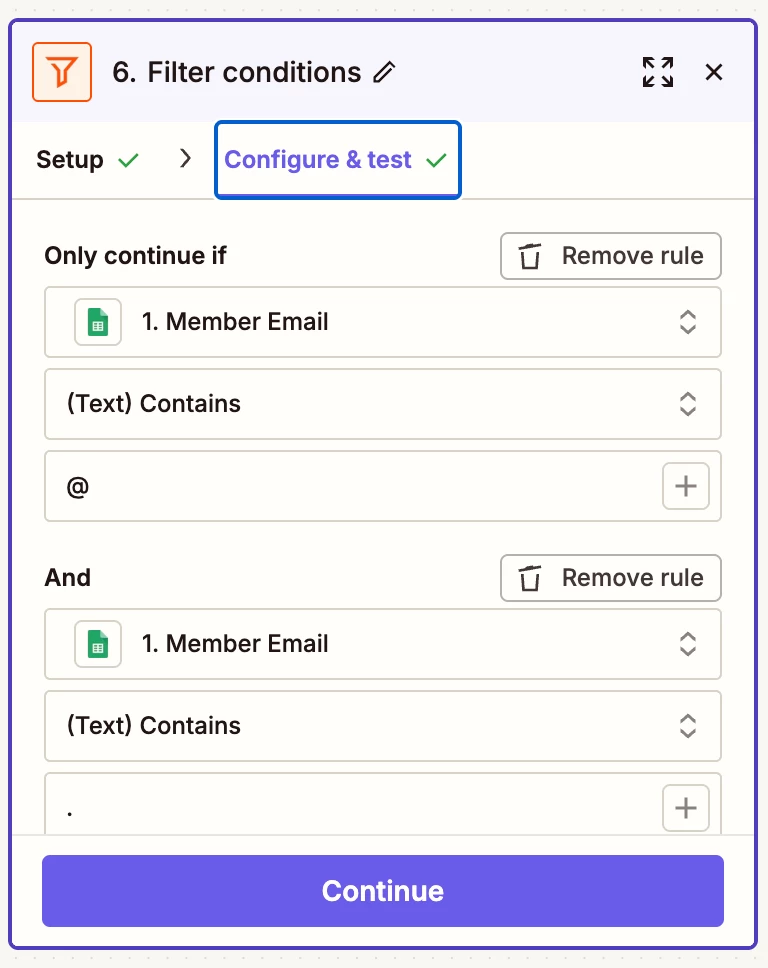
And I have the Filter mentioned earlier with the conditions of both th @ and . 

I have that filter right before my Kajabi setting for Form Submission.  

Do I need to make any type of change in Kajabi?

Alyse
Best answer by Troy Tessalone

Hi ​@Ask Andre 

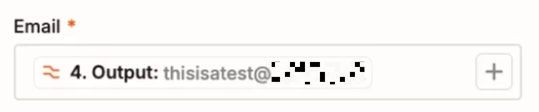
Issue with the Kajabi step error is because you are using an email address value that is being determined as invalid by Kajabi because it is clearly a “test” email address.

Try testing with a valid email address.


This post has been closed for comments. Please create a new post if you need help or have a question about this topic.

11 replies

Sparsh from Automation Jinn
Forum|alt.badge.img+6

Hey ​@Ask Andre,

Can you share the screenshots of Data In and Data Out as well any screenshots of errors?


  • Author
  • Beginner
  • September 6, 2025

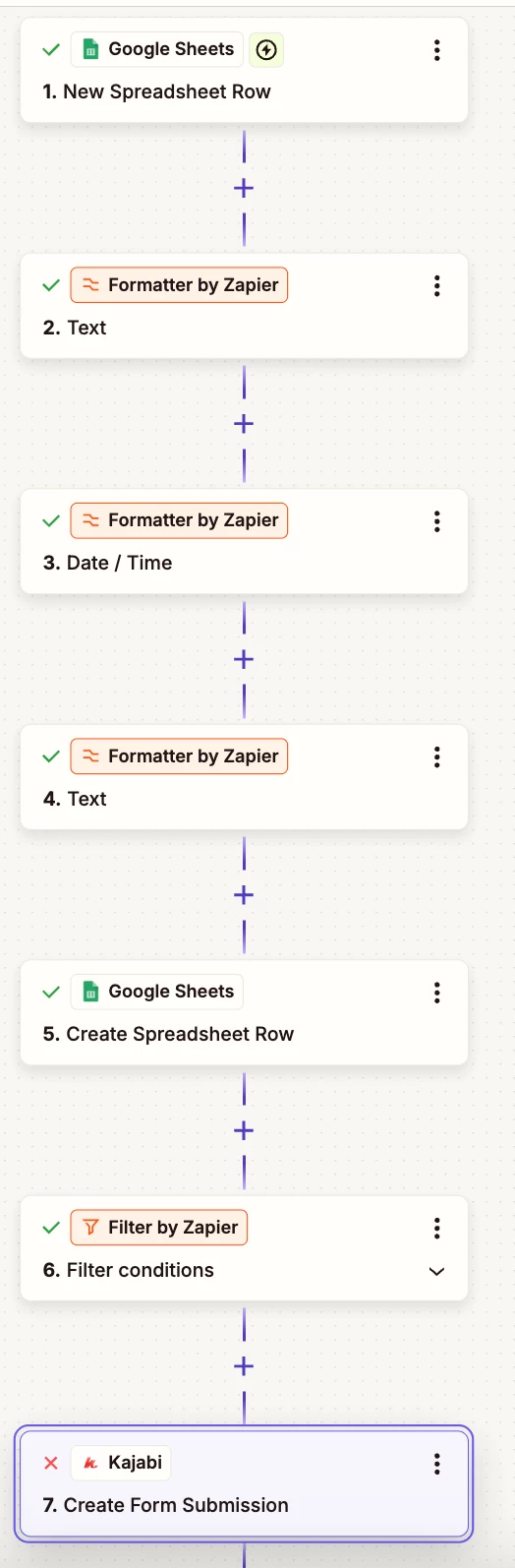
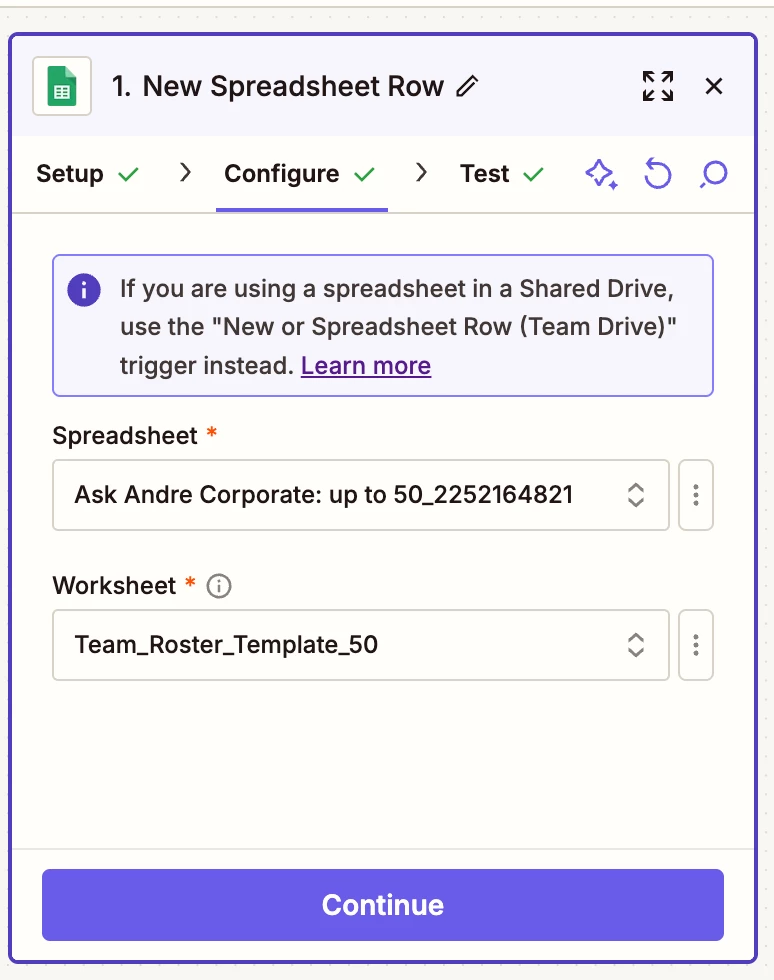
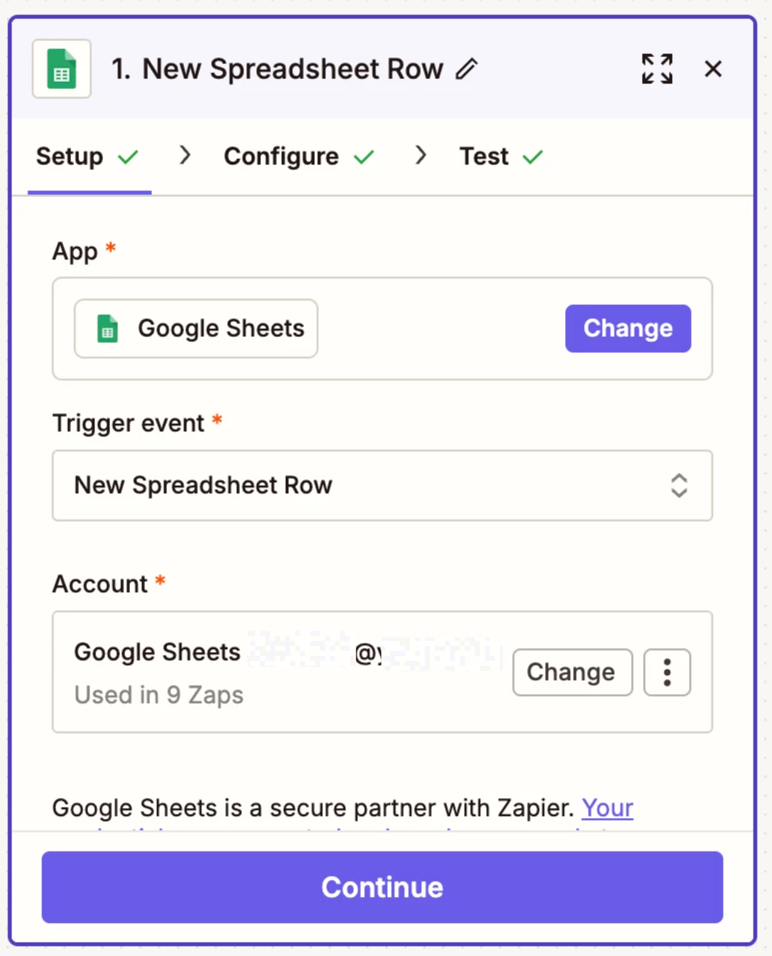
Just in case it would help, Here are the steps I have. 


Sparsh from Automation Jinn
Forum|alt.badge.img+6

Hey ​@Ask Andre,

Please also post the screenshots for Data out and any errors for Create Form submission step.


  • Author
  • Beginner
  • September 6, 2025

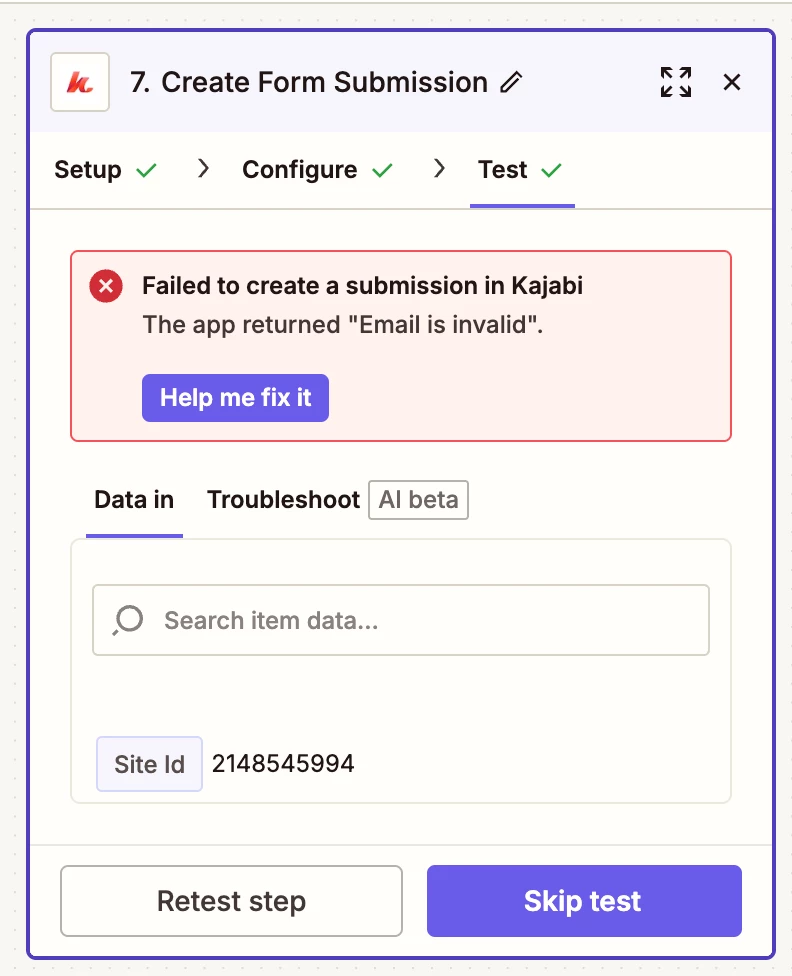
Here is the error. 


Here is the filter set up and output of the email. 


It is receiving its information from #1 Google Sheet


This post has been edited by a moderator to remove personally identifiable information (PII). Please remember that this is a public forum and avoid sharing personal or potentially sensitive details.


  • Author
  • Beginner
  • September 6, 2025

Do you need anything else?


  • Author
  • Beginner
  • September 6, 2025

I had no problem with my initial zap where Kajabi purchased an offer. So I know if it can provide an input process it should be able to provide the  ability to upload a first name and email to Kajabi. I don’t know what is the issue or what is invalid.


Sparsh from Automation Jinn
Forum|alt.badge.img+6

Hey ​@Ask Andre,

Can you fill the email manually instead of the dynamic one to see that the action is working properly?

The error does indicate something wrong with the email format. Can you try running it in a live zap if the error still exists?


  • Author
  • Beginner
  • September 6, 2025

Good troubleshooting. I haven’t tried to have the system do it manually to see if this works.

I’m starting to wonder if something is wrong with the initial settings when I connected Kajabi to Zapier for the external setting? Is that a possibility?

Alyse


Troy Tessalone
Zapier Orchestrator & Solution Partner
Forum|alt.badge.img+14
  • Zapier Orchestrator & Solution Partner
  • Answer
  • September 6, 2025

Hi ​@Ask Andre 

Issue with the Kajabi step error is because you are using an email address value that is being determined as invalid by Kajabi because it is clearly a “test” email address.

Try testing with a valid email address.


  • Author
  • Beginner
  • September 6, 2025

I think your suggestion worked. 
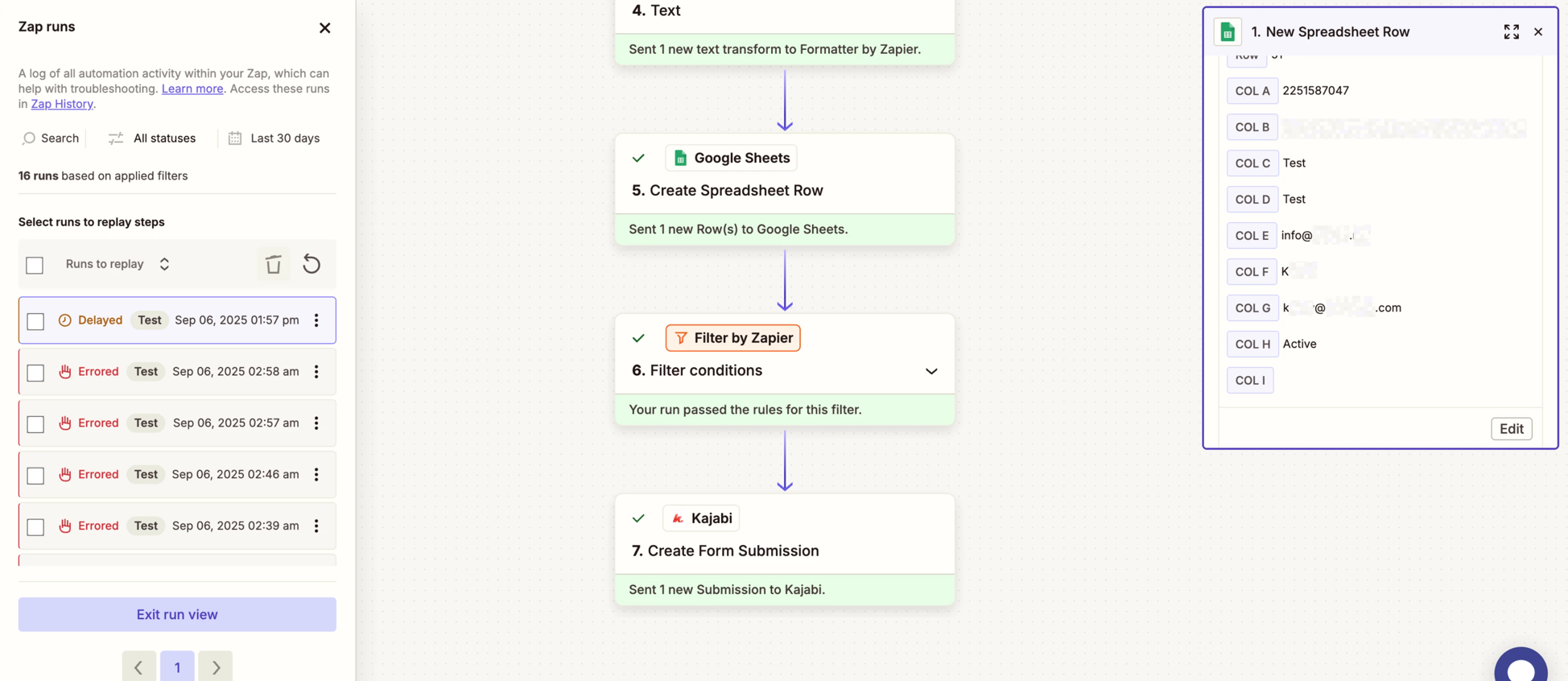
What I am seeing is this. I ran a test 

Kxxxx@xxxxxxx.com is my daughter and this is my company’s normal email for her. Everything is green through the test. I do see there is a delay. 

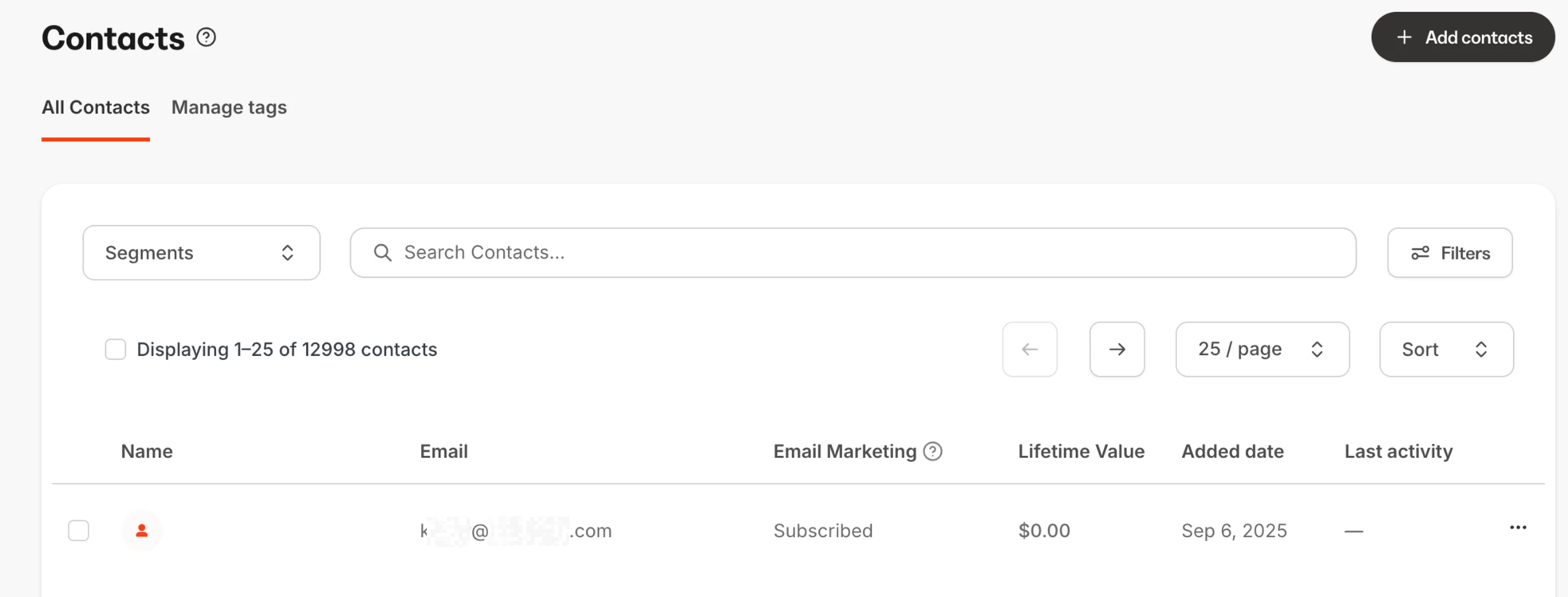
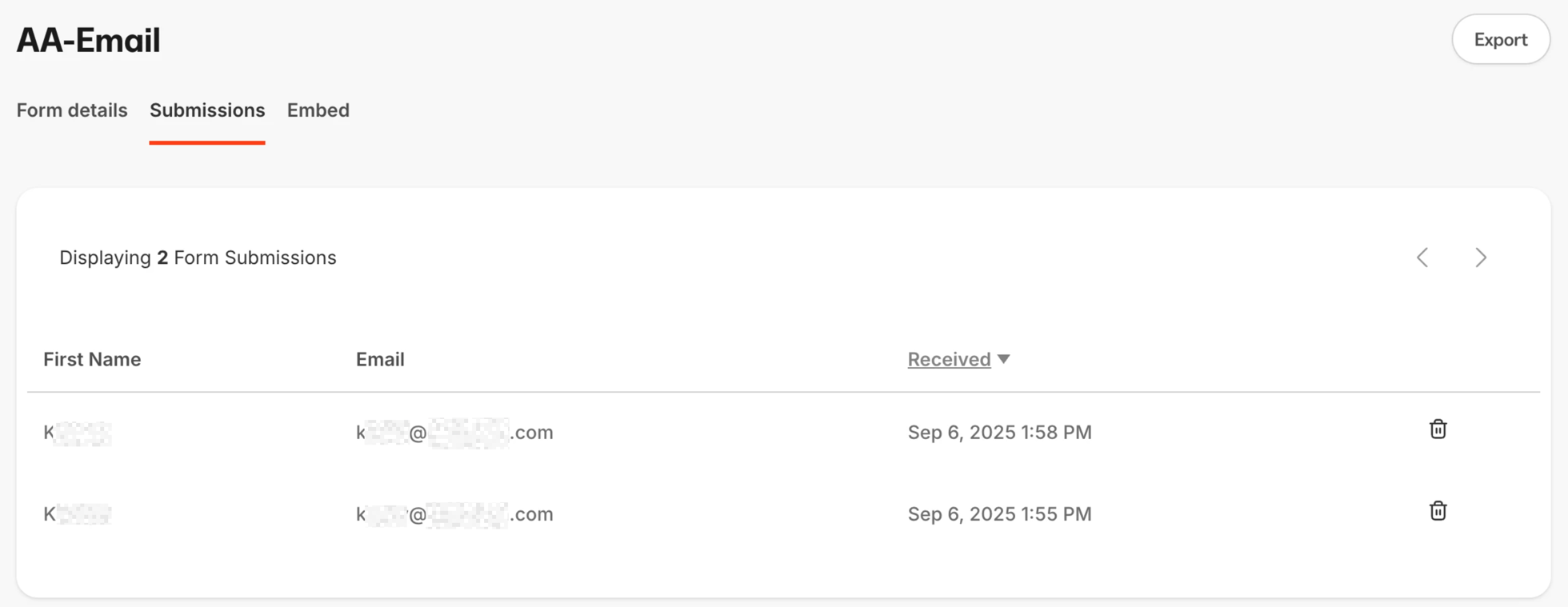
This is also a screenshot over at Kajabi. 
 

I do notice it didn’t bring the first name over even though the master list we are using to process them moving to Kajabi does have the first name for her.
And… good news…
Kxxxx’s name was submitted two times in the Forms List.

Thank you for your help.

Alyse

This post has been edited by a moderator to remove personally identifiable information (PII). Please remember that this is a public forum and avoid sharing personal or potentially sensitive details.


SamB
Community Manager
Forum|alt.badge.img+11
  • Community Manager
  • September 10, 2025

That’s great news ​@Ask Andre! 🎉 Glad you were able to fix the error by testing with a real email address as Troy suggested, I’ll get it marked as the best answer - nice one ​@Troy Tessalone! 🙌 

With the issue of the name not being added, it looks like this is because the form is using custom fields (First Name and Last Name) instead of using the default Name field - See Kajabi’s Why are my contact names not displayed in the Contacts tab? guide for details.

If you map the first and last name details to the default Name field instead does that get the contact name added correctly?