Question

The Zap is uploading .txt file instead of photos from Jotform to Google Drive.

  • August 1, 2023
  • 7 replies
  • 440 views

StrollinGilbert

Any ideas on this issue? I use "Upload File to Google Drive" as an action to move photos from jotform to Google Drive. This is working on 10 out of 12 of my zaps, but for some reason, on 2 of them it adds a .txt file with a list of the URLs of the photos from jotform, not the actual photos. I even copy/pasted the action so it's exactly the same. I am losing my mind trying to troubleshoot it.

This post has been closed for comments. Please create a new post if you need help or have a question about this topic.


7 replies

Troy Tessalone
Zapier Orchestrator & Solution Partner
Forum|alt.badge.img+14
  • Zapier Orchestrator & Solution Partner
  • August 1, 2023

Hi @StrollinGilbert 

Good question.

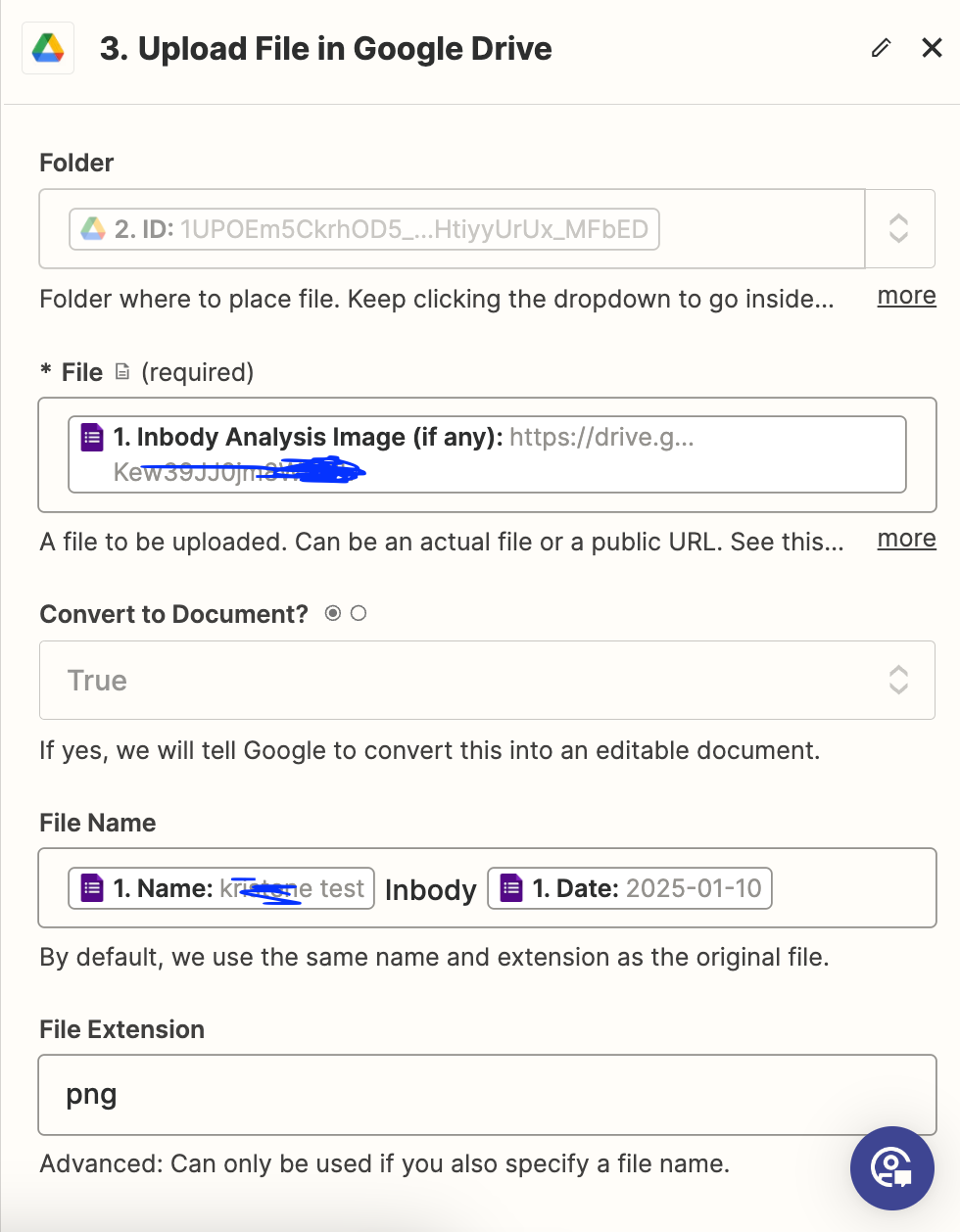
Can you please post detailed screenshots with how your Zap step is configured along with a specific example in order for us to have enough context?


  • New
  • January 10, 2024

Hey @Troy Tessalone ,


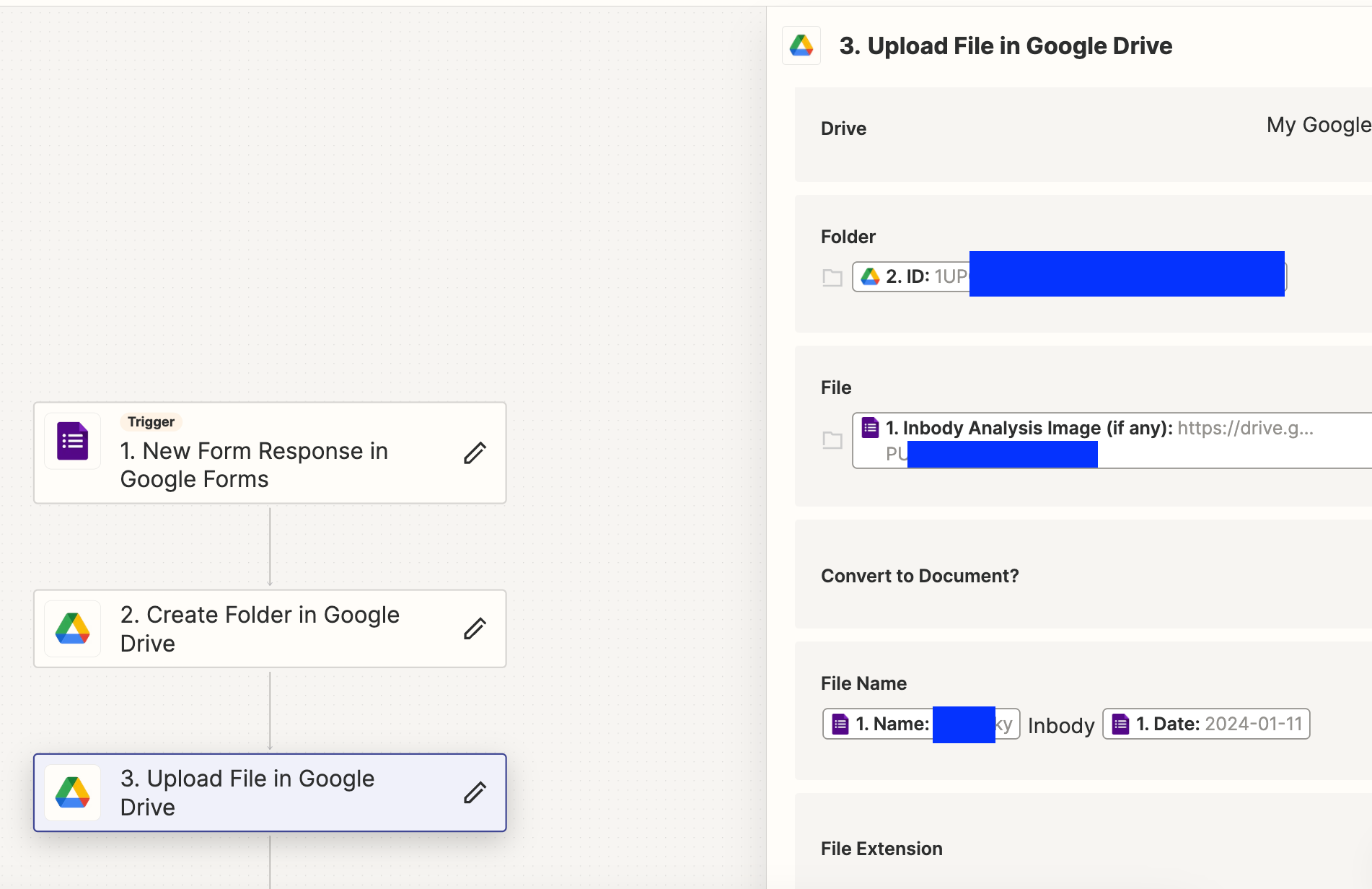
I’m also receiving the same issue with uploading images into a folder submitted through Google Form. Workflow below:

  1. User uploads an image via Google Form
  2. Create Folder in Google Drive
  3. Upload File into Folder created in step 2

Problem: The uploaded file is a text file


Troy Tessalone
Zapier Orchestrator & Solution Partner
Forum|alt.badge.img+14
  • Zapier Orchestrator & Solution Partner
  • January 10, 2024

@bamkfky 

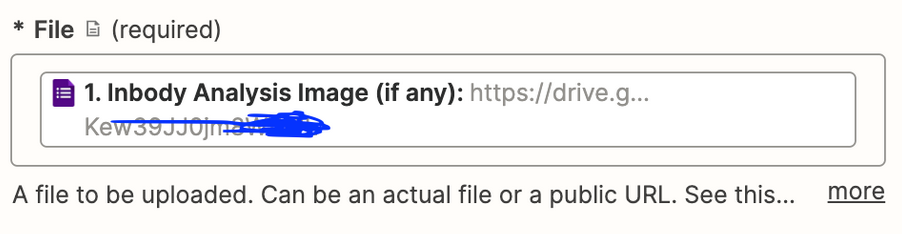
Check to make sure this a publicly accessible direct download link for the file URL.


  • New
  • January 11, 2024

Hey @Troy Tessalone ,


Thanks for replying! I have set the whole folder that stores all uploaded images from Google Form to be viewed(and downloaded) by anyone on the internet. It’s still not working unfortunately. Is there another way to troubleshoot this?


Thanks!


Troy Tessalone
Zapier Orchestrator & Solution Partner
Forum|alt.badge.img+14
  • Zapier Orchestrator & Solution Partner
  • January 11, 2024

@bamkfky

Also check if this is happening when there are 0 files or 2+ files submitted via the form.

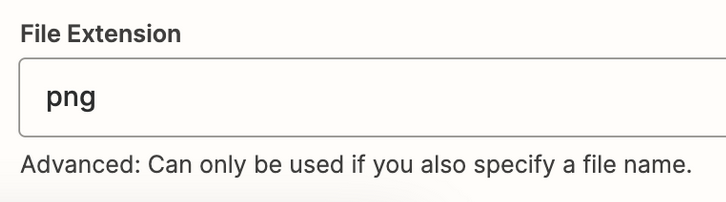
Try removing the static png value for the File Extension.


  • New
  • January 12, 2024

@Troy Tessalone 

Thanks for the suggestion!

When one file is uploaded (I can’t upload multiple images in google form), still the same. A word doc is created with a “Sign In” link button. When I click on it, then it’ll redirect me to the correct png image. 


Troy Tessalone
Zapier Orchestrator & Solution Partner
Forum|alt.badge.img+14
  • Zapier Orchestrator & Solution Partner
  • January 12, 2024

@bamkfky 

Sounds like the image URL being used is not public and requires a login to view.

Help article for sending files in Zaps: https://zapier.com/help/create/basics/send-files-in-zaps