Question

Square - Hubspot Link_ID issue

  • February 20, 2025
  • 9 replies
  • 31 views

Good afternoon, 


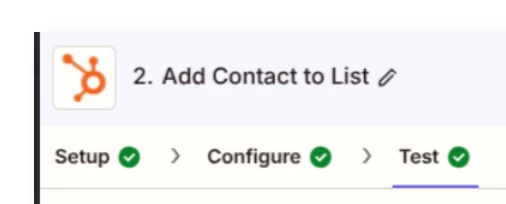
My name is Richie and I am reached out on the behalf of Collective Fare, as we are currently trying to use Zapier to connect our Square and Hubspot accounts and automate our invoicing and CRM process with your software. I have been messing around with the platform for awhile, but am running into a strange error when I try to test my "zap" despite both Square and Hubspot being connected properly. I have attached a screenshot to highlight this. 
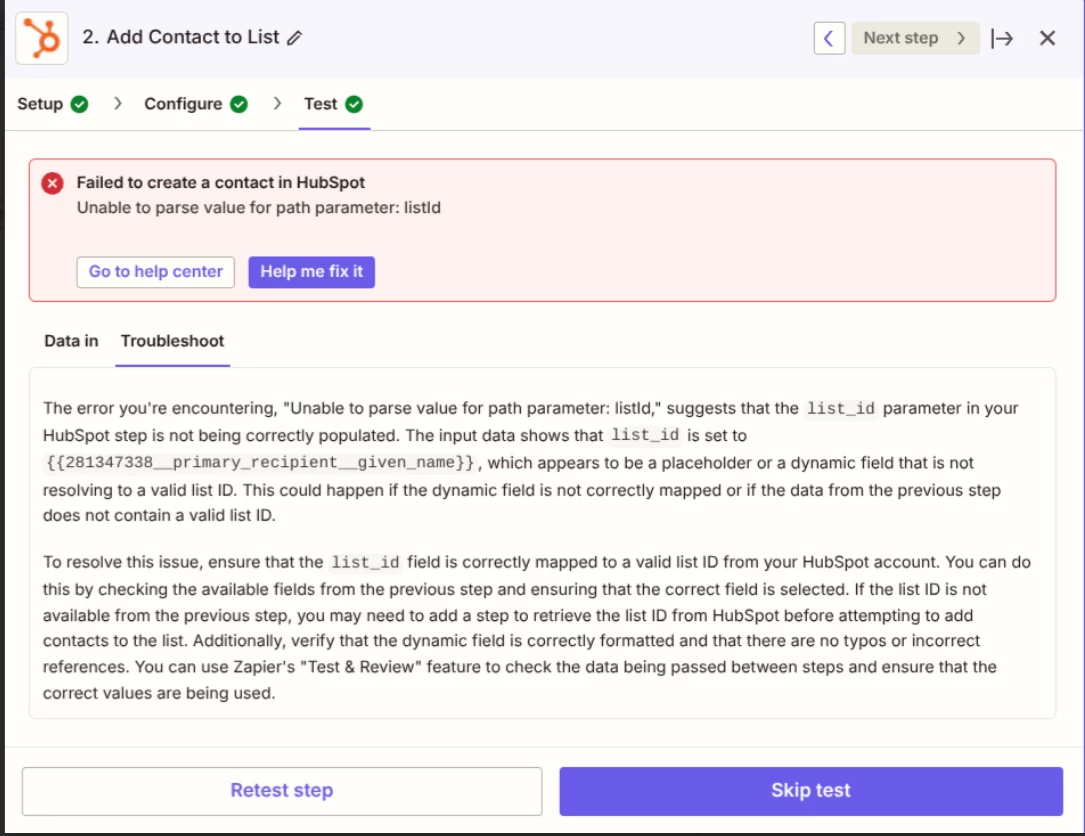
 

Does anyone know exactly what is wrong here?

This post has been closed for comments. Please create a new post if you need help or have a question about this topic.

9 replies

Troy Tessalone
Zapier Orchestrator & Solution Partner
Forum|alt.badge.img+14
  • Zapier Orchestrator & Solution Partner
  • February 21, 2025

Hi ​@CFCFW 

Help us have more context about the error by posting screenshots showing how your Zap step is configured in the CONFIGURE section with the field mappings visible in EDIT mode.


JammerS
Forum|alt.badge.img+6
  • Zapier Staff
  • February 25, 2025

Hi ​@CFCFW,
 
We just wanted to see how everything is going with your Zap. Feel free to reach out if you need further assistance with your Zap. We're glad to address any concerns and assist you.
 
We're looking forward to your response.


  • Author
  • Beginner
  • February 26, 2025

Hey everyone, 


I will post the configuration of my Zap momentarily. Thank you for following up. 


ken.a
Forum|alt.badge.img+6
  • Zapier Staff
  • February 26, 2025

Hi ​@CFCFW,

Thank you for looping back here. Feel free to keep us updated if you need any further assistance—we’re happy to help! 🤗


  • Author
  • Beginner
  • February 26, 2025

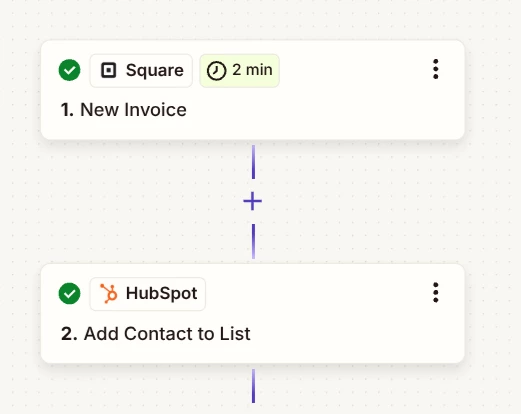
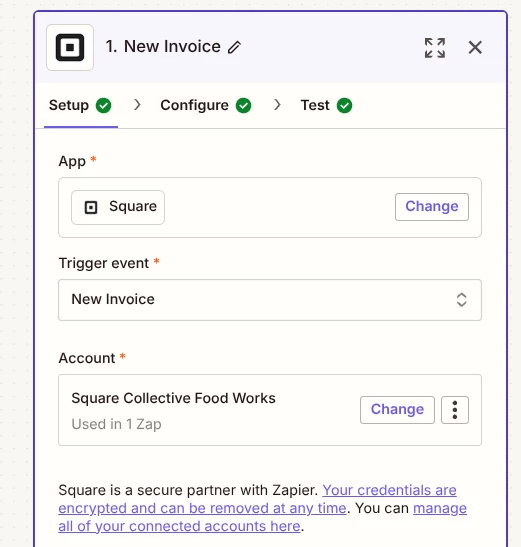
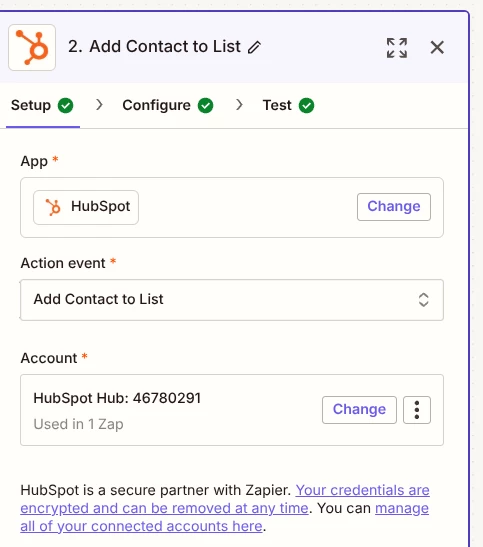
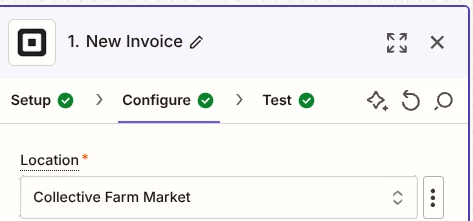
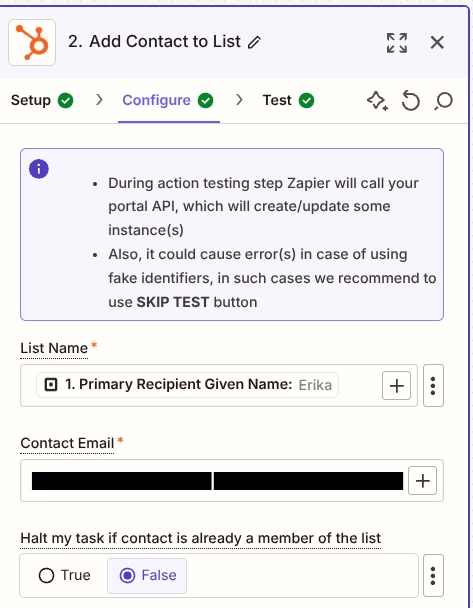
Hello everyone. My apologies for the delay. Below are screenshots as to how our Zap has been created. As you’ll see below, our Zap is “triggered” by invoices in Square, and the contact information from said invoice is supposed to populate in Hubspot. 


Everything is properly set up based on the check marks, but I have included further screenshots below: 

Do you need any other relevant details? If so, please let me know.

This post has been edited by a moderator to remove personal information. Please remember that this is a public forum and to remove any sensitive information prior to posting.


  • Author
  • Beginner
  • February 26, 2025

Hey everyone. Looks like my post didn't take. As you will see based on the general configuration, everything is properly set up based on the checks. Please see the screen shot below and let me know if you need any other relevant details. 

Thanks for the follow up.

This post has been edited by a moderator to remove personal information. Please remember that this is a public forum and to remove any sensitive information prior to posting.


ken.a
Forum|alt.badge.img+6
  • Zapier Staff
  • February 27, 2025

Thanks for the screenshots ​@CFCFW!

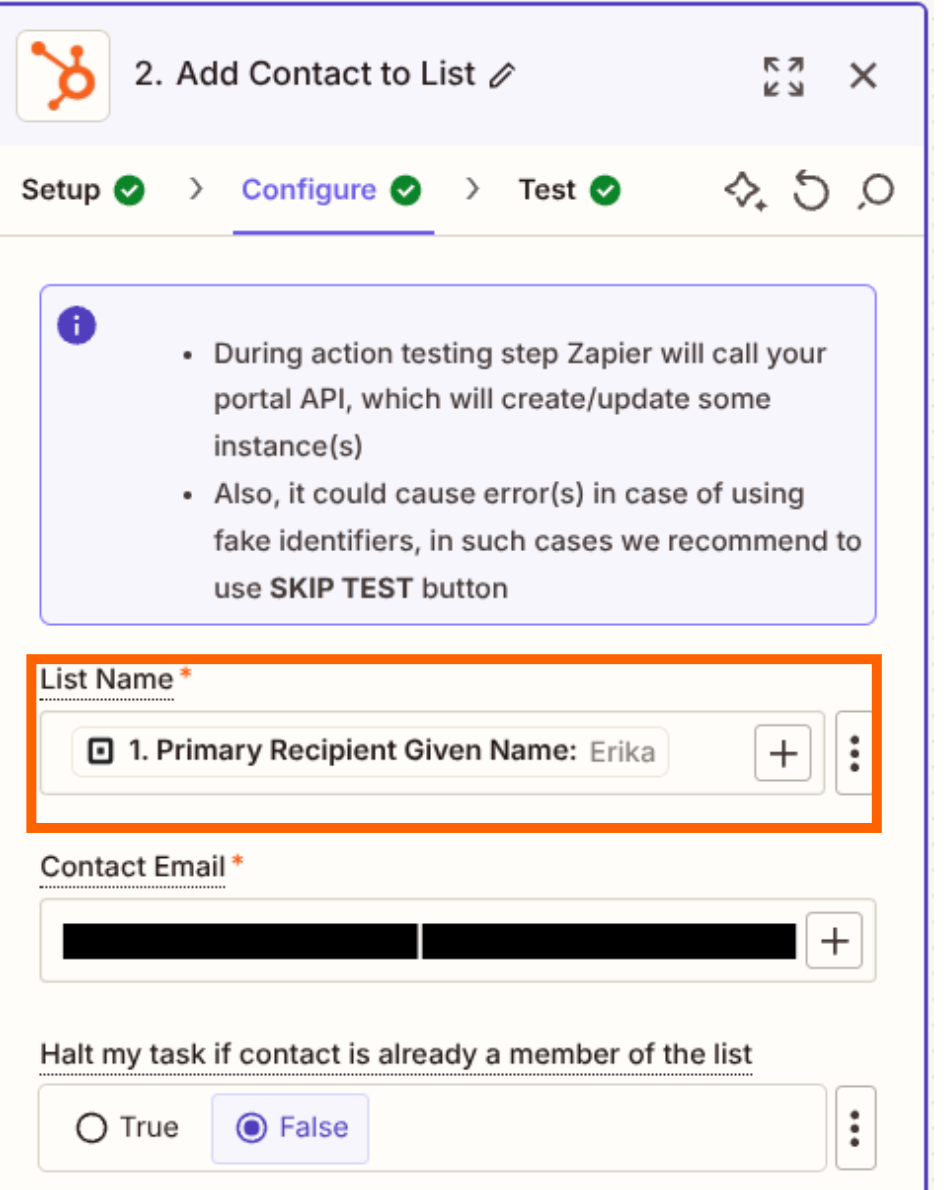
It looks like the issue here is on the “List Name” field. You’d need to choose from the static dropdown field options.

08a7f0d8defe2efbf6993ed6308c6676.png
(view larger)

Could you please try choosing the correct list in the “List Name” field?

I'll be keeping an eye out for your response!


  • Author
  • Beginner
  • February 28, 2025

Hello, 

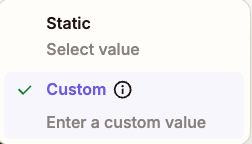
I am a bit confused as the list_id I have selected (primary recipient given name) is one of the suggested by Zapier. I added “Title” and I am still getting an error. Do you know why? 


ken.a
Forum|alt.badge.img+6
  • Zapier Staff
  • February 28, 2025

Hi ​@CFCFW,

You will need to choose from the List Name dropdown itself and not map it with a custom value. Could you please choose static on the dropdown. Like so:

84cb91d8b35cf6596b2e08e7480a9050.png
(view larger)

I'll be keeping an eye out for your response!