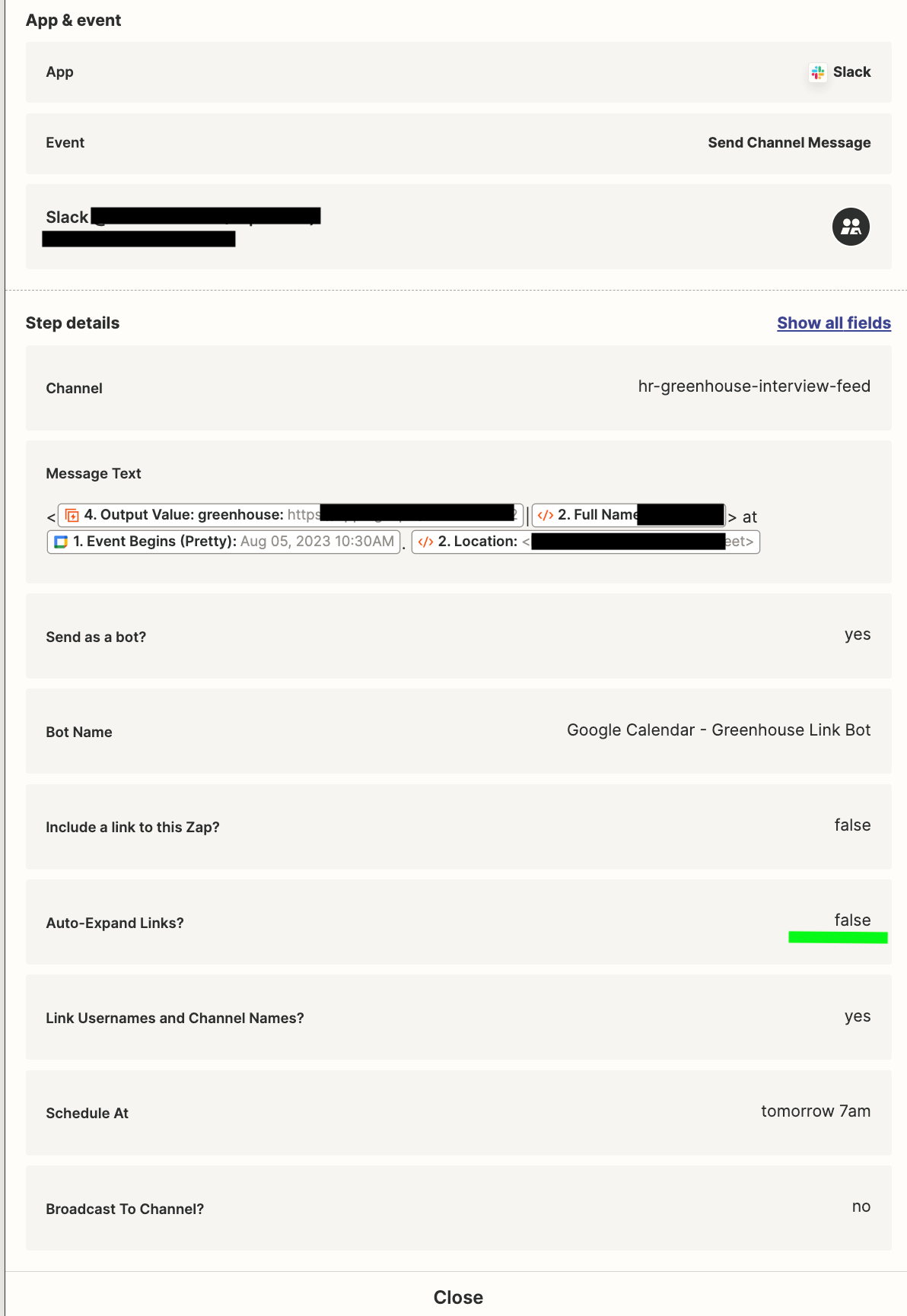
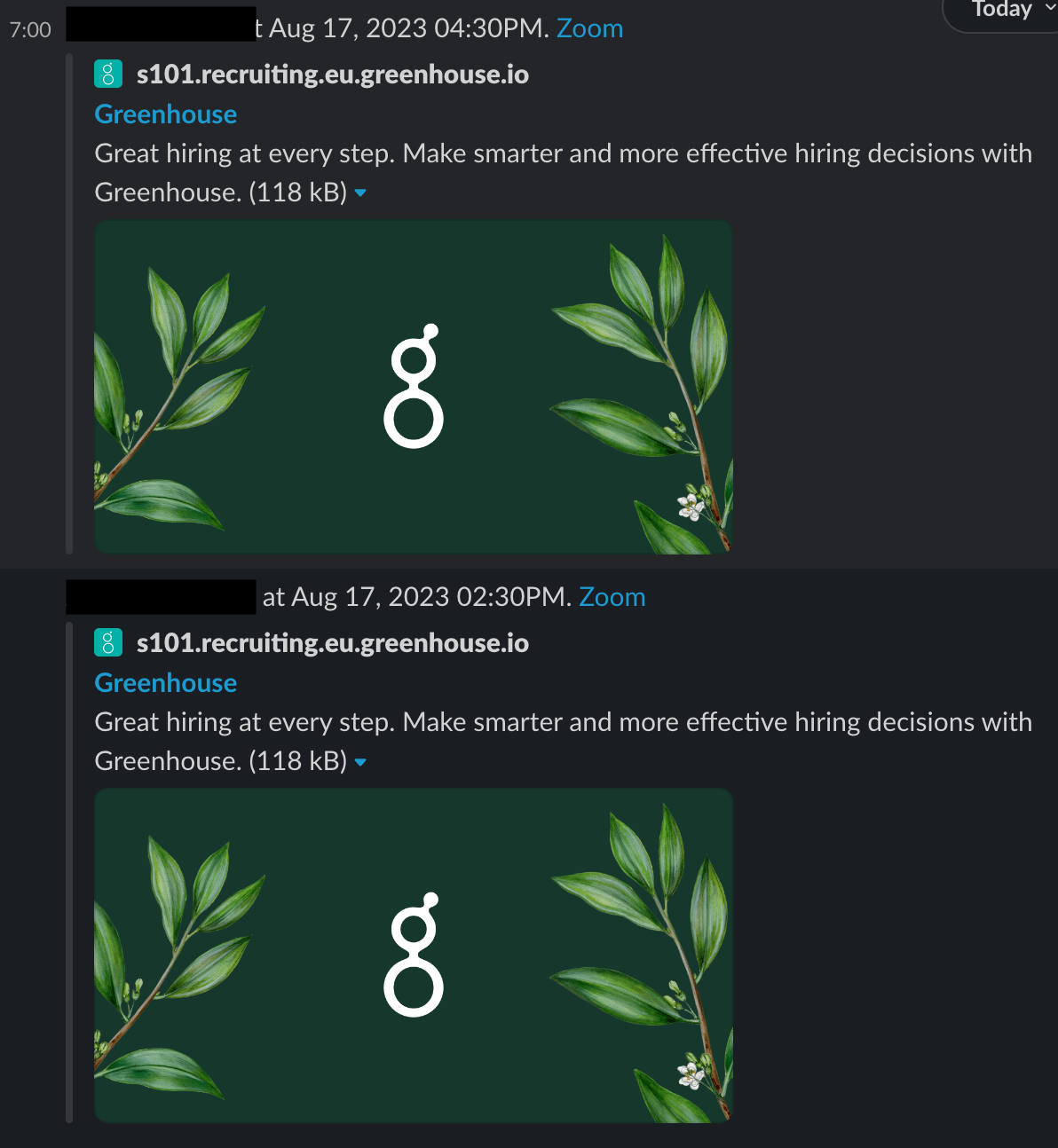
I am using a Slack Send Channel Message step and set “Auto-Expand Links” to false (see highlighted in green). However, the notifications still show up with a preview each which is very annoying (see below). Is there any way to fix this? I would like to send them as separate messages (rather than e.g. Digest) so that we can easily comment on each thread.
Many thanks!
Best answer by SamB
Hey @greenhouseautomation! 👋
Sorry to hear that changing the Send as a bot? setting to No didn’t fix it. I did some looking into this and it seems that you’re running into a bug here where the option selected for the Auto-Expand Links setting isn’t being adhered to. So I’ve gone ahead and added you to the list of users being impacted by that bug.
Although I can't provide a date for when this will be resolved by, you will definitely be updated by email once it's been sorted. There aren’t any other workarounds reported currently but if we come across any we’ll be sure to share them with you here. 🙂
Sorry to hear that changing the Send as a bot? setting to No didn’t fix it. I did some looking into this and it seems that you’re running into a bug here where the option selected for the Auto-Expand Links setting isn’t being adhered to. So I’ve gone ahead and added you to the list of users being impacted by that bug.
Although I can't provide a date for when this will be resolved by, you will definitely be updated by email once it's been sorted. There aren’t any other workarounds reported currently but if we come across any we’ll be sure to share them with you here. 🙂
I have added you to the open bug report as another affected member. While we don’t have an ETA for the bug’s fix. We will keep you in the loop via email once the bug has been fixed.
I appreciate your patience and understanding.
Early access
Next Gen Zaps
Build and deploy automations from AI tools you already use. With Agentic Management, if anything breaks, the agent diagnoses the issue and proposes a fix.