Question

Slack "file" is not a file but an html page requiring me to log in

  • November 18, 2024
  • 6 replies
  • 163 views

Hey everyone,

Long term Zapier user here. I never posted before, but now I’m running into an issue where I think something might be broken?

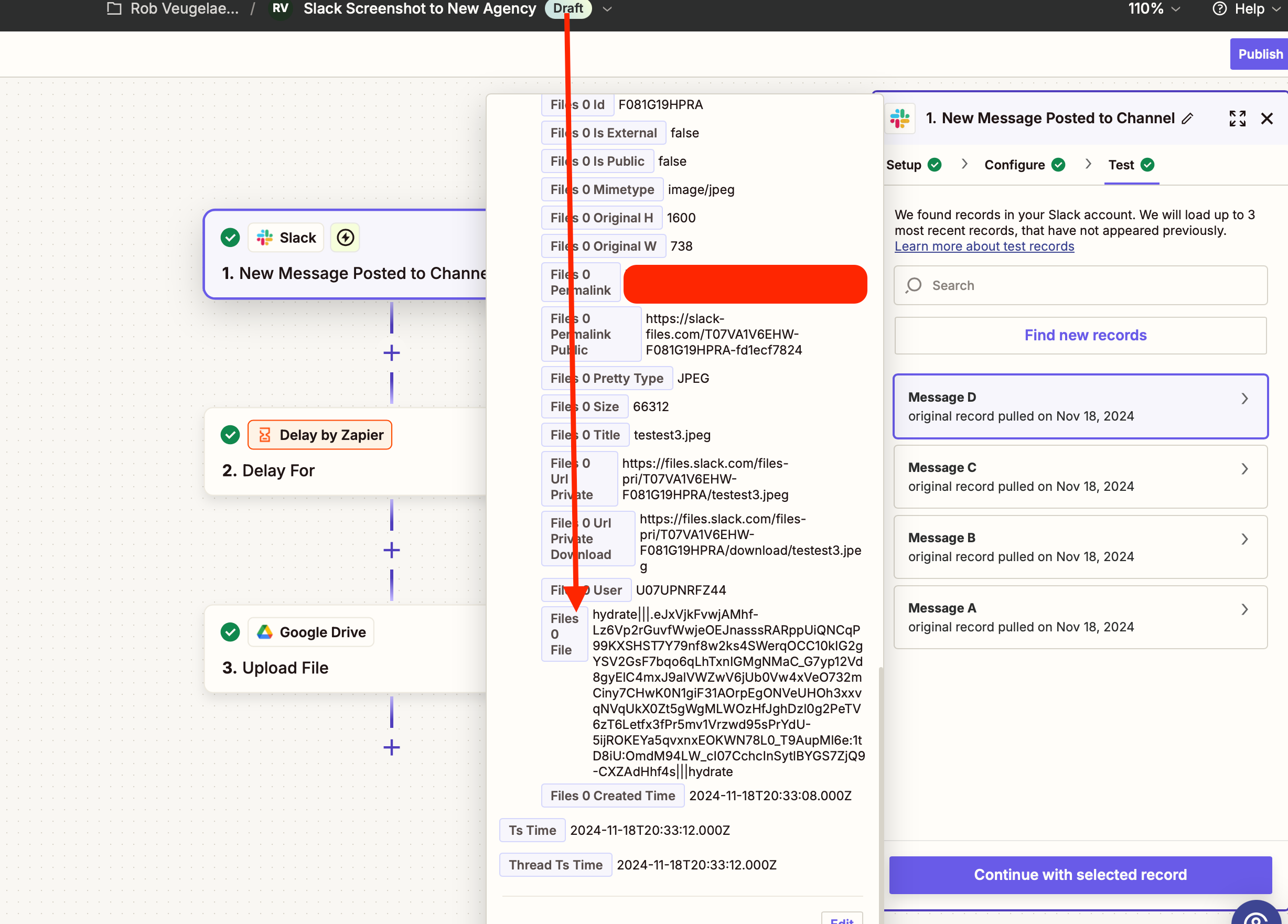
I’m trying to send a file (in my case an image) posted to a slack channel to some other apps. The file is included in the trigger data and called something like “Exists but not shown” and it contains some sort of string with “hydrate:” in the name. 

So far so good. 

Usually, you can take this file that “exists but not shown” and then upload it somewhere, like a google drive folder for example.

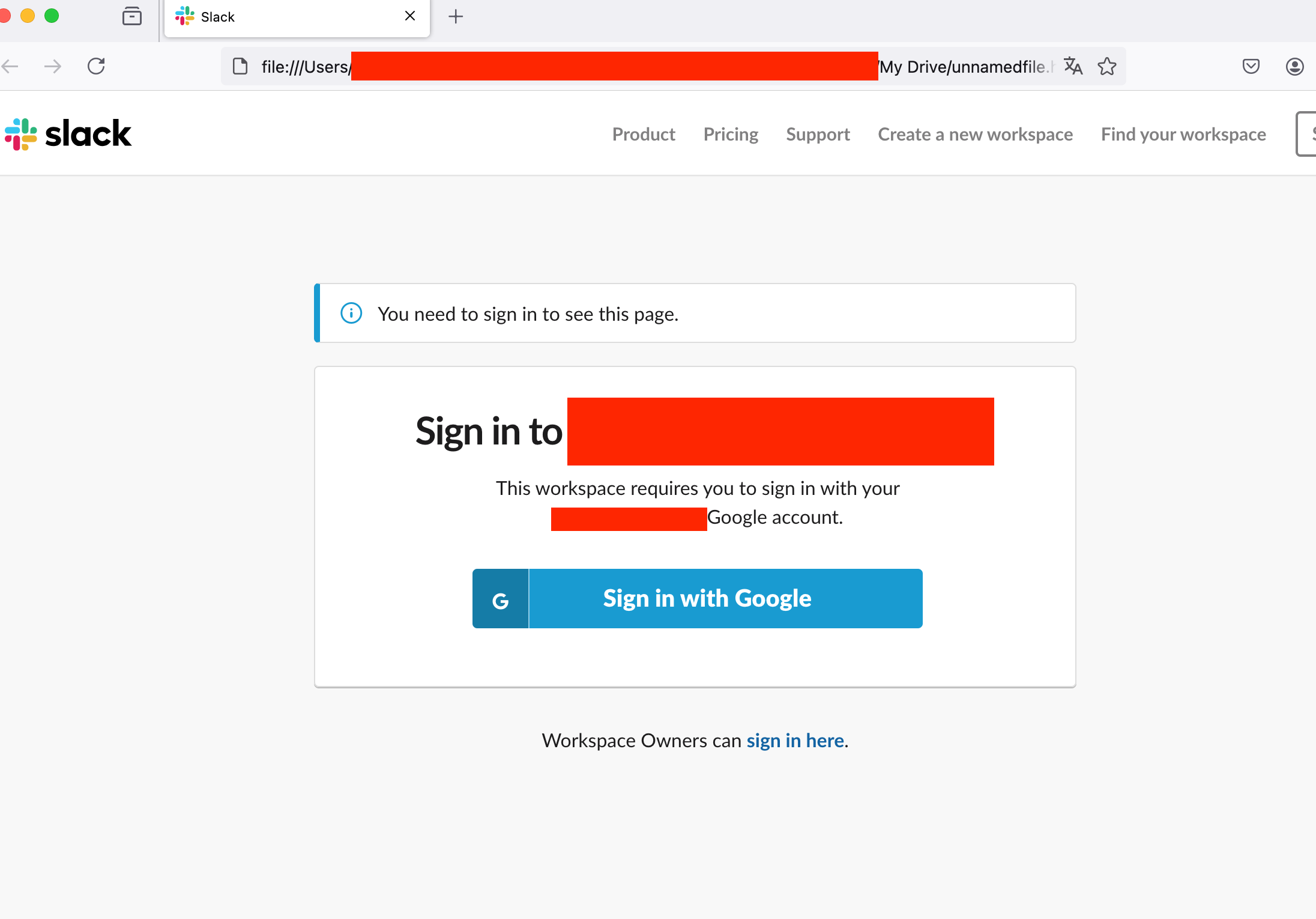
But in this case, with a new Slack post containing a file, or with a trigger for a new file on slack (both triggers give me a file) it just does not work. Instead of an image, or a pdf, it’s an html file that tells me to log in to Slack. 

What’s wrong here? Is this a new bug or something? I simplified this whole zap to the core, with just a trigger and an action… 

1 Send message with image in slack channel (that’s the trigger)
2 Locate the “file that exists but not shown” property
3 Use that in an “upload to Google drive” action

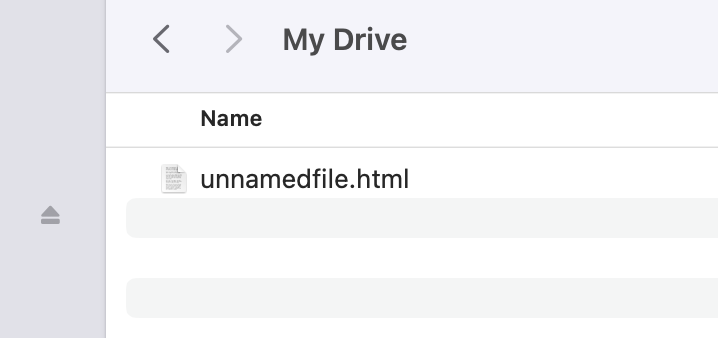
Nothing… I’m getting unnamedfile.html which again is a page that tells me to log into slack.

I also tried creating a gmail draft with the file as an attachment. Same thing.


Help?

This post has been closed for comments. Please create a new post if you need help or have a question about this topic.

6 replies

Troy Tessalone
Zapier Orchestrator & Solution Partner
Forum|alt.badge.img+14
  • Zapier Orchestrator & Solution Partner
  • November 18, 2024

Hi ​@robo_rob 

Help us have more context by posting screenshots showing how your Zap steps are outlined and configured in EDIT mode with the field mappings.

Also, post screenshots showing the login page and the url of the login page.


  • Author
  • Beginner
  • November 18, 2024

Ok here we go!

Incoming trigger data (I’ve tested this multiple times with multiple files)


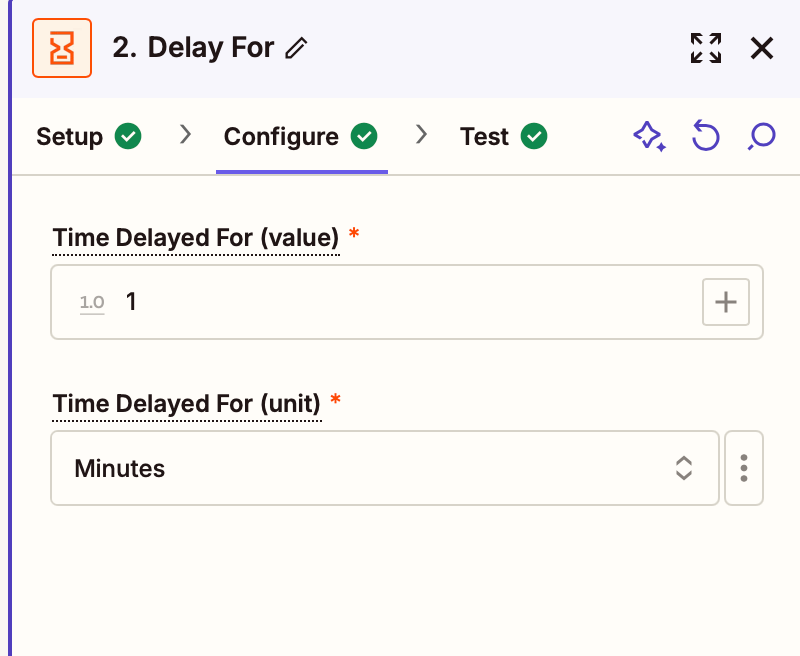
Wait 1 minute (just to be safe)


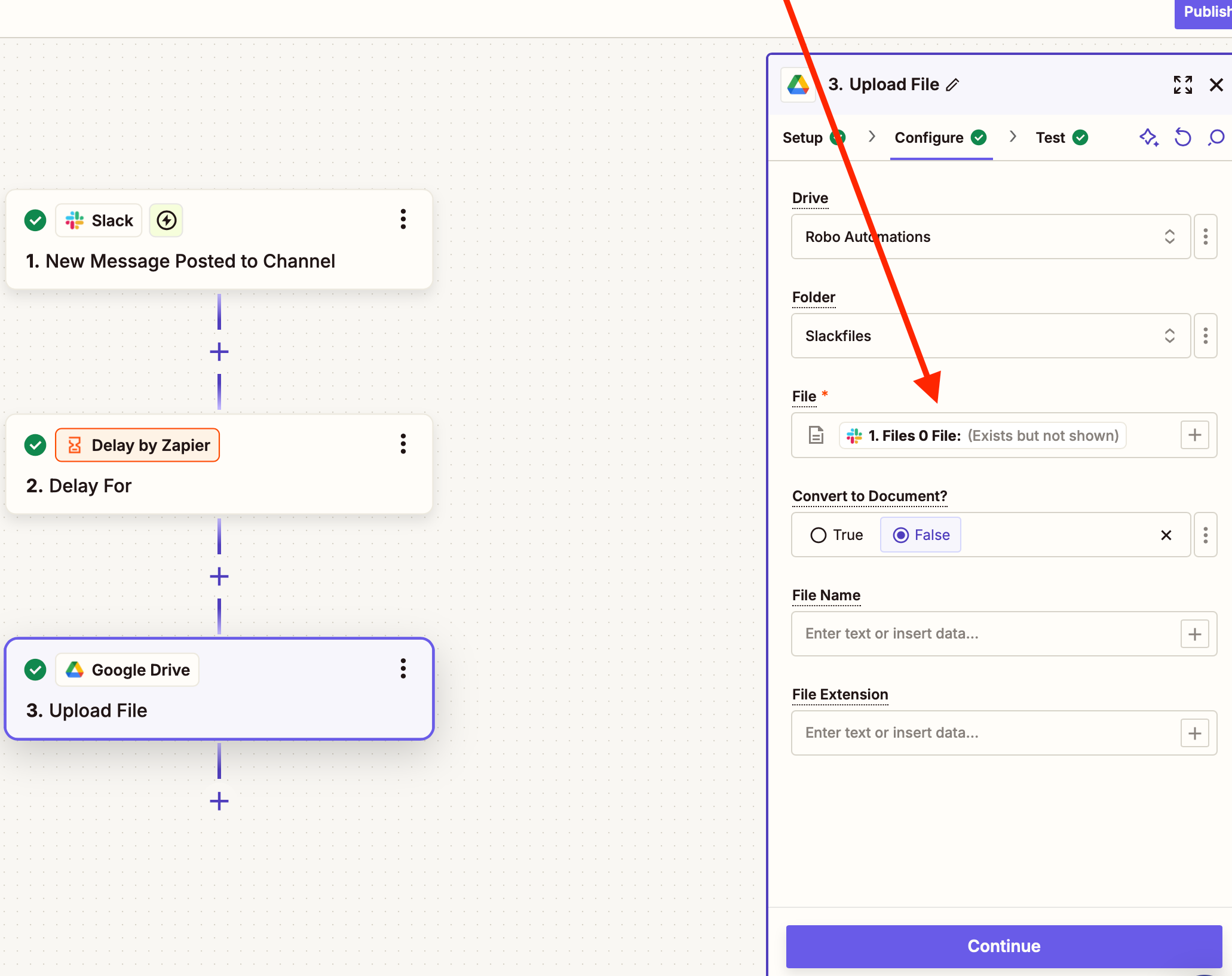
Upload file to google drive


Results in this file (it’s supposed to be an image)


Opening that file gives me this:


Troy Tessalone
Zapier Orchestrator & Solution Partner
Forum|alt.badge.img+14
  • Zapier Orchestrator & Solution Partner
  • November 19, 2024

@robo_rob 

Appears the file may be private and/or the Slack Workspace settings are preventing Zapier from being able to generate a file object due to needing to be logged in to view the file.

Check the Files permalink that you redacted to see if that is a publicly available direct download link.

To test copy/paste into a new/different private browser.


If you recently changed Slack Workspace settings, then that may be why.

Help links:


Otherwise, you can try opening a ticket with Zapier Support for possible troubleshooting: https://zapier.com/app/get-help


SamB
Community Manager
Forum|alt.badge.img+11
  • Community Manager
  • November 28, 2024

Hi ​@robo_rob, welcome to the Community—it’s great to have you here! 🎉

Was it the file permissions or Slack workspace settings that were preventing the file from being accessed, as Troy suspected? 

Want to make sure this gets sorted, so please keep us updated on how you’re getting on—happy to lend a hand if you’re still stuck! 


  • Author
  • Beginner
  • November 28, 2024

Hello, I could not get it to work. The additional actions required to make a file public are also not suitable for my teams workflow so I now created the same workflow but from a file upload in Google drive. That worked just fine. I do think Slack should give Zapier permission to access uploads. It already works for messages so it's a bit weird these extra limitations are there when a file is involved.


But for now I'm just going to do things differently.


ken.a
Forum|alt.badge.img+6
  • Zapier Staff
  • November 29, 2024

Hi ​@robo_rob,

Thank you for looping back with an update here and we’re glad to hear that you found a workaround regarding this one.

If you have any other questions, please don’t hesitate to reach out to the Community. We’re always happy to help! 🤗