Question

Sendpulse email list - Zap - Google sheets Problem

  • January 7, 2025
  • 4 replies
  • 10 views

Hi!

Is it possible to create multiple Zaps that read data from different sources (all SendPulse email lists) and insert all this data as rows in the same Google Sheets spreadsheet?

After activating all the Zaps, unfortunately, none of them transfer the data from the SendPulse email lists to the Google Sheets spreadsheet.

What should I do?
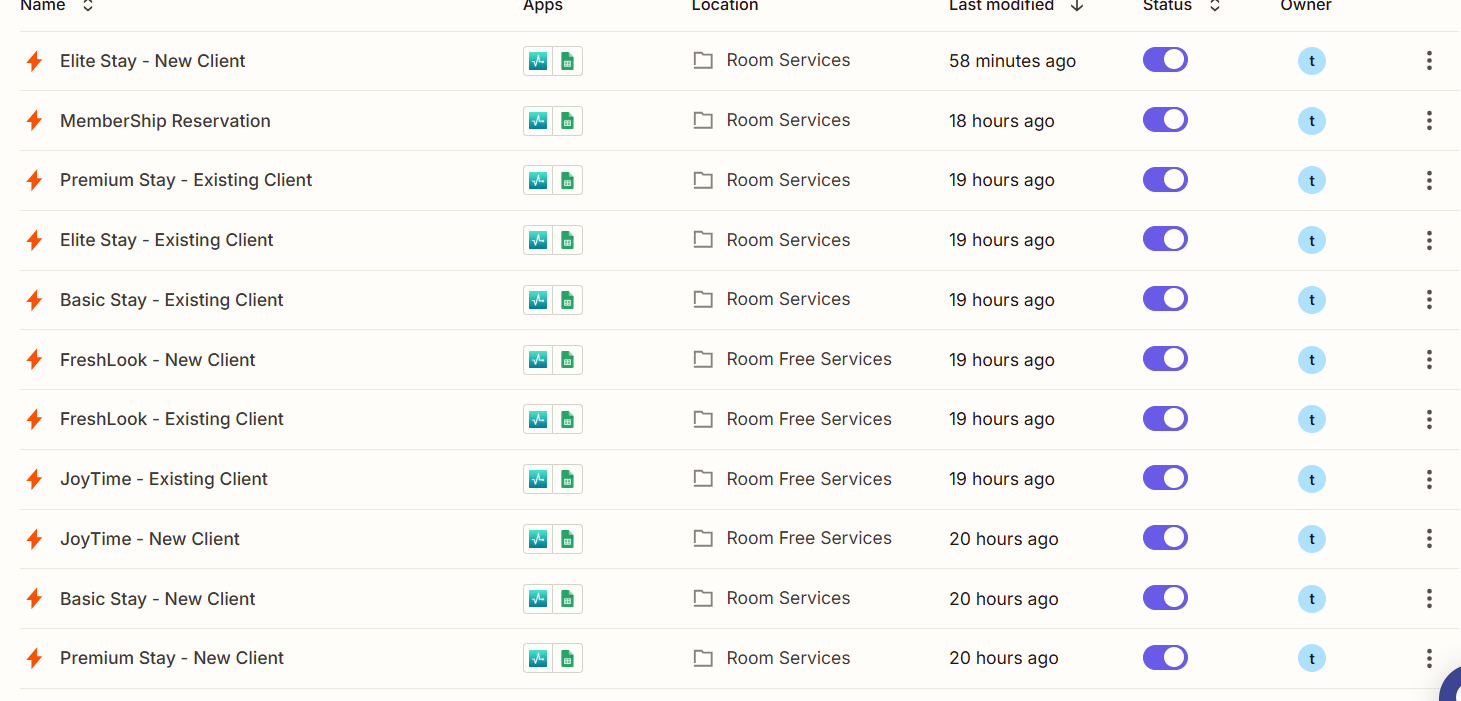
All shown zaps should catch data from different SendPulse’s email lists and insert the data in the same Google sheet.

Ziad

This post has been closed for comments. Please create a new post if you need help or have a question about this topic.

4 replies

JammerS
Forum|alt.badge.img+6
  • Zapier Staff
  • January 8, 2025

Hi ​@Ziad Desoki,


Can you please post a screenshot of your Zap in edit mode so we can guide you through the right direction with resolution. We’ll be looking forward for your response. Thank you.


  • Author
  • Beginner
  • January 8, 2025

Hi ​@Ziad Desoki,


Can you please post a screenshot of your Zap in edit mode so we can guide you through the right direction with resolution. We’ll be looking forward for your response. Thank you.

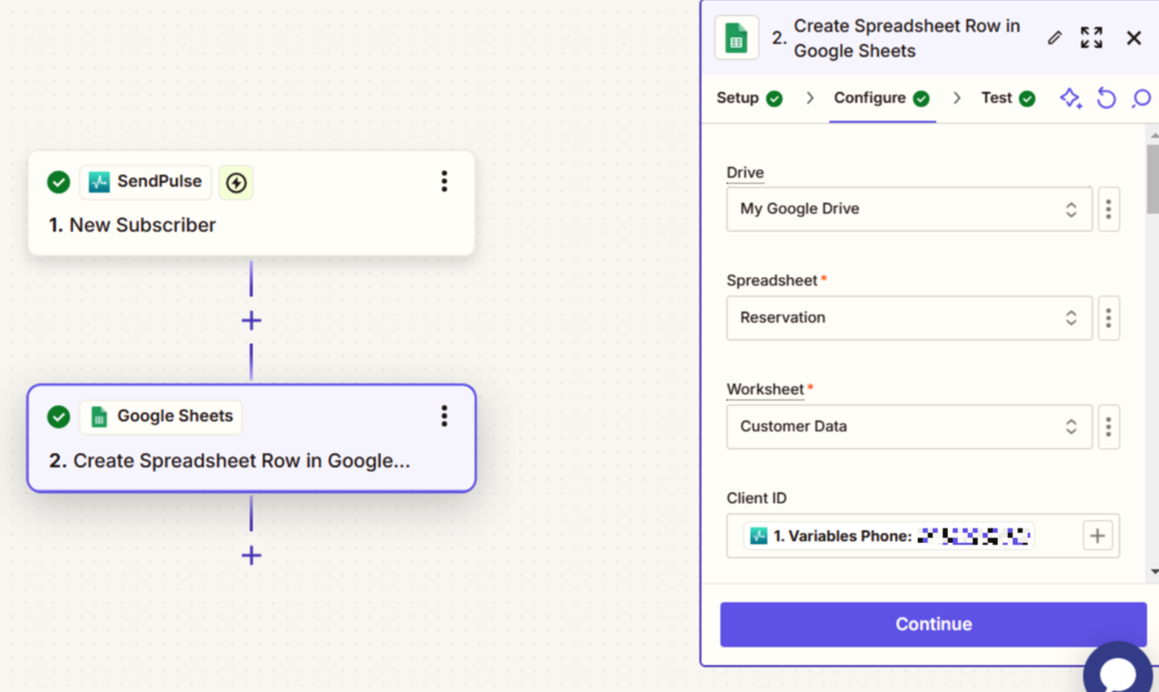
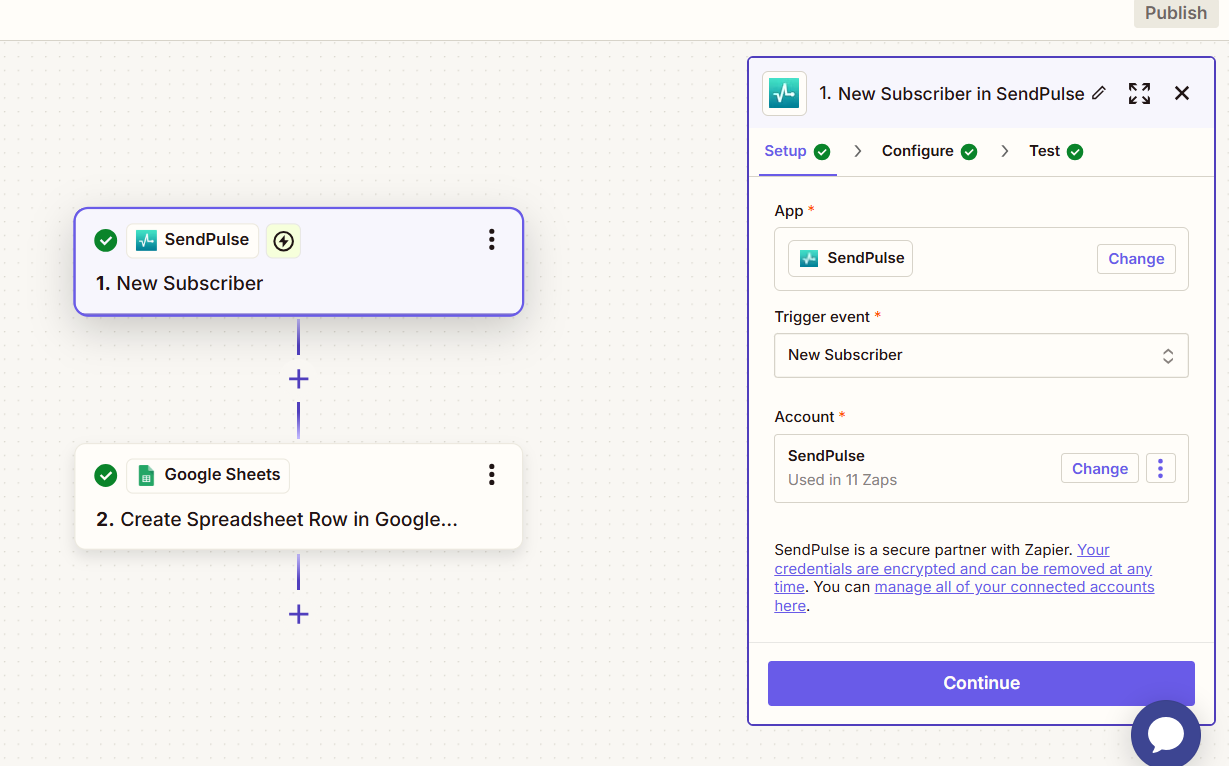
these are for one of the non-working zaps (although it’s active and all data is right)

This post has been edited by a moderator to remove personal information. Please remember that this is a public forum and to remove any sensitive information prior to posting.


JammerS
Forum|alt.badge.img+6
  • Zapier Staff
  • January 9, 2025

Hi ​@Ziad Desoki,


When you test the Zap, what is the result and are you getting any error messages?


SamB
Community Manager
Forum|alt.badge.img+11
  • Community Manager
  • February 19, 2025

Hey ​@Ziad Desoki, just checking in—were you able to get the Zaps working?

If you’ve stepped away from it, I’d love to help you get things up and running! 🙂