Best answer

Schedule Trigger Not Working

  • February 17, 2022
  • 9 replies
  • 541 views

Forum|alt.badge.img

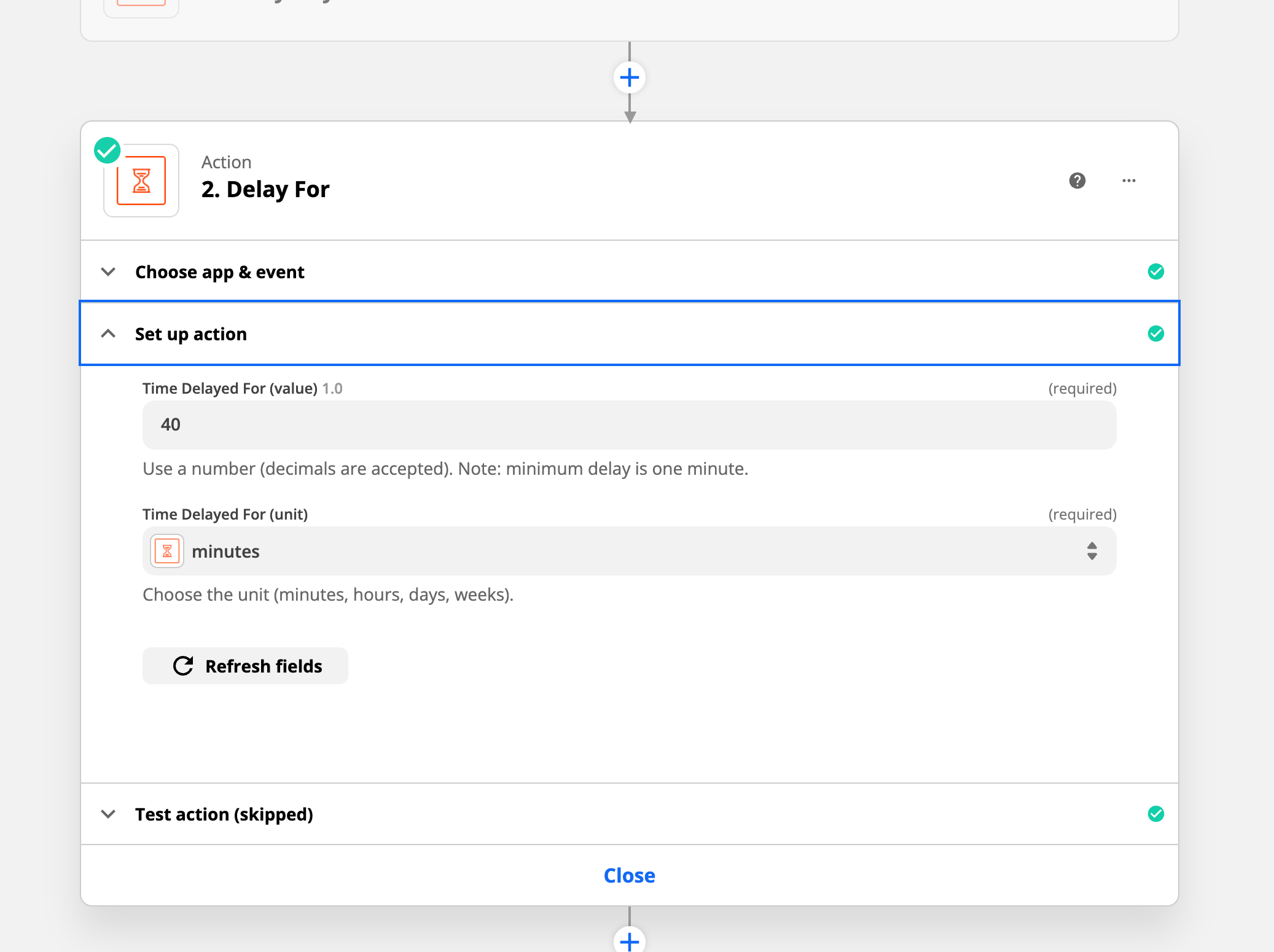
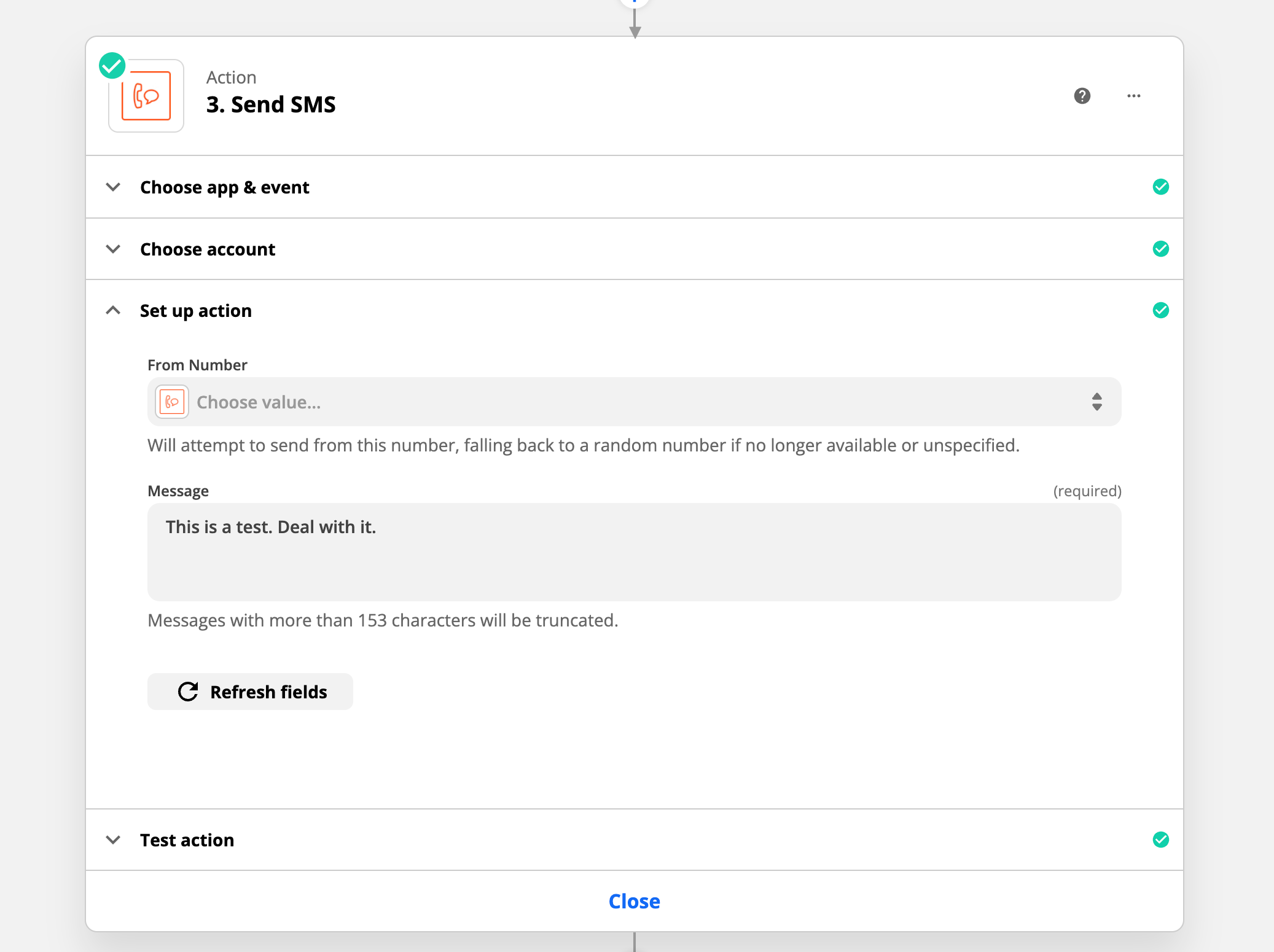
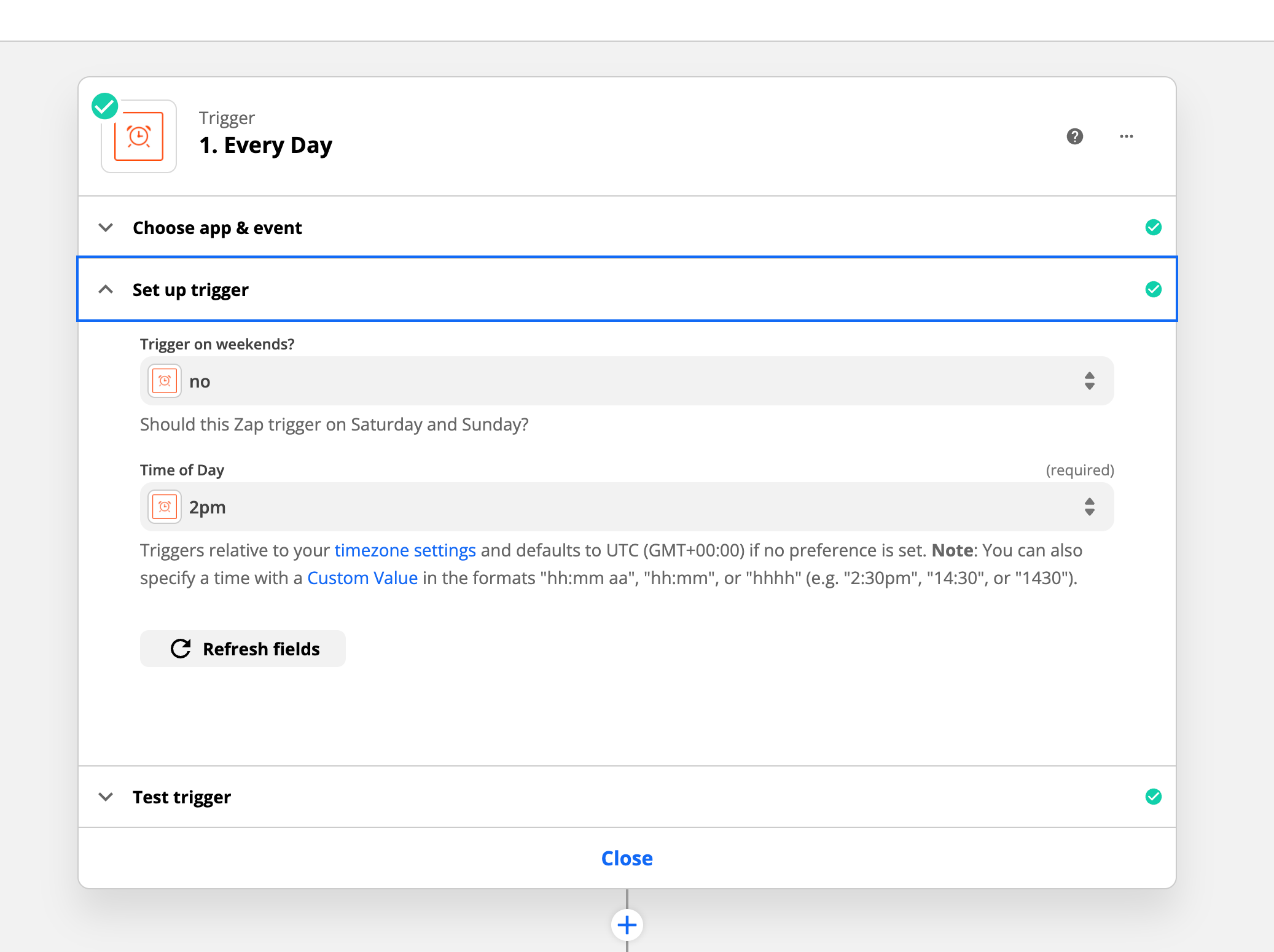
I have tried setting times for this zap numerous times and it never seems to work. As you can see I have a Schedule trigger with a time (and a time zone of set to Denver with me in Colorado Springs) and Delay and it never seems to fire. I need to make sure this test Zap is working before I deploy it on another Zap.
 

I have tested each step and there are no errors.

Any ideas how to get this to work correctly?
 

Best answer by Steve Eller

I’m scheduling it as an every day at a specified time. I’m wondering if it has to wait until the next day and then the specified time to work. I’m going to try using the “every hour” setting and see if it works.

This post has been closed for comments. Please create a new post if you need help or have a question about this topic.


9 replies

Troy Tessalone
Zapier Orchestrator & Solution Partner
Forum|alt.badge.img+14
  • Zapier Orchestrator & Solution Partner
  • February 17, 2022

Hi @Steve Eller 

Have you tried turning the Zap ON and testing live?

Check your Zap Runs for troubleshooting clues: https://zapier.com/app/history/

Did the Zap trigger?

Did the Zap trigger but error on a step?


Forum|alt.badge.img
  • Author
  • Beginner
  • February 17, 2022

Yes, it is on and I have tested live. It’s not triggering at all. That’s the problem. When I set the time it never triggers. There are no errors and no successful runs.


Troy Tessalone
Zapier Orchestrator & Solution Partner
Forum|alt.badge.img+14
  • Zapier Orchestrator & Solution Partner
  • February 17, 2022

@Steve Eller 

Probably best to open a ticket with Zapier Support: https://zapier.com/app/get-help


Forum|alt.badge.img
  • Author
  • Beginner
  • Answer
  • February 17, 2022

I’m scheduling it as an every day at a specified time. I’m wondering if it has to wait until the next day and then the specified time to work. I’m going to try using the “every hour” setting and see if it works.


Forum|alt.badge.img
  • Author
  • Beginner
  • February 17, 2022

@Troy Tessalone I have done that and have yet to hear anything back.


Troy Tessalone
Zapier Orchestrator & Solution Partner
Forum|alt.badge.img+14
  • Zapier Orchestrator & Solution Partner
  • February 17, 2022

@Steve Eller 

Make sure to check your junk/spam folder and try searching your inbox for “@zapier.com” to see if somehow the email got filtered/filed.


Forum|alt.badge.img
  • Author
  • Beginner
  • February 17, 2022

@Troy Tessalone yeah, I’ve done that and I haven’t received anything.


christina.d
Forum|alt.badge.img+9
  • Zapier Staff
  • February 17, 2022

Hi @Steve Eller! Thanks for reaching out. I took a quick peek at the ticket and it sounds like you may have gotten this sorted. We’d love to hear what your solution ended up being! 🙂


Forum|alt.badge.img
  • Author
  • Beginner
  • February 17, 2022

@christina.d see the answer in this thread.:point_up_tone1: