Question

Same customer email being used in test run

  • March 9, 2026
  • 4 replies
  • 21 views

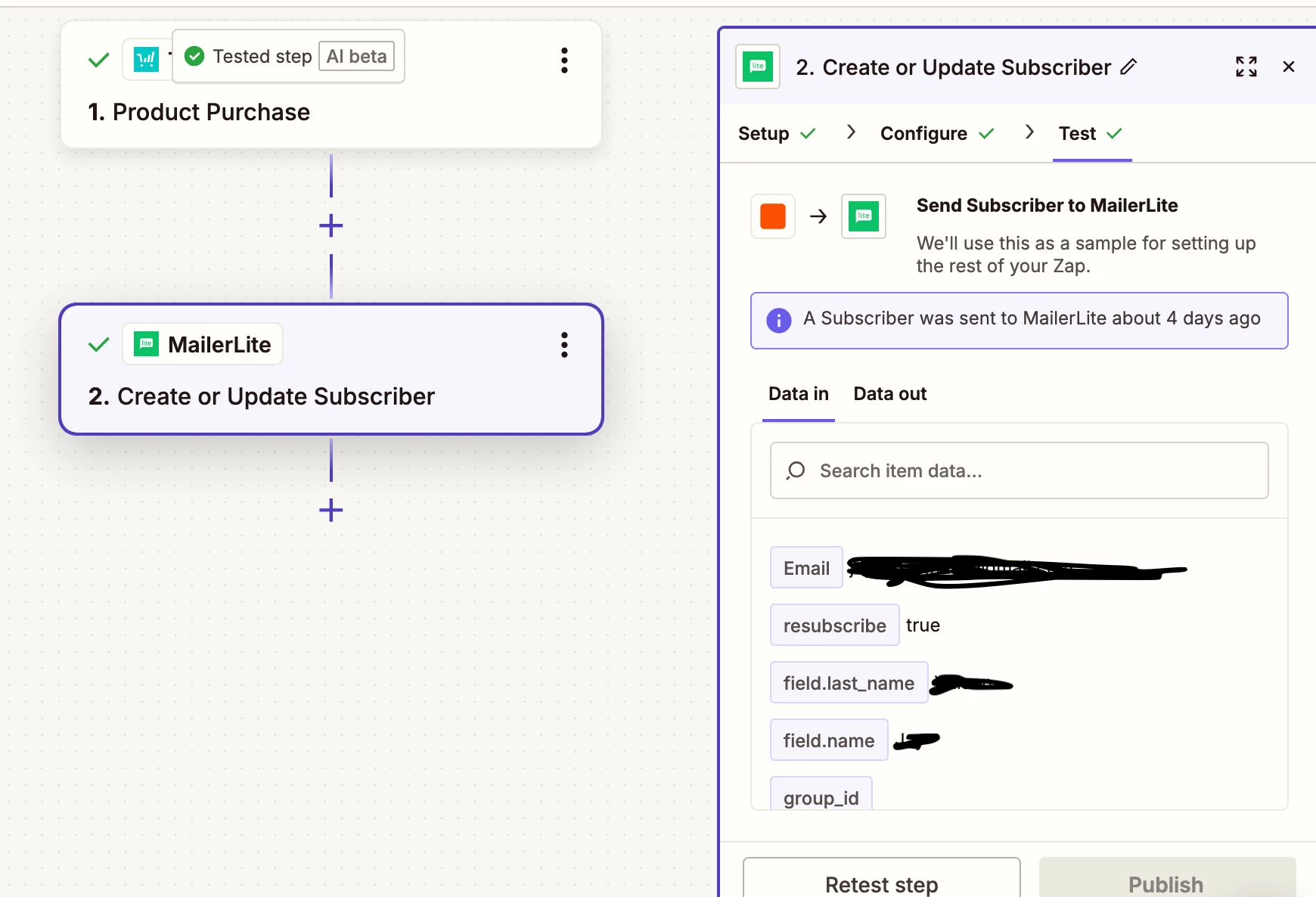
A customer’s email is being pulled in from thrivecart and I can not figure out for the life of me why or where it has come from or how to remove it. the zap is working! But it means i cant test run any zaps as it sends it to the customer - same if i start a new zap also. where would one go to fix this?


4 replies

Forum|alt.badge.img+1

Yep! this is usually coming from the trigger sample data, not from the MailerLite step itself.

Zapier often keeps using the last ThriveCart purchase it pulled in as the test record, so even if your zap is correct, every test keeps showing that same customer email.

What I’d do:

  • go back to Step 1: ThriveCart trigger

  • click Test trigger / Find new records

  • pull in a new sample

  • ideally make a test purchase with your own email so Zapier has fresh test data

  • then go back to the MailerLite step and retest

If it still keeps grabbing the same customer, sometimes Zapier has cached that sample, so duplicating the zap or reconnecting the trigger can help too.

So the fix is basically: replace the sample record coming from ThriveCart, because that’s where the customer email is being pulled from.


SamB
Community Manager
Forum|alt.badge.img+11
  • Community Manager
  • March 13, 2026

Hey there ​@Strong124 👋 

If the email address was typed into the Email field then that would cause it to use the same email every time, but if you mapped the Customer's email field from the ThriveCart trigger then that should pass the email of the customer that made the purchase. So if the email address value is coming from the MailerLite trigger then loading in a new test record like devtrestllc suggested should help to get you another email address to test with. 

Keep us posted on how you get on with this, want to make sure this gets sorted! 🙂


Forum|alt.badge.img
  • New
  • March 13, 2026

Hi ​@Strong124 

Here's the ThriveCart doc that might help: https://support.thrivecart.com/help/testing-your-checkout/
Zapier doc: https://help.zapier.com/hc/en-us/articles/8496071316237-How-to-get-started-with-ThriveCart-on-Zapier#Prerequisites

Let me know, If you're still running into issues, happy to take a look!

And if you'd rather just get it sorted quickly, I offer a free 20-min Zapier troubleshooting call. Book it under Resources on my Zapier Directory profile: https://zapier.com/partnerdirectory/automatemybiz

!-->


Troy Tessalone
Zapier Orchestrator & Solution Partner
Forum|alt.badge.img+14
  • Zapier Orchestrator & Solution Partner
  • March 13, 2026

Hi ​@Strong124 

If you still need help, post screenshots showing how your Zap step 2 is configured in the CONFIGURE tab with the field mappings visible.