

Question

Update Row always gives blank fields in Zoho Sheet

  • April 8, 2026
  • 11 replies
  • 52 views

nzer1
Forum|alt.badge.img

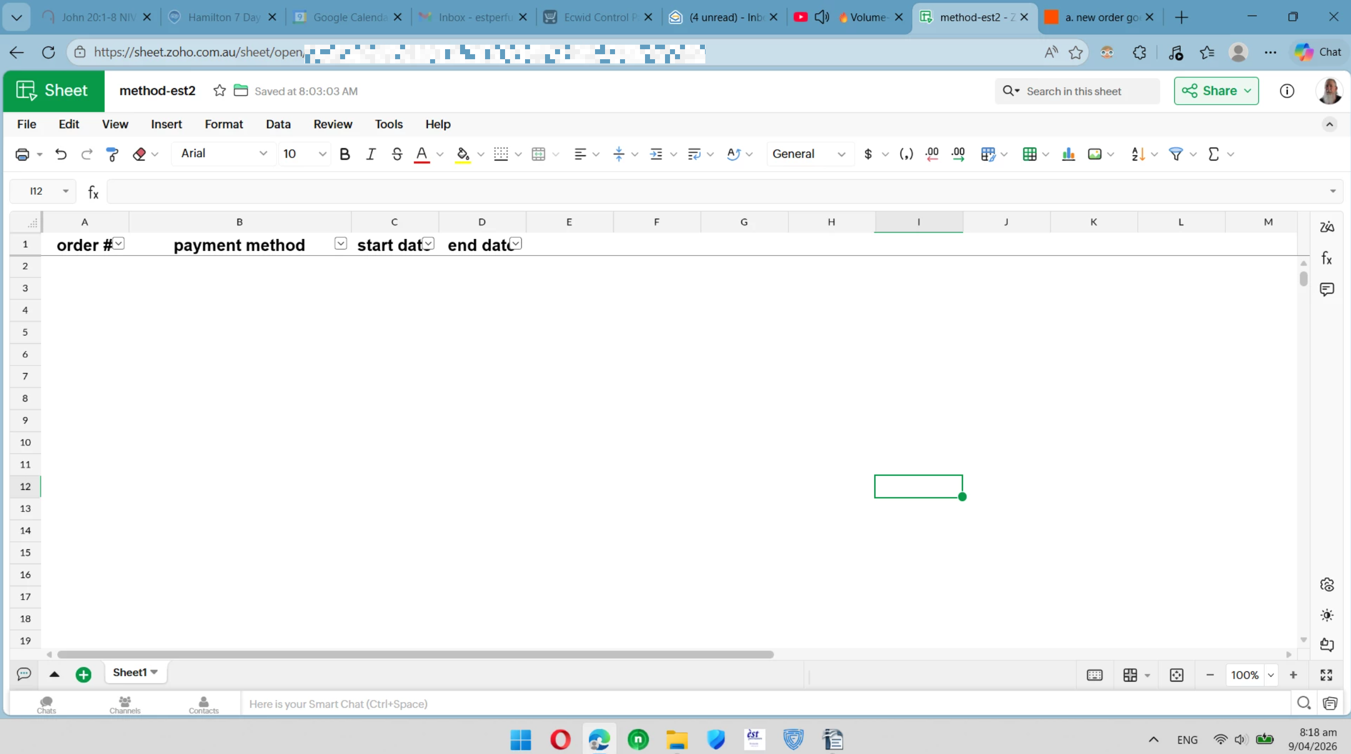
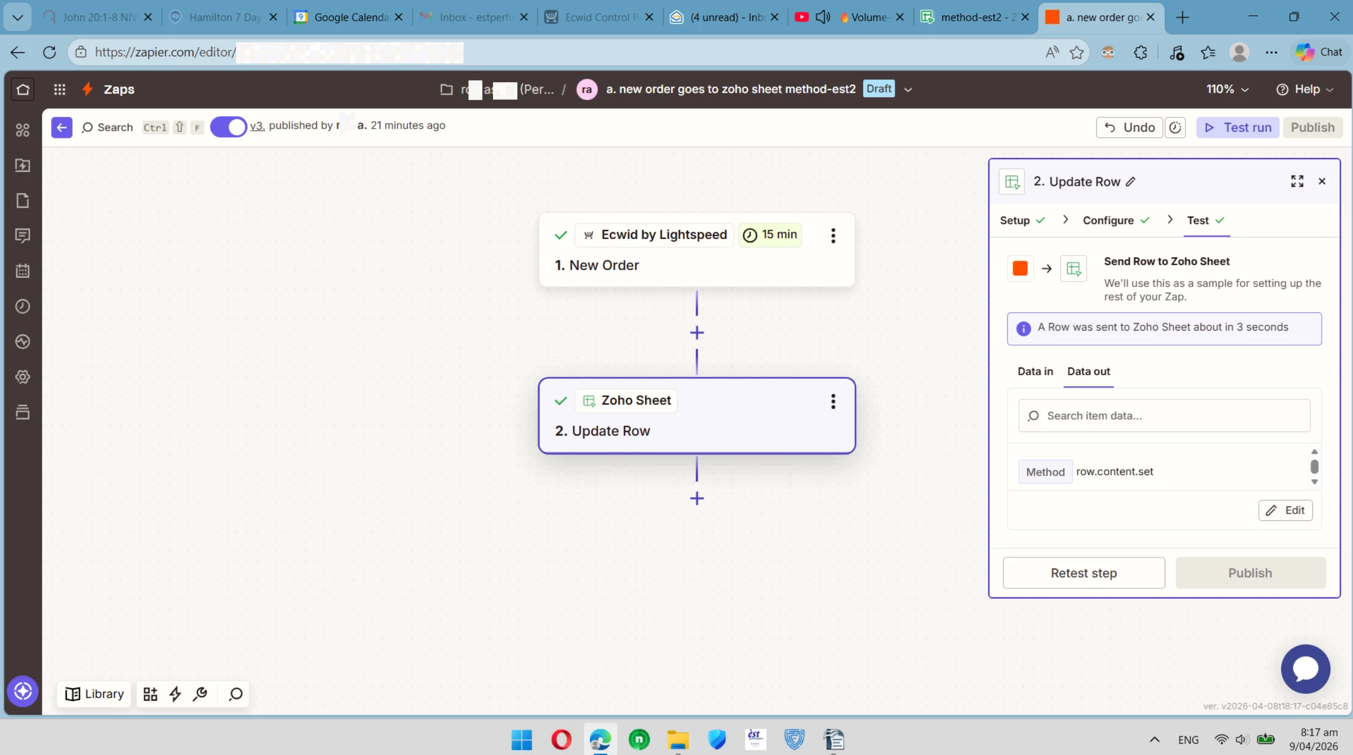
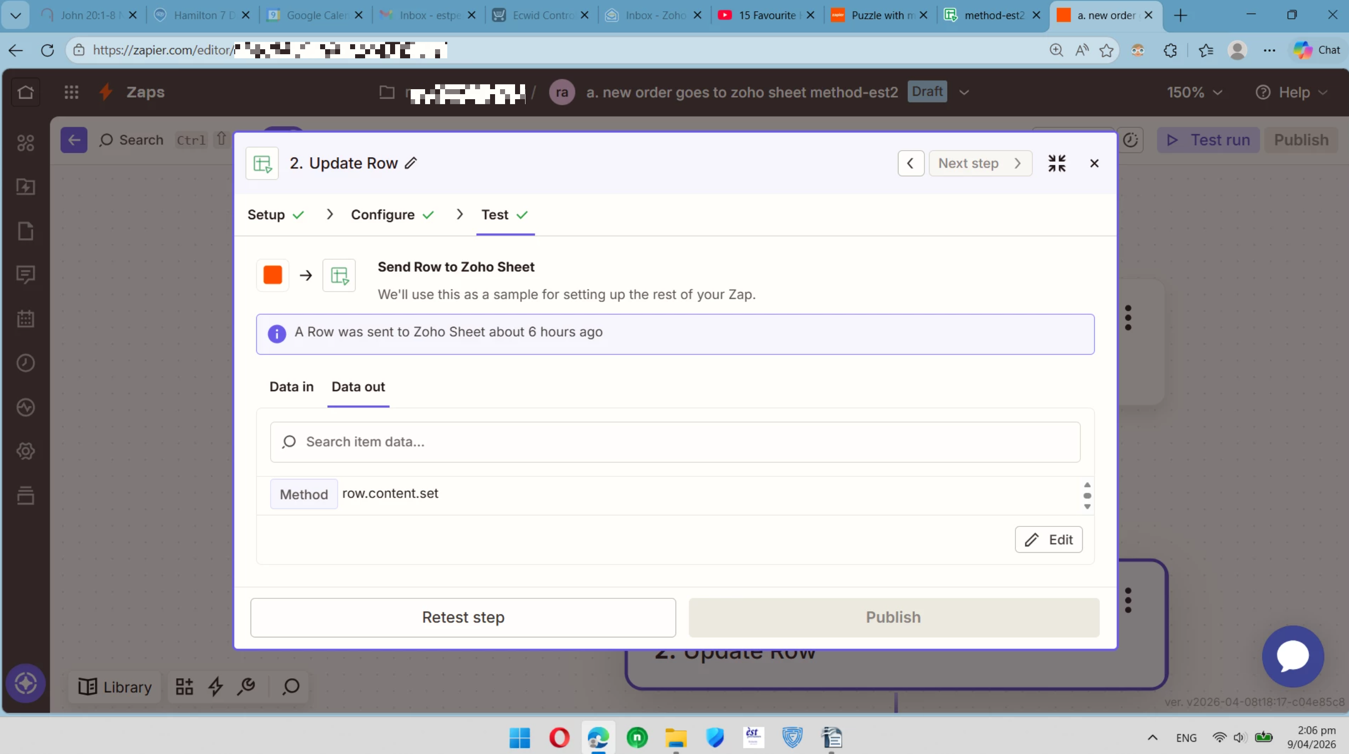
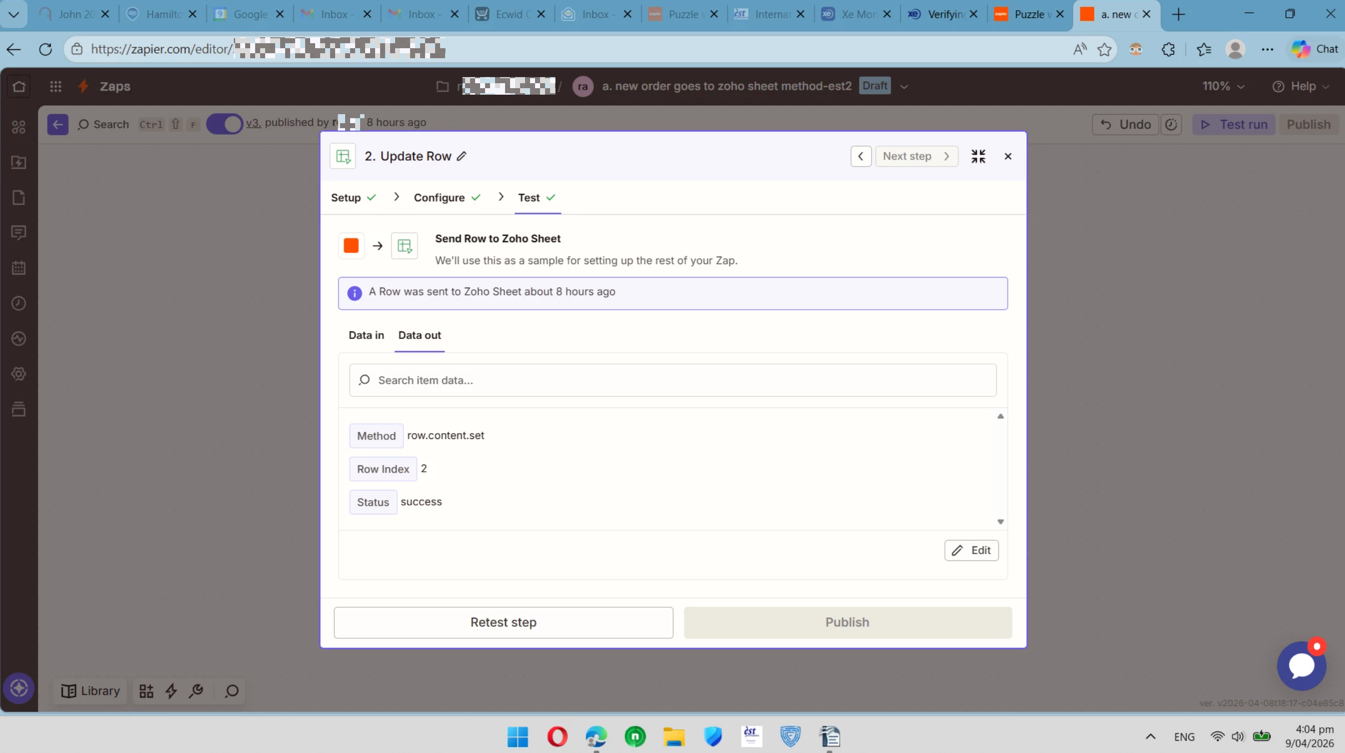
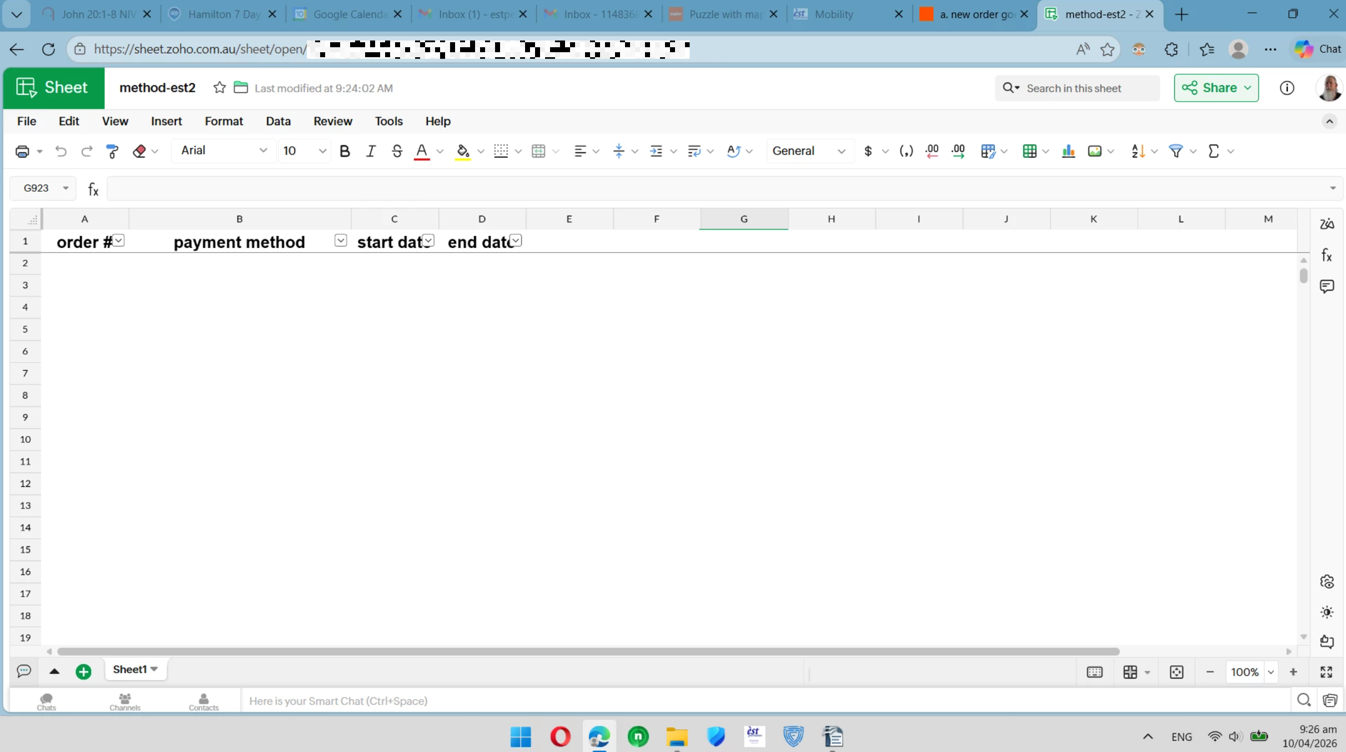
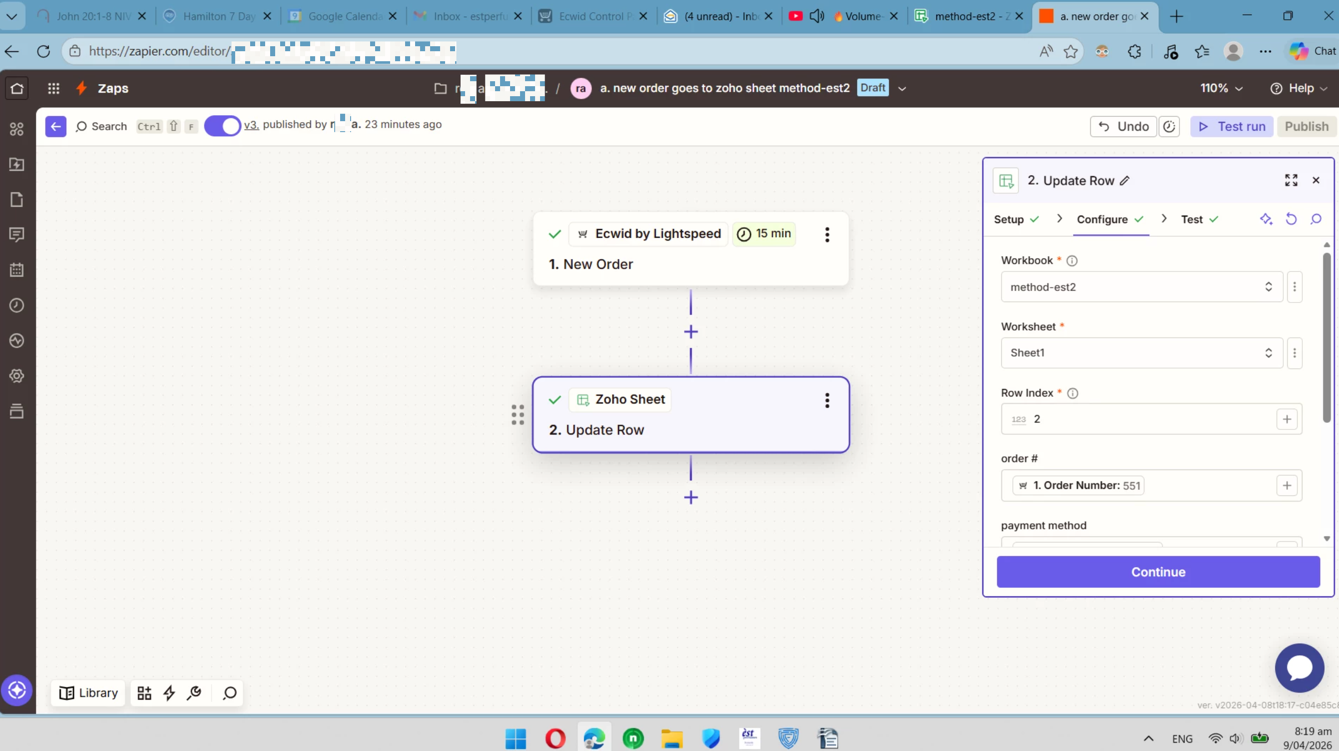
I have a simple zap which maps just 4 fields onto a Zoho Sheet attached is the results everything seem successful however I get blank fields in the sheet
34b298e4bcb53780ba7776a354aec046.png
50201e547804a902a305fa63b0500028.png
325b1419780f950a65d1bc7f4d41cc58.png


This post has been edited by a moderator to remove personally identifiable information (PII). Please remember that this is a public forum and avoid sharing personal or potentially sensitive details.


11 replies

Troy Tessalone
Zapier Orchestrator & Solution Partner
Forum|alt.badge.img+14
  • Zapier Orchestrator & Solution Partner
  • April 8, 2026

Hi ​@nzer1 

Try refreshing the Zoho Sheet after testing.

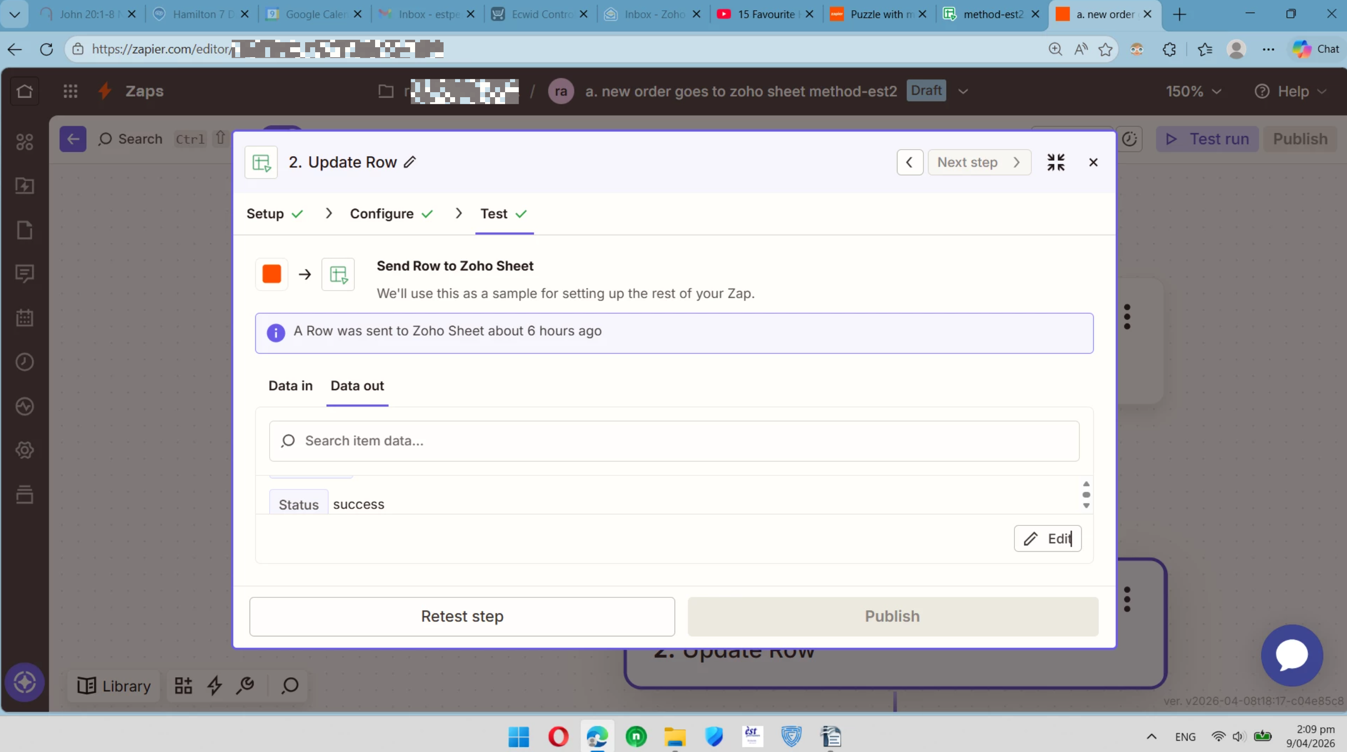
For your DATA OUT from Zap step 2, make the modal bigger so you can see more data.

Post screenshots showing all of the data returned by scrolling up/down.


wisdomdavid
Forum|alt.badge.img

Hi ​@nzer1  
When a Zap runs successfully but fields come through blank, it almost always means the sample data used during setup had values in those fields but the live trigger data doesn't. Go back to your trigger step and check the live data coming through... specifically confirm the fields you're mapping actually contain values in the real records, not just in the test sample. If the fields are empty in the trigger data, that's why they're blank in Zoho Sheets.


nzer1
Forum|alt.badge.img
  • Author
  • Beginner
  • April 9, 2026

Hi ​@nzer1 

Try refreshing the Zoho Sheet after testing.

For your DATA OUT from Zap step 2, make the modal bigger so you can see more data.

Post screenshots showing all of the data returned by scrolling up/down.

………………..

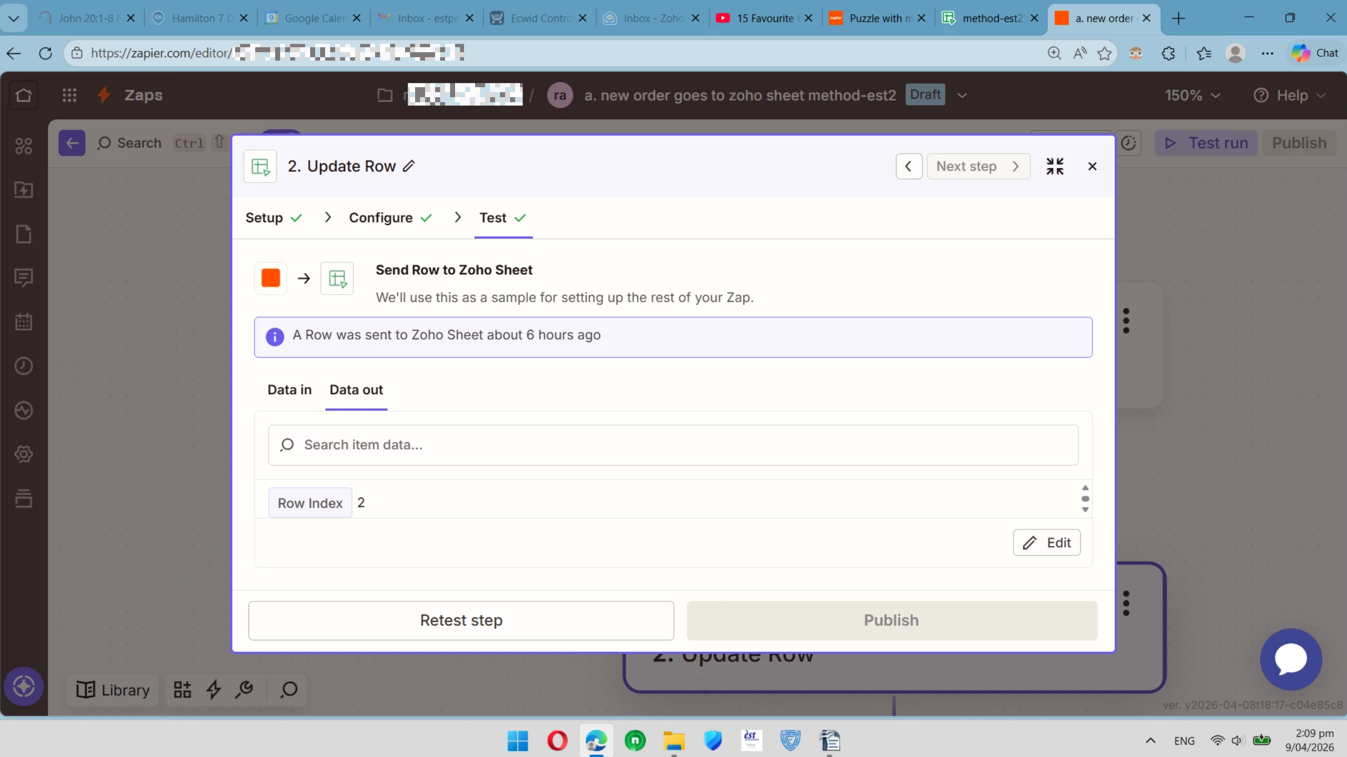
Troy I can't seem to get the make the modal bigger attached is the better I can do


This post has been edited by a moderator to remove personally identifiable information (PII). Please remember that this is a public forum and avoid sharing personal or potentially sensitive details.



Troy Tessalone
Zapier Orchestrator & Solution Partner
Forum|alt.badge.img+14
  • Zapier Orchestrator & Solution Partner
  • April 9, 2026

@nzer1 
When the modal is not in focus mode (centered) and instead shown pinned to the right side, you can drag the bottom left corner to resize.

You can also zoom out in your browser to see more info.


nzer1
Forum|alt.badge.img
  • Author
  • Beginner
  • April 9, 2026

This post has been edited by a moderator to remove personally identifiable information (PII). Please remember that this is a public forum and avoid sharing personal or potentially sensitive details.


Sparsh from Automation Jinn
Forum|alt.badge.img+6

Hey ​@nzer1,

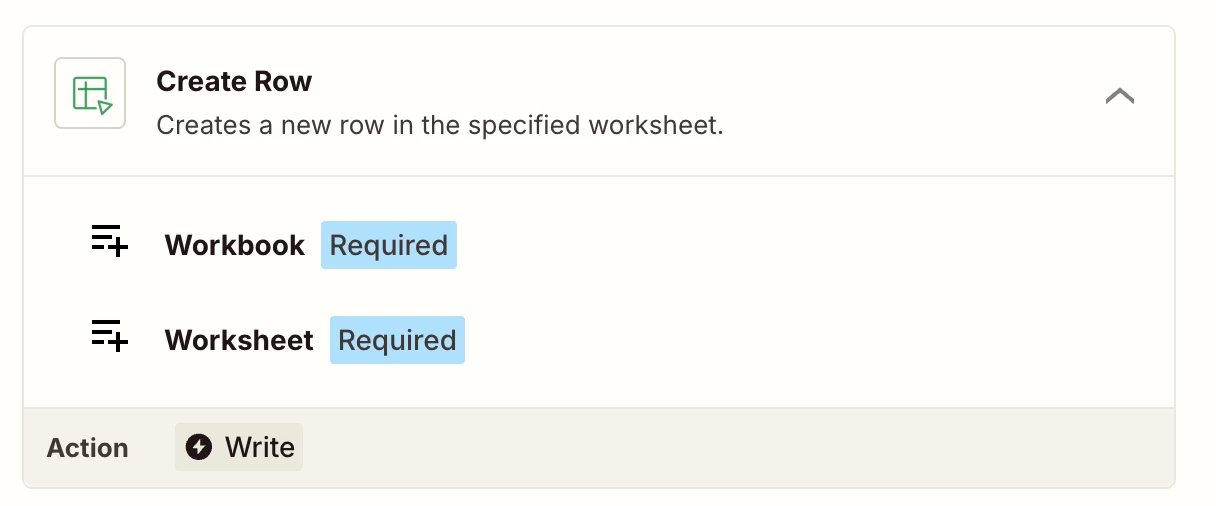
You will have to use Create Row action instead of Update Row action for creating new rows. Update Row will only work for rows with exisiting values.

Hope it helps!


nzer1
Forum|alt.badge.img
  • Author
  • Beginner
  • April 9, 2026

Hey ​@nzer1,

You will have to use Create Row action instead of Update Row action for creating new rows. Update Row will only work for rows with exisiting values.

Hope it helps!

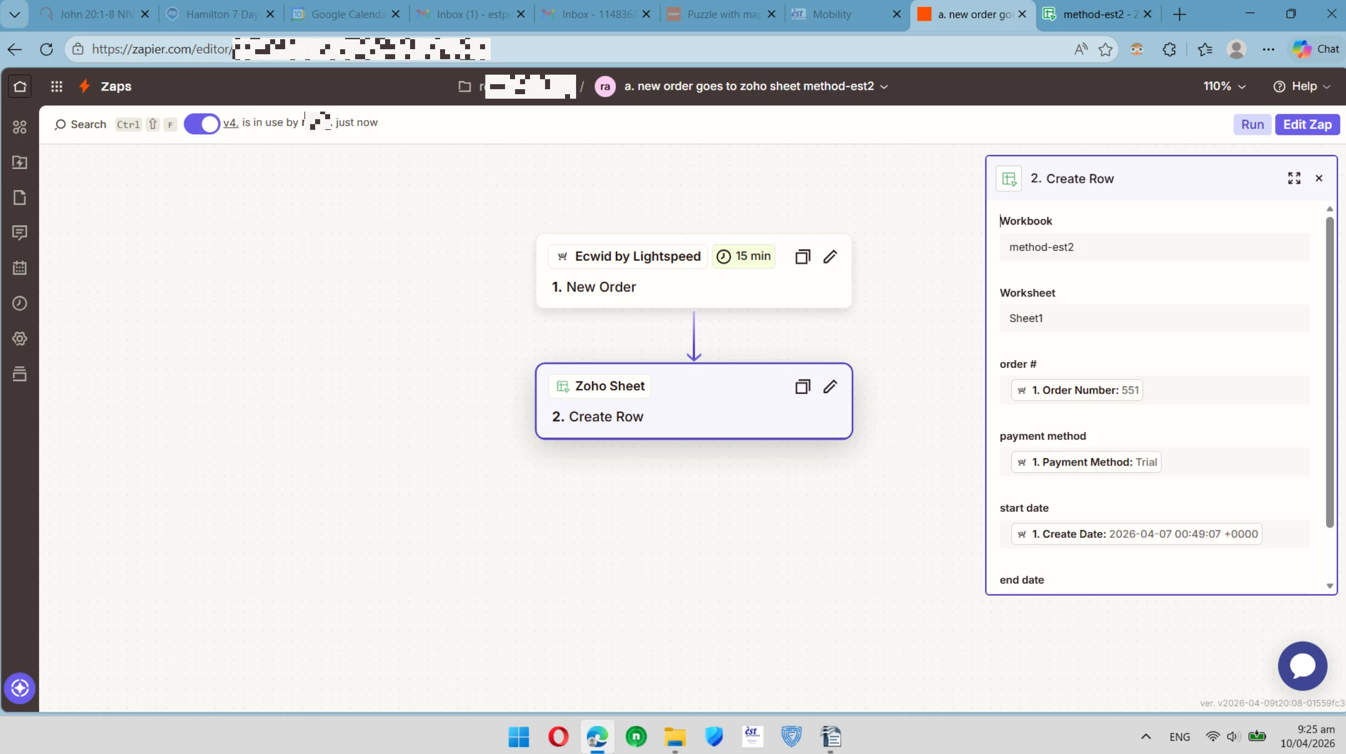
 gave it a whirl this is what happened

This post has been edited by a moderator to remove personally identifiable information (PII). Please remember that this is a public forum and avoid sharing personal or potentially sensitive details.

Troy Tessalone
Zapier Orchestrator & Solution Partner
Forum|alt.badge.img+14
  • Zapier Orchestrator & Solution Partner
  • April 9, 2026

@nzer1 

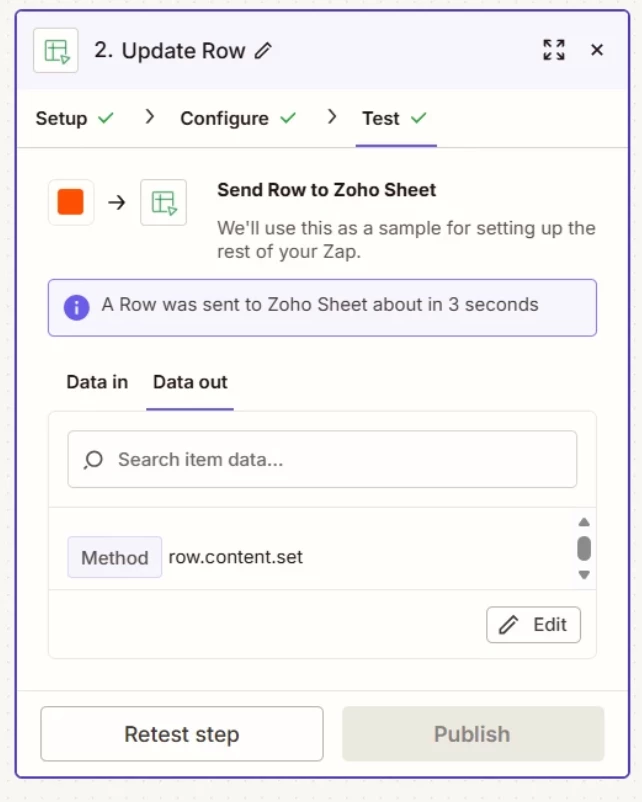
When you test/run the action “Zoho Sheet - Create Row” it should return the ID/Row that was created so you can then check in the Zoho Sheet for that data.


nzer1
Forum|alt.badge.img
  • Author
  • Beginner
  • April 10, 2026

@nzer1 

When you test/run the action “Zoho Sheet - Create Row” it should return the ID/Row that was created so you can then check in the Zoho Sheet for that data.

yes, into row 5, which however was blank when I looked at the module it mentioned as the method,   worksheet.csvdata.append


is this correct?


Troy Tessalone
Zapier Orchestrator & Solution Partner
Forum|alt.badge.img+14
  • Zapier Orchestrator & Solution Partner
  • April 10, 2026

@nzer1 
If you suspect a bug, you can try opening a ticket with Zapier Support: https://zapier.com/app/get-help


SamB
Community Manager
Forum|alt.badge.img+11
  • Community Manager
  • April 29, 2026

Hi there ​@nzer1 👋

Just wanted to check how you got on, were you able to get this sorted with help from our Support team?

If not, did you make any changes to the spreadsheet while the Zap was switched on? Like freezing that header row for example. Asking as the Google Sheets app can have similar troubles if structural changes are made while the Zap is switched on (see Spreadsheet updates and maintenance), so I’m wondering if whether Zoho Sheets might be similarly affected by those sorts of edits 🤔

In which case, can you try turning off the Zap, unfreeze that header row in the spreadsheet, then turn the Zap back on and place a test order in Ecwid to see if that correctly triggers the Zap and gets aded to the spreadsheet?