Question

Problems with finding new records in Learnworlds

  • December 12, 2023
  • 12 replies
  • 91 views

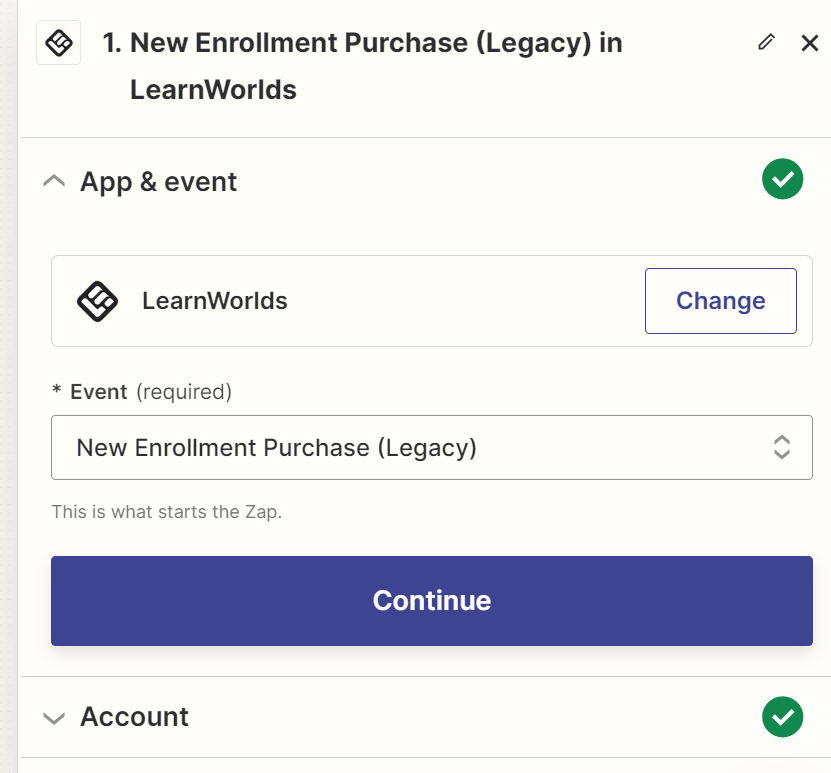
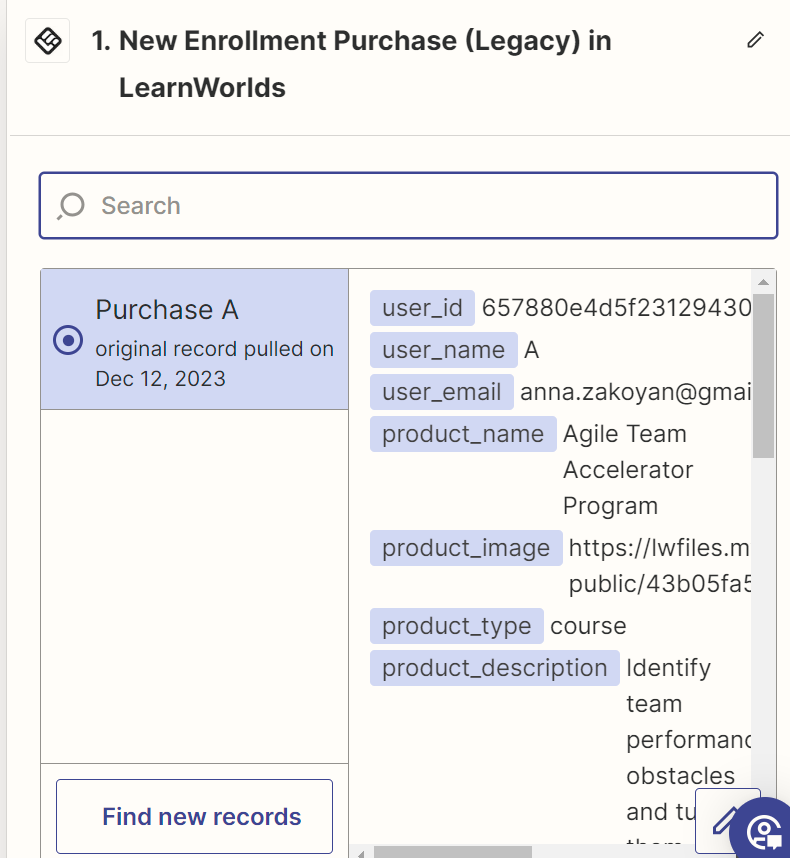
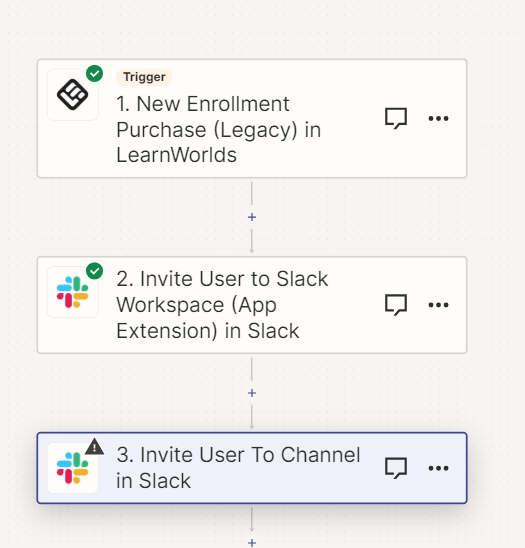
When I press Find new record in Test stage, it just keeps bringing me a record of one student. That user is an old record. I have many new students in Learnworlds. I just added a new user so that it could fetch the new data, and nothing. My Zap should be When user in enrolled in Product in LearnWorlds, invite user to channel in Slack. What could be the reason?

This post has been closed for comments. Please create a new post if you need help or have a question about this topic.


12 replies

Troy Tessalone
Zapier Orchestrator & Solution Partner
Forum|alt.badge.img+14
  • Zapier Orchestrator & Solution Partner
  • December 12, 2023

Hi @AnnaZ 

Good question.

  1. You should be able to configure the Zap steps.
  2. Turn the Zap ON and test live.
  3. Check your Zap Runs: https://zapier.com/app/history/

  • Author
  • New
  • December 12, 2023

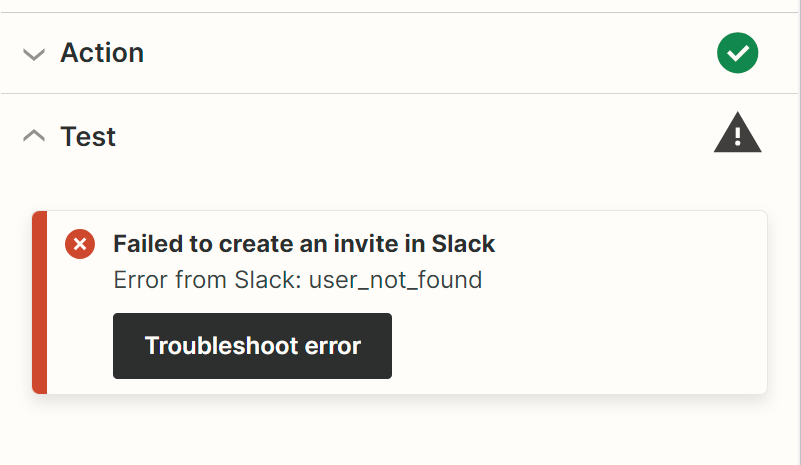
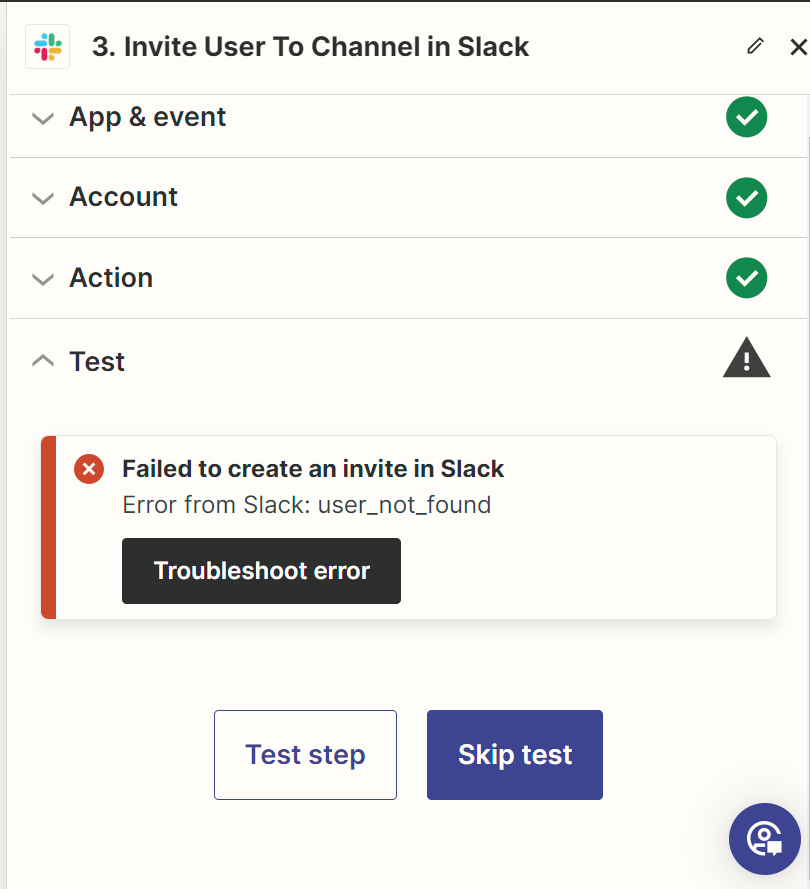
@Troy Tessalone thank you for your answer. It still does not work. I re-created a new one using the AI option. It also gives an error on the Slack integration step. Any clue what can be the reason?


Troy Tessalone
Zapier Orchestrator & Solution Partner
Forum|alt.badge.img+14
  • Zapier Orchestrator & Solution Partner
  • December 12, 2023

@AnnaZ 

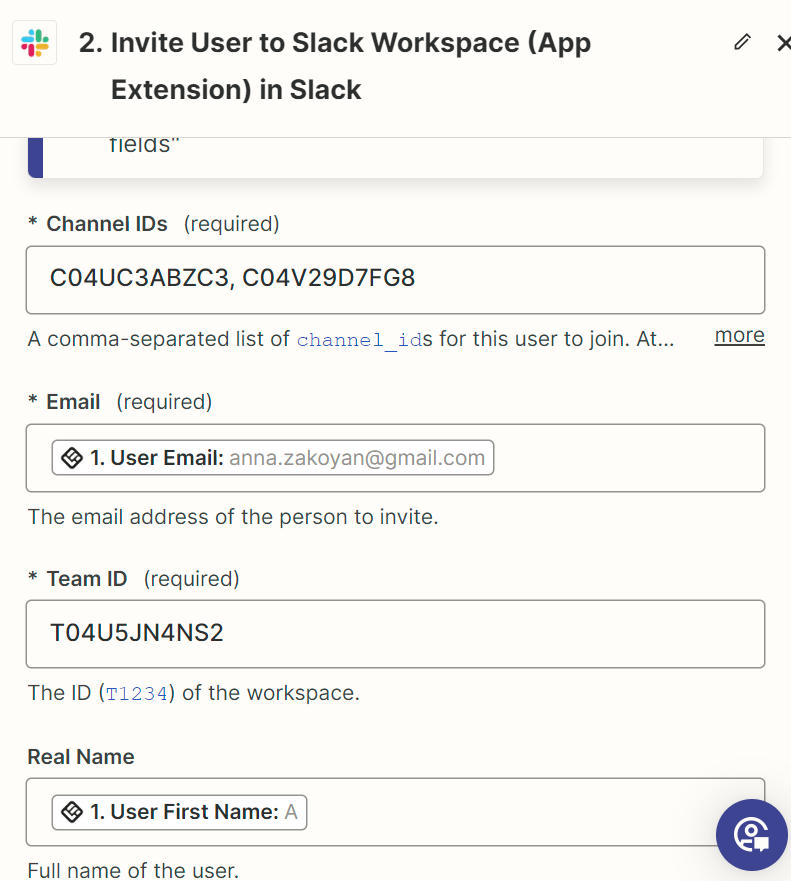
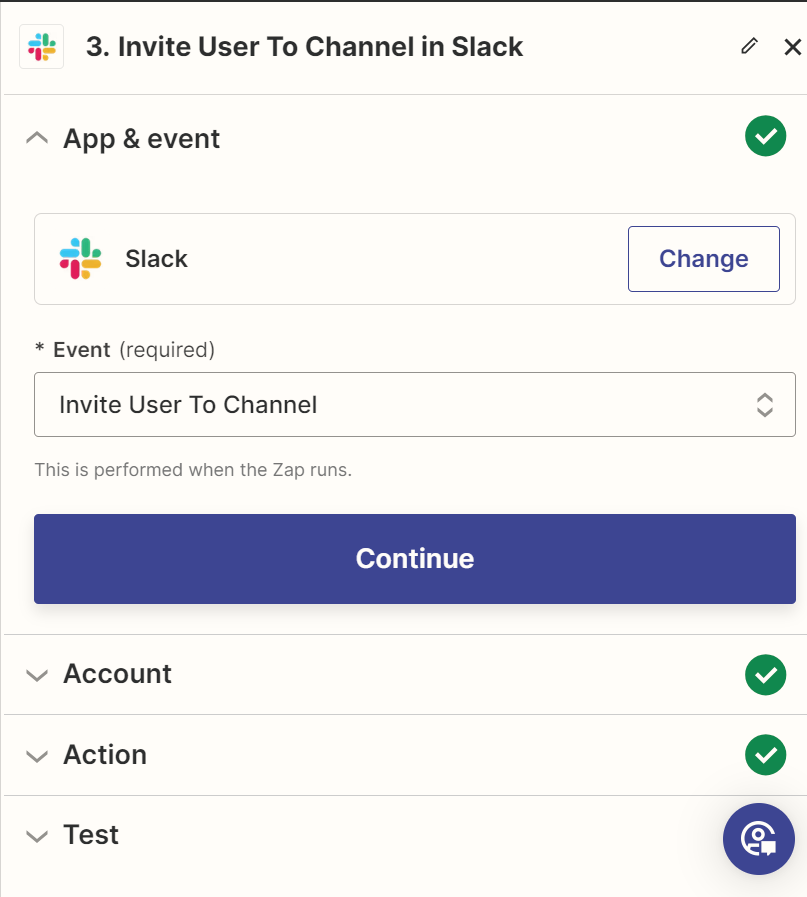
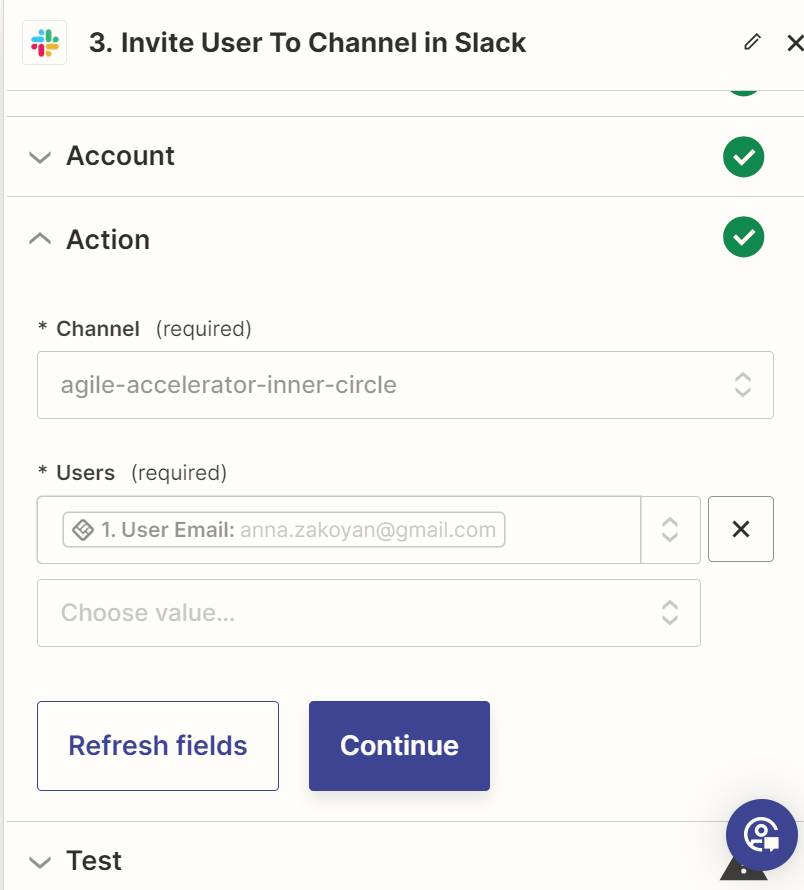
We would need to see detailed screenshots with how your Zap steps are configured.


  • Author
  • New
  • December 12, 2023


  • Author
  • New
  • December 12, 2023

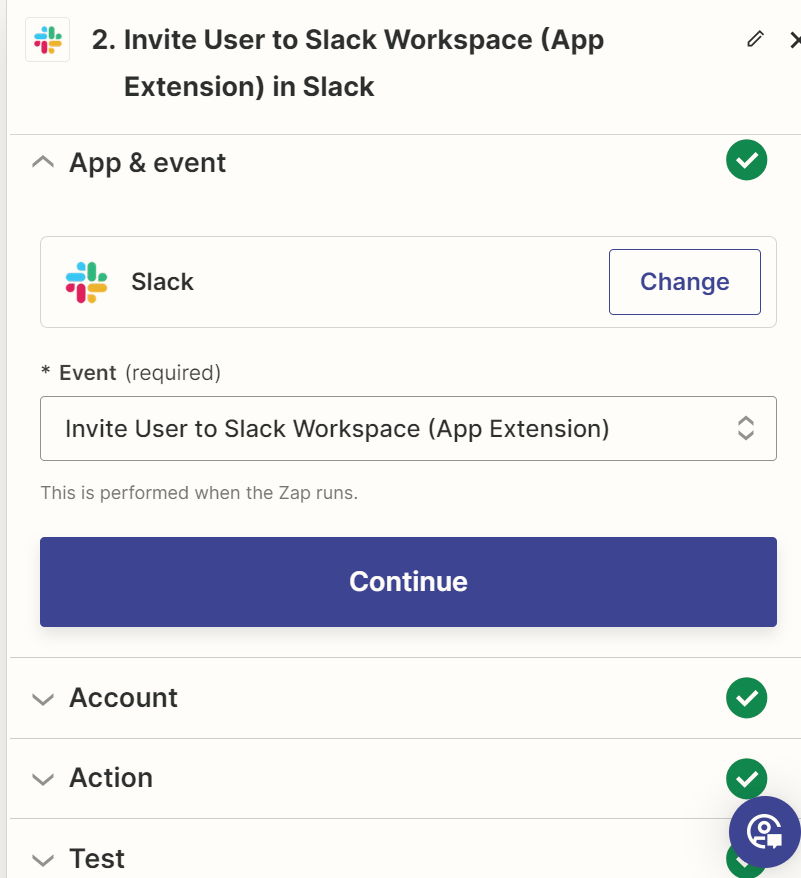
I basically want to invite users to a Slack workspace and add to a specific channel, once they purchase or are enrolled in a product (preferrably also a subcsription but could not find it) in LearnWorlds.


Troy Tessalone
Zapier Orchestrator & Solution Partner
Forum|alt.badge.img+14
  • Zapier Orchestrator & Solution Partner
  • December 12, 2023

@AnnaZ 

In Step 3, the Users field expects the Slack User ID from Step 2.


  • Author
  • New
  • December 12, 2023

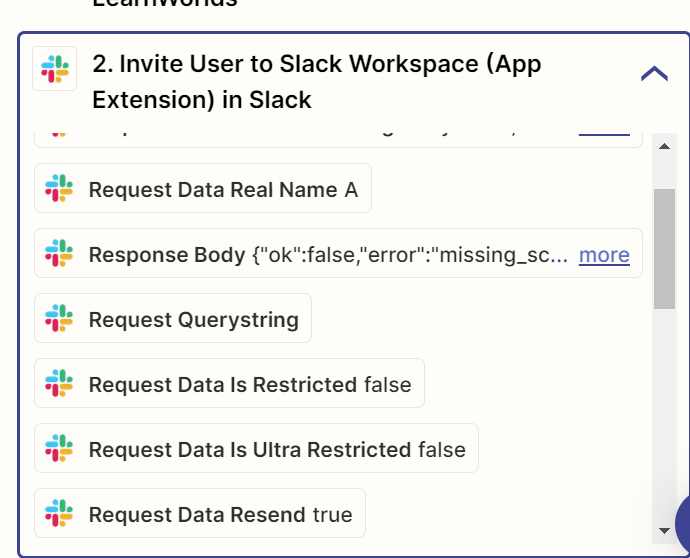
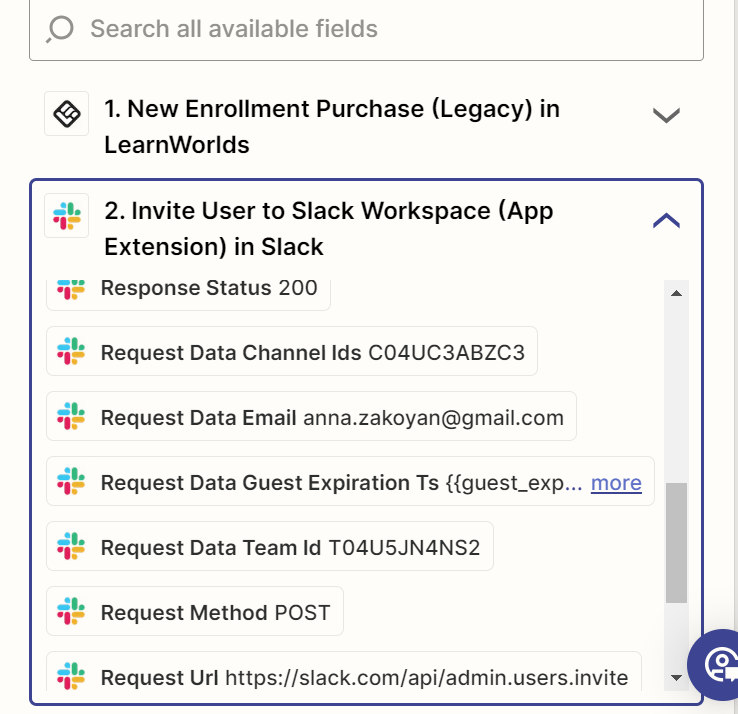
@Troy Tessalone It does not show a Slack User ID just a requested data for name and email


Troy Tessalone
Zapier Orchestrator & Solution Partner
Forum|alt.badge.img+14
  • Zapier Orchestrator & Solution Partner
  • December 12, 2023

@AnnaZ 

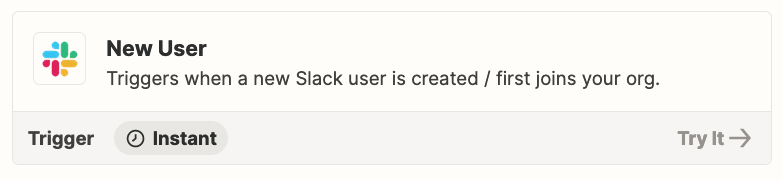
In that case, you may have to wait until the Invitee accepts the invitation to Slack before you can add them to Channels.


You may have to use 2 Zaps.


  • Author
  • New
  • December 12, 2023

@Troy Tessalone thank you for the support!


  • Author
  • New
  • December 12, 2023

It seems like it is not sending the Slack workspace invitation neither...though it says success...not sure what is happenning.


Troy Tessalone
Zapier Orchestrator & Solution Partner
Forum|alt.badge.img+14
  • Zapier Orchestrator & Solution Partner
  • December 12, 2023

@AnnaZ 

To send Slack Invites via API you need to be on the Slack Enterprise Grid.

https://api.slack.com/methods/admin.users.invite


  • Author
  • New
  • December 12, 2023

Oh ok, got it. Thank you.